
.jpg)

© Goodcall 2025
Built with ❤ by humans and AI agents in California, Egypt, GPUland, Virginia and Washington


.webp)


A visitor management system isn’t only for checking people in. It ends up handling a bunch of small things that keep a place running, security, basic organization, and making sure guests know where to go without needing help every few minutes.
Most newer tools have the usual stuff: a touchscreen kiosk, a way to check in without touching anything, alerts when someone arrives, and a dashboard so staff can see what’s happening instead of digging through paper logs.
The real issue is picking one, since every system leans in a slightly different direction.
This guide goes through seven options with their main features, what they cost, and where they fit best, so you can figure out what would actually work for your office, clinic, or public building.
Here are the top visitor management tools that help businesses modernize check-ins, improve security, and create smoother guest experiences.
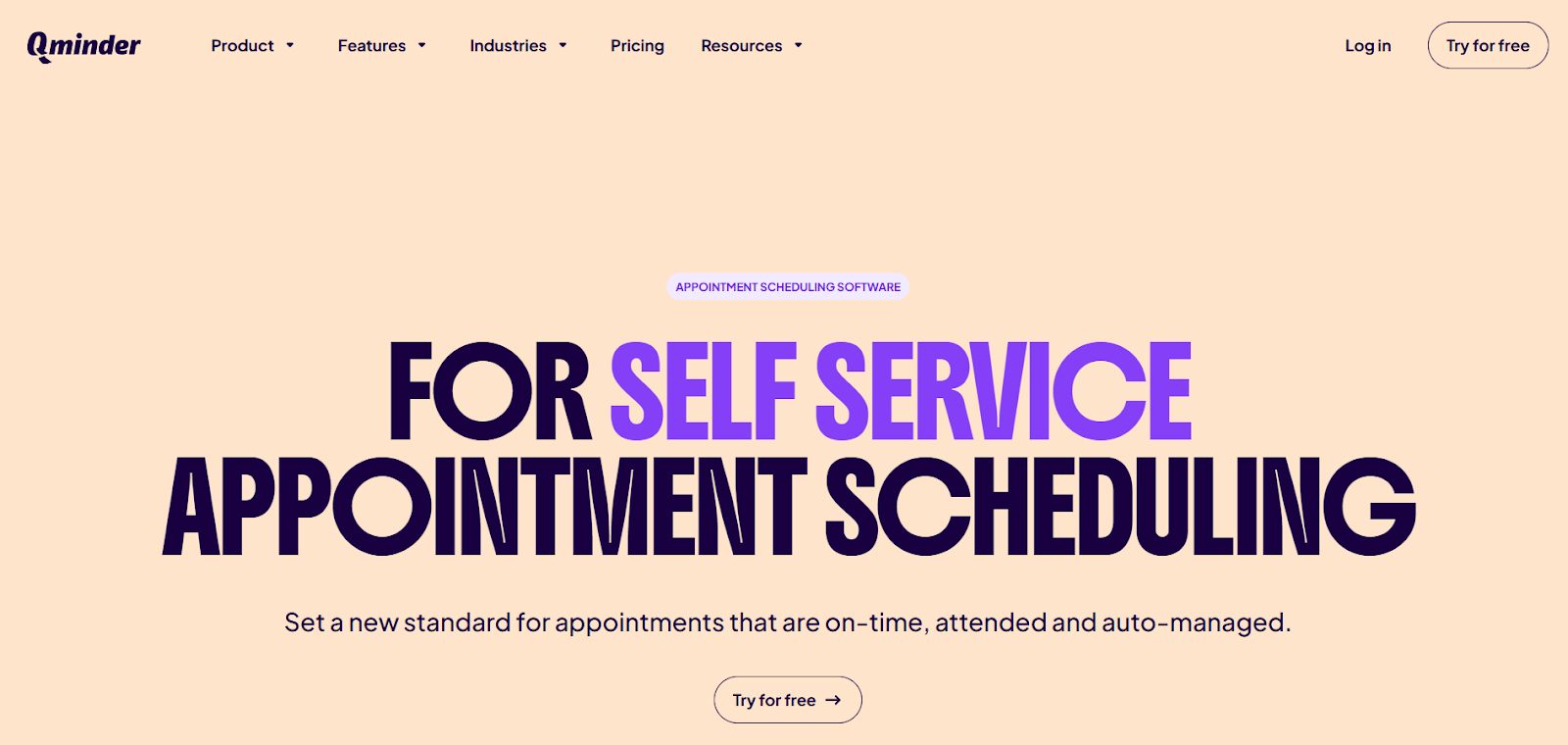
Qminder visitor management system delivers modern visitor management and queue systems for organizations wanting frictionless, contactless check-ins. Touchscreen kiosks, QR code sign-ins, and mobile check-ins make the process safe and convenient.
Real-time notifications keep guests updated while staff manages traffic, monitors activity, and tracks performance across locations from one dashboard. Built-in appointment scheduling and robust analytics make Qminder ideal for clinics, offices, and government facilities upgrading front-desk operations.
Key Features:
Pros:
Cons:
Pricing: 14-day free trial; paid plans start at $389/month; enterprise plans available.
Reviews: Users rate Qminder 4.6 out of 5 on G2, praising its simple setup, accurate visitor tracking, and smooth communication with customers. Most reviewers highlight how it reduces front-desk stress and improves daily workflow, with occasional mentions of minor glitches.
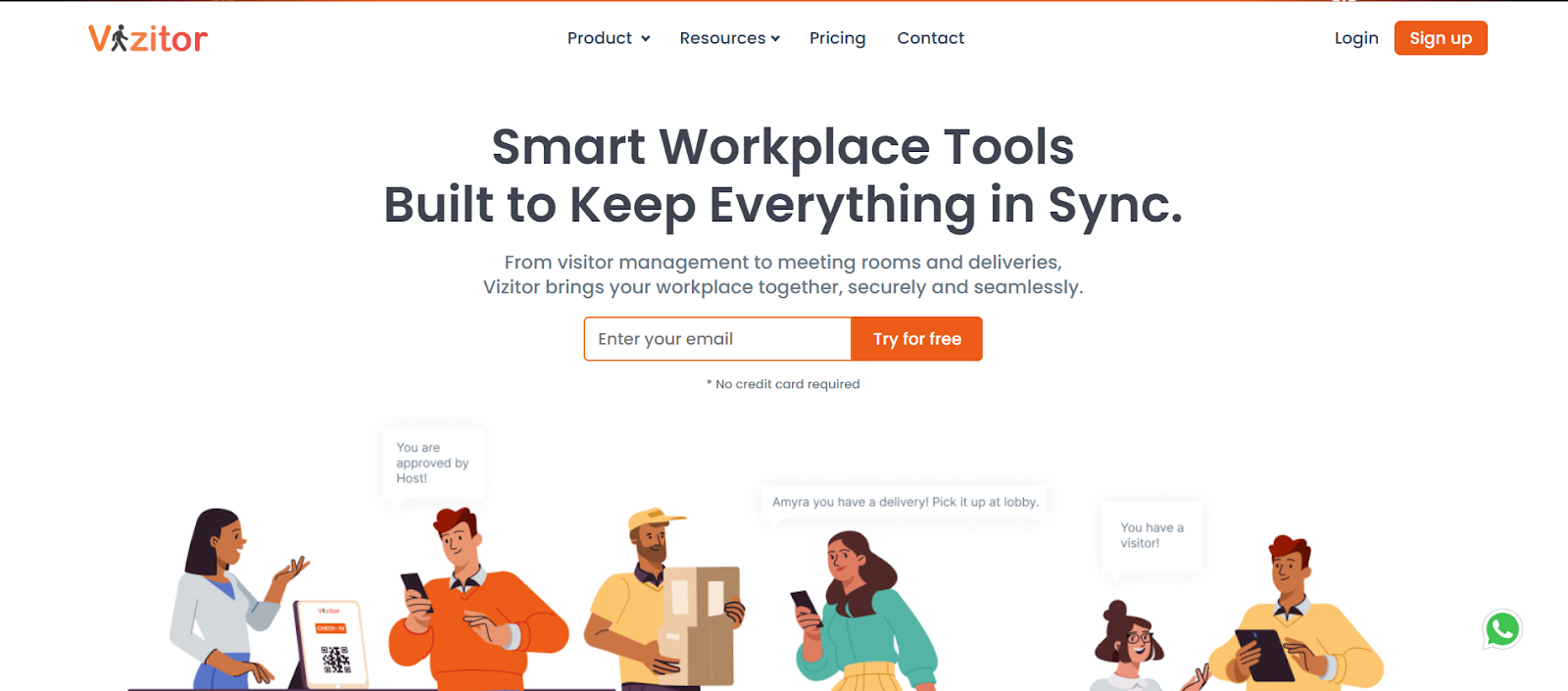
Vizitor runs cloud-based visitor management for hospitals and large facilities ditching manual check-ins and paper forms. Guests register through tablets, QR codes, or smartphones, quick and completely contactless. After checking in, they get live queue updates keeping them informed. Smoother traffic flow and reduced front-desk crowding helps staff manage visitors efficiently across departments.
Key Features:
Pros:
Cons:
Pricing: Starts at $36/month.
Reviews: Vizitor holds a 4.1 out of 5 rating on G2. Users like its simple UI, affordable plans, and features like photo and ID capture. A few reviews mention slow performance at times and limited feature response from the support team, but most users say it improves check-ins and keeps visitor data organized.
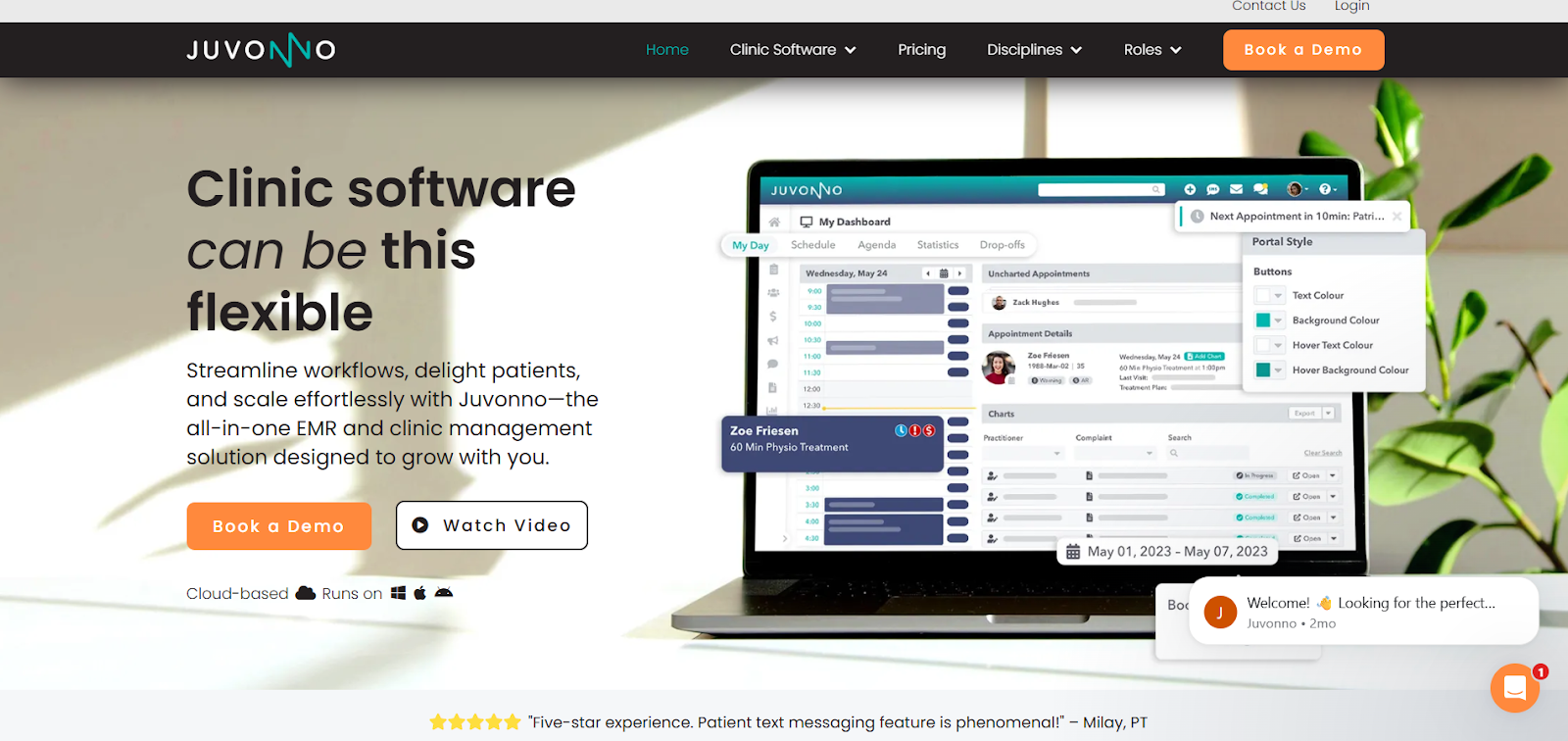
Juvonno delivers comprehensive patient management and digital lobby systems for healthcare providers needing more than basic scheduling. Famous for advanced SOAP note features, it keeps clinics maintaining accurate, consistent, detailed patient documentation. Plus Juvonno packs full appointment scheduling, billing, and insurance support—medical offices get everything in one platform instead of juggling multiple systems.
Key Features:
Pros:
Cons:
Pricing: Starts at $49/month.
Reviews: Juvonno holds a 4.8 out of 5 rating on G2. Users praise its easy online access, smooth scheduling, billing, and strong support. Some note limits with customization, chart navigation, and insurance tracking. Overall, most say it keeps clinic workflows organized and efficient.
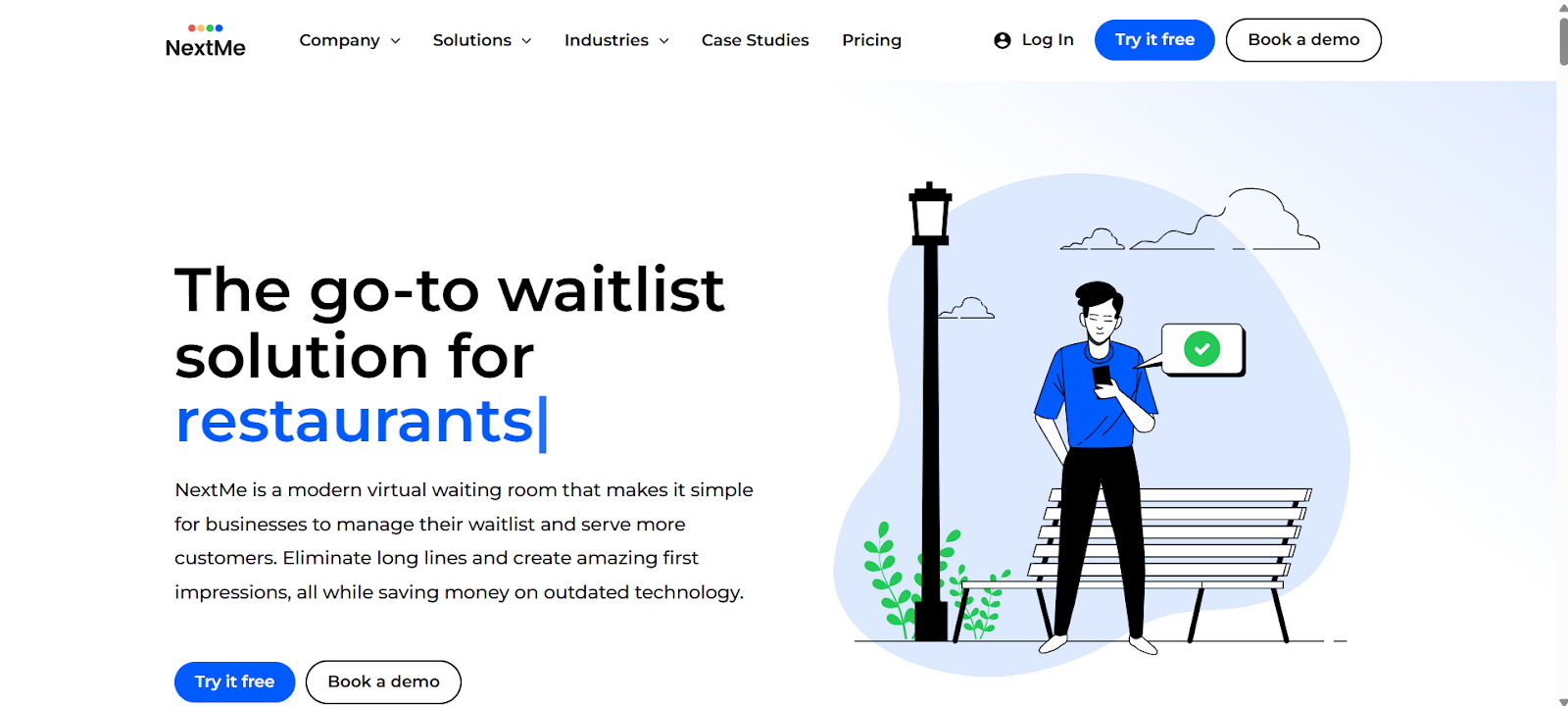
NextMe is a lightweight, mobile-first visitor management solution designed for small clinics, offices, and service counters that need an easy way to handle walk-ins. Visitors join the queue directly from their phones and follow their progress in a virtual waiting room, eliminating the need for kiosks, paper tickets, or crowded lobbies. While guests wait, businesses can share updates, reminders, and branded content to keep them informed and engaged.
Key Features:
Pros:
Cons:
Pricing: Free plan includes 100 SMS per month; paid plans start at $49.99/month.
Reviews: NextMe holds a perfect 5 out of 5 on G2. Users like its simple interface, fast onboarding, and helpful analytics for managing walk-ins. Most say it improves customer flow and reduces crowding. A few note the need for a dedicated admin portal for managing marketing content, but overall feedback is very positive.
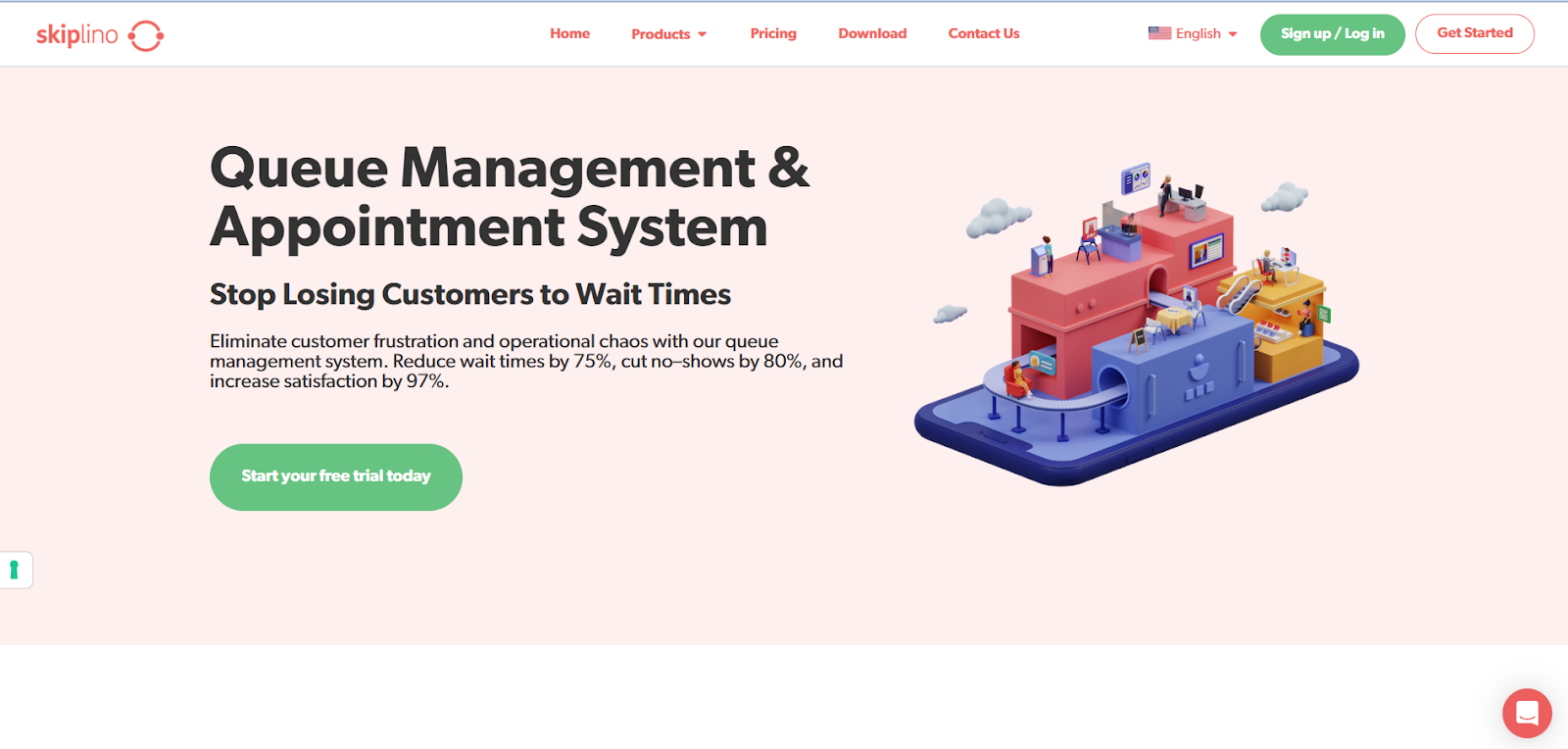
Skiplino is a cloud-based visitor management system designed for busy offices, government counters, and service centers that need a cleaner, more organized flow. Visitors can book appointments or join queues remotely through a mobile app or a simple web link, which helps reduce lobby traffic and unnecessary waiting. Once they’re checked in, real-time SMS or app alerts keep them informed about their position in line.
Key Features:
Pros:
Cons:
Pricing: Plans start at $300/month.
Reviews: Skiplino sits at 4.5 out of 5 on G2. Users appreciate how easy it is to manage queues, join from a phone, and cut down on crowded waiting areas. Many say it keeps service flow smooth and reduces frustration for both staff and visitors. Some mention that the short trial period makes evaluation harder, and others note that the system depends heavily on a stable internet connection.
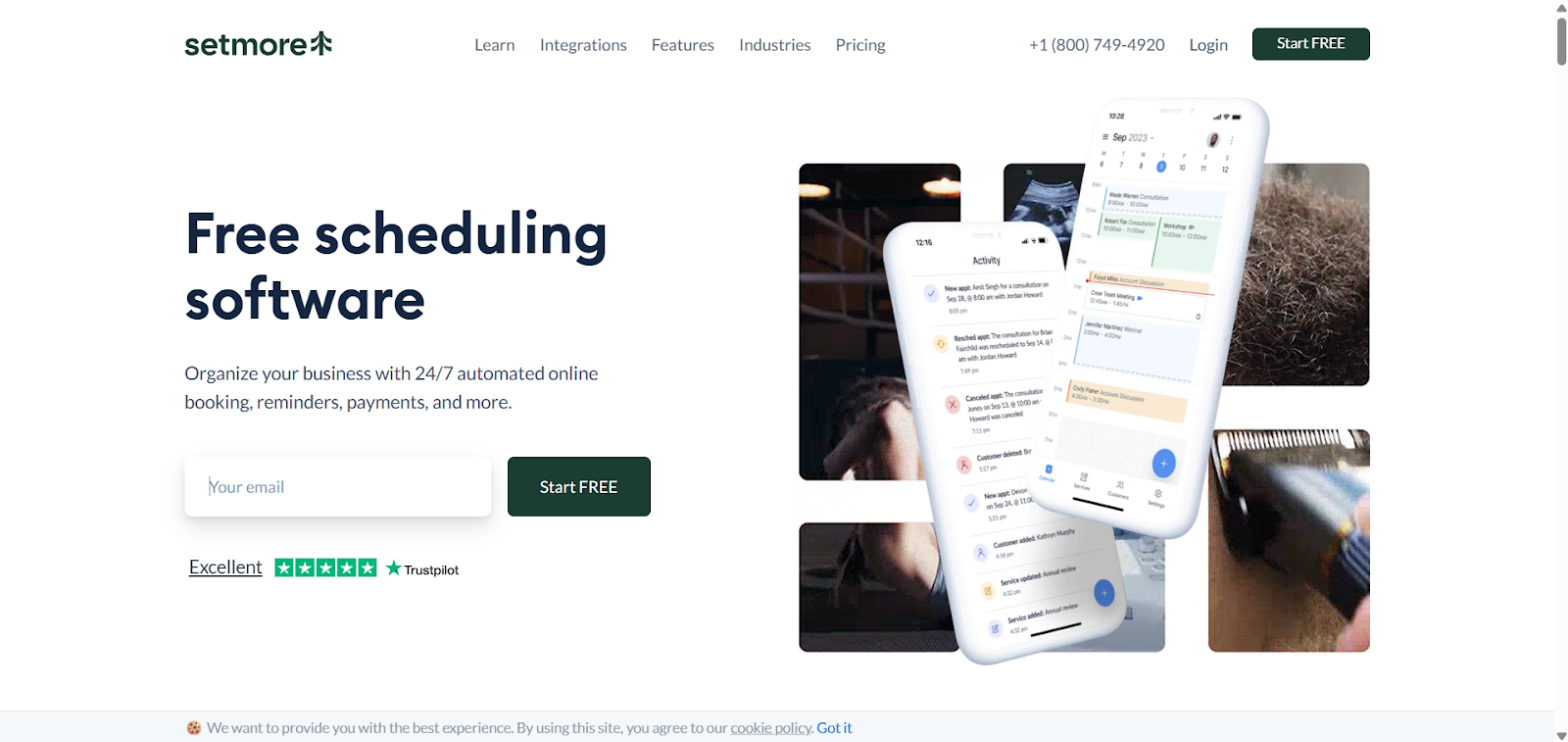
Setmore provides simple, scalable visitor and appointment management for small offices, clinics, and community teams needing affordable scheduling organization. Growing organizations get clean, reliable systems without adding cost or complexity. The free plan handles four users with unlimited bookings—practical for teams building their first digital check-in process. Visitors book through branded pages, Facebook, or Instagram for 24/7 accessibility.
Key Features:
Pros:
Cons:
Pricing: Free for four users; paid plans start at $5/month with advanced integrations and automation.
Reviews: Setmore holds a strong 4.5 out of 5 on G2. Users like its clean interface, easy setup, and generous free plan that supports unlimited bookings. Many appreciate the fast Google Calendar sync and simple booking pages. Some reviewers mention limits around customization, payment options, and occasional sync issues, but overall most say it’s reliable, affordable, and great for small teams that need straightforward scheduling.
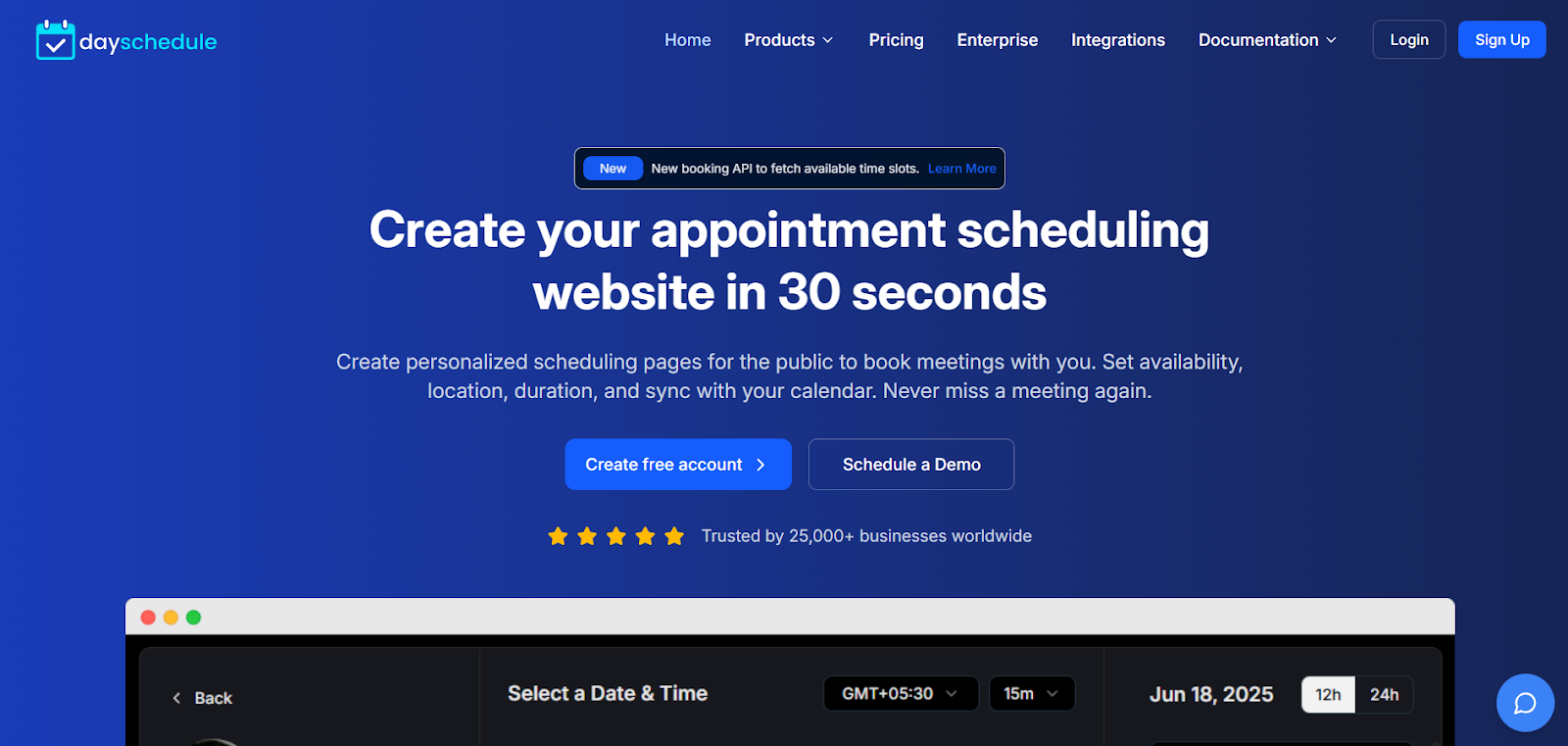
DaySchedule is a flexible visitor and appointment scheduling system built for small to mid-sized teams in healthcare, finance, wellness, and service industries. It combines automated appointment scheduling with lightweight queue management software, helping businesses manage bookings, team availability, and client flow from one clean dashboard. Branded booking pages, role-based controls, and team scheduling make coordination easy across locations or hybrid setups.
Key Features:
Pros:
Cons:
Pricing: Free plan available; paid plans start at $8/month.
Reviews: DaySchedule holds a solid 4.6 out of 5 on G2. Users highlight its simple setup, fast support, and strong integrations, especially with WhatsApp and popular calendars. Many like its automated reminders and clean scheduling workflow. A few reviews mention basic UI design and the lack of onboarding guidance for new users.
Choosing the right visitor management system can transform how your business handles guests, walk-ins, and appointments. The tools in this list offer a mix of touchless check-ins, automated scheduling, real-time updates, and multi-location control, making visitor handling faster and more reliable. By adopting a modern solution that fits your needs and budget, you create a safer, more organized, and more professional front desk environment that supports long-term growth.
We’ll email you 1-3 times per week—and never share your information.