

Best Painting Contractor Appointment Scheduling Software

The best painting contractor appointment scheduling software includes Goodcall, Jobber, Housecall Pro, and Picktime. Each one is built for the specific pressure points painting contractors face, from handling peak call volume to keeping a multi-crew calendar from falling apart.
Below, you'll find a breakdown of each platform's strengths, pricing, and best use case, giving you a clear picture of which tool actually fits the way your painting business runs.
Key Takeaways
- The best painting contractor appointment scheduling software handles bookings, crew dispatch, and client communication without manual back-and-forth.
- Goodcall, Jobber, Housecall Pro, Picktime, FieldPulse, and Markate each solve a different operational problem; the right pick depends on crew size and call volume.
- Being bonded, insured, and backed by detailed contracts matters as much as your scheduling setup when winning jobs.
- AI answering tools book appointments instantly during calls and handle peak call volume without sending leads to voicemail.
- The right scheduling software needs drag-and-drop flexibility, mobile access, and calendar sync to hold up when field plans change.
- QuickBooks integration and client self-scheduling are features painting contractors cannot afford to skip.
What is Painting Contractor Appointment Scheduling Software?
The best painting contractor appointment scheduling software gives your business one system to handle bookings, dispatch crews, and keep client communication running without manual back-and-forth. It replaces phone tag and paper calendars with automated workflows built for how painting businesses actually operate.
Best Painting Contractor Appointment Scheduling Software
1. Goodcall

Goodcall is an AI voice agent and virtual receptionist that answers inbound calls and books painting appointments in real time, around the clock. Unlike scheduling tools that wait for a client to fill out a form, Goodcall captures and converts the call itself, integrates with your existing calendar and CRM, and goes live in minutes without any technical setup.
Key Features:
- Books appointments instantly during calls via real-time calendar sync
- Handles peak call volume simultaneously, no lead reaches voicemail
- 24/7 AI answering service covering evenings, weekends, and holidays
- Customizable scripts for painting-specific calls, including weather-related rescheduling
- Call analytics tracking volume, automation rate, and caller intent
- CRM and calendar integration with no engineering required
- HIPAA-compliant with automatic spam call blocking
Pricing:
- Starter: $79/month; Growth: $129/month; Scale: $249/month
- 15% off if billed annually
- All plans include unlimited minutes; a 14-day free trial
Pros:
- Answers and books in one call, no client follow-up needed
- Captures after-hours leads that standard scheduling tools miss
- Live in under 15 minutes, no IT support required
- Unlimited call minutes on every plan, no per-call charges
Cons:
- Overage fees can increase costs during high-volume months
- No native job costing, crew dispatch, or field management tools
Best For:
- Painting businesses are losing leads after hours or during peak season
- Contractors wanting a 24/7 AI answering service without hiring a receptionist
Setup Time: Live in under 15 minutes with no technical staff required
2. Jobber

Jobber is field service management software built for residential service businesses, with a scheduling engine. It covers the full workflow from quoting and scheduling to invoicing and client communication in one platform.
Key Features:
- Drag-and-drop scheduling with color-coded job phases (prep, painting, finishing)
- GPS tracking and route optimization for multi-crew deployment
- Online booking with automatic job scheduling based on your preferences
- Automated reminders and two-way SMS (Grow plan and above)
- Photo documentation and custom job forms
- QuickBooks Online sync (Connect plan and above)
- AI Receptionist add-on for inbound calls
Pricing:
- Core: $49/month; Connect: $139/month; Grow: $199/month (1 user);
- Add ons available
Pros:
- Short learning curve for small painting crews
- Centralized schedules and visit timelines reduce double bookings
- Strong mobile app on both iOS and Android
Cons:
- Per-user fees escalate quickly beyond each plan's included user count
- No painting-specific material estimating; requires a separate tool
- AI Receptionist and Marketing Suite add up to $178/month on top of the base plan
Best For: Residential painting companies with 1 – 15 employees
Setup Time: Under 30 minutes
3. Housecall Pro

Housecall Pro is a home service operations platform built around a mobile-first dispatch experience, with scheduling, invoicing, and automated customer communication in one place. Its consumer financing integration makes it useful for painting contractors closing larger residential repaint jobs.
Key Features:
- Drag-and-drop dispatch calendar with technician color-coding
- Online booking from Google or your business website
- Automated SMS and email appointment reminders
- Consumer financing for larger painting jobs
- Job costing and flat-rate price book
- QuickBooks Online sync and GPS tracking (Essentials and above)
- CSR AI add-on for after-hours and overflow call answering
Pricing:
- Basic: $79/month (1 user); Essentials: $189/month (5 users); MAX: $329/month
- 14-day free trial on MAX; extra users on MAX cost $35/month each
- Card processing charges 2.59%
Pros:
- Consumer financing helps close larger residential paint jobs on the spot
- Strong iOS app for on-site invoicing and scheduling
- Revenue reporting and job completion tracking are clear and actionable
Cons:
- Android app performs significantly below iOS, creating friction for Android-based crews
- QuickBooks and the estimate builder are locked behind Essentials, making $189/month the real entry price
- Chat-first support frustrates contractors who prefer phone assistance
Best For: Small painting teams on iOS that prioritize customer-facing tools and online booking
Setup Time: Basic configuration within one business day; full onboarding two to three days
4. Picktime
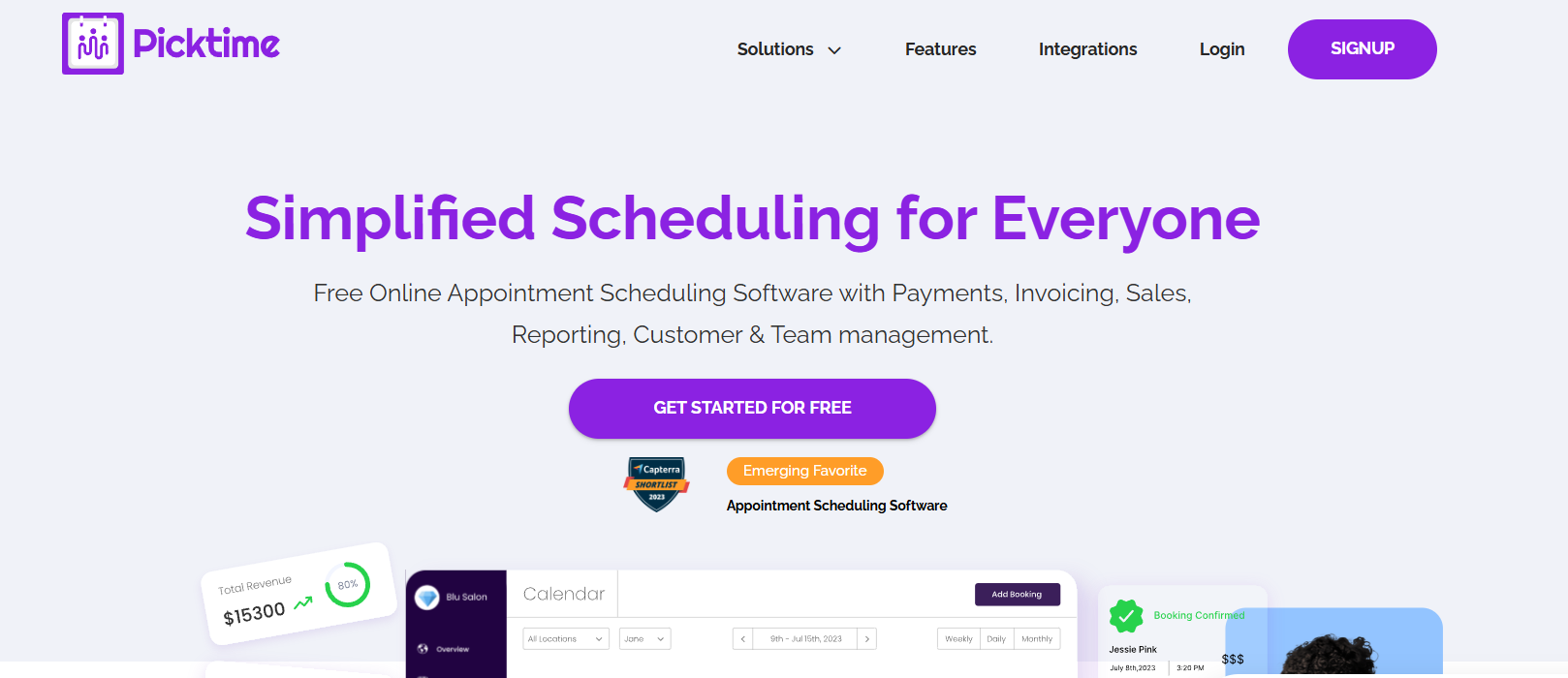
Picktime is a general appointment scheduling platform with a free plan and low-cost paid tiers. For painting contractors who only need online booking and basic staff calendar coordination, it covers the essentials at a price point most booking software for painters cannot match.
Key Features:
- Unlimited bookings on all plans, including the free tier
- Multi-location staff calendar management from one account
- Sync with Google Calendar, Outlook, and Apple Calendar
- Automated email and SMS reminders
- Payment processing via Stripe and PayPal
- Booking widget embeds into your website or social media
Pricing:
- Free plan available with core scheduling features
- Starter: From $4/user/month (only 3 users)
- Pro: From $3/user/month
Pros:
- Free plan with unlimited bookings for solo painters
- Multi-location scheduling at a price competitors cannot match
- Fast to set up and share via website embed or direct link
Cons:
- No dispatching, job costing, or GPS tracking
- Mobile booking form causes client drop-off on smartphones
- Mobile app lacks several desktop features
Best For: Solo painters or very small operations needing basic online booking
Setup Time: Under 30 minutes
5. FieldPulse

FieldPulse is a field service management platform for growing trades businesses, with a visual dispatch board, CRM, estimates, invoicing, and an AI receptionist available as an add-on. It is built to centralize painting operations for small crews without weeks of onboarding.
Key Features:
- Visual drag-and-drop dispatch board with live job status updates
- One-tap estimate-to-invoice conversion with electronic approvals
- Customer CRM with service history, job notes, and photo documentation
- GPS tracking and real-time technician location visibility
- QuickBooks Online two-way sync
- Custom job fields, color coding, and workflow stages for painting operations
- Operator AI add-on: answers calls, qualifies leads, and books jobs into the calendar
Pricing:
- Custom pricing; requires a sales call to receive a quote
Pros:
- Dispatch board is clean and fast to learn
- Strong customer support response times
- Operator AI adds after-hours call handling when paired with the platform
Cons:
- No published pricing; costs can increase at renewal without prior notice
- Offline mode is unreliable on low-connectivity job sites
- Operator AI is a bolt-on; complex call scenarios still need human handling
Best For: Painting crews of 2 – 10 technicians wanting an intuitive dispatch platform
Setup Time: Initial setup within one to two days; full customization up to 14 days
6. Markate
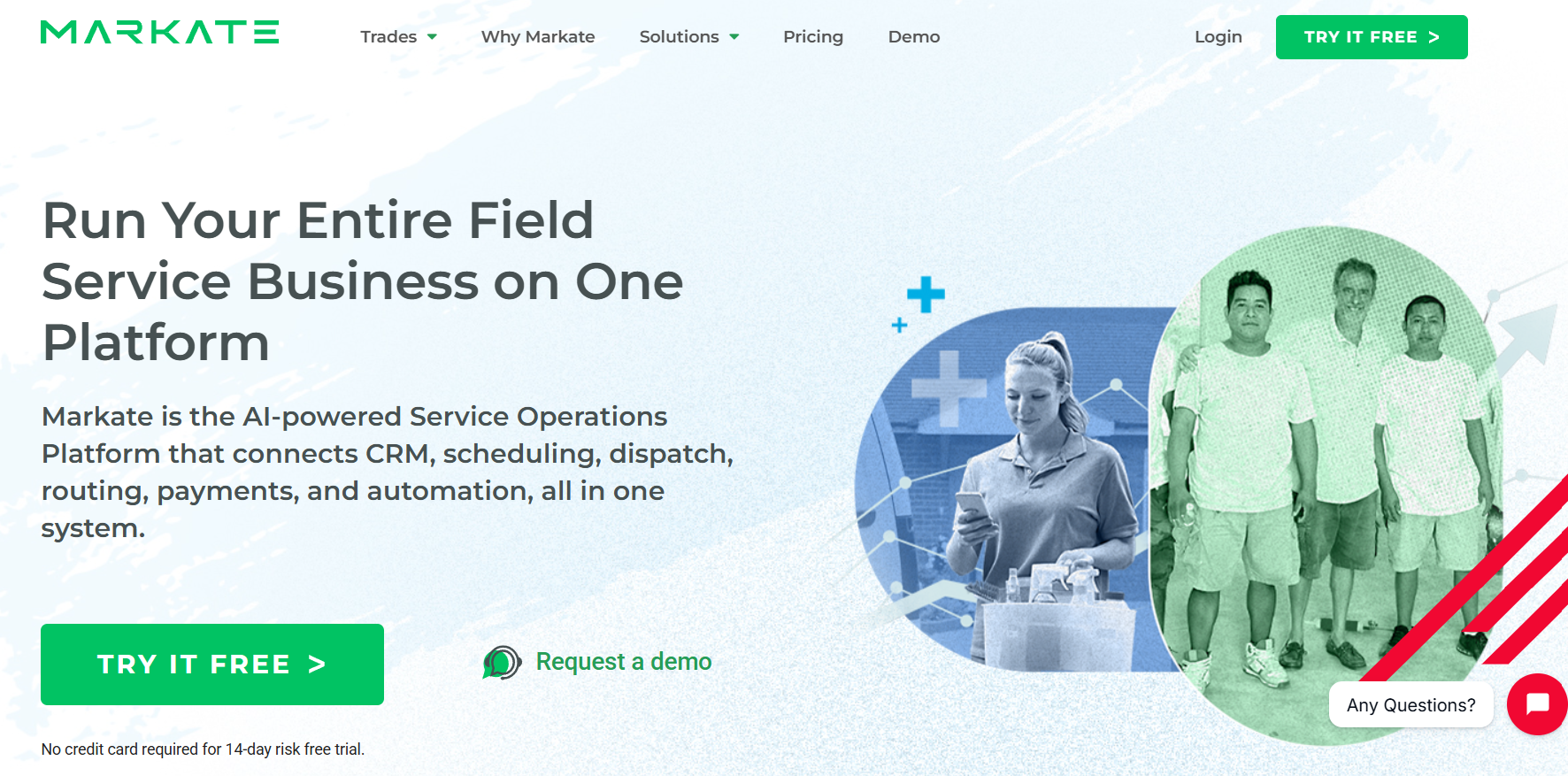
Markate is a mobile-first field service platform covering scheduling, dispatch, estimates, invoices, and GPS tracking for painting contractors running lean operations. Its add-on model lets you activate only the features your business needs, keeping the base cost low.
Key Features:
- Job scheduling and dispatch with real-time GPS tracking
- Branded estimates and invoices with quick-send capability
- Customer portal for job updates and online payments
- 24/7 online booking widget (paid add-on)
- Automated appointment notifications and status updates
- Integrations with Google Calendar, Stripe, PayPal, and Zapier
Pricing:
- Owner Operator: $49.95/month; Team: $49.95/month + $5/employee/month
- Online booking, review requests, and Zapier are separate add-ons
Pros:
- One of the lowest base prices with scheduling and GPS included
- An add-on model means you pay only for what you use
- Backend job and invoice management are clean and well-organized
Cons:
- Mobile booking form has documented drop-off issues on smartphones
- Core automations like follow-up sequences require paid add-ons
- Per-employee pricing scales less favorably than flat-rate competitors
Best For: Solo painters or single-crew operations on a tight budget
Setup Time: Basic configuration within a few hours; each add-on requires separate activation
Key Features Painting Contractors Actually Need
Most painting jobs are won or lost before your crew arrives. Clients weigh your credentials, your contract, and how easy you are to reach. Get these right, and the quality of your work does the rest.
- Bonded and Insured: Clients and commercial accounts require proof of general liability and workers' compensation before work begins.
- Detailed Written Contracts: Cover the full scope, prep work, paint brands, and a 2-to-5-year warranty against peeling or blistering.
- Thorough Surface Preparation: Budget 35 to 40% of total job time for cleaning, sanding, and caulking before any paint is applied.
- Job Costing and Financial Tracking: Track costs per job using PCA principles to keep bids profitable, not just competitive on price.
- High-Quality Tools and Materials: Premium paints and proper equipment reduce callbacks and produce results that hold up.
- Contractor Scheduling Tools: The best painting contractor appointment scheduling software keeps your crew calendar clean, prevents double-bookings, and lets clients book without phone tag.
- 24/7 Call Answering for Contractors: An AI answering service for your painting business books appointments instantly during calls and handles peak call volume, so no lead hits voicemail.
Smarter Scheduling with AI Answering
Most painting contractors lose booked jobs to missed calls. AI answering tools built into the best painting contractor appointment scheduling software handle that gap, taking calls, qualifying leads, and booking appointments around the clock.
- Books Appointments Instantly During Calls: The AI checks your calendar in real time and confirms the job before the caller hangs up.
- Handles Peak Call Volume: Contractor scheduling tools manage simultaneous calls during busy seasons, so no lead gets sent to voicemail.
- Answers After Hours: A 24/7 call answering service for contractors keeps your booking software for painters active when your office is closed.
- Qualifies Leads Upfront: The AI collects project type, location, and budget from each caller before anything reaches your calendar.
- Routes Urgent Calls Immediately: When a caller needs a real person, the AI answering service for your painting business transfers the call without losing any context.
- Syncs Bookings Automatically: Confirmed appointments go straight into your scheduling software, with no manual entry and no double bookings.
How to Choose the Right Scheduling Software for Your Painting Business
A painting business runs on moving parts. Your software needs to keep up with crew changes, weather delays, and clients who book outside business hours. These are the features that separate a useful tool from one that adds friction.
Drag-and-drop Scheduling: Your calendar should let you shift jobs and reassign crews in seconds when plans change.
- Crew Assignment and GPS Tracking: Assign specific painters to each job and monitor field locations in real time for accurate dispatching.
- Client Self-scheduling: The best painting contractor appointment scheduling software lets customers book directly from your website, no phone call needed.
- 24/7 Call Answering: An AI answering service for painting businesses like Goodcall books appointments instantly during calls and handles peak call volume without missing a lead.
- Mobile Access: Field crews should view job details, clock in and out, and upload photos from their phones without office support.
- QuickBooks and Calendar Sync: Choose booking software for painters that connects with QuickBooks and syncs with Google or Apple Calendar to prevent double-bookings.
Conclusion
Scheduling software keeps your calendar organized, but the jobs you lose to missed calls never make it to your calendar in the first place. The right tool doesn't just manage what's already booked, it closes the gap between a ringing phone and a confirmed appointment.
Goodcall fills that gap directly. It answers every call, qualifies the lead, and locks in the booking before the caller moves on to your competitor, all without a receptionist on the clock. Start your 14-day free trial and find out how many leads you were losing after hours.
FAQs
What is the best appointment scheduling software for painting contractors?
The best appointment scheduling software for painting contractors includes Goodcall (AI voice automation), Jobber ( field service management), Housecall Pro (automated dispatching), and Picktime (simple online booking).
How do painting contractors avoid missing customer calls?
The most effective way to stop missing calls is to add a 24/7 call answering service for contractors, like Goodcall, which picks up every inbound call, answers common questions, and books appointments without sending callers to voicemail.
Can scheduling software automatically book painting estimates?
Yes, contractor scheduling tools can automatically book painting estimates directly from a customer request.
Is AI answering service worth it for painting businesses?
Yes, an AI answering service is worth it for a painting business. It handles peak call volume when your crew is unavailable, books appointments instantly during calls, and captures every lead without adding receptionist overhead.
Can AI handle customer inquiries for painting services?
Yes, AI can handle a wide range of inquiries for painting services, including questions about availability, service areas, and pricing.
How much does appointment scheduling software cost for contractors?
The software pricing ranges across platforms. For example, Picktime offers paid tiers from $4/month, Jobber from $49/month, and Housecall Pro from $79/month. For contractors searching for the best painting contractor appointment scheduling software with 24/7 AI call answering included, options like Goodcall start at $79/month.