Accounting firms manage client consultations, tax appointments, payroll meetings, financial planning sessions, audit discussions, compliance reviews, and recurring bookkeeping calls throughout the year. As firms handle increasing client communication across tax seasons and ongoing advisory services, manual scheduling often creates missed calls, calendar conflicts, delayed responses, and administrative inefficiencies.
This guide compares the appointment scheduling software of the best accounting firms based on AI scheduling capabilities, calendar synchronization, automated reminders, client communication workflows, integrations, operational scalability, and automation features.
Why Accounting Firms Need Appointment Scheduling Software
Modern accounting firms handle recurring client meetings, tax planning, audits, payroll consultations, and advisory sessions year-round. As appointment volume increases, manual scheduling becomes inefficient and harder to manage.
Many firms still rely on:
- Emails and phone scheduling
- Shared spreadsheets
- Disconnected calendars
- Manual reminder workflows
This often leads to:
- Double bookings
- Calendar conflicts
- Delayed confirmations
- No-shows
- High administrative workload
Appointment scheduling software automates bookings, reminders, and calendar management while improving client communication and operational efficiency.
Key Features to Look for in Accounting Firm Scheduling Software
Accounting firms should evaluate scheduling software based on automation capabilities, client communication workflows, security, operational flexibility, and scalability.
Important features include:
- Online Appointment Scheduling: Clients should be able to book consultations, tax meetings, payroll reviews, and advisory sessions online without relying entirely on office staff.
- AI Appointment Scheduling Software: AI scheduling systems automate booking coordination, reminders, appointment routing, and client communication while improving response speed.
- Automated Appointment Reminders for Accountants: Automated SMS and email reminders reduce no-shows and improve appointment attendance consistency during busy operational periods.
- Calendar Synchronization: Real-time synchronization with Google Calendar, Outlook, Microsoft 365, and internal scheduling systems helps prevent booking conflicts.
- Multi-Staff Scheduling: Accounting firms often manage appointments across multiple accountants and departments. Scheduling software should support provider-specific availability and team coordination.
- Intake Form Automation: Client intake forms help firms collect financial documents, consultation requirements, and appointment details before meetings begin.
- AI Phone Answering for Accounting Firms: AI-powered phone systems help firms capture inbound appointment requests and client inquiries outside office hours.
- Time Zone Management: Firms managing remote clients or virtual consultations need automated time zone coordination for accurate scheduling.
- CRM and Workflow Integrations: Scheduling systems should integrate with CRM software, accounting platforms, communication tools, and operational workflows.
- Reporting and Analytics: Analytics dashboards help firms monitor appointment volume, cancellation trends, no-show rates, and scheduling efficiency.
Best Accounting Firms Appointment Scheduling Software Compared
The platforms below compare the best accounting appointment scheduling software based on automation features, client communication tools, scheduling flexibility, reminder systems, pricing structure, and operational scalability for modern accounting firms.
1. Goodcall
Best For
Accounting firms managing high inbound appointment volume, after-hours client communication, AI scheduling automation, and phone-based client booking workflows.
AI Features
- Conversational AI scheduling
- AI phone answering for accounting firms
- AI-powered appointment booking
- Smart appointment routing
- Automated client communication
- After-hours scheduling automation
- AI reminder workflows
Calendar Sync
Supports Google Calendar, Outlook, Microsoft 365, and operational scheduling integrations.
Automated Reminders
Automated SMS and email reminders help reduce missed consultations and improve client attendance consistency.
Pricing
Plans generally start around $79 monthly, depending on appointment volume and communication workflows. Start your 14-day trial today.
Why Firms Choose It
Goodcall combines AI appointment scheduling software with conversational phone automation, making it especially useful for accounting firms handling large client communication volumes during tax season. Clients can schedule appointments, request callbacks, reschedule meetings, and receive confirmations automatically.
2. Calendly
Best For
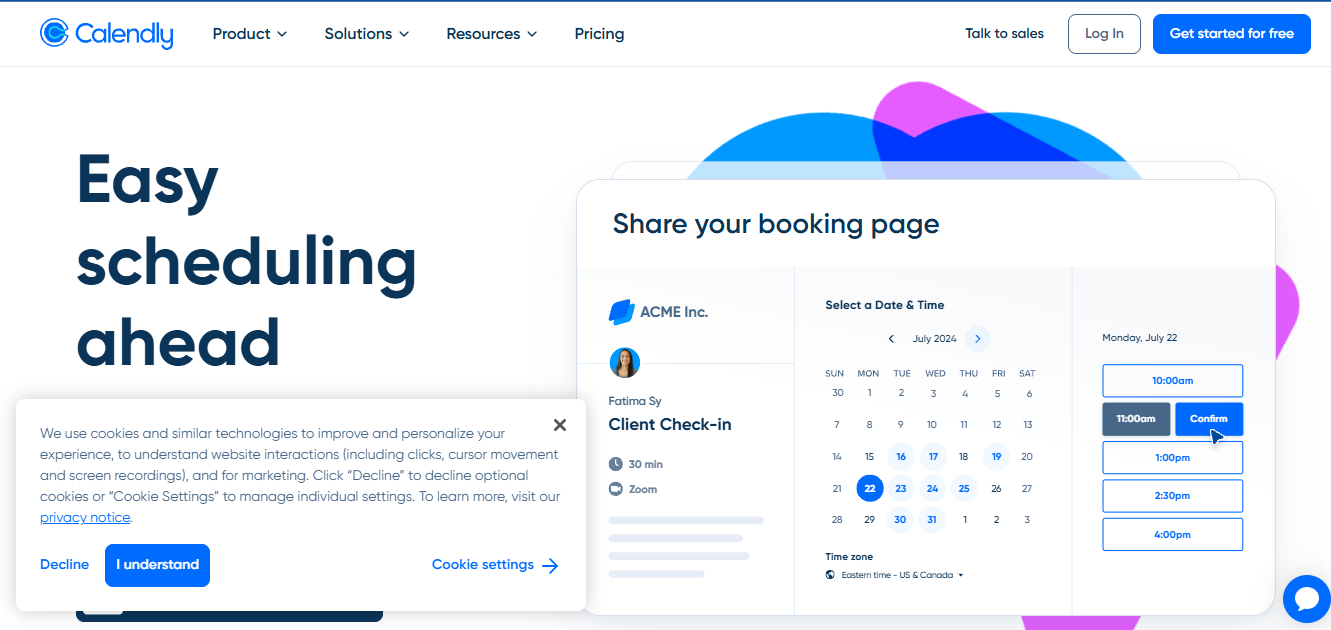
Accounting firms need lightweight online scheduling and calendar coordination for consultations and client meetings.
AI Features
- Automated scheduling workflows
- Intelligent availability management
- Automated meeting coordination
- Reminder automation
Calendar Sync
Supports Google Calendar, Outlook, Microsoft Exchange, Office 365, and iCloud synchronization.
Automated Reminders
Automated email reminders and meeting confirmations help improve scheduling consistency.
Pricing
Free plan available. Paid plans generally start around $10 monthly per user.
Why Firms Choose It
Calendly remains one of the most widely used appointment scheduling platforms because of its simplicity and calendar synchronization capabilities.
Accounting firms often use Calendly for tax consultations, onboarding calls, payroll meetings, and virtual advisory scheduling because setup is fast, and scheduling links are easy to share.
3. Acuity Scheduling
Best For
Accounting firms need customizable scheduling workflows, intake forms, and branded client booking experiences.
AI Features
- Automated appointment workflows
- Scheduling automation
- Intake form automation
- Automated client notifications
Calendar Sync
Supports Google Calendar, Outlook, Office 365, and iCloud synchronization.
Automated Reminders
Email and SMS reminders help firms reduce missed consultations and improve appointment attendance.
Pricing
Plans generally start around $20 monthly, depending on workflow features and appointment volume.
Why Firms Choose It
Acuity Scheduling is commonly used by consultants, accountants, and financial advisors because it supports highly customizable booking workflows.
Firms can create service-specific scheduling categories for tax preparation, payroll consulting, audits, bookkeeping reviews, and financial planning consultations.
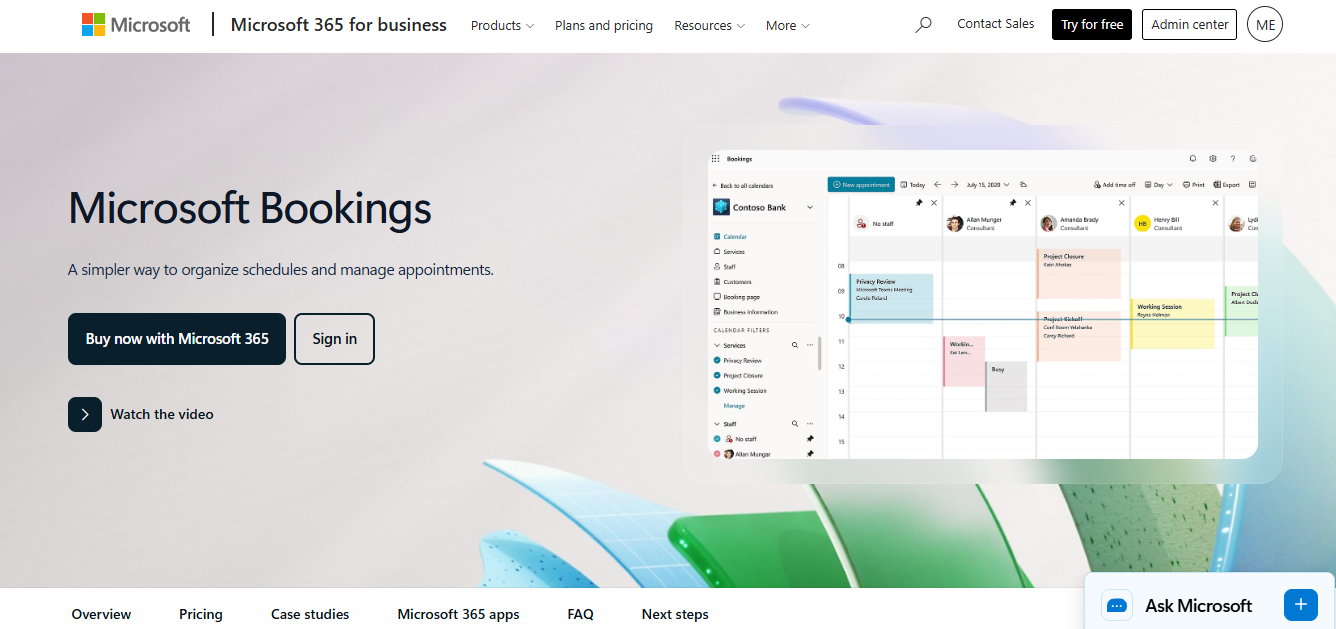
4. Microsoft Bookings
Best For
Accounting firms are already operating inside the Microsoft 365 ecosystem.
AI Features
- Automated scheduling workflows
- Calendar automation
- Microsoft ecosystem integration
- Reminder automation
Calendar Sync
Deep synchronization with Outlook Calendar, Microsoft Teams, and Microsoft 365.
Automated Reminders
Automated confirmations and reminder notifications are built directly into booking workflows.
Pricing
Included with select Microsoft 365 business subscriptions.
Why Firms Choose It
Microsoft Bookings works especially well for accounting firms already using Microsoft Teams, Outlook, and Office 365 for daily operations.
The platform centralizes appointment management while integrating directly with internal Microsoft workflows, reducing operational fragmentation.
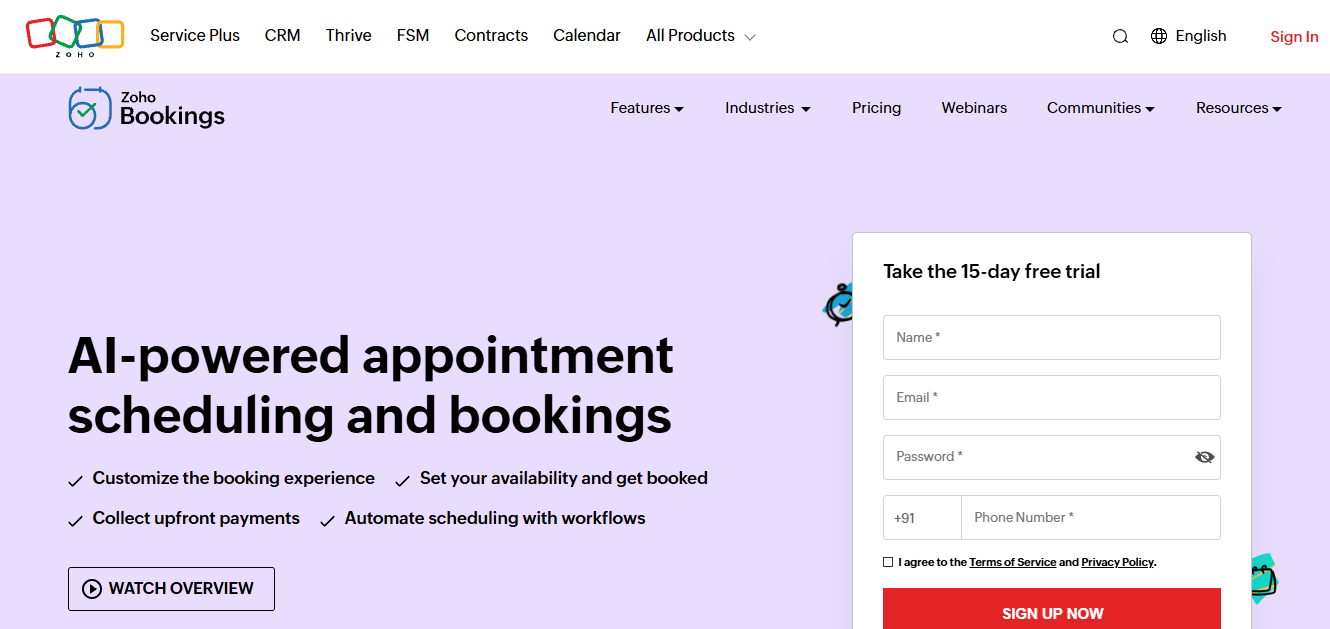
5. Zoho Bookings
Best For
Growing accounting firms need customizable scheduling workflows and CRM integrations.
AI Features
- Workflow automation
- Automated scheduling
- CRM-connected booking workflows
- Smart availability coordination
Calendar Sync
Supports Google Calendar, Outlook, Zoho Calendar, and Microsoft integrations.
Automated Reminders
Automated reminder workflows through email and SMS notifications.
Pricing
Plans generally start around $8 monthly per user, depending on workflow capabilities.
Why Firms Choose It
Zoho Bookings is popular among growing accounting businesses because it integrates closely with CRM systems and operational workflows.
Firms handling sales consultations, onboarding meetings, bookkeeping subscriptions, and financial advisory services often use Zoho Bookings to connect scheduling with broader customer management systems.
Benefits of AI Appointment Scheduling for Accounting Firms
AI scheduling technology is transforming accounting firm operations by reducing manual communication workflows and improving scheduling efficiency. Traditional scheduling systems depend heavily on reception teams handling appointment coordination manually. During busy operational periods like tax season, firms often struggle to respond quickly to every scheduling request.
AI-powered scheduling systems automate many of these repetitive workflows. The benefits include:
- Faster Client Response Time: AI scheduling systems respond instantly to appointment requests instead of requiring manual callbacks or delayed email coordination.
- Reduced Front Desk Workload: Automated scheduling reduces repetitive administrative tasks like confirmations, reminders, rescheduling, and calendar coordination.
- Better Appointment Availability Management: AI systems coordinate availability dynamically across accountants, departments, and service categories.
- Improved Client Experience: Clients receive faster responses, automated reminders, real-time scheduling access, and more flexible booking workflows.
- Stronger Tax Season Scalability: Accounting firms can manage significantly higher appointment volume during tax season without proportionally increasing administrative staffing.
- AI Phone Answering for Accounting Firms: AI-powered communication systems help firms capture inbound appointment requests outside office hours while reducing missed lead opportunities.
- Better Meeting Coordination: AI scheduling systems automatically route appointments to the correct accountant, advisor, or department based on service type and availability.
- Lower No Show Rates: Automated reminders improve attendance consistency while reducing scheduling gaps caused by forgotten consultations.
How to Choose the Right Appointment Scheduling Software for Your Accounting Firm
Choosing the right scheduling platform depends on firm size, client communication volume, operational complexity, and workflow requirements.
Important selection factors:
- Firm Size and Appointment Volume: Smaller firms may prioritize affordability and ease of use, while larger firms often require advanced automation and multi-user coordination.
- Client Communication Requirements: Firms managing high inbound call volume should prioritize AI communication tools, automated reminders, and phone-based scheduling workflows.
- Calendar Infrastructure: Businesses heavily using Outlook, Microsoft 365, Google Workspace, or CRM scheduling should prioritize strong calendar synchronization.
- Workflow Automation: AI scheduling platforms reduce repetitive coordination tasks while improving client response speed and operational efficiency.
- CRM Integration Requirements: Accounting firms using CRM systems should prioritize scheduling platforms that connect directly with customer records and operational workflows.
- Scalability: Growing firms should choose scheduling software capable of supporting increasing appointment volume without requiring major operational restructuring later.
- Security and Client Privacy: Accounting firms handle sensitive financial information. Scheduling systems should support secure workflows and professional-grade client communication standards.
Final Verdict
Modern accounting firms require far more than basic digital calendars and manual appointment coordination. As firms expand advisory services and manage increasing client communication, scheduling workflows become operational infrastructure rather than simple administrative tasks.
Platforms like Goodcall go beyond traditional scheduling by combining AI appointment scheduling software, conversational booking automation, AI phone answering for accounting firms, and after-hours appointment management into one scalable communication system.