If you own or manage a plumbing, HVAC, electrical, cleaning, or landscaping company, your daily revenue depends on how efficiently you convert incoming service requests into scheduled jobs and how effectively you dispatch technicians.
Appointment scheduling software directly impacts technician utilization, route efficiency, and booking accuracy. Without a structured system, missed calls and dispatch errors limit growth.
Before comparing platforms, take stock of exactly where scheduling breaks down in your business.
Why Home Service Businesses Need Scheduling Software
Home service operations run on tight margins and daily execution. When coordination relies on spreadsheets or phone notes, variability compounds into revenue loss.
According to Invoca's research, 27% of inbound calls go unanswered, with each missed call costing an average of $1,200 in lost revenue.
Common operational breakdowns include:
- Double booking technicians, forcing last-minute reshuffling
- Missed inbound calls during peak hours
- Delayed invoicing after job completion
- Inaccurate visibility into technician workload
Pro tip - To quantify your exposure, calculate weekly:
- Technician utilization = billable hours divided by total available hours
- Call answer rate during business hours
- Average drive time as a percentage of work hours
If utilization falls below 70 to 75 percent, dispatch inefficiency likely exists. If call answer rate falls below 90 percent, intake loss is affecting revenue.
Appointment scheduling software introduces structured dispatch logic.
With the right automated booking system for small business, you confirm jobs with visibility, assign technicians based on capacity, and measure performance consistently using field service scheduling tools.
Understanding your current gaps clarifies which service business scheduling software or appointment booking software for contractors you actually need.
Comparison Table
The table below compares leading home service appointment scheduling software and appointment booking software for contractors by operational focus rather than marketing claims.
When evaluating, align the platform's core strength with your primary bottleneck, not feature volume.
Best Home Services Appointment Scheduling Software
Below is a structured comparison of leading home service appointment scheduling software. Each product section clearly explains what the platform does, who it is most appropriate for, and how pricing is structured so you can evaluate fit without relying on marketing language.
1. Goodcall
Feature
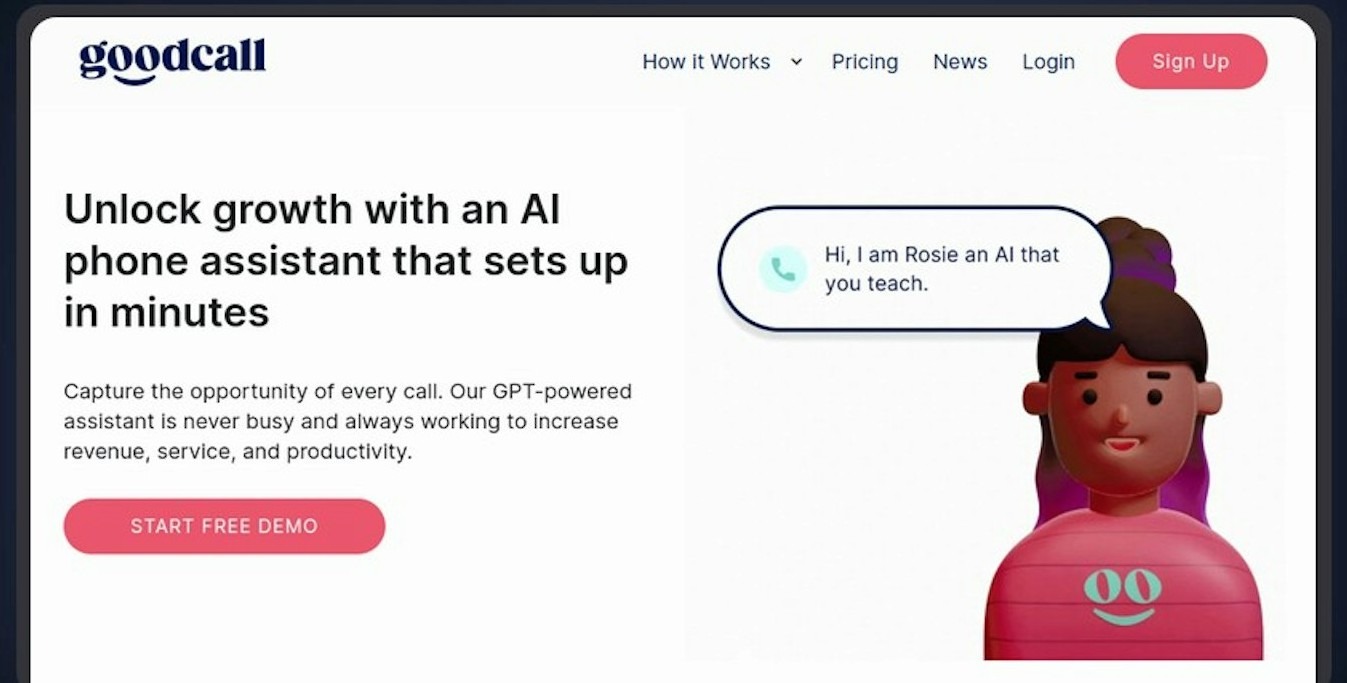
Goodcall combines AI-powered inbound call answering with direct scheduling system integration.
Core capabilities include:
- Capturing complete service request details during the call
- Booking appointments into your existing calendar in real time
- Syncing confirmed jobs to CRM and dispatch platforms automatically
- Handling after-hours and peak-hour overflow without staff intervention
Unlike dispatch-only platforms that optimize once a job is scheduled, Goodcall closes the intake gap before the appointment reaches your calendar.
Best For
Business type: Home service businesses where phone calls drive most bookings, including HVAC, plumbing, electrical, and other emergency-driven verticals.
Primary pain point: Missed or delayed call responses that push customers to competitors before a booking is confirmed.
Ideal fit when: Response time directly determines whether a customer converts or calls the next provider on the list.
Pricing
Model: Usage-based, tied to inbound call volume, not technician or seat count.
Scalability: Cost scales with demand, making it well-suited for seasonal or weather-sensitive businesses.
Before adopting: Review historical monthly call volume to forecast costs accurately.
When it works best: Goodcall delivers the most operational impact when intake reliability, not call routing logic, is the primary constraint.
See how Goodcall works and explore pricing plans.
2. Jobber

Feature
Jobber centralizes scheduling, quoting, invoicing, and automated reminders within a drag-and-drop calendar interface.
Core capabilities include:
- Visual job assignment and calendar sequencing
- Quote creation and approval workflows
- Automated appointment reminders
- Client self-service portal for approvals and payments
- Integration with QuickBooks Online, Xero, and Zapier
It focuses on simplifying daily administrative coordination rather than advanced routing analytics.
Best For
Business type: Small to early-growth service businesses with predictable job durations and limited territory complexity.
Primary pain point: Teams that need an automated booking system for small business operations without enterprise-level configuration overhead.
Ideal fit when: The priority is reducing administrative friction, not optimizing multi-technician dispatch or route analytics.
Pricing
Model: Flat monthly subscription tiered by user count.
Tiers:
- Core: $39 per month for one user
- Connect: $119 per month for up to five users
- Grow: $199 per month for up to ten users
Trial: 14-day free trial available. Payment processing fees apply separately.
3. Housecall Pro
Feature
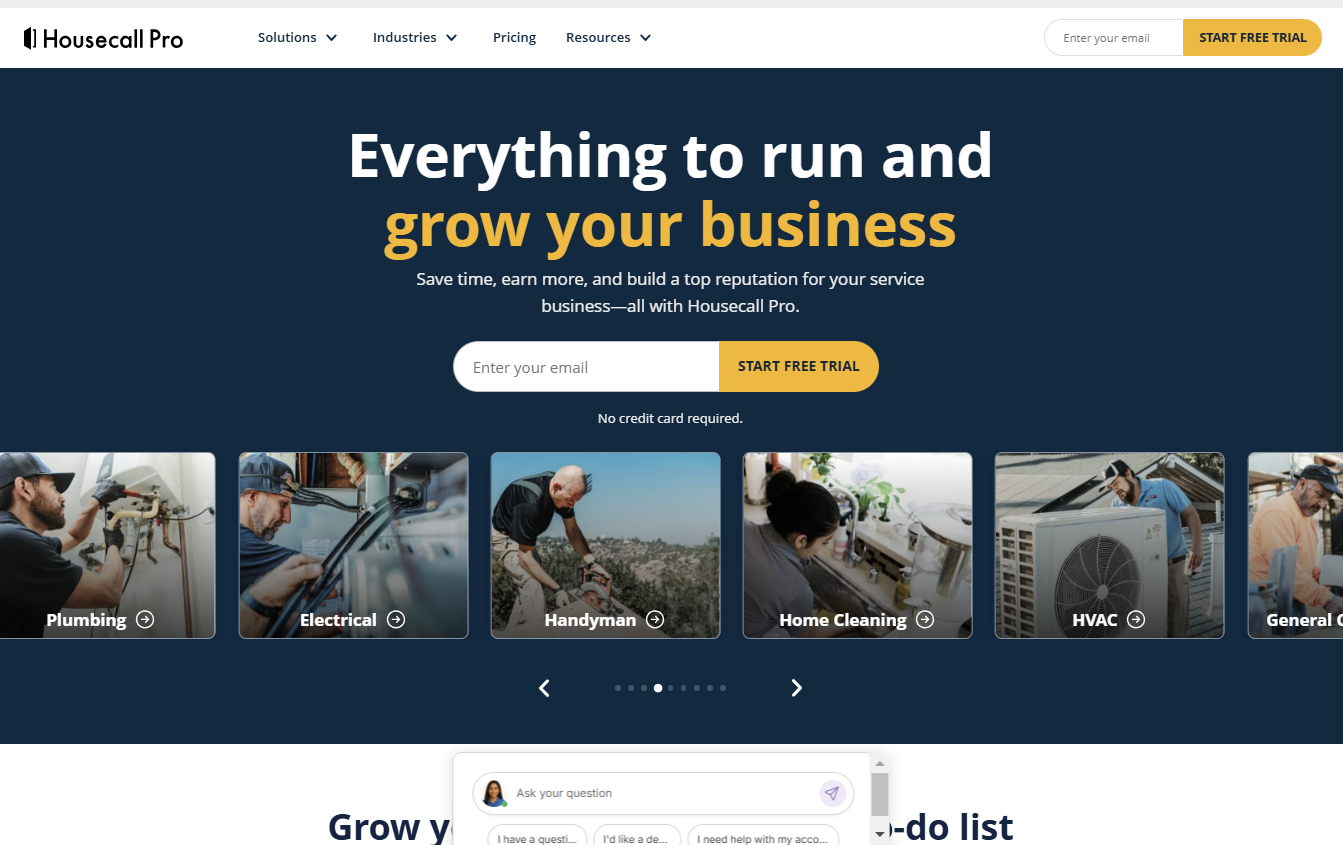
Housecall Pro combines GPS-enabled dispatch with real-time technician tracking and automated customer notifications.
Core capabilities include:
- Live map-based technician visibility
- Automated on-my-way arrival alerts
- Integrated invoicing and payment processing
- Flat-rate price book functionality
- Mobile app support for field updates
It strengthens coordination between dispatchers, technicians, and customers during active job cycles.
Best For
Business type: Mid-sized service teams managing multiple technicians across HVAC, plumbing, electrical, and cleaning verticals.
Primary pain point: Gaps in route visibility, field communication, and arrival confirmation that reduce daily dispatch efficiency.
Ideal fit when: Teams are transitioning from basic scheduling tools and need real-time field coordination without enterprise complexity.
Pricing
Model: Tiered monthly subscription, no long-term contracts required.
Range: Starts at $59 per month, scales to $299 per month depending on tier.
Transaction fees: Card processing begins at 2.59 percent per transaction.
Trial: Free trial available on select tiers.
4. ServiceTitan

Feature
ServiceTitan delivers enterprise-grade scheduling integrated with CRM, marketing automation, call recording, and financial reporting.
Core capabilities include:
- Territory-based technician assignment
- KPI dashboards for revenue per technician
- Booking conversion and call tracking analytics
- Service profitability reporting
- Marketing attribution tied to inbound calls
It connects intake, dispatch, and financial oversight into one enterprise workflow.
Best For
Business type: Large HVAC, plumbing, and electrical companies with 20 or more technicians.
Primary pain point: Lack of unified visibility across operations, revenue performance, and multi-location coordination.
Ideal fit when: The organization requires structured KPI benchmarking and cross-location operational oversight, not just scheduling.
Pricing
Model: Custom pricing, not publicly listed.
Estimated range: $245 to $398 per technician per month, with total monthly costs often between $3,000 and $10,000 depending on configuration.
Additional costs: Implementation fees apply.
5. Field Nation
Feature
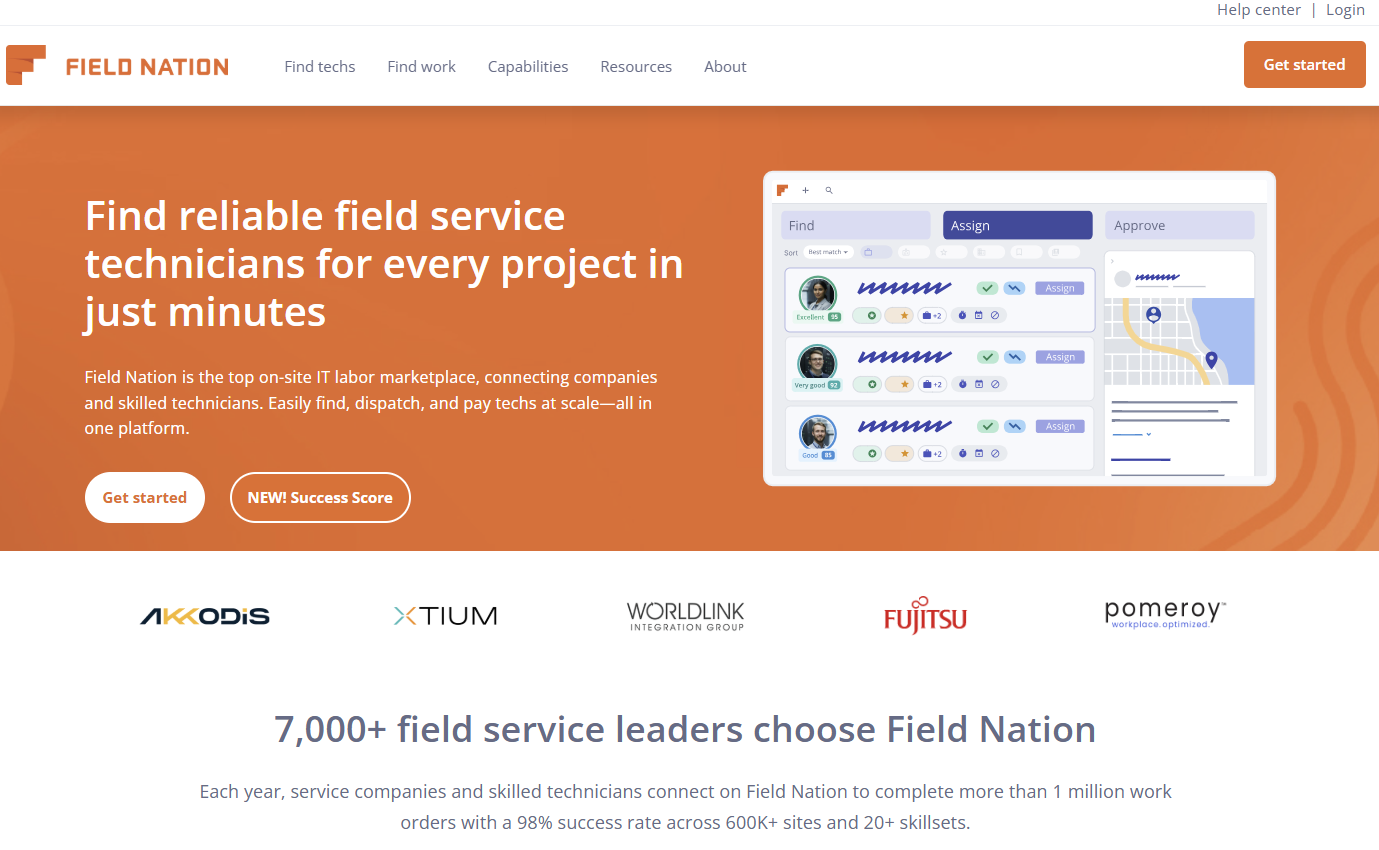
Field Nation operates as a contractor marketplace rather than a traditional in-house dispatch platform.
Core capabilities include:
- Matching service requests with credentialed independent technicians
- Geographic and skill-based technician filtering
- Contractor onboarding and compliance management
- Payment processing within the marketplace
It expands workforce capacity without increasing permanent payroll.
Best For
Business type: Businesses managing seasonal demand spikes, geographic expansion, or specialized projects that do not justify full-time hires.
Primary pain point: Workforce gaps that fixed headcount cannot address cost-effectively.
Ideal fit when: The priority is flexible labor access, not daily internal dispatch optimization.
Pricing
Model: Transaction-based, no fixed subscription tiers.
Scalability: Costs vary with job volume and individual contractor rates.
6. Workiz
Feature
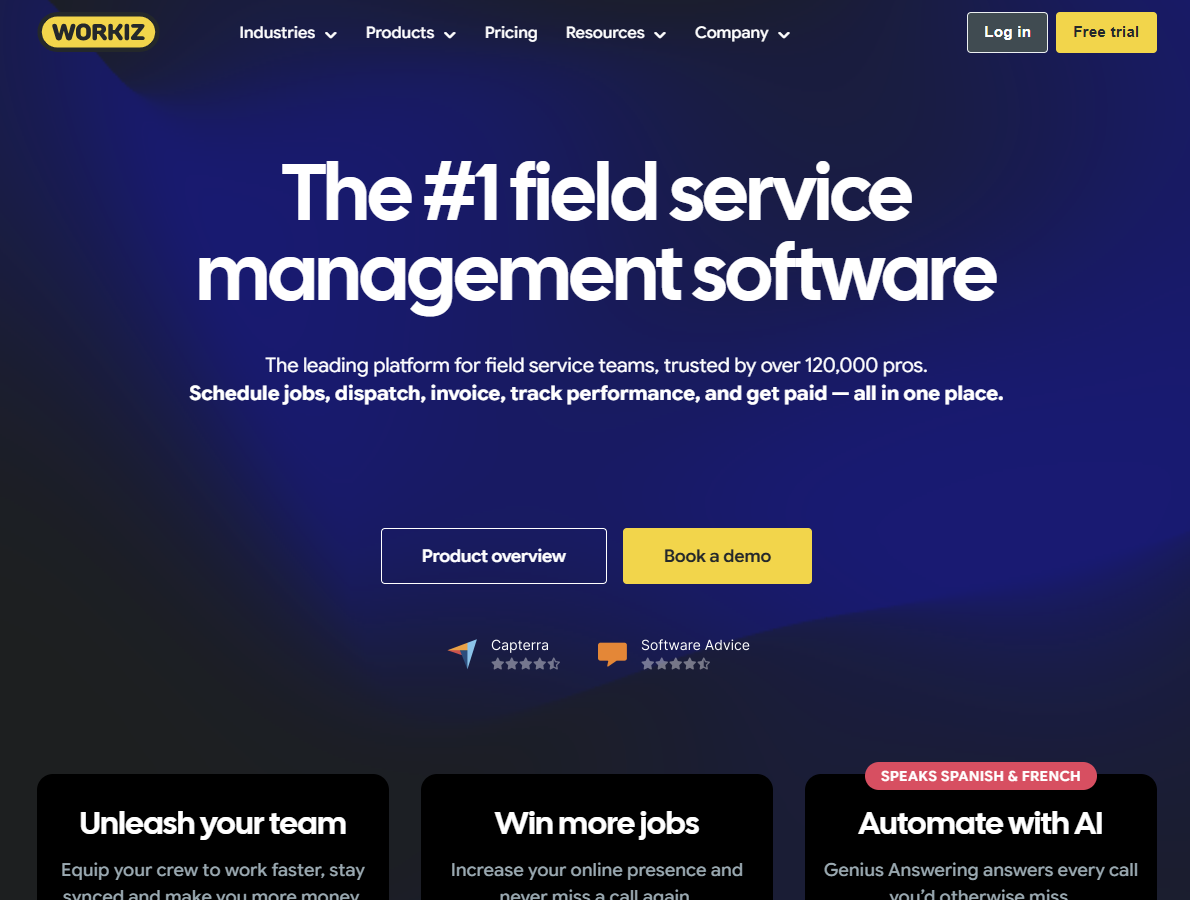
Workiz integrates call tracking, scheduling, invoicing, payment processing, and technician mobile access within one platform.
Core capabilities include:
- Call-to-booking tracking visibility
- Automated customer notifications
- Technician mobile job management
- On-site payment collection
- Built-in reporting dashboard
It reduces tool fragmentation for small and mid-sized teams.
Best For
Business type: Small to mid-sized home service businesses consolidating communication, booking, and billing into one interface.
Primary pain point: Operational friction from managing multiple disconnected tools across communication, scheduling, and payments.
Ideal fit when: The team needs structured coordination without enterprise-scale complexity or configuration requirements.
Pricing
Model: Tiered subscription scaling with user count and automation depth.
Trial: Free trial available.
Note: Evaluate reporting depth carefully before adopting for multi-location or profitability-driven use cases.
How to Choose the Best Scheduling Software for Home Services
Start with operational clarity before comparing features, pricing, or vendors.
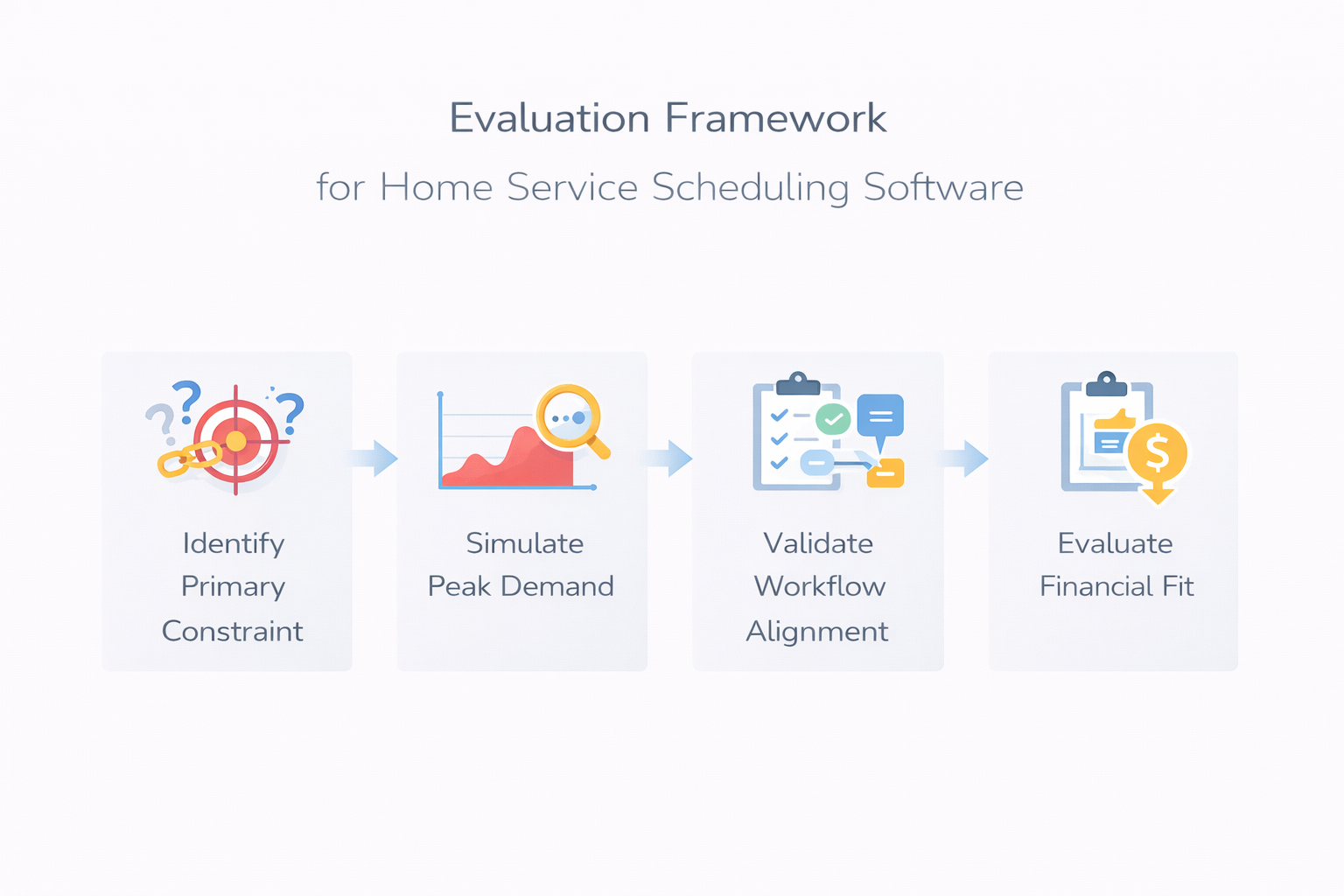
Step 1: Identify Your Primary Constraint
Diagnose where scheduling actually fails before evaluating platforms:
- Are technicians waiting between jobs due to poor sequencing?
- Are inbound service calls missed when staff is occupied?
- Are dispatchers overwhelmed during peak hours?
Step 2: Simulate Peak Demand Conditions
Recreate real operational pressure rather than relying on demo walkthroughs:
- Submit three emergency requests within one hour
- Remove one technician mid-shift and observe reassignment clarity
- Trigger a last-minute cancellation and measure response speed
Step 3: Validate Workflow Alignment
Confirm your appointment booking software for contractors matches how your business actually operates:
- Does it support your service duration variability?
- Does it reduce dispatcher workload instead of shifting it?
- Can it handle territory boundaries without manual overrides?
Step 4: Evaluate Financial Impact Last
Only after confirming operational alignment should you assess cost.
Estimate how many additional weekly jobs your automated booking system for small business could create through improved routing and intake reliability, then compare that against subscription cost.
Operational fit determines success. ROI follows from improved execution.
The right platform removes friction without forcing unnatural workflow changes.
Must-Have Features in Home Service Scheduling Software
These features directly determine technician productivity and daily revenue stability.
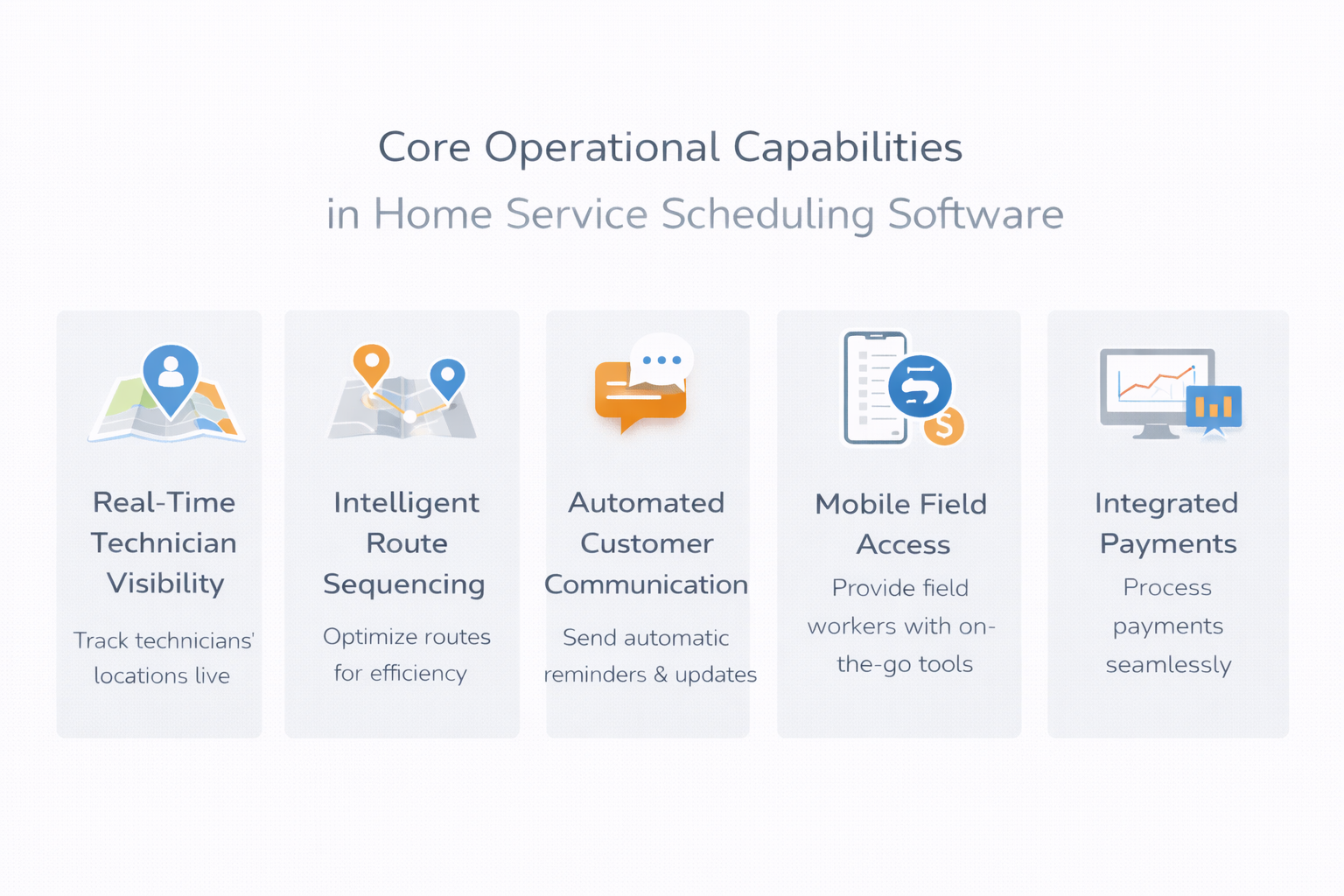
Real-Time Technician Visibility
- Dispatchers need current job stage, estimated completion time, and skill match before every assignment
- Without live status tracking, overlapping jobs and late arrivals become inevitable rather than preventable
Intelligent Route Sequencing
- Effective field service scheduling tools cluster jobs geographically to minimize non-billable drive time while preserving service buffers
- Drive time consistently exceeding 25 to 30 percent of billable hours signals sequencing inefficiency
Automated Customer Communication
- Configurable reminders, two-way confirmation tracking, and real-time arrival alerts remove communication inconsistency entirely
- Customers who receive timely updates are significantly less likely to cancel or call to check technician status
Mobile Field Access
- Technicians must update job status, capture notes, collect signatures, and trigger invoices directly from the job site
- Any step requiring a return to the office adds unnecessary delay to your billing cycle
Integrated Payments
- On-site card processing eliminates the gap between job completion and payment, improving cash flow predictability
- Evaluate transaction fees, payout speed, and reconciliation clarity between your home service scheduling software and accounting systems
Performance Reporting
- Track technician utilization, jobs per day, drive time percentage, and cancellation rate weekly, not monthly
- Without measurable reporting, service business scheduling software decisions remain reactive instead of capacity-driven
Intake Reliability
- Every missed call during peak or after hours routes directly to a competitor, and most customers will not call back
- AI appointment scheduling software answers calls 24/7, qualifies service type, and books into your calendar without staff involvement
Missing even one capability creates compounding gaps across dispatch, billing, and intake.
AI call answering captures and books those service requests before they reach a competitor, protecting booking volume that dispatch tools alone cannot recover.
How to Implement Scheduling Software in Your Business
Implementation succeeds when operational rules are defined before the system is activated. Poor preparation creates confusion blamed on the software.
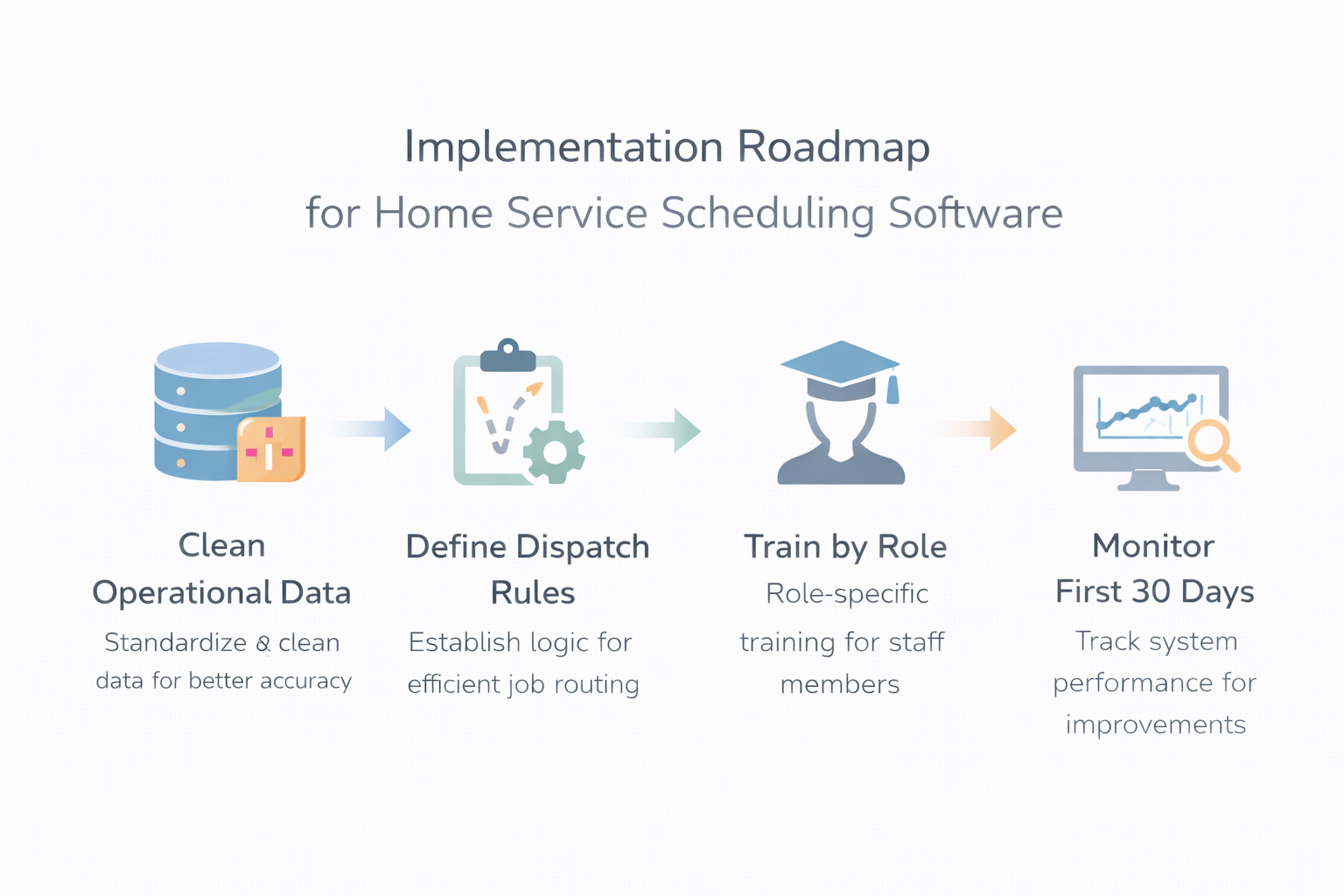
1. Clean Operational Data Before Migration
- Standardize service categories, technician skill tags, job durations, and territory boundaries before importing data into your home service scheduling software
- Remove duplicate customer records and outdated service entries
- Inconsistent historical data transferred into a new system simply reproduces existing confusion at larger scale
2. Define Dispatch Rules Explicitly
- Define travel buffers, emergency override priorities, skill-based assignment logic, and daily job thresholds before activating your service business scheduling software
- If these rules are unclear, the system will compress schedules and overload technicians
- Dispatch logic must be intentional, not left to default configuration
3. Train by Role
- Dispatchers need practice on reassignment workflows and emergency overrides
- Technicians need clarity on mobile updates and invoicing steps using field service scheduling tools
- Managers must interpret utilization and conversion metrics for weekly adjustments
4. Monitor the First 30 Days Closely
- Review metrics weekly, not monthly, using your AI appointment scheduling software dashboard
- Track technician utilization, drive time, booking conversion, call answer rate, and cancellation percentage
- If dispatch metrics improve but booking conversion remains low, upstream intake consistency requires reinforcement
Successful implementation aligns intake, dispatch, routing, and billing into one measurable workflow.
Conclusion
The right service business scheduling software increases dispatch accuracy and technician utilization when aligned with measurable operational gaps.
Scheduling efficiency begins after a confirmed booking. If inbound calls are inconsistent, capacity is constrained before dispatch optimization can create impact.
Aligning structured scheduling with reliable AI intake strengthens the entire service workflow.