
Efficiency is a critical asset for organizations operating with limited staff and tight budgets. Implementing the best nonprofit appointment scheduling software allows organizations to transition from manual coordination to automated systems that manage volunteer shifts, donor meetings, and community outreach.
By streamlining these administrative tasks, nonprofit leaders can redirect their focus toward mission-critical activities and community impact.
Top Nonprofit Appointment Scheduling Software: Quick Comparison Table
Best Nonprofit Appointment Scheduling Software
Selecting the right nonprofit scheduling software requires a balance between functionality and cost-effectiveness. Below are the top tools currently used to facilitate appointment booking software for nonprofits.
1. GoodCall (AI Scheduling Software)
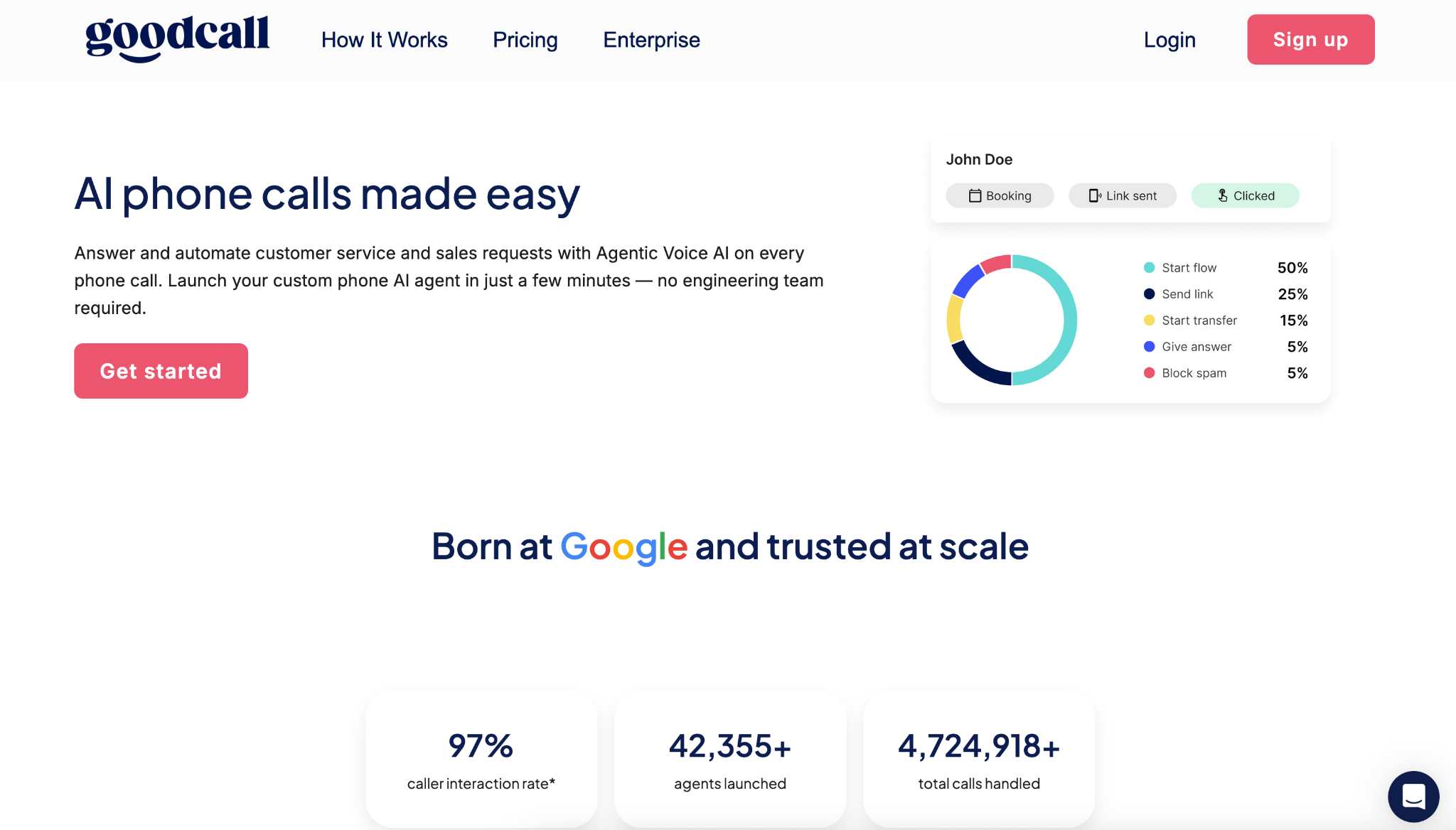
GoodCall represents the next generation of volunteer appointment scheduling tools. Unlike traditional link-based systems, our AI scheduling software answers phone calls 24/7, handles natural language inquiries, and books appointments directly into the calendar.
- Best For: Nonprofits that receive a high volume of community calls and inquiries.
- Pricing: $79/month for the Starter Plan, $129/month for Growth, $249/month for Scale.
- Free Plan Availability: Not available; Free trial available for all plans.
Key Features:
- 24/7 AI Receptionist: Ensures that community members and donors are always met by a helpful voice, even after hours.
- Conversational Booking: Handles complex phone inquiries and books appointments directly into your existing calendar (Google, Outlook, etc.).
- Instant Lead Capture: Automatically logs caller data, ensuring that no potential volunteer or donor is lost to a voicemail.
- Multi-Language Support: Bridges communication gaps by responding to callers in their preferred language.
2. Calendly
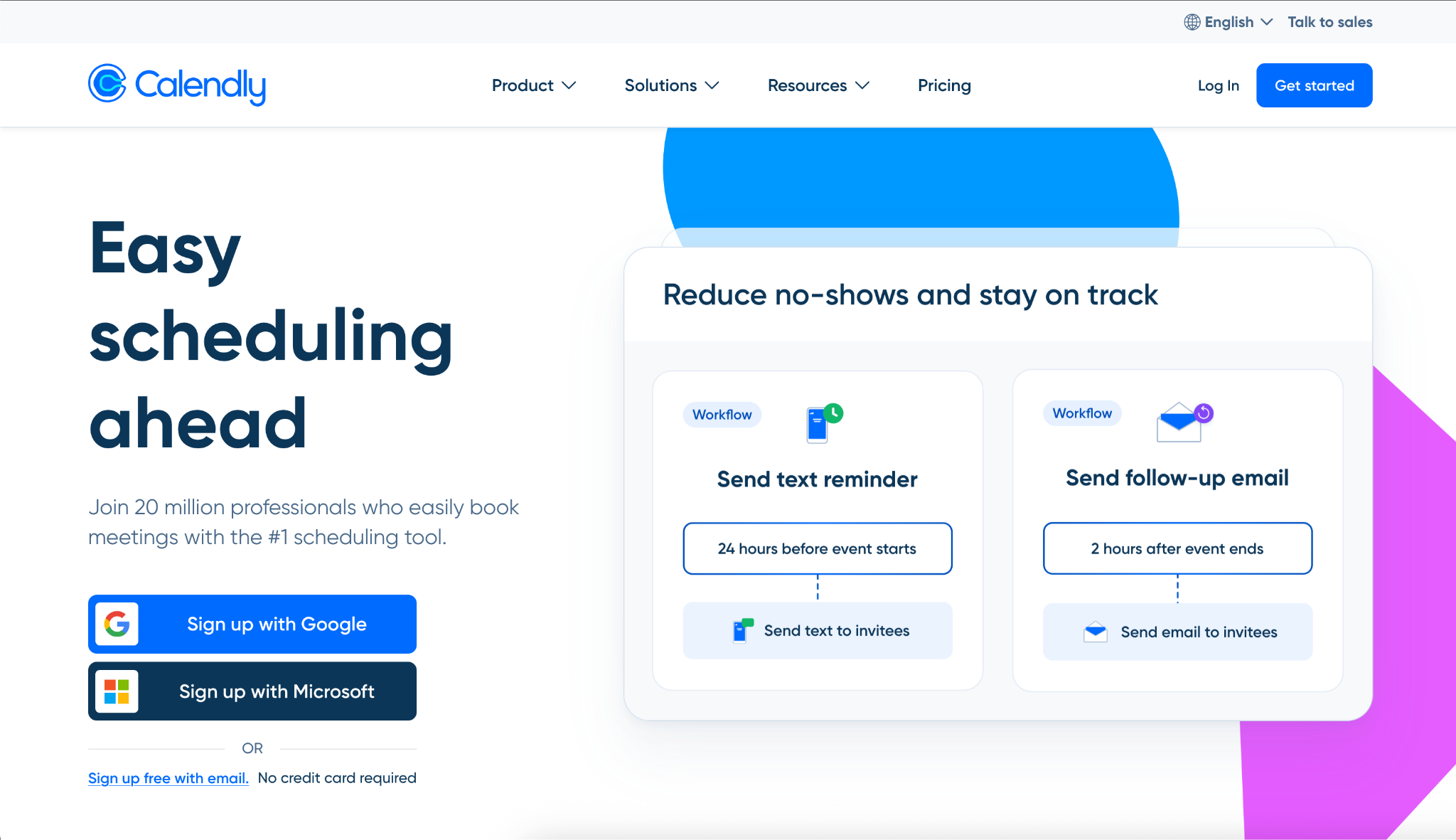
Calendly is an industry leader for professional service coordination. It excels as a nonprofit calendar management tool because of its simplicity and deep integration with existing email suites.
- Best For: Coordinating 1-on-1 donor discovery calls and board meetings.
- Pricing: Standard starts at $12/user/month, Teams at $20/user/month, Enterprise Plan for $15k/year.
- Free Plan Availability: Free basic version available; discounted plans are often available for registered 501(c)(3) organizations.
Key Features:
- Collective Scheduling: Allows multiple team members to be pooled into one booking link for board or donor committees.
- Round-Robin Assignment: Automatically distributes volunteer intake or counseling sessions among available staff.
- Automated Workflows: Sends customized thank-you notes or follow-up materials immediately after a meeting concludes.
- Custom Link Branding: Removes friction by providing professional, branded links for high-value stakeholders.
3. SimplyBook.me
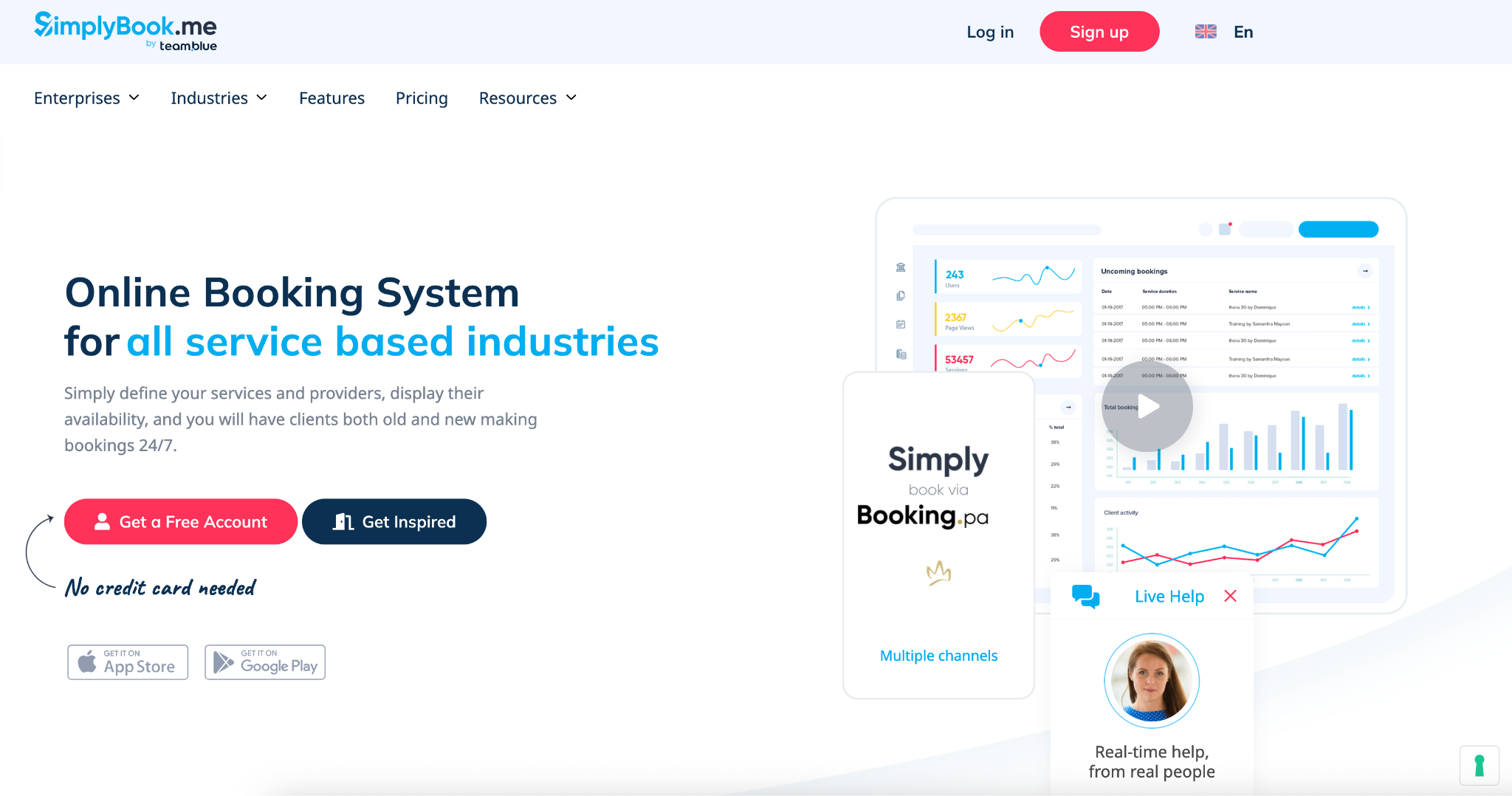
This platform is a comprehensive online appointment scheduling software for nonprofits that require a public-facing booking website. It supports various service types and can handle high-volume community events.
- Best For: Community service providers and counseling centers.
- Pricing: Starts at $14/month with a free tier for small organizations. Standard plan at $30/month, Premium at $60/month.
- Free Plan Availability: Available with limited features; free trial also available for paid plans.
Key Features:
- Custom Booking Website: Provides a dedicated portal where community members can view available services and events.
- Membership Management: Tracks recurring volunteers or regular beneficiaries through a secure member database.
- Class & Event Booking: Ideal for coordinating workshops, food bank distributions, or community training sessions.
- Promotion & Coupon System: Allows nonprofits to offer "zero-cost" tickets or special access codes for specific outreach programs.
4. Acuity Scheduling (by Squarespace)
Acuity is the preferred choice for organizations that need to collect detailed information at the time of booking. It is effectively an appointment booking for small business hybrid that adapts well to the nonprofit sector.
- Best For: Organizations requiring HIPAA compliance or complex intake forms.
- Pricing: Starts at $20/month (Starter), Standard at $34/month, Premium at $61/month.
- Free Plan Availability: Not available; Free trial is available for paid plans.
Key Features:
- Advanced Intake Forms: Collects critical data, files, and digital signatures at the moment of booking to ensure staff are prepared.
- HIPAA Compliance: Offers necessary security standards for nonprofits providing health, counseling, or social services.
- Gift Certificates & Subscriptions: Facilitates the sale of workshop passes or "experience" donations for fundraising events.
- Payment Integration: Seamlessly connects with Stripe or PayPal to collect registration fees or suggested donations upfront.
How to Choose the Right Scheduling Software for Your Nonprofit
A successful implementation of nonprofit scheduling software depends on aligning the tool with your specific operational bottlenecks.
- Volunteer vs. Donor Focus: If your primary need is volunteer appointment scheduling tools, prioritize platforms with self-service portals. If the focus is on high-value donors, prioritize tools with clean, professional interfaces.
- Ease of Integration: Ensure the tool functions as a nonprofit CRM with appointment scheduling software, syncing data directly into systems like Salesforce, Bloomerang, or HubSpot.
- Budget Constraints: Many providers offer free appointment scheduling software for nonprofits or significant discounts for verified organizations. Always inquire about nonprofit-specific pricing.
- Security and Compliance: If you are handling sensitive community data, look for platforms that offer HIPAA compliance or advanced encryption.
How Appointment Scheduling Impacts Donor Conversion Rates
Friction in the booking process is a primary deterrent for potential donors. Implementing professional appointment scheduling software for business use cases, even within a nonprofit context removes the barriers to entry for high-stakes meetings.
- Speed to Lead: Donors are most likely to commit when their interest is at its peak. Providing an instant booking link ensures you capture that intent immediately.
- Professionalism: A streamlined booking experience signals organizational competency, increasing donor trust.
- Automated Reminders: Reducing "no-show" rates for donor tours or meetings ensures that your fundraising team's time is utilized efficiently.
Must-Have Features in Nonprofit Scheduling Software
To qualify as top appointment scheduling software for the social sector, the tool should include the following:
- Automated Reminders: SMS and email notifications to keep volunteers and donors accountable.
- Two-Way Calendar Sync: Integration with Google, Outlook, and iCal to prevent scheduling conflicts across the organization.
- Volunteer Portals: Self-service areas where volunteers can manage their own shifts and commitments.
- Mobile Accessibility: An interface that works seamlessly on mobile devices for staff in the field and community members on the go.
- Drag-and-Drop Calendar: A top appointment scheduling software with drag and drop calendar interface allows staff to adjust schedules quickly as community needs shift.
Free vs Paid Scheduling Tools for Nonprofits
While free appointment scheduling software for nonprofits provides an accessible entry point, paid versions are designed to eliminate the logistical friction that occurs as an organization scales.
When to Use Free Nonprofit Scheduling Tools
Free plans are best for small teams or solo founders who need basic digital booking without overhead.
- Low Volume: You handle fewer than 15-20 bookings per month.
- Single User: Only one calendar needs to be synced (typically Google or Outlook).
- Basic Needs: You do not require automated SMS reminders or pre-appointment intake forms.
- Manual Tracking: You are comfortable manually logging attendee data into your donor database.
When to Upgrade to a Paid Nonprofit Plan
A paid subscription is a "productivity multiplier" that allows you to scale community impact without adding staff.
- No-Show Prevention: Paid tiers unlock automated SMS notifications, which are 4x more effective than email at ensuring volunteer and donor attendance.
- Team Scaling: You need "round-robin" features to distribute donor tours or counseling sessions fairly among multiple staff members.
- CRM Automation: Professional tiers allow your tool to function as a nonprofit CRM with appointment scheduling software, syncing every booking directly with Salesforce or Zapier.
- Brand Trust: Removing the "Powered by [Software]" watermark ensures a professional appearance for high-value stakeholder meetings.
Final Thoughts
Nonprofit organizations often operate with the lean efficiency of a startup, making the appointment scheduler for small business model highly applicable.
While tools like Calendly or Acuity offer robust digital portals, many nonprofits find that the phone remains a primary communication channel for their community. This is where GoodCall provides a unique advantage.
By implementing GoodCall’s AI receptionist, nonprofits can ensure that no call goes unanswered. Our AI scheduling software captures community inquiries, manages volunteer sign-ups, and books donor meetings 24/7, even when the office is closed or the staff is in the field - bridging the gap between a ringing phone and a booked calendar.