RingCentral can help your team manage calls, messages, and customer conversations. The gap often starts after the call begins. A customer wants to book, reschedule, or confirm a time, and your agent has to switch tools to finish the job.
The best appointment scheduling solutions for RingCentral contact center help turn those conversations into booked appointments with less manual work.
Some tools give you simple booking links. Others support service scheduling, team calendars, or AI-led appointment intake. This guide compares the best options, so you can choose the right fit for your contact center workflow.
Why RingCentral Contact Center Users Need Appointment Scheduling Software?
RingCentral contact center helps teams manage customer conversations. Appointment scheduling software helps turn those conversations into clear next steps.
Without a scheduling workflow, agents may need to move between call notes, calendars, CRMs, and booking tools during the same conversation. That slows the call and creates room for missed details.
This matters most when customers call to:
- Book a consultation, demo, repair, or service visit
- Reschedule an existing appointment
- Confirm time, location, or staff availability
- Request a callback from the right department
- Share details that need to be added before booking
A good scheduling setup helps agents work faster and gives callers a smoother experience. It can also support after-hours appointment requests, which is useful when your team cannot answer every call live.
For teams with high call volume, AI phone answering can add another layer of support. Goodcall, for example, can help capture appointment requests, collect caller details, and route the next step around your existing call workflows.
The goal is simple: fewer manual scheduling steps, cleaner handoffs, and more appointment-ready conversations.
Also Read: AI Voice Agent for Appointment Booking
Best Appointment Scheduling Solutions For RingCentral Contact Center
The best solution should match how your team books appointments during and after customer calls. Some contact centers only need a booking link. Others need an AI layer that can answer calls, capture details, route requests, and support scheduling when agents are unavailable.
For RingCentral users, the strongest fit is usually a tool that works around live conversations, not only website forms.
1. Goodcall – Best For AI Phone Answering And Appointment Scheduling Requests
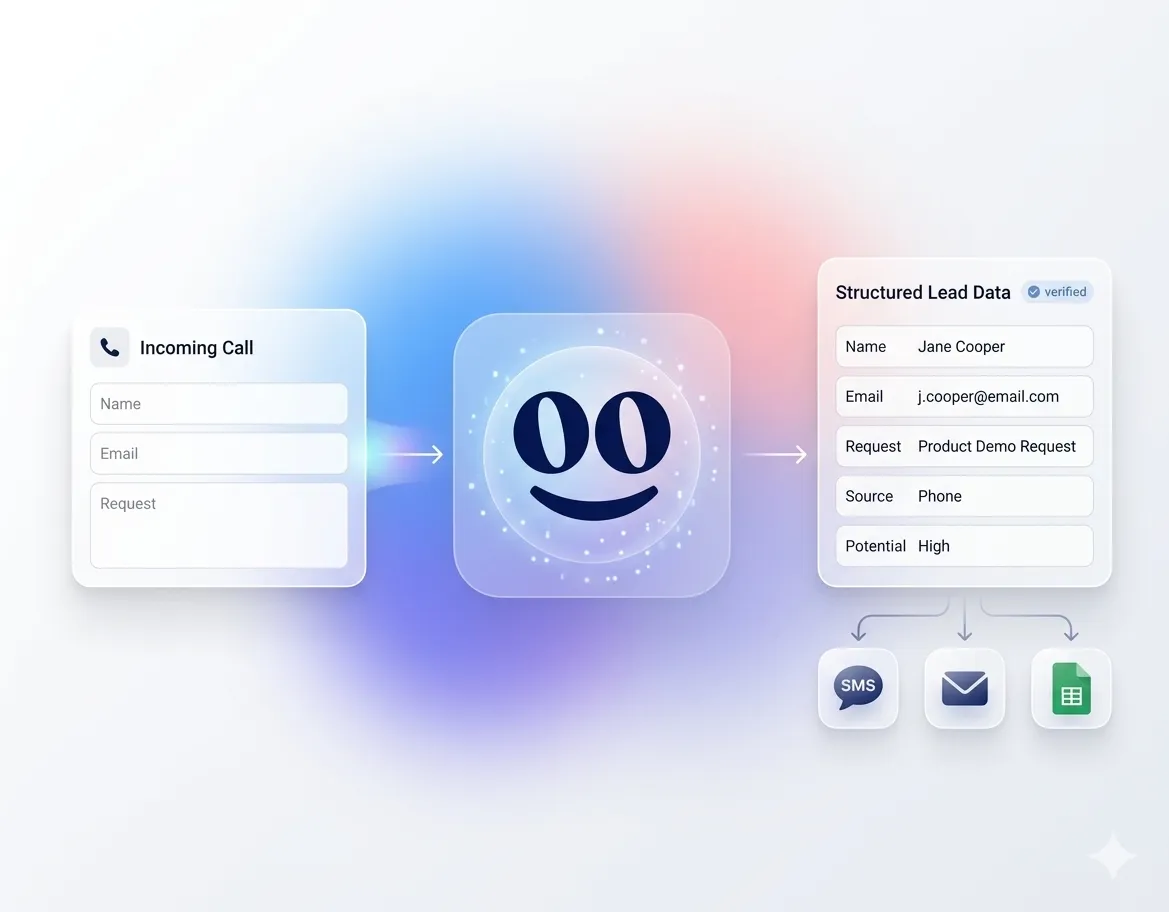
Goodcall is the strongest option for RingCentral contact center teams that want appointment scheduling to start inside the phone conversation. It is built for businesses that need AI to answer calls, collect details, handle routine requests, and move callers toward the right next step.
This matters in a contact center because scheduling is rarely a single click. A caller may need to explain the issue, confirm account details, choose a department, ask a question, or request a callback before an appointment can be booked.
Features
- AI phone answering for inbound appointment requests
- Caller detail capture before routing
- Custom logic flows for different departments or call types
- Lead and inquiry capture for sales or service teams
- Call routing, transfers, and fallback options
- Calendar and CRM workflow support
- Call analytics and customer history
- Conditional call forwarding from existing numbers
RingCentral Integration
GoodCall integrates seamlessly with RingCentral to provide 24/7 AI-powered phone agents and virtual receptionists.
GoodCall assigns your business a unique local-area-code number. You configure RingCentral's conditional call forwarding so that when your team is busy or after hours, calls route to your GoodCall AI agent.
Best For
Goodcall is best for contact centers that need an AI appointment scheduling software layer for inbound calls. It is especially useful when your team wants to capture appointment requests before, after, or alongside live agent availability.
Pricing
Goodcall’s public monthly pricing includes:
- Starter: $79 per month, per agent
- Growth: $129 per month, per agent
- Scale: $249 per month, per agent
- Enterprise: Custom pricing
Goodcall is the best fit when your RingCentral appointment scheduling software needs to handle real phone conversations, not only send customers to a booking page.
2. Calendly
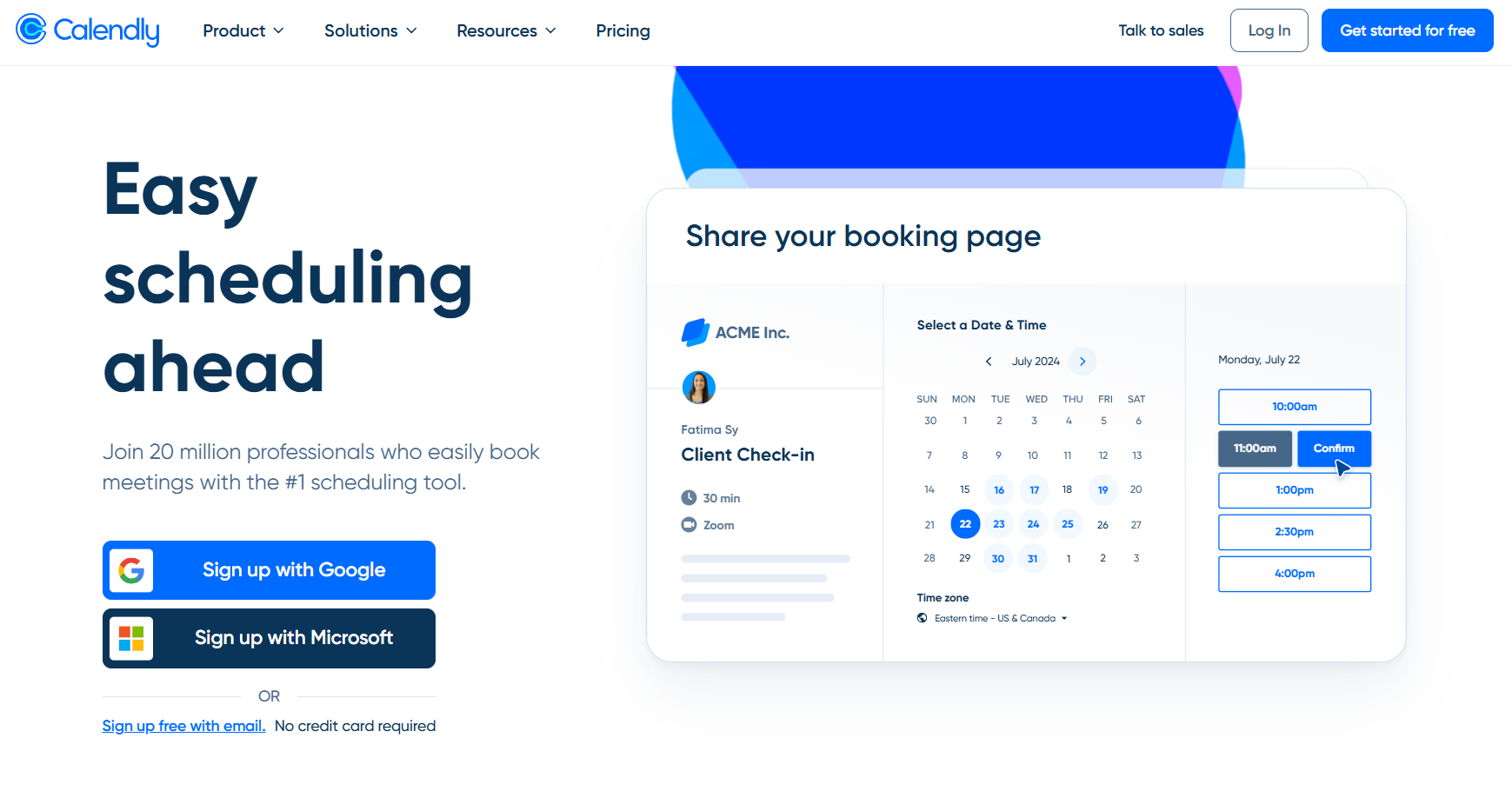
Calendly is a good fit when your RingCentral team needs clean booking links, not complex call handling. Agents can send a scheduling link during or after a call, and customers can choose a time based on live availability.
Features
- One-on-one and team scheduling
- Calendar availability rules
- Automated reminders and follow-ups
- Routing forms on higher plans
- Website embeds and booking links
RingCentral Integration
RingCentral’s AI Receptionist now supports Calendly for booking, rescheduling, and canceling appointments through existing Calendly workflows.
Best For
Calendly works best for teams that need simple appointment booking software for contact centers. It is less suited when callers need an AI agent to collect context before booking.
Pricing
- Free
- Standard: $10 per seat per month, billed annually
- Teams: $16 per seat per month, billed annually
- Enterprise: Starts at $15,000 per year
Calendly is strong for booking links, but Goodcall is stronger when scheduling starts with a live phone request.
Also Read: Best Answering Services for Property Management
3. Setmore
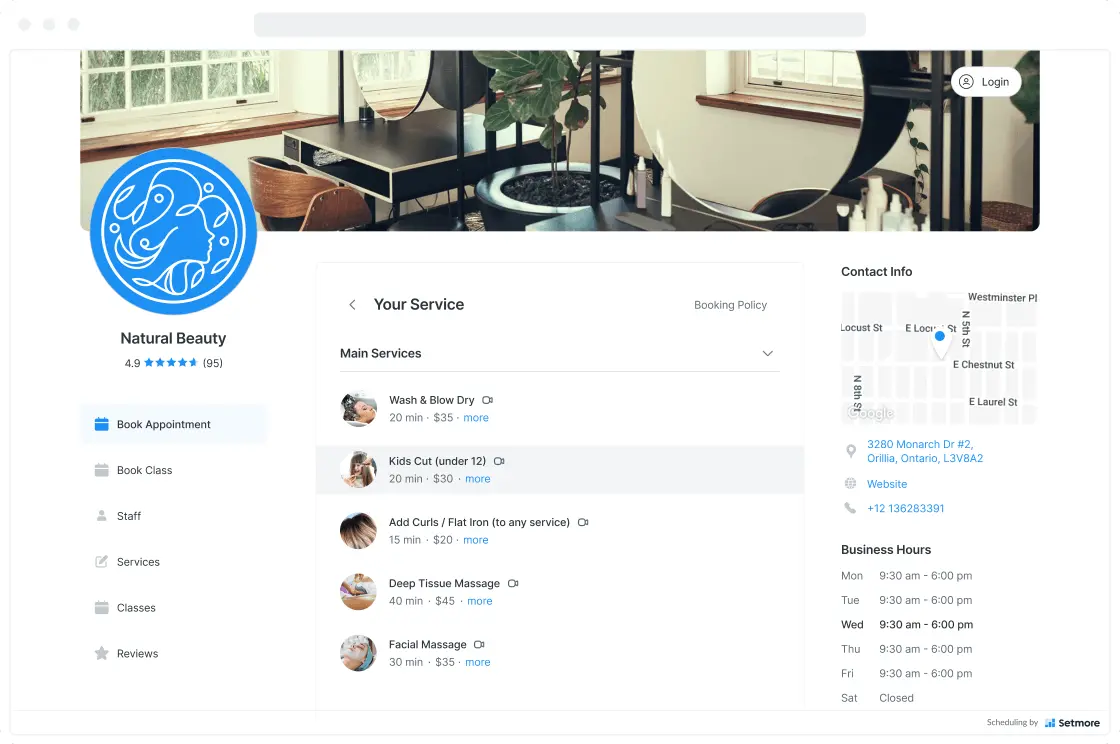
Setmore is useful for small teams that want online booking pages, reminders, and basic appointment management. It gives customers a simple way to book services without waiting for an agent.
Features
- Online booking page
- Email and SMS reminders
- Calendar sync
- Staff scheduling
- Payments
- Mobile apps
RingCentral Integration
Setmore can connect with RingCentral through Zapier workflows. This can help teams automate basic actions between calls, contacts, bookings, and follow-ups.
Best For
Setmore fits small teams that need a lightweight, automated appointment booking system. It is not the strongest fit for enterprise appointment scheduling tools or AI-led contact center scheduling automation.
Pricing
- Free
- Pro: Starts at $5 per user per month
- Team: Starts at $5 per user per month
- Custom options are available for larger organizations
Setmore works well for simple booking pages, while Goodcall is better when your team needs AI to manage appointment requests by phone.
4. Acuity Scheduling
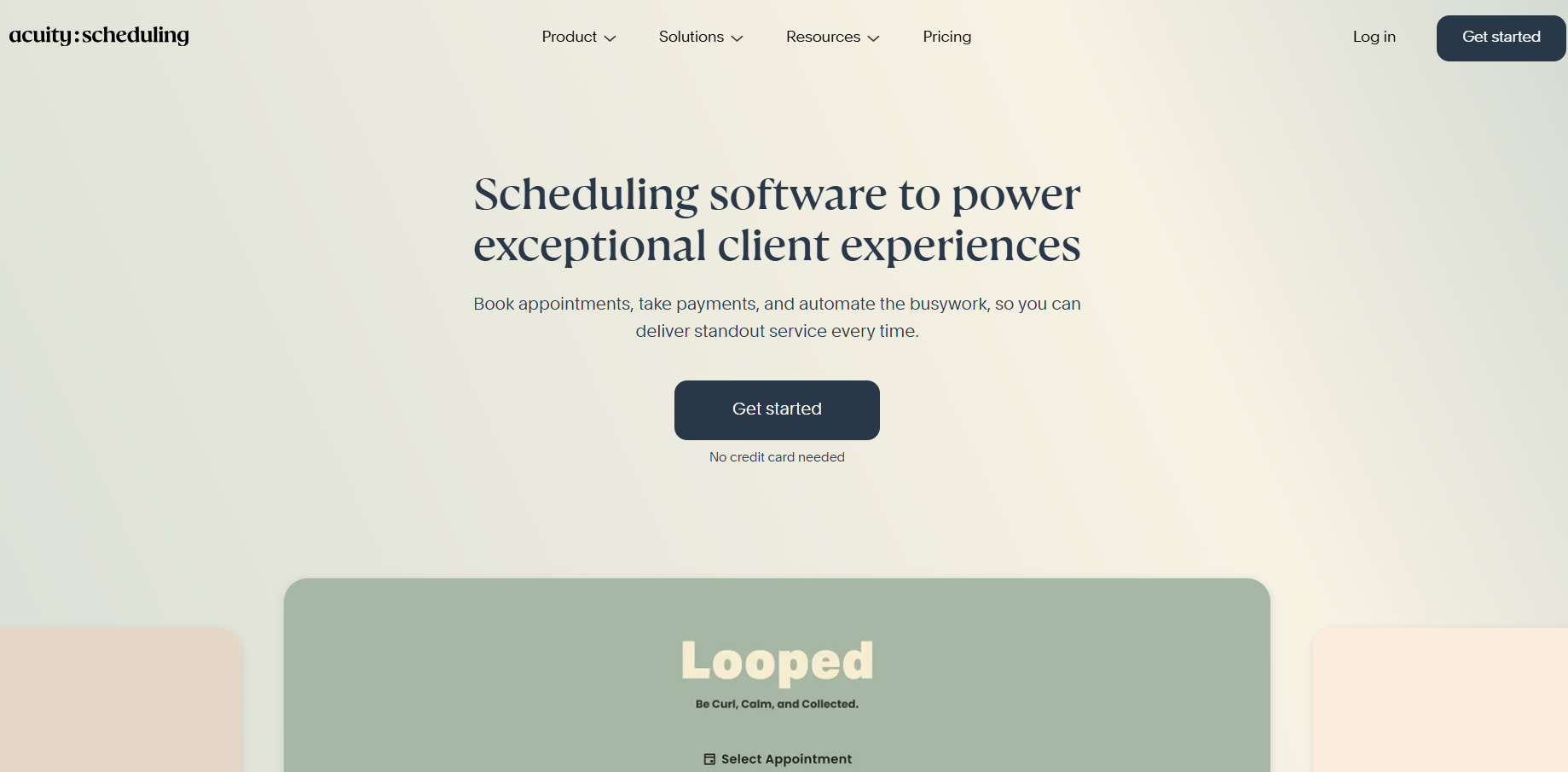
Acuity Scheduling is a strong option for service teams that need booking pages with intake forms, payments, packages, and reminders. It is useful when agents need to send customers to a structured booking page after a RingCentral call.
Features
- Custom booking pages
- Client intake forms
- Calendar sync
- Automated reminders
- Payment collection
- Packages, memberships, and subscriptions on higher plans
RingCentral Integration
Teams can connect workflows through third-party tools, APIs, calendar workflows, or RingCentral apps such as SendIt, which can work with Acuity calendars for SMS scheduling and appointment reminders.
Best For
Acuity is best for service businesses that need a detailed intake before appointments. It is less focused on call center appointment software and AI phone scheduling.
Pricing
- Emerging: $16 per month, billed annually
- Growing: $27 per month, billed annually
- Powerhouse: $49 per month, billed annually
- Monthly billing is available at higher rates
Acuity is useful for structured booking pages, but Goodcall fits better when appointment intake needs to happen during inbound calls.
5. SimplyBook.me
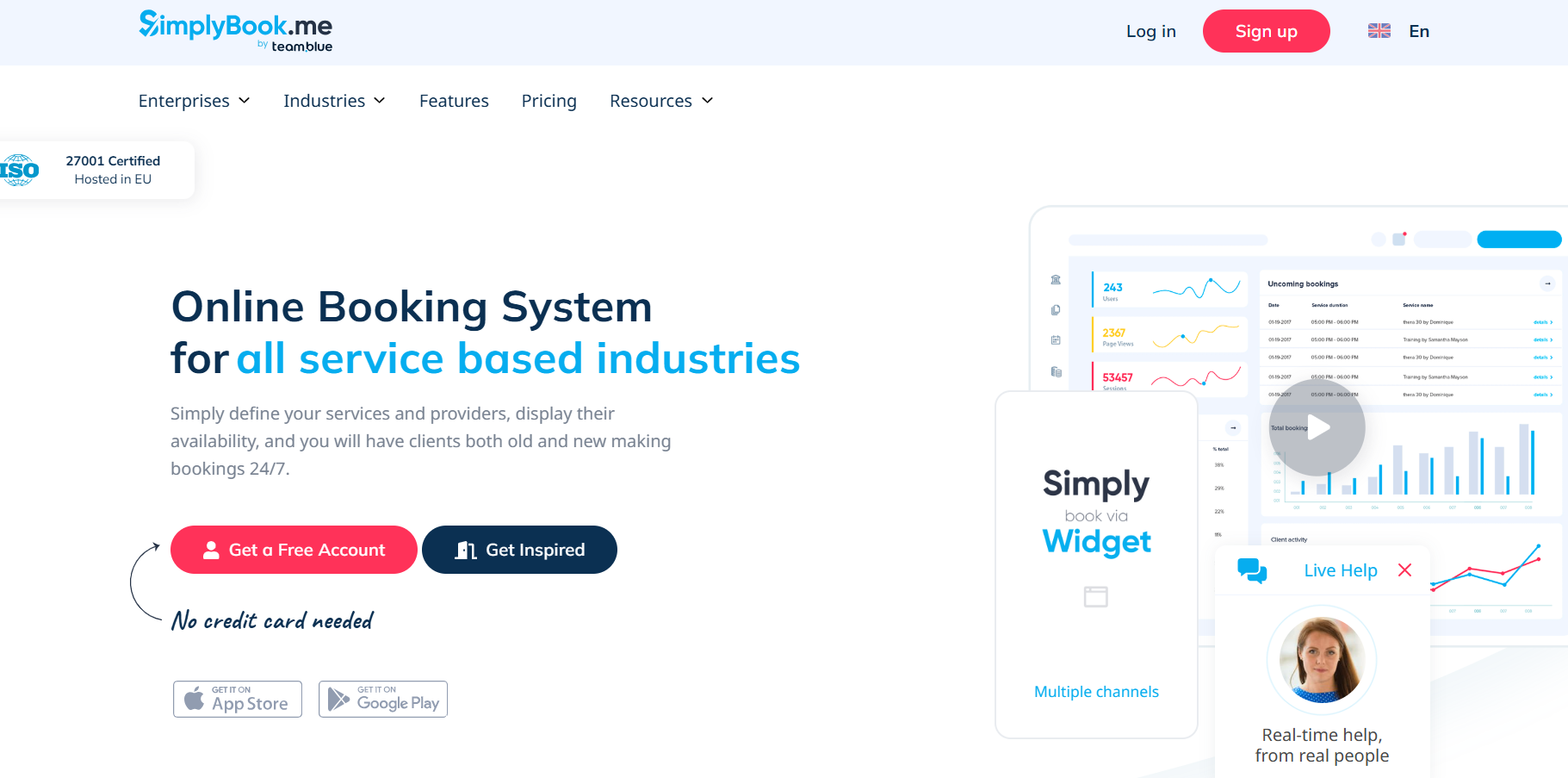
SimplyBook.me works well for teams that manage many service types, locations, or booking rules. It gives customers a booking website or widget, plus reminders, payments, and client-facing booking options.
Features
- Booking website and website widget
- Multi-service appointment booking
- Email, SMS, WhatsApp, and Telegram notifications
- Payment support
- Client app and admin app
- Custom features for advanced workflows
RingCentral Integration
Teams can connect workflows through APIs, Zapier-style automation, or booking links shared by agents after a call. RingCentral also supports Zapier workflows for communications events, such as voice and SMS activity.
Best For
SimplyBook.me fits service teams that need flexible booking pages and customer portals. It may feel broad if your main need is phone-first contact center scheduling automation.
Pricing
- Free: 50 bookings per month
- Basic: $11.90/month
- Standard: $24.90/month
- Premium: $49.90/month
SimplyBook.me is flexible for online booking, while Goodcall is stronger when the appointment request starts during an inbound call.
Also Read: Top 6 Automotive Appointment Scheduling Software Solutions
6. Bookafy
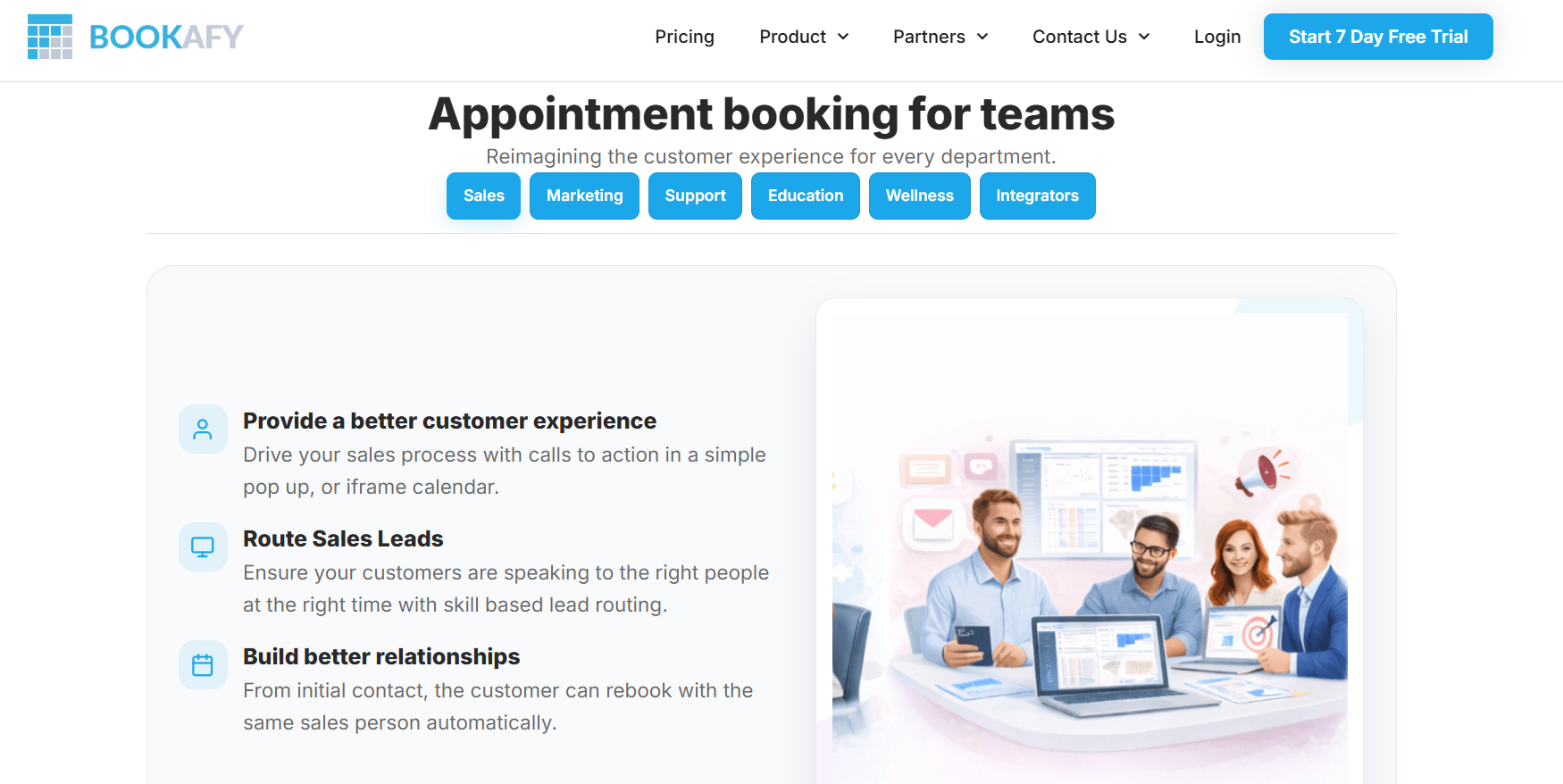
Bookafy is useful for teams that schedule meetings, classes, interviews, and group sessions. It can support appointment pages, calendar connections, reminders, and team-based booking workflows.
Features
- One-on-one and group scheduling
- Class and event scheduling
- Calendar sync
- Email and SMS reminders
- Booking pages
- Team scheduling controls
RingCentral Integration
Bookafy can connect with other business tools through Zapier. This gives RingCentral users a possible automation path when they want to move appointment data between Bookafy and communication workflows.
Best For
Bookafy works best for teams that schedule meetings, classes, or group-based appointments. It is less focused on AI-led call center appointment software.
Pricing
Bookafy publishes three main pricing tiers:
- Free: $0 per user per month
- Pro: $7 per user per month, billed yearly
- Pro+: $11 per user per month, billed yearly
- Enterprise: Custom quote for organizations with 100+ employees or custom needs.
Also Read: Best Voice AI API for Outbound and Inbound Calling
How AI Appointment Scheduling Is Transforming Contact Centers?
AI appointment scheduling software is changing how contact centers handle routine booking requests.
Instead of making every caller wait for an available agent, AI can collect key details, understand the request, and guide the caller toward the right next step.
This is useful when customers call to book, reschedule, confirm, or ask basic appointment questions. AI can support the first layer of scheduling before an agent gets involved.
For contact centers, AI can help with:
- Appointment Intake: Capture caller name, contact details, reason for calling, and preferred time.
- Call Routing: Send complex requests to the right team or department.
- After-Hours Coverage: Capture appointment requests when agents are unavailable.
- Follow-Up Support: Pass appointment details into connected workflows for review or confirmation.
- Agent Relief: Reduce repetitive calls that do not need a full live-agent conversation.
Goodcall fits this shift because it focuses on phone-based appointment intake. That matters for RingCentral users who want more than a link-based booking process.
AI does not replace every agent-led scheduling task. It helps your team handle routine requests faster and reserve agent time for calls that need judgment.
Also Read: Best Voice AI Platform for Customer Support to Improve Call Efficiency
Benefits Of Integrating Appointment Scheduling Software With RingCentral Contact Center
RingCentral helps manage customer conversations. Appointment scheduling software helps turn those conversations into booked outcomes.
When both workflows connect well, your team can reduce friction during and after calls.
The biggest benefits include:
- Fewer Manual Scheduling Steps: Agents spend less time checking calendars, collecting details, and sending follow-up messages.
- Cleaner Agent Workflows: A connected scheduling process helps agents move from conversation to the next step without switching across too many tools.
- Faster Appointment Confirmation: Customers can book or confirm time slots sooner, especially when booking links or AI intake support the process.
- Better Call-To-Booking Visibility: Teams can track which calls turn into appointments, callbacks, demos, or service visits.
- Improved Customer Experience: Callers get clearer next steps instead of waiting for a later response.
- More Consistent Follow-Up: Reminders, routing, and workflow automation help reduce missed confirmations and delayed callbacks.
- Less Pressure During Peak Call Periods: AI and automated booking tools can help handle routine requests when agents are busy.
Goodcall is strongest when your team wants appointment intake to happen through the phone conversation itself. Other tools may be better when you only need online booking pages, calendars, or service forms.
Final Verdict
The Best Appointment Scheduling Solutions for RingCentral Contact Center depend on how your team handles appointment requests.
Choose Goodcall if calls are your main scheduling channel. It is the strongest fit when you need AI phone answering, appointment intake, caller detail capture, and routing around your RingCentral workflows.
If your team wants to capture more appointment requests from inbound calls, Goodcall can help you add AI phone answering and scheduling support around your RingCentral workflows.