
Every missed meeting is a missed opportunity. For startups, where every sales call, demo, and onboarding session counts, manual scheduling creates friction that costs real revenue. When your team is small and moving fast, time spent chasing confirmations and managing calendars is time not spent growing the business.
The right startup scheduling software eliminates that friction entirely. This guide covers why appointment scheduling matters for startups, what features to prioritize, and the best appointment scheduling tools available in 2026.
Why Startups Need Appointment Scheduling Software
Startups need appointment scheduling software because manual coordination slows down sales cycles, lets leads go cold, and consumes team time that should go toward building the business.
Here is what manual scheduling costs startups:
- Lost leads: Prospects who cannot book instantly often do not come back. Automated booking software removes the waiting and captures intent at the right moment.
- No-shows: Without automated reminders, no-show rates climb. SMS and email reminders reduce no-shows by up to 30%, directly protecting revenue.
- Wasted team time: Coordinating schedules manually pulls founders and reps away from higher-value work. A business appointment booking system handles this automatically.
- Inconsistent experience: Every manual scheduling interaction varies. Software delivers a consistent, professional experience from the first booking.
- Scaling bottlenecks: As meeting volume grows, manual scheduling cannot keep up. An online scheduling platform scales with the team without additional overhead.
For startups building toward product-market fit, appointment scheduling software is one of the highest-leverage operational tools available.
Best Startup Appointment Scheduling Software Compared
Here are the six best tools for startups in 2026, each suited to a different stage and operational need.
1. Goodcall: Best for AI-Powered Phone Booking
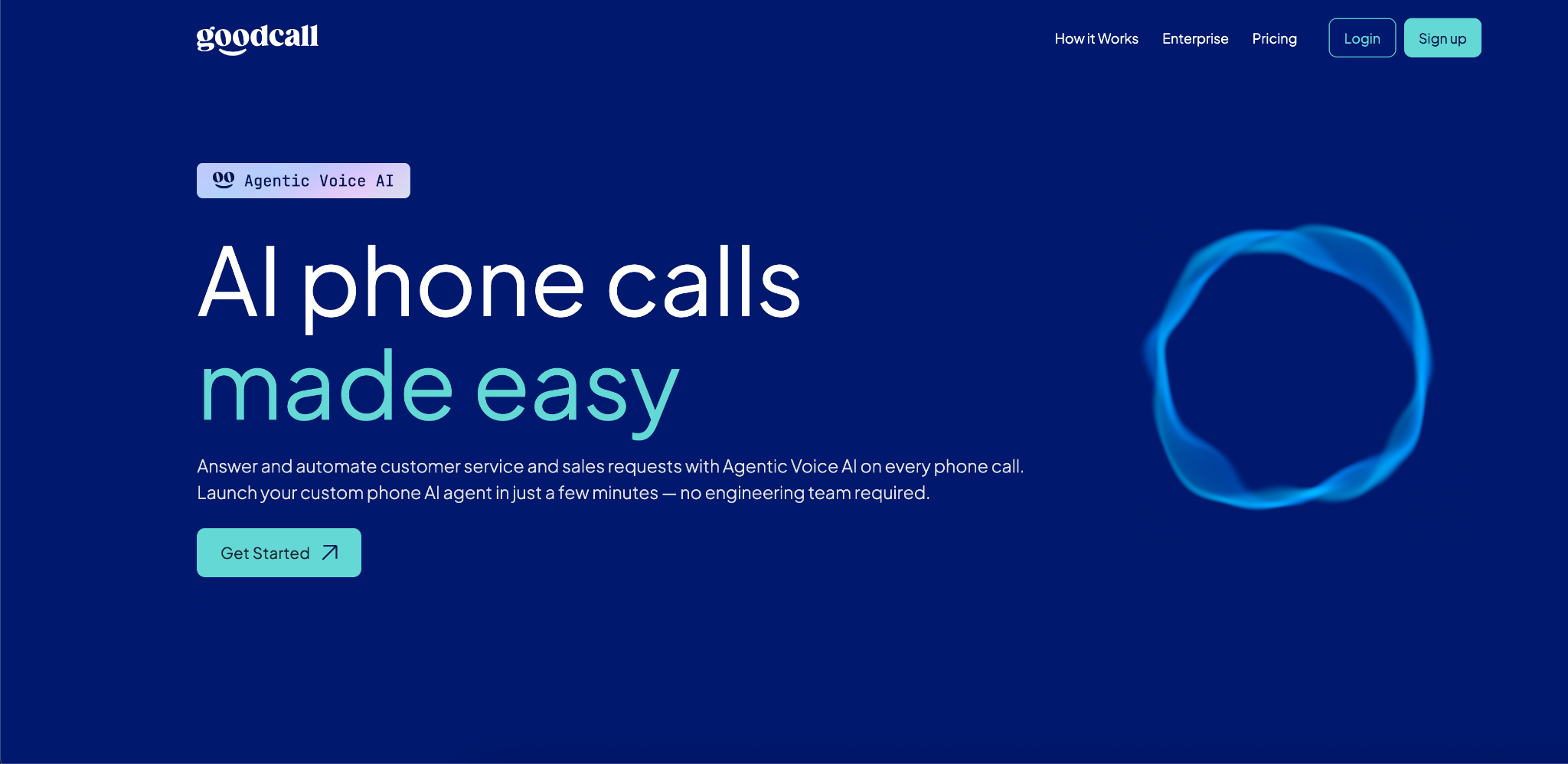
Goodcall is an AI phone agent that answers inbound calls, books appointments automatically, and handles customer questions in real time without a human receptionist.
While most startup automation tools focus on web-based booking, Goodcall captures demand at the phone call, which is where a significant share of service and sales inquiries actually begin. For startups running lean teams, Goodcall means no call goes unanswered and no booking opportunity is missed, even outside business hours.
Key Features:
- AI voice agent handles inbound calls and books appointments 24/7.
- Real-time CRM sync and automated lead capture on every call.
- Call analytics dashboard tracking bookings, caller behavior, and outcomes.
- Automated confirmations and follow-up messages.
- No-code setup operational the same day.
Integrations: Salesforce, HubSpot, Google Calendar, Zapier, GoHighLevel.
Pros:
- Captures bookings from phone calls that would otherwise go to voicemail.
- No-code setup which is operational within hours.
- Works 24/7 without additional staffing cost.
Cons:
- Focused on phone-based booking; best paired with a web scheduling tool for full coverage.
Pricing: $79/month for the Starter Plan, $129/month for Growth, $249/month for Scale.
2. Calendly: Best for Fast Team Setup and Meeting Routing
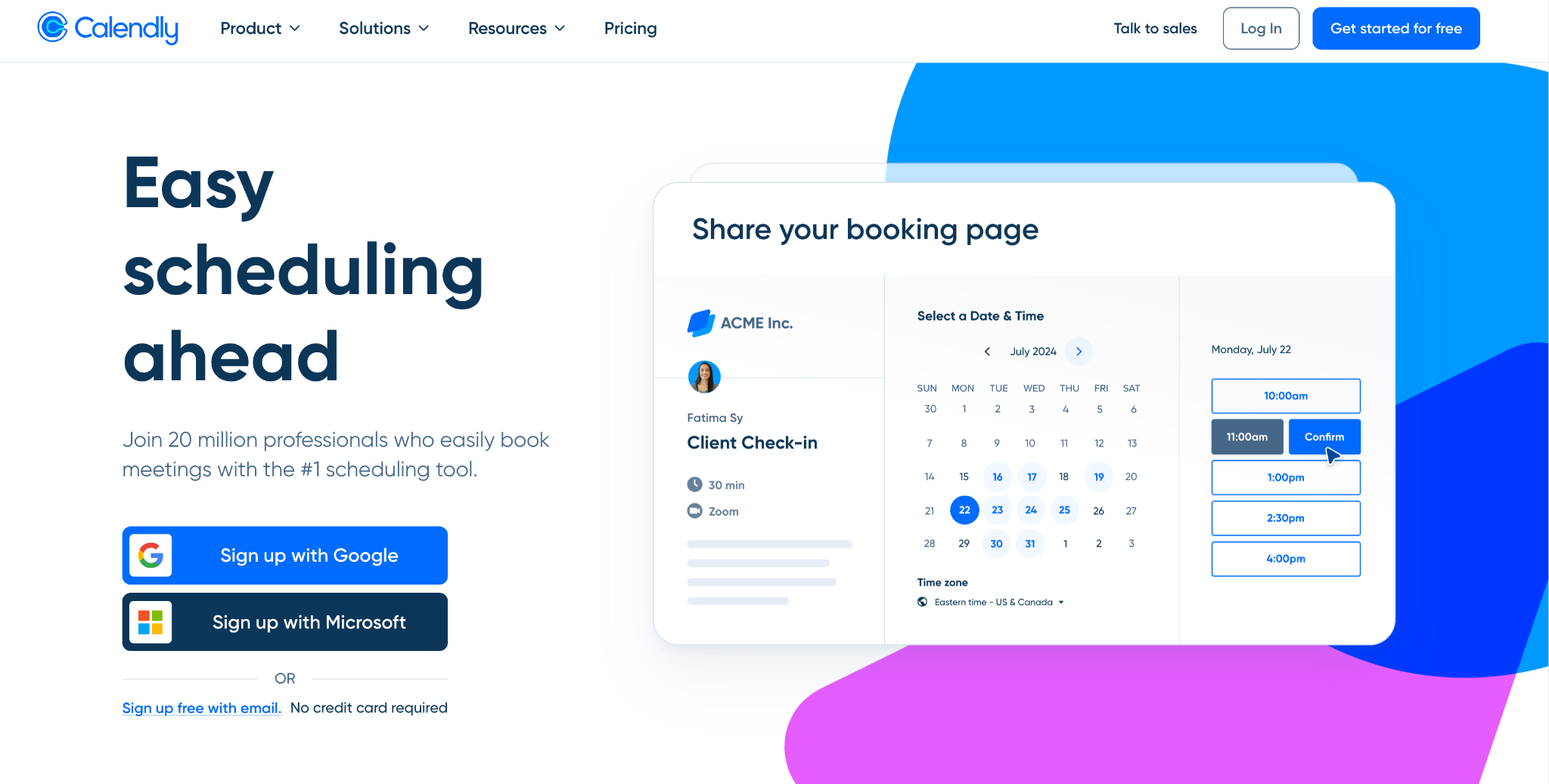
Calendly is the most widely recognized AI appointment scheduling software for teams that need a fast, reliable booking link. Startups use it to automate demo scheduling, sales calls, interviews, and onboarding sessions without back-and-forth emails.
The Teams plan adds round-robin routing and Salesforce integration, making it a strong choice for growing revenue teams managing high meeting volumes.
Key Features:
- Shareable booking links with automatic time zone detection.
- Round-robin and collective scheduling for teams.
- Routing forms to send prospects to the right rep.
- Automated SMS and email reminders.
- Embeddable booking widget for websites and landing pages.
Integrations: Salesforce, HubSpot, Zoom, Google Calendar, Outlook, Stripe, PayPal, Zapier, Mailchimp.
Pros:
- Fastest setup on this list, shareable booking link ready in minutes.
- Strong team routing and round-robin scheduling on the Teams plan.
- Wide integration library covering CRM, payments, and video tools.
Cons:
- Per-seat pricing scales up quickly for larger teams.
- Free plan limited to one event type, which restricts early-stage use.
Pricing: Free plan available (1 event type). Standard plan starts at $12/user/month, Teams at $20/user/month.
3. Acuity Scheduling: Best for Service-Based Startups
Acuity Scheduling is built for startups that sell time-based services like coaching, consulting, wellness, legal, and similar businesses where the booking process needs to collect client information, confirm payment, and manage recurring sessions.
It goes deeper than most online scheduling platforms on client intake, payment processing, and booking logic, making it the strongest choice for service-driven operations.
Key Features:
- Custom intake forms to collect client information before appointments.
- Built-in payment processing with deposits, packages, and memberships.
- Recurring appointment support and subscription management.
- Automated reminders and follow-up sequences by appointment type.
- Branded booking pages with custom CSS control.
Integrations: Stripe, Square, PayPal, Authorize.net, Google Calendar, Outlook, Zoom, Zapier, Squarespace.
Pros:
- Best-in-class payment processing with deposits, packages, and memberships built in.
- Deep intake form customization helps qualify clients before appointments.
- Strong fit for service-based startups with recurring booking needs.
Cons:
- No free plan, cost starts from day one.
- Can feel feature-heavy for startups that only need basic meeting scheduling.
Pricing: Starter plan starts at $20/month, Standard plan at $34/month and Premium plan at $61/month.
4. Cal.com: Best for Technical Startups and Open-Source Flexibility
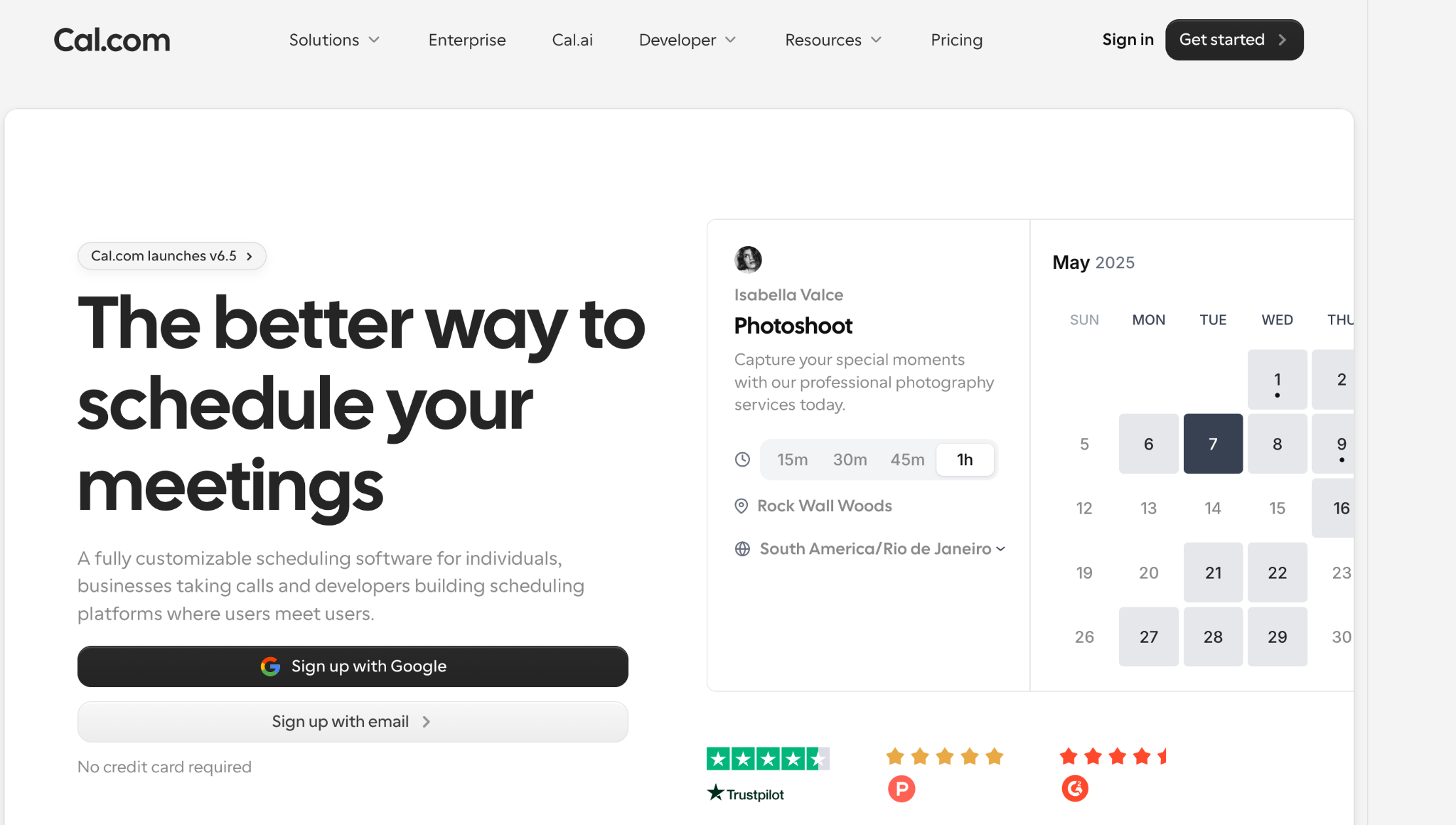
Cal.com is an open-source scheduling platform built for startups that want maximum flexibility without vendor lock-in. Its free cloud plan includes unlimited bookings, multiple calendar connections, workflow automation, and payment collection via Stripe.
For technical teams comfortable with APIs or self-hosting, Cal.com offers a level of customization no closed SaaS tool can match, making it one of the most powerful startup automation tools for scheduling.
Key Features:
- Unlimited bookings and calendar connections on the free plan.
- Open-source codebase with self-hosting option for full data control.
- Routing forms, round-robin scheduling, and collective availability.
- Workflow automation for reminders and follow-ups without extra cost.
- Developer-grade API and webhooks for custom integrations.
Integrations: Google Calendar, Outlook, iCloud, Zoom, Stripe, HubSpot, Salesforce, Zapier, Lark.
Pros:
- Generous free plan with unlimited bookings, automation, and payments included.
- Open-source architecture gives technical teams full control over data and customization.
- No vendor lock-in with self-hosting option.
Cons:
- Initial setup can feel complex for non-technical founders.
- Self-hosting requires real DevOps investment to maintain.
Pricing: Free plan available (1 user, unlimited bookings). Teams plan at $16/user/month. Organizations plan at $37/user/month with SOC2, HIPAA, and SSO.
5. Setmore: Best for Early-Stage Startups on a Tight Budget
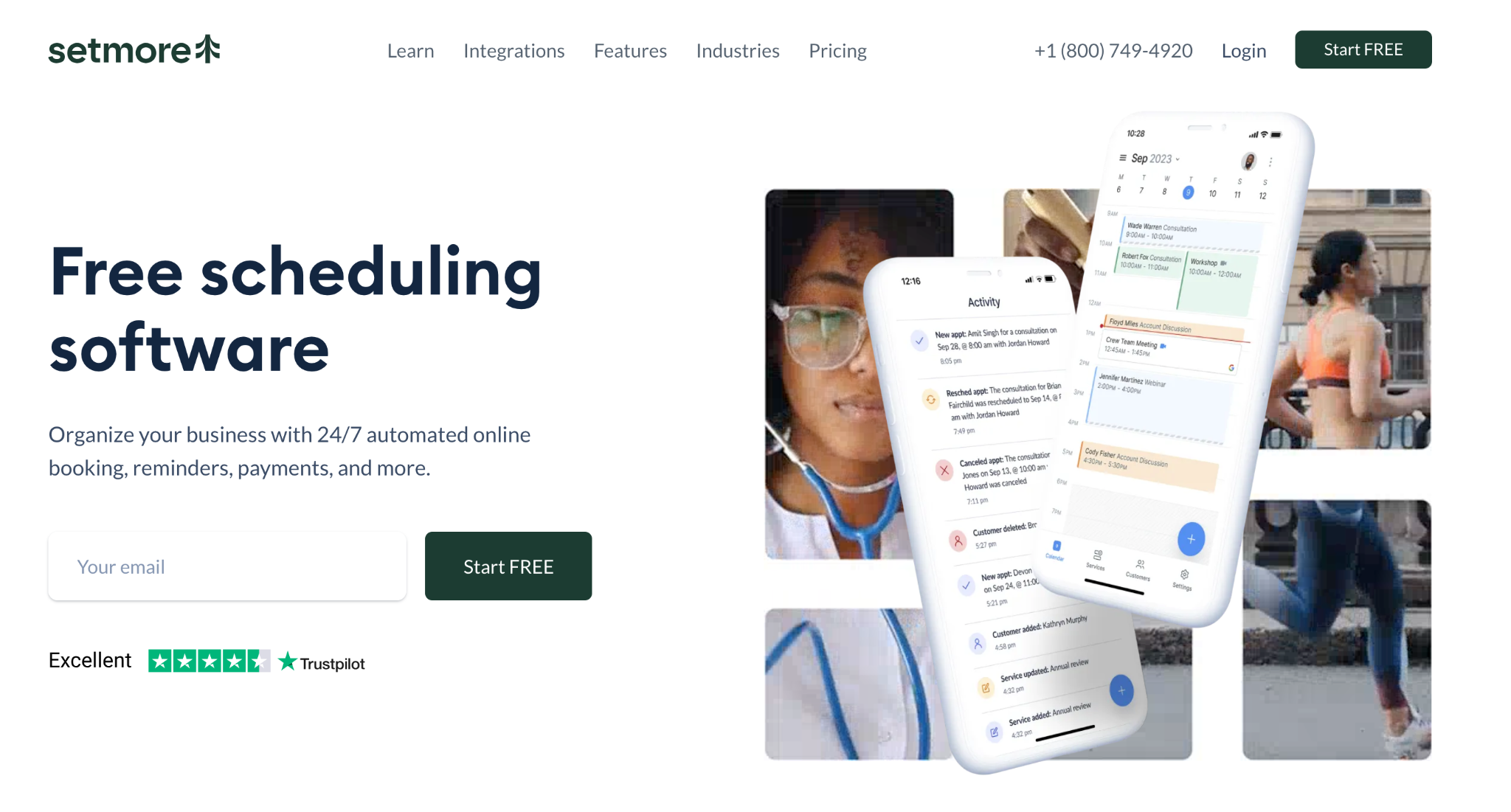
Setmore offers one of the most generous free plans in the scheduling software market, four staff calendars, 200 appointments per month, a branded booking page, and payment processing via Square, all at no cost.
For pre-revenue or early-stage startups testing an appointment-based model before investing in premium tools, Setmore provides everything needed to run real booking workflows without spending a dollar.
Key Features:
- Free plan supporting up to 4 staff members and 200 monthly appointments.
- Online booking page with social media booking via Facebook and Instagram.
- Automated SMS and email reminders to reduce no-shows.
- Built-in video meeting capability (no Zoom subscription required).
- Mobile app for iOS and Android.
Integrations: Google Calendar, Apple Calendar, Outlook, Square, Stripe, Zoom, Zapier, Facebook, Instagram.
Pros:
- Most generous free team plan available, 4 staff calendars at no cost.
- Extremely easy to set up with no technical knowledge required.
- Built-in video meetings removes the need for a separate Zoom subscription.
Cons:
- Free plan uses one-way calendar sync only, which can cause double bookings.
- Integration ecosystem is thin with no native Salesforce or HubSpot connections.
Pricing: Free plan available (up to 4 staff). Pro plan starts at $12/user/month.
6. HubSpot Meeting Scheduler: Best for Startups Running on HubSpot CRM
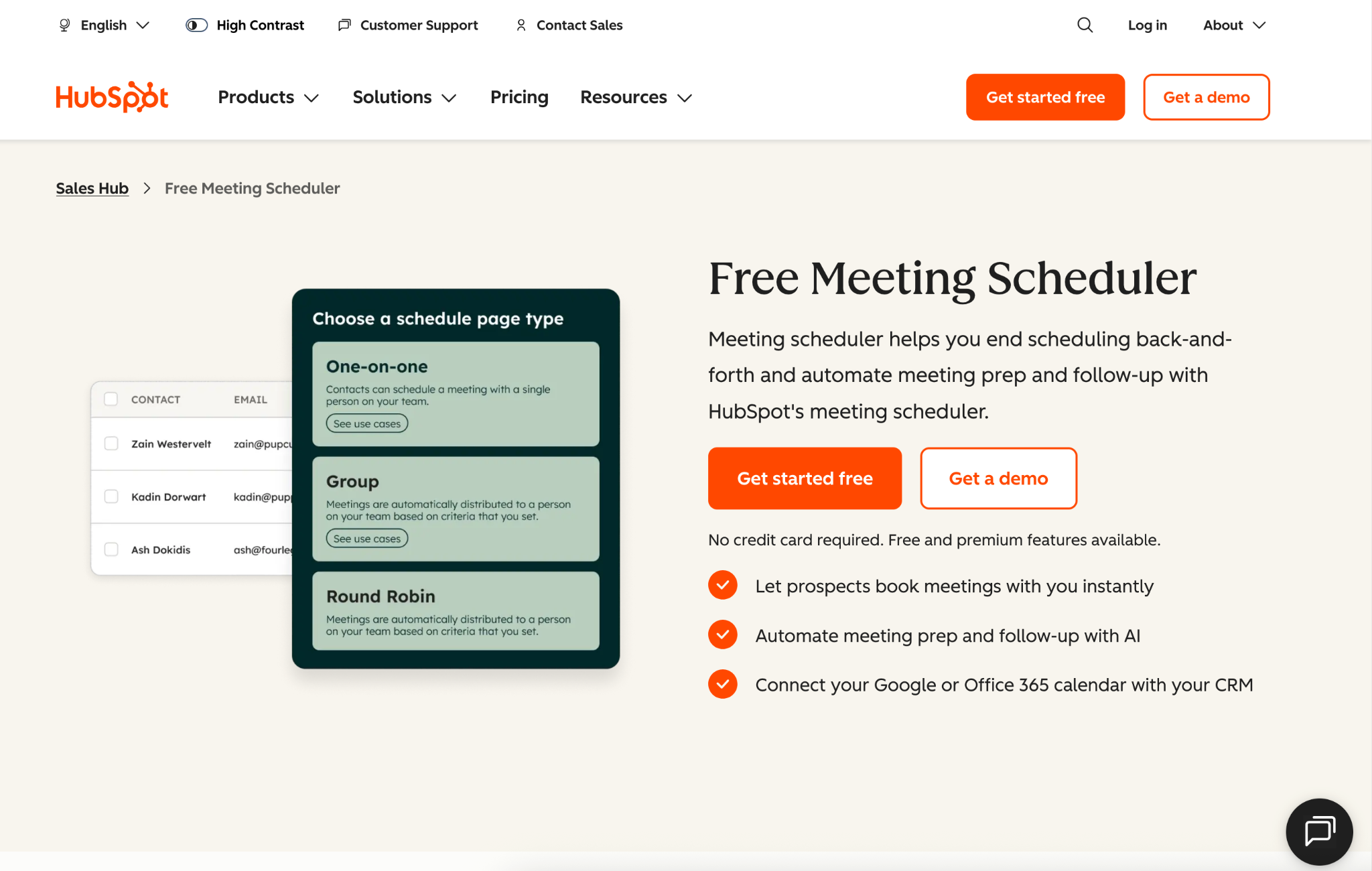
HubSpot Meeting Scheduler is not a standalone scheduling product but a natural extension of the HubSpot CRM ecosystem. For startups already using HubSpot for sales and marketing, it is the most seamless way to connect booking directly to contact records, deal stages, and pipeline activity.
Every meeting booked automatically creates or updates a CRM contact, logs the interaction, and feeds into HubSpot's reporting without any manual data entry.
Key Features:
- Booking pages that auto-create and update HubSpot CRM contacts.
- Round-robin meeting distribution across sales team members.
- Embeddable scheduling links for websites and email signatures.
- Automated meeting reminders and follow-up enrollment in HubSpot sequences.
- Full visibility into the meeting pipeline within HubSpot dashboards.
Integrations: HubSpot CRM (native), Google Calendar, Outlook, Zoom, Microsoft Teams.
Pros:
- Seamless native CRM sync, every booking automatically updates HubSpot contacts and deals.
- No extra tool to manage if the team is already on HubSpot.
- Round-robin distribution works well for inbound sales teams.
Cons:
- Not useful as a standalone tool without HubSpot.
- Limited customization compared to dedicated scheduling platforms.
Pricing: Free basic version available for HubSpot free users. Paid features unlock with Sales Hub Starter at $10/user/month, Professional plan at $100/user/month and Enterprise plan starts at $150/user/month.
Key Features of Startup Appointment Scheduling Software
The key features of startup appointment scheduling software are online booking with real-time availability, automated reminders, CRM integration, calendar sync, payment collection, team scheduling, and AI automation.
Here is why each one matters for a growing startup:
- Online booking with real-time availability: Customers and prospects should be able to book instantly without contacting anyone. This is the foundation of any effective business appointment booking system.
- Automated reminders: SMS and email reminders sent ahead of appointments reduce no-shows without any manual effort. Look for customizable timing and messaging.
- CRM integration: For sales-driven startups, booking data should flow directly into the CRM. This eliminates manual entry and keeps the pipeline accurate.
- Calendar sync: Two-way sync with Google Calendar or Outlook prevents double bookings and keeps team availability current across all channels.
- Payment collection: The ability to collect deposits or full payments at the time of booking reduces cancellations and simplifies revenue operations.
- Team scheduling: Round-robin and collective event types allow startups to distribute meetings fairly and manage shared availability as the team grows.
- AI and automation: The best AI appointment scheduling software goes beyond basic booking, handling phone calls, routing leads, and triggering follow-up workflows automatically.
For startups handling a high volume of inbound phone inquiries alongside web bookings, pairing a scheduling tool with an AI answering service ensures no opportunity is missed at either touchpoint. You can also explore Goodcall's full scheduling solutions for a broader look at automation options.
Signs Your Startup Has Outgrown Manual Appointment Scheduling
If any of these sound familiar, it is time to move to dedicated scheduling software:
- Your team spends 30+ minutes daily on scheduling coordination and that time compounds fast across a growing team.
- No-shows are hurting pipeline performance and you have no automated system to follow up or remind prospects.
- Leads go cold because booking a demo takes too long and competitors with instant booking win the meeting first.
- Calendar conflicts and double bookings happen regularly, causing friction with prospects and customers.
- You have no visibility into meeting volume or booking patterns, making it hard to forecast capacity or identify bottlenecks.
- New hires have to manually learn your scheduling process rather than having a system they can plug into immediately.
The operational cost of staying manual grows with every new hire and every new customer conversation. Goodcall's AI-powered scheduling tools are built to handle this scale from day one.
Conclusion
The best startup appointment scheduling software is the one that removes friction from your booking process and scales with your growth. For most startups, the priority should be speed, CRM integration, and automation depth, not just a calendar link.
Goodcall handles phone-based booking with AI. Calendly covers fast team setup and meeting routing. Acuity serves service-based operations. Cal.com gives technical teams open-source flexibility. Setmore works for budget-constrained early-stage teams. HubSpot Meeting Scheduler is the natural fit for HubSpot-native sales teams.
Start with the bottleneck your startup faces most. Missed calls, no-shows, slow lead response, or manual admin and choose the platform that solves it directly. The right tool pays for itself quickly in recovered revenue and saved time.
Ready to automate your startup's bookings? Get started with Goodcall today.