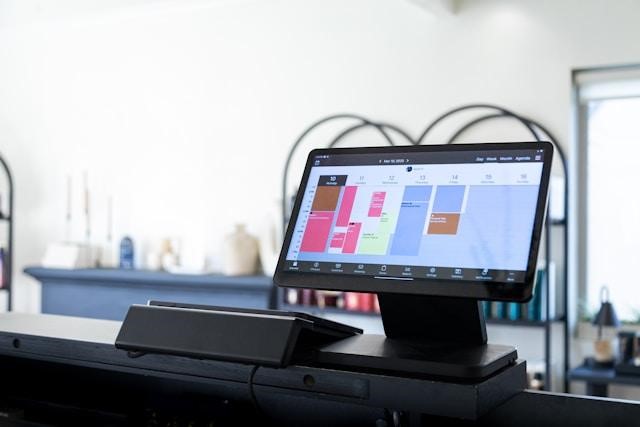
Auto shops across the US are losing measurable revenue not from poor service, but from preventable no-shows. According to Solera industry data, 10 to 15% of booked appointments never happen. But this gap can be closed by automotive appointment scheduling software, which automates the reminders, confirmations, and follow-ups that a manual process will never consistently deliver.
Most platforms look identical on a demo call, but behave very differently once your front desk is under pressure. This guide focuses on what separates genuinely useful auto shop management software from tools that just add another login to your day.
What is Automotive Appointment Scheduling Software?
Automotive appointment scheduling software gives auto repair shops and dealerships a centralized system to manage bookings, technician capacity, and customer communication without manual coordination. Unlike general scheduling tools, it is built around shop-specific workflows, accounting for bay availability, labor hours, and service type before a slot is confirmed.
Top Automotive Appointment Scheduling Software Comparison Table
Top Automotive Appointment Scheduling Software
The top automotive appointment scheduling software options in 2026 are Goodcall, AutoLeap, Shopmonkey, Tekmetric, DaySmart, and Setmore; each is built for a different type of shop and a different operational problem. Choosing the right platform starts with identifying where your operation is actually breaking down. Here is what each tool offers and who it is best suited for:
1. Goodcall
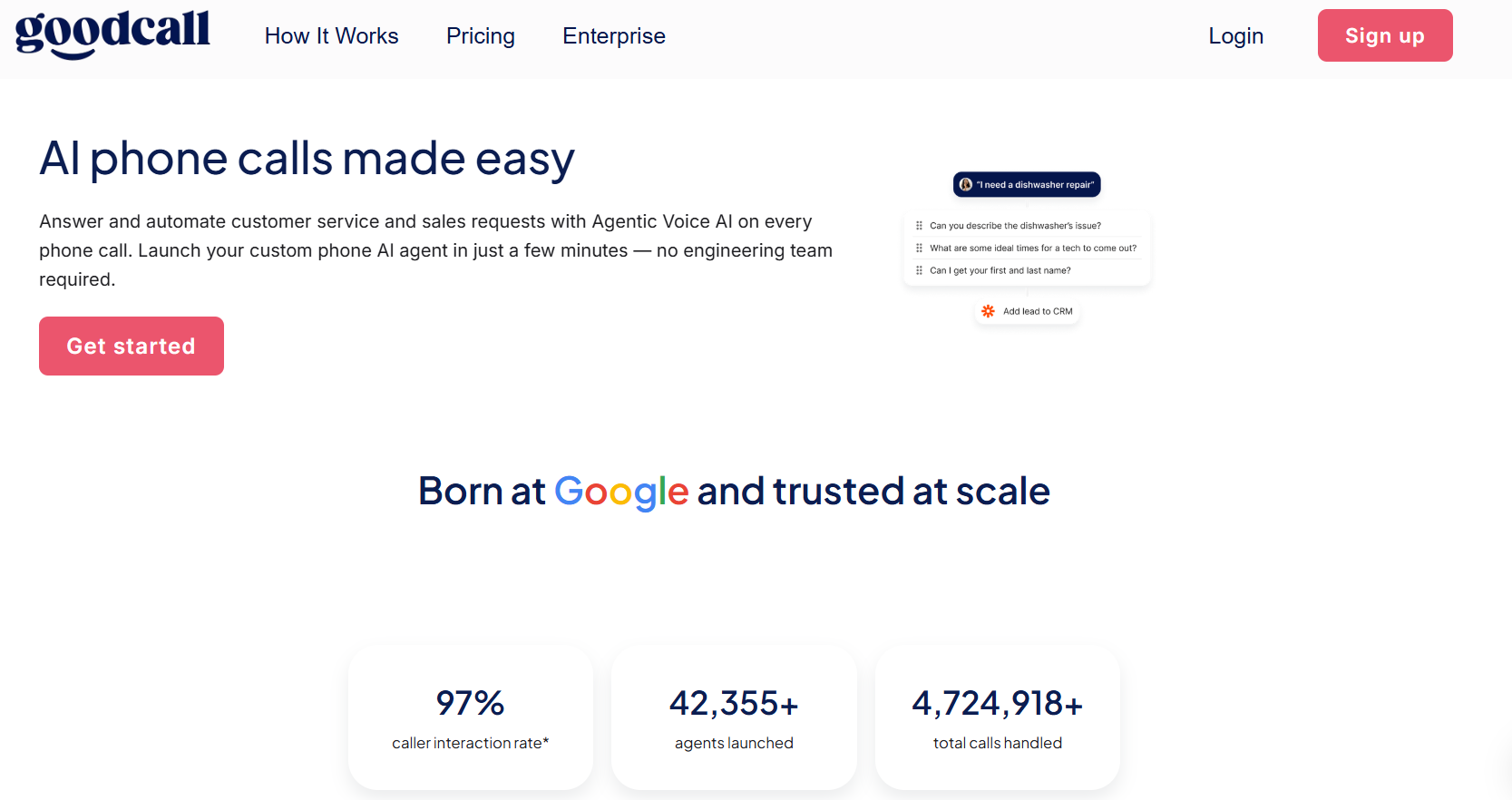
Most automotive scheduling software assumes the customer will find your booking page. Goodcall starts earlier, at the phone call, where most auto shop inquiries actually begin, and where most shops lose customers to voicemail. It captures that demand in real time, turning calls that would otherwise go unanswered into booked appointments.
Key Features:
- AI voice receptionist that answers calls 24/7 and books appointments in real time
- Smart reminders to reduce no-shows
- Customer analytics and call history
- Calendar sync and Zapier-based CRM integrations
- Unlimited call minutes on all plans
- Setup completed in under 30 minutes, no engineering required
Pros:
- Directly addresses the most common revenue leak for auto shops: missed and after-hours calls
- Per-unique-caller pricing means repeat customers never inflate your bill, regardless of call length or frequency
- Fastest time-to-value on this list, operational within the same day
- Frees front-desk staff from routine scheduling calls without sacrificing the customer experience
- 14-day free trial with no long-term contract required
Cons:
- Not a full shop management system; invoicing, repair orders, and inventory require separate tools
- Limited native integrations beyond Zapier, shops needing deep API connectivity will hit a ceiling
Best For: Owner-operated shops and multi-location groups losing bookings to unanswered calls or after-hours inquiries. Also fits shops that want to reduce front-desk overhead without hiring additional staff.
Pricing:
- Starter at $79/month ($66 if billed annually)
- Growth at $129/month ($108 annually)
- Scale at $249/month ($208 annually)
*All plans include unlimited minutes. Start your 14-day free trial (Check official website for current rates.)
2. AutoLeap
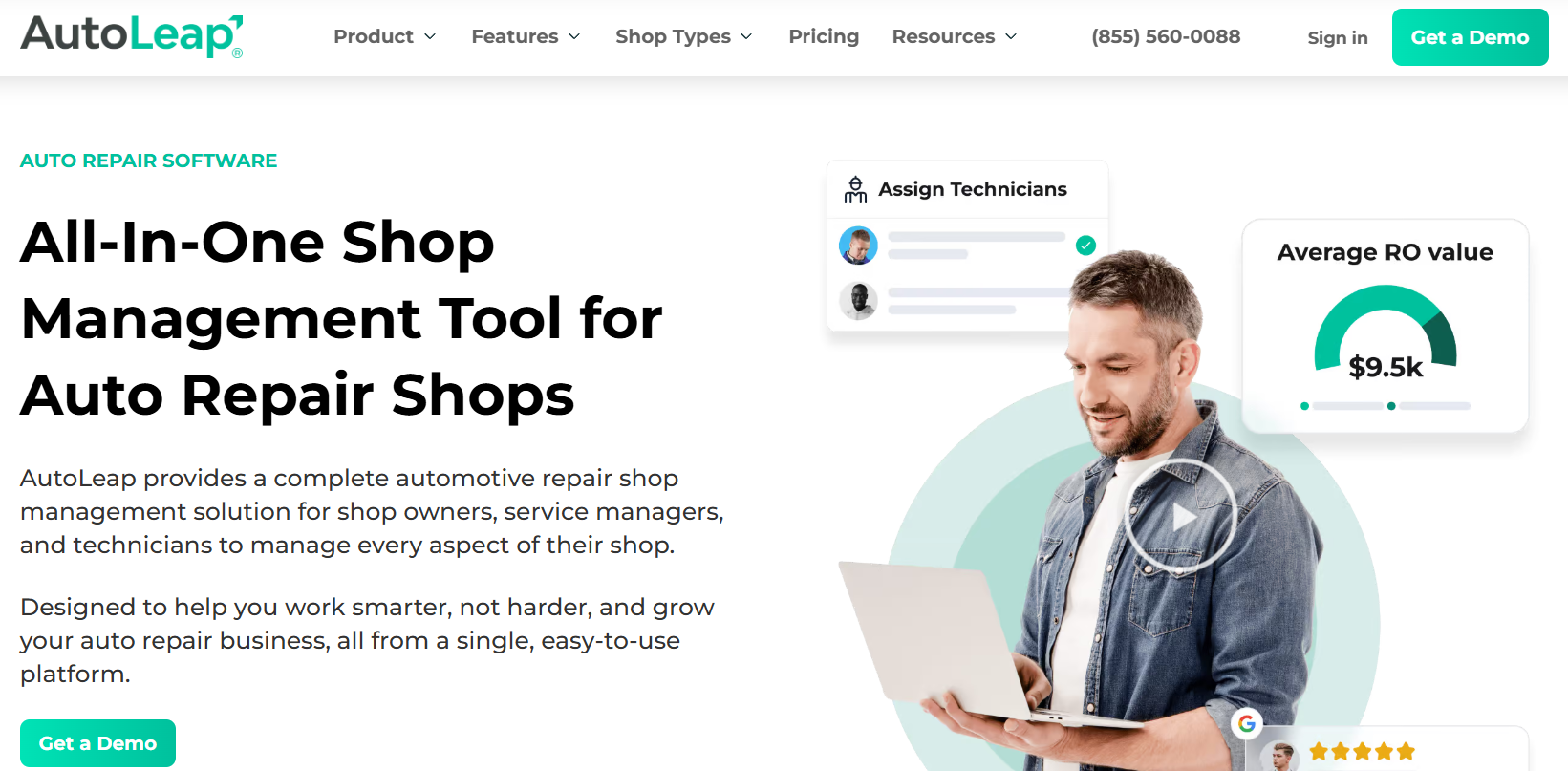
AutoLeap connects scheduling directly to shop operations. Booking, digital inspections, invoicing, and customer communication run through one platform, making it well-suited to shops that want scheduling to drive downstream workflow rather than sit separately from it.
Key Features:
- Automated online booking with drag-and-drop calendar
- AI receptionist for after-hours capture
- Digital vehicle inspections integrated into repair orders
- Automated SMS/email reminders
- QuickBooks integration and performance dashboards
Pros:
- Strong connection between scheduling data and revenue reporting
- Highly rated customer support
- Digital inspections feed directly into estimates, reducing manual entry
Cons:
- Noticeable learning curve for teams new to cloud-based shop management
- Parts management is limited compared to dedicated inventory platforms
- Not all pricing tiers are publicly listed, which makes upfront budget planning difficult
Best For: Growth-focused shops that want scheduling integrated with customer marketing, digital inspections, and financial reporting.
Pricing:
- Essentials plan approx. $179/month for the
- Pro plan at $309/month
- Elite tiers are available at $409/month
*Custom quotes required for enterprise-level. (Check official website for current rates.)
3. Shopmonkey
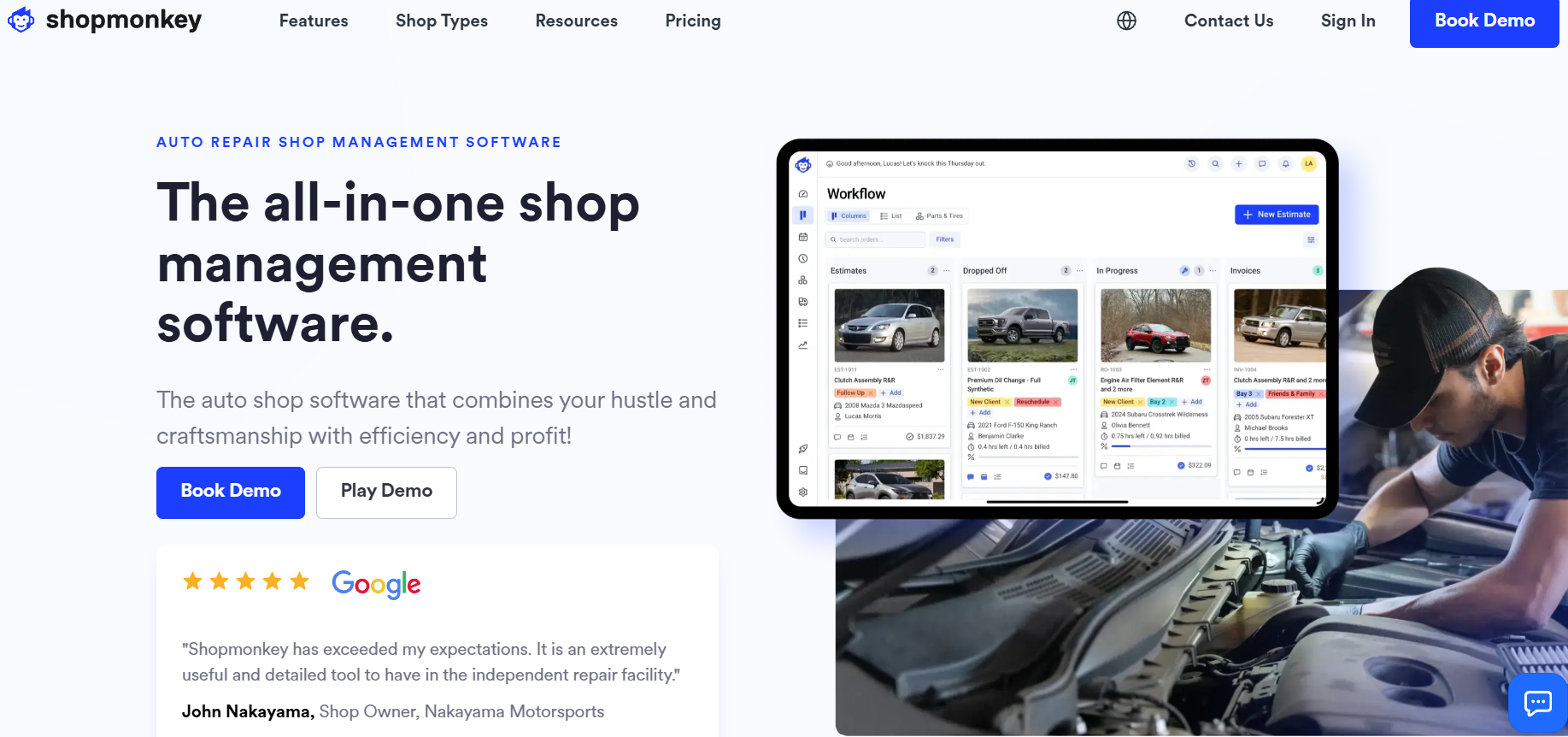
Shopmonkey is a cloud-based shop management platform with scheduling at its center. Its drag-and-drop interface connects appointments to repair orders, bay management, digital inspections, and invoicing within a single system.
Key Features:
- Drag-and-drop scheduling with multi-bay visibility
- Integrated repair orders and digital vehicle inspections
- Automated SMS/email reminders
- Invoicing, online payments, and QuickBooks sync
- Technician bay and workflow management
Pros:
- One of the most intuitive interfaces in the category, with low adoption friction for staff
- Tight integration from booking through to payment with minimal manual handoffs
- Strong customer communication tools built in
- Well-suited to shops managing multiple bays and service advisors
Cons:
- One of the higher price points on this list, harder to justify for small or single-tech operations
- Feature depth can become excessive overhead for shops with straightforward workflows
- Some users report that the quoting system is less streamlined than the rest of the platform
Best For: Mid-to-large shops wanting a unified platform across scheduling, shop floor operations, customer communication, and billing.
Pricing:
- Basic plan starts at approximately $199/month.
- Advanced plans at $475/month.
Annual billing available. Custom pricing for the enterprise option. (Check official website for current rates.)
4. Tekmetric
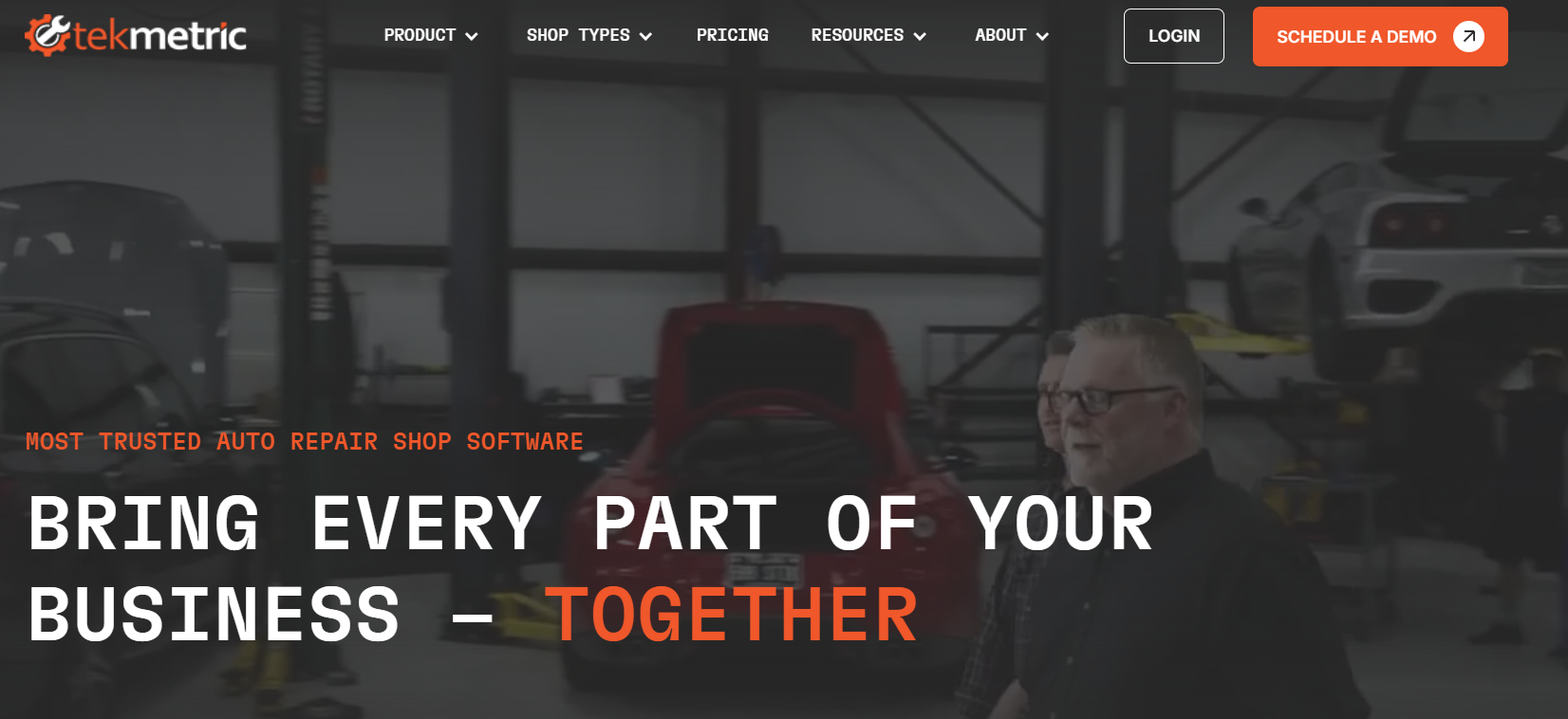
Tekmetric is built around visibility, particularly for shops running more than one location. Its scheduling and dispatching tools connect to cross-store reporting, technician efficiency tracking, and parts and labor margin controls.
Key Features:
- Real-time scheduling and technician dispatching
- Digital vehicle inspections with photo and video support
- Cross-location reporting and gross profit dashboards
- POS and inventory management
- Google My Business integration for online booking visibility
Pros:
- Best-in-class multi-location reporting on this list
- Google My Business integration surfaces availability directly in search results
- Consistent parts and labor matrices across locations protect the margin
- Strong technician performance tracking with flag hours and bay utilization data
Cons:
- Pricing is harder to justify for single-location or smaller shops
- The scheduling interface is less intuitive than Shopmonkey or AutoLeap
- Some basic features are missing, and the mobile app functionality is limited
Best For: Multi-location shops that need scheduling tied to cross-store performance management and consistent margin control.
Pricing: Typically ranges from $199/month to $439/month or more, depending on location count and features. (Check the official website for current rates.)
5. DaySmart

DaySmart is a dependable, operationally straightforward platform covering the core functions most small and mid-sized shops need: booking, inventory, payroll, and customer records.
Key Features:
- Appointment booking and calendar management
- Inventory tracking
- Payroll management
- Customer records and basic CRM
Pros:
- Accessible interface with low training overhead for staff
- Covers scheduling, inventory, and payroll in one system
- Stable and reliable for day-to-day shop operations
Cons:
- Significantly less automation than cloud-native competitors
- No AI-driven features for call handling or customer communication
- Feels dated in architecture compared to platforms built on modern cloud infrastructure
Best For: Small to mid-sized shops that want a reliable, no-frills system and are not prioritizing automation or advanced analytics.
Pricing: Tiered by user count and features. (Check official website for current rates.)
6. Setmore
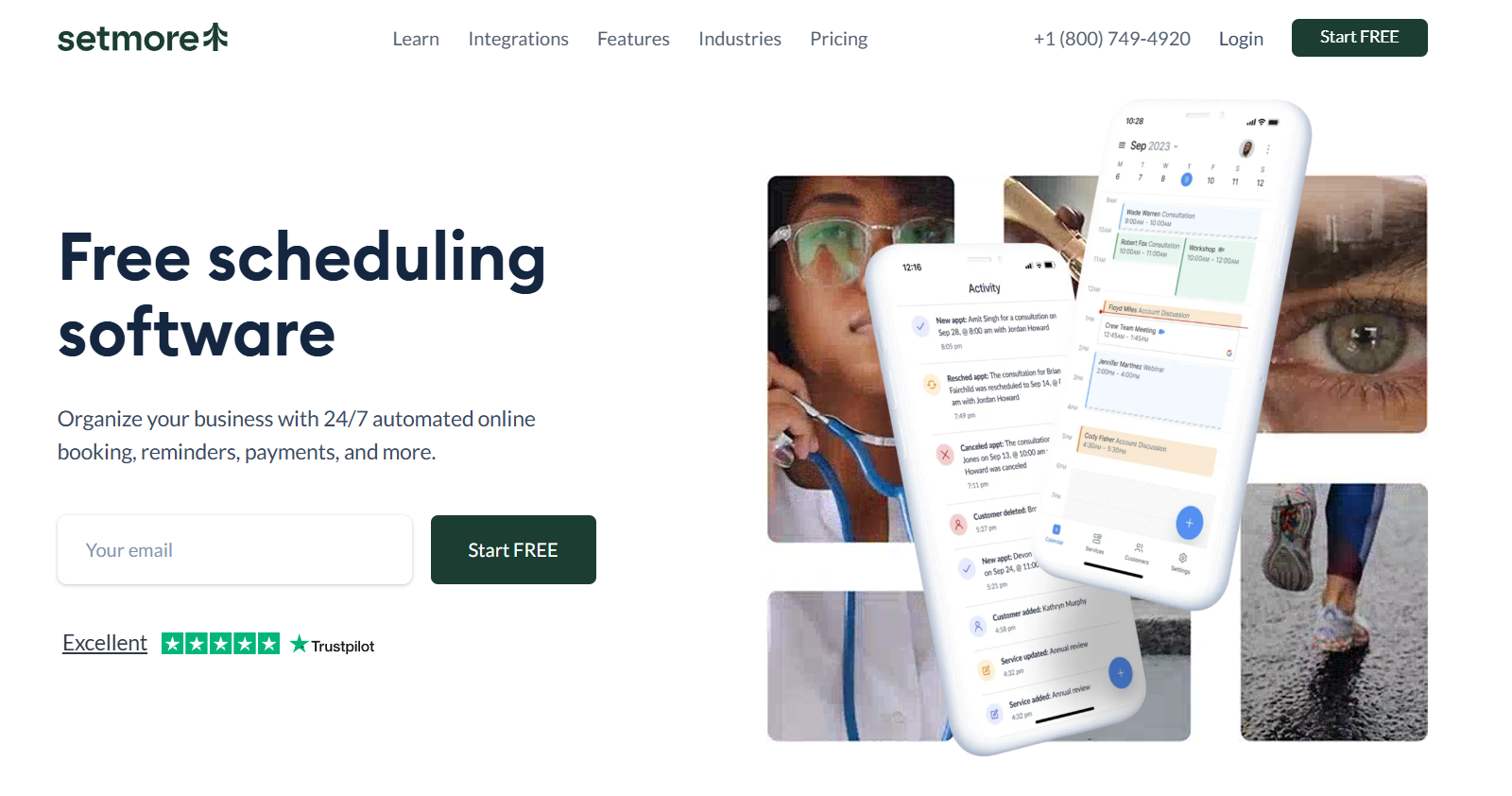
Setmore gives small shops and independent mechanics a fast, affordable way to accept online bookings. Its free tier is functional enough for basic scheduling needs, and branded booking pages let customers self-schedule without a phone call.
Key Features:
- 24/7 online booking via branded booking page
- Automated SMS and email reminders
- Calendar sync across devices
- Class and group booking support
Pros:
- Fast setup, with a booking page live within hours
- Reduces inbound phone volume for shops that can direct customers to self-schedule
Cons:
- Not a shop management system, with no repair orders, invoicing, or inventory included
- Requires separate tools for every operational function beyond scheduling
- Limited reporting that does not connect scheduling data to business performance metrics
Best For: Solo mechanics or very small shops needing budget-friendly online booking without replacing any existing operational tools.
Pricing:
- Basic Plan: Free
- Pro plans start at $12/month
Features to Look for in Automotive Scheduling Software
The right automotive scheduling software reduces no-shows, eliminates double bookings, and connects appointments directly to your shop's operations. The wrong one just adds another login. Before committing to any platform, verify these eight features:
- 24/7 Online Booking: Let customers self-schedule anytime without staff involvement; must be mobile-friendly and complete in under two minutes
- Real-Time Calendar Sync: Every booking channel reflects the same availability instantly, preventing double bookings before they reach your service lane
- Automated Reminders: SMS and email alerts sent at configurable intervals per appointment type, cutting no-shows without any manual follow-up
- Two-Way Customer Messaging: Repair approvals and service updates move through one logged thread, eliminating phone tag between advisors and customers
- Shop Management Integration: Connects natively to your CRM, DMS, and billing tools so data flows from booking to invoice without manual re-entry
- Service History Tracking: Surfaces a vehicle's full repair record automatically at the time of booking, so technicians arrive prepared
- Custom Intake Forms: Collect vehicle details before arrival; short enough to complete at booking, specific enough to be useful at the bay
- Reporting and Analytics: No-show rates, technician utilization, and appointment volume by service type are visible in one dashboard without manual exports
Benefits of Using Automotive Scheduling Software
For Your Customers
- Round-the-Clock Booking Access: Online booking lets customers schedule at any hour without calling during business hours. A phone-only shop routinely misses these appointments.
- Instant Confirmations and Timely Reminders: Auto repair scheduling software sends booking confirmations via SMS or email, followed by automated reminders before the appointment. No-show rates drop without any manual follow-up from your team.
- Real-Time Slot Visibility: Customers can see actual availability and choose times that fit their schedules. That self-selection naturally spreads arrivals across the day and reduces bottlenecks.
- Flexible Reschedule Options: Customers can reschedule on their own through the software. That flexibility keeps the appointment on the books rather than losing it to a cancellation.
For Your Shop Operations
- Fewer No-Shows: Automated reminders built into automotive service scheduling software reduce missed appointments without any manual outreach.
- Accurate Capacity Planning: Auto shop scheduling software matches bookings against technician availability and bay capacity, preventing overbooking before it happens.
- Centralized Customer and Vehicle Records: Automotive CRM with scheduling consolidates service history, vehicle data, and customer preferences in one place. Your team walks into every interaction ready to personalize service and surface maintenance opportunities.
- After-Hours Revenue Capture: The software records bookings submitted outside business hours, appointments a phone-dependent shop loses entirely.
- Reduced Administrative Workload: Confirmations, reminders, and calendar updates run automatically, freeing your front desk for higher-value work.