

Best Catering Appointment Scheduling Software to Prevent Peak Season Overbooking

If you run a wedding catering company, corporate catering operation, or high-volume event catering business, your appointment calendar is your revenue engine.
Missed inquiries, double-booked dates, and disconnected deposit confirmations quietly erode revenue. The best catering booking software aligns inquiry capture, consultation scheduling, and event confirmation into one controlled workflow.
Before comparing vendors, diagnose exactly where booking friction is costing your business confirmed events.
When Do You Actually Need Scheduling Software?
Catering demand is uneven. Wedding season compresses weekends. Corporate events cluster at quarter-end. Holiday bookings spike unexpectedly. Inquiry-to-confirmation timelines vary from hours to weeks.
According to Nuphoriq's catering industry research, 80% of weddings are booked between 5 and 12 months in advance, and the fastest response to an inquiry is one of the strongest predictors of winning the booking.
When your team cannot respond during active event execution, that window closes.
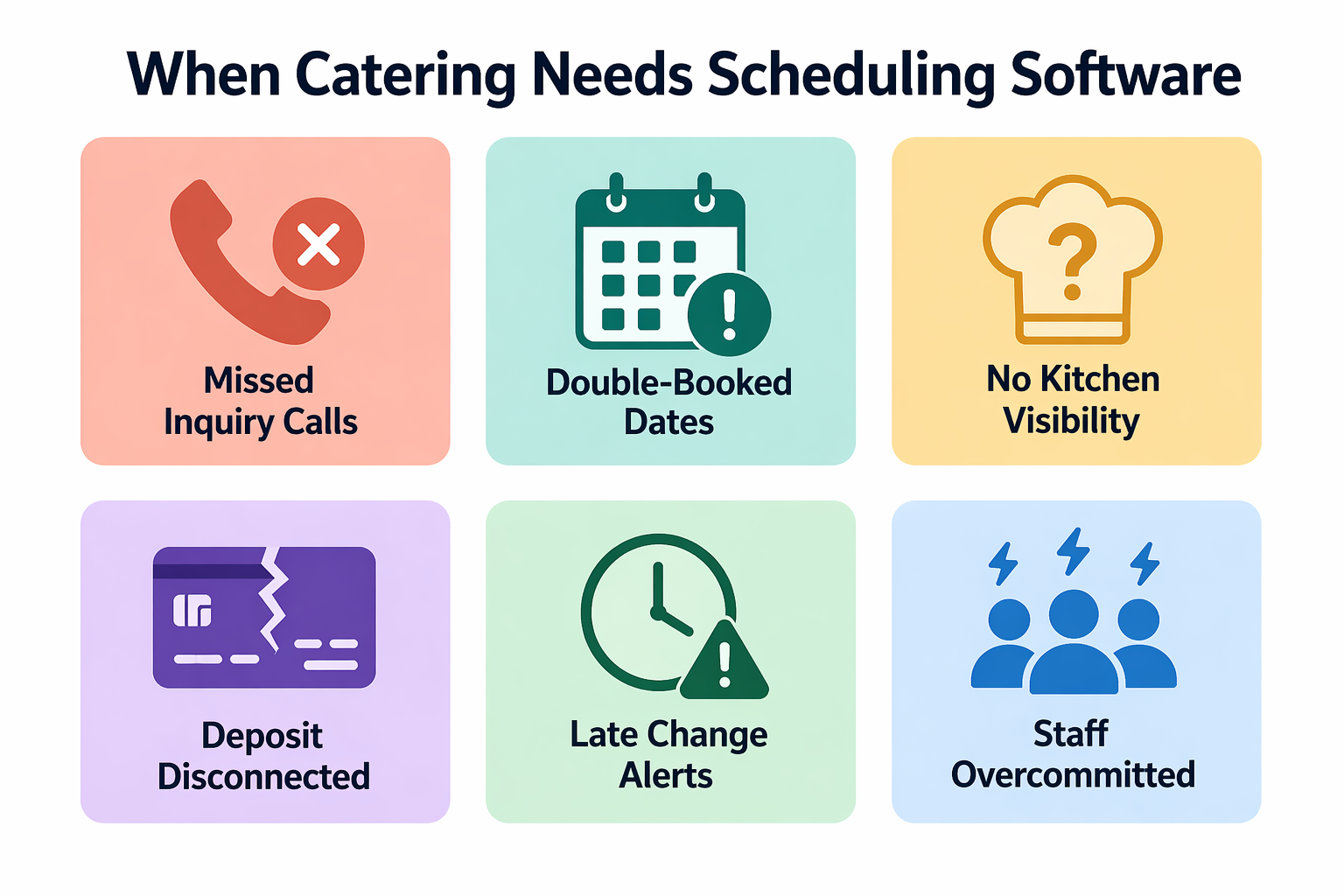
Without structured appointment scheduling for caterers, common breakdowns in your operation include:
- Missed inquiry calls during active event prep
- Double-booked event dates due to spreadsheet reliance
- Consultations scheduled without kitchen or staffing visibility
- Deposit confirmations disconnected from calendar locking
- Last-minute changes not reflected across teams
Unlike simple calendar tools, catering appointment scheduling software must manage inquiry capture, consultation booking, and final event confirmation as one controlled pipeline. When your inquiry volume increases, manual coordination becomes revenue risk.
Best Catering Appointment Scheduling Software
Below is a structured comparison focused strictly on catering appointment scheduling capabilities rather than general event management features.
1. Goodcall
Feature:
Goodcall combines AI scheduling software for catering with real-time appointment scheduling integration. During live calls, it captures event details, qualifies booking type, schedules consultations, and syncs directly into your catering CRM and scheduling platform.
Core scheduling capabilities include:
- Capturing complete event inquiry details during inbound calls
- Scheduling tastings or consultations based on real-time availability
- Handling after-hours and peak-time overflow automatically
- Syncing confirmed bookings to catering CRM and scheduling platforms
- Triggering confirmation workflows immediately after booking
Unlike calendar-only tools, Goodcall closes the inquiry-to-confirmation gap before an event date is lost to voicemail or missed calls. Learn how Goodcall's AI phone automation works and explore pricing plans.
What It's Best For: Catering businesses where phone inquiries drive bookings and missed calls directly translate into lost high-ticket events.
Why Caterers Like It: It protects your revenue before scheduling even begins. High-value weekend events are secured in real time rather than delayed until staff can return calls.
Any Limitations: It strengthens intake and consultation scheduling but does not replace full-scale kitchen production or inventory systems.
2. Caterease
Feature:
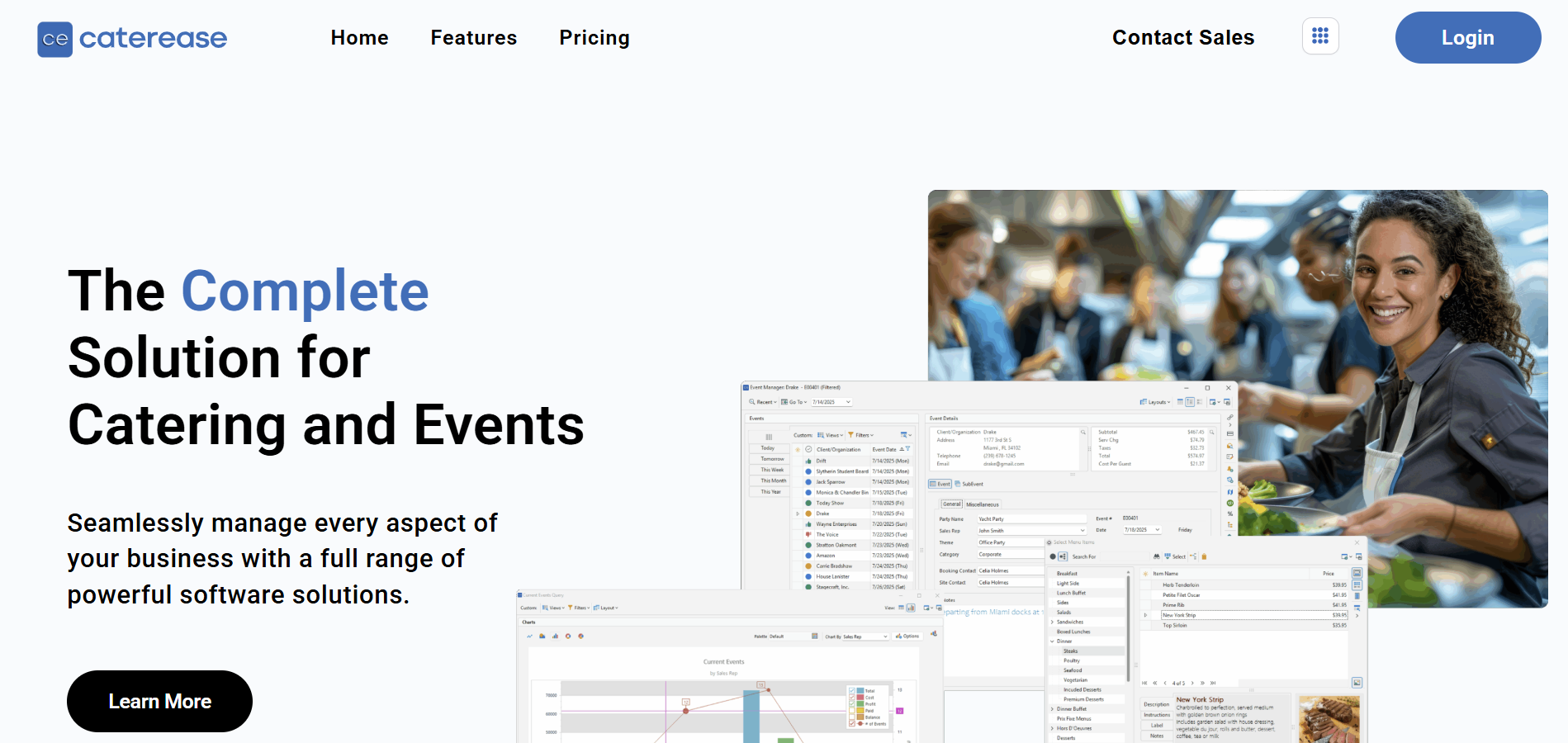
Caterease includes structured event scheduling embedded within broader catering operations management. It is designed to control high-volume event calendars where multiple bookings compete for limited kitchen, staffing, and venue resources.
Capabilities include:
- Event date blocking with automatic conflict alerts across venues and service tiers
- Multi-event weekend visibility to prevent overcommitment of staff or production capacity
- Task timeline coordination tied directly to confirmed event dates
- Deposit and payment tracking linked to booking status changes
- Internal production planning visibility aligned with confirmed events
Rather than acting as a standalone calendar, Caterease connects your scheduling to execution planning.
What It's Best For: Mid-sized to large catering companies managing overlapping weekend events, multiple venues, and tiered service packages.
Why Caterers Like It: It reduces internal coordination friction by linking event booking to kitchen timelines and staffing allocation, minimizing last-minute operational conflicts.
Any Limitations: Its operational depth may exceed the needs of small catering teams primarily seeking structured inquiry capture and consultation scheduling.
3. Total Party Planner
Feature:
Total Party Planner integrates proposal management, event scheduling, and revenue forecasting within one structured system. It focuses on the full lifecycle from inquiry to confirmed event.
Capabilities include:
- Centralized event calendar with revenue tracking per booking
- Proposal-to-booking conversion monitoring
- Multi-venue date coordination and staff assignment visibility
- Menu and package configuration tied to scheduled events
- Financial forecasting based on confirmed and tentative bookings
It aligns your scheduling decisions with revenue visibility rather than isolating them as calendar entries.
What It's Best For: Established catering businesses with structured sales pipelines and multiple concurrent proposals in negotiation stages.
Why Caterers Like It: It connects scheduling, proposal approvals, and revenue tracking, reducing manual reconciliation between sales and operations.
Any Limitations: Requires disciplined sales workflows to fully benefit from its forecasting and conversion tracking features.
4. HoneyBook
Feature:
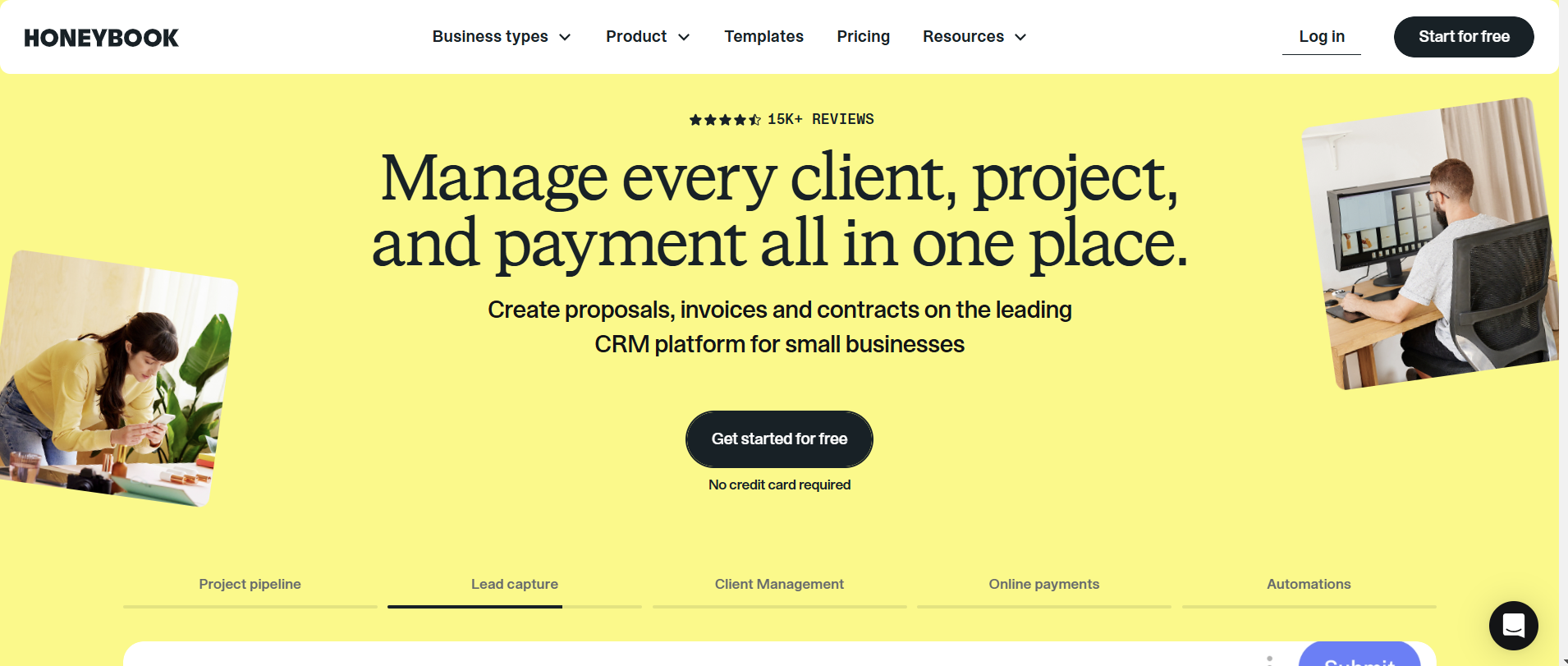
HoneyBook emphasizes client-facing booking workflows, proposals, contracts, and deposit collection. It strengthens your conversion from consultation to confirmed event.
Capabilities include:
- Online consultation booking integrated with proposal workflows
- Automated contract generation and e-signature capture
- Payment and deposit collection aligned with booking confirmation
- Client communication tracking across the event lifecycle
- Automated reminders tied to proposal and payment milestones
It prioritizes booking conversion discipline over operational production planning.
What It's Best For: Boutique caterers handling weddings and private events with longer consultation-to-deposit cycles.
Why Caterers Like It: It reduces follow-up delays between proposal acceptance and deposit confirmation, improving your booking conversion reliability.
Any Limitations: Less suited for complex multi-event weekend coordination or kitchen capacity forecasting.
5. Acuity Scheduling
Feature:
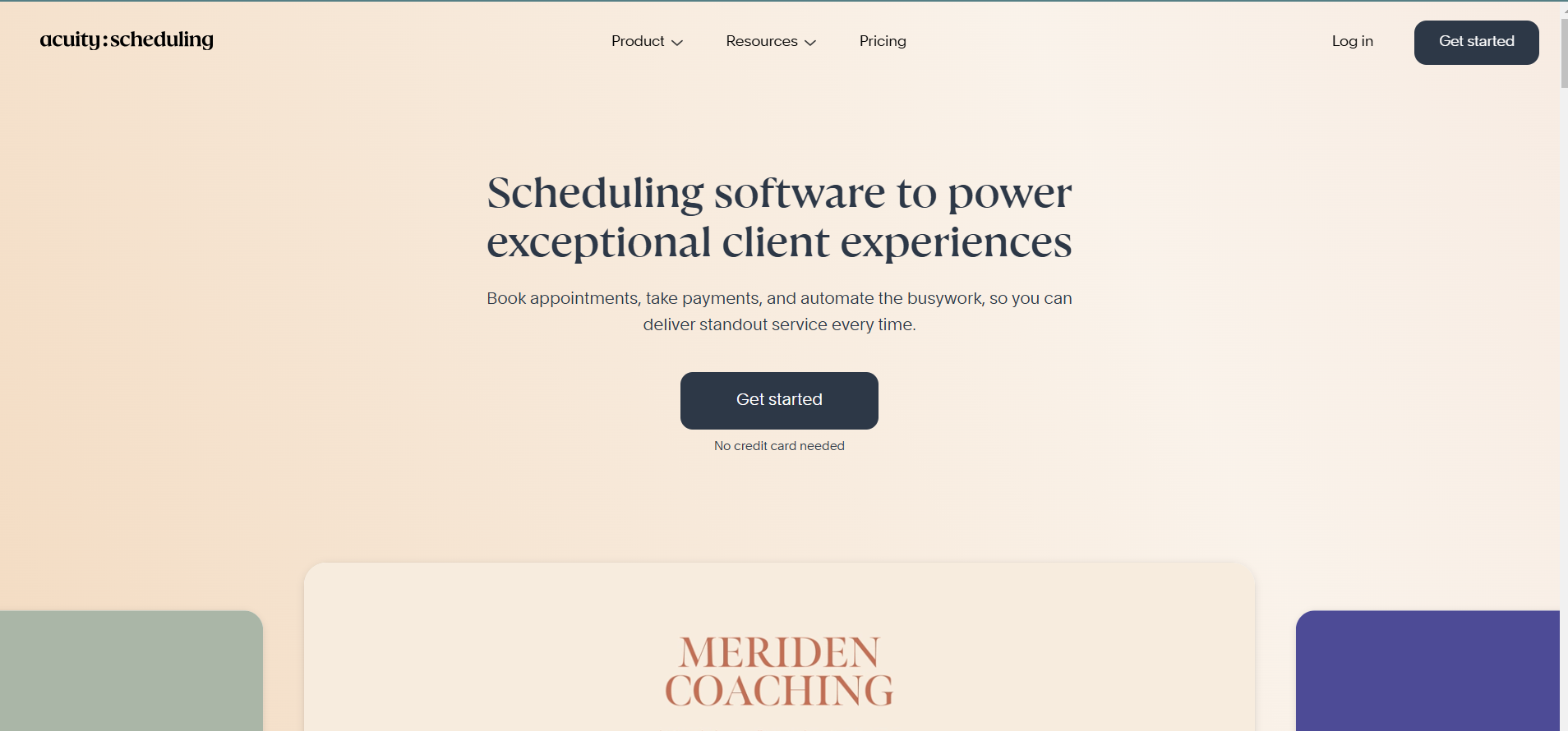
Acuity provides a structured online booking system for catering consultations, tastings, and planning sessions. It focuses on front-end booking discipline.
Capabilities include:
- Real-time calendar synchronization across staff schedules
- Automated confirmations and reminder workflows
- Optional deposit collection during consultation booking
- Custom appointment types with duration controls
- Availability rules to prevent overbooking consultation slots
It strengthens your intake scheduling rather than full event coordination.
What It's Best For: Small catering teams formalizing tasting and consultation scheduling without investing in full catering management software.
Why Caterers Like It: It replaces email back-and-forth with structured, self-service consultation booking that reduces your administrative load.
Any Limitations: Primarily consultation-focused and not designed for managing multi-event production workflows.
6. Reservio
Feature:
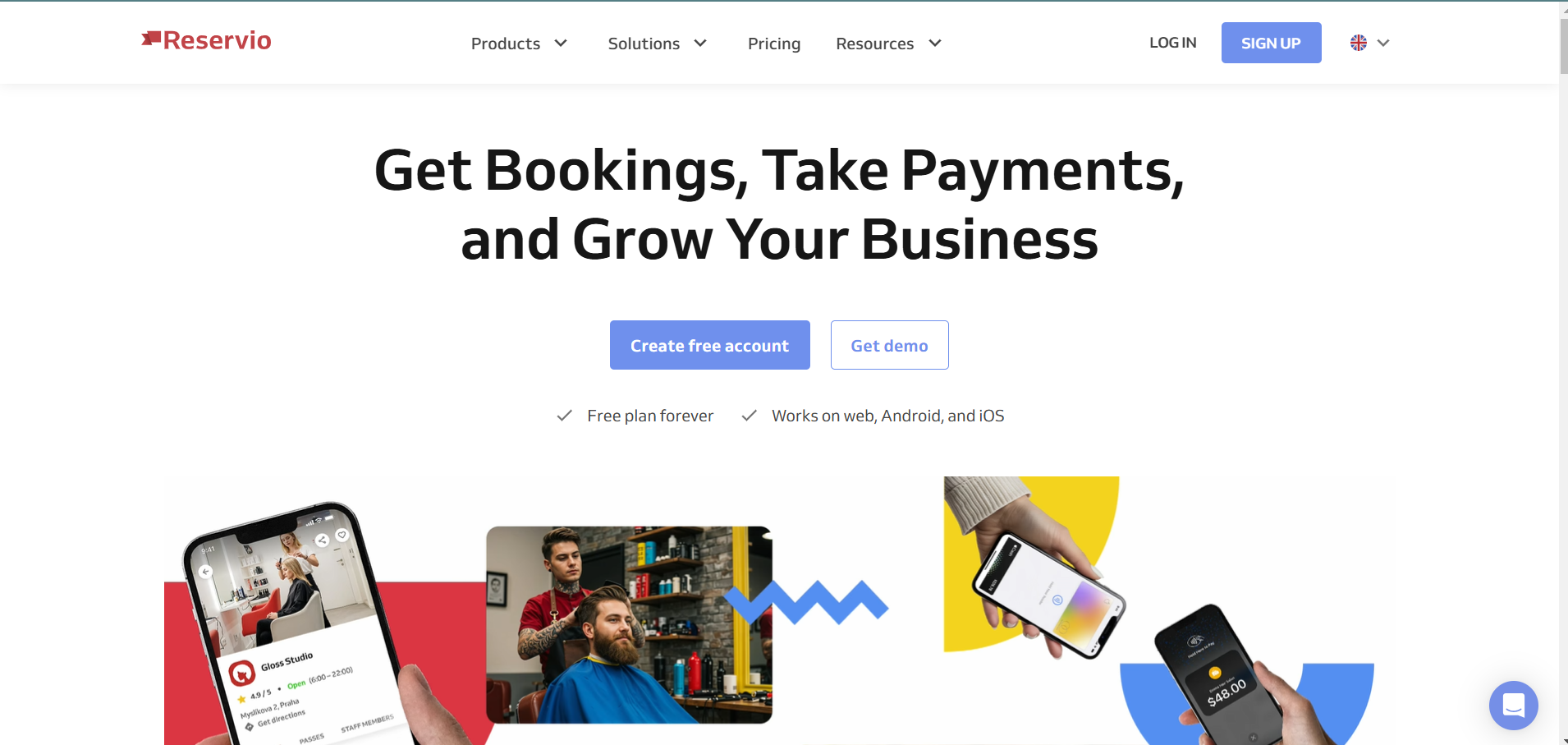
Reservio provides simplified web-based appointment scheduling designed for small teams formalizing consultation booking. It focuses on structured availability control rather than full catering workflow management.
Capabilities include:
- Web-based booking portal with real-time calendar updates that reduce manual date coordination
- Calendar synchronization across staff schedules to prevent basic consultation overlaps
- Automated reminder notifications to decrease missed tastings and planning sessions
- Customizable booking rules to control consultation duration and daily limits
- Basic reporting visibility into upcoming appointments and staff utilization
It introduces booking discipline for teams transitioning from manual spreadsheets or shared calendars.
What It's Best For: Start-up or lower-volume catering businesses needing structured consultation scheduling without complex operational layers.
Why Caterers Like It: It provides quick deployment and structured availability control without heavy implementation or configuration requirements.
Any Limitations: It does not include catering-specific controls for deposit-triggered confirmation, multi-venue weekend conflict detection, or production capacity modeling. SMS reminder reliability should also be tested during your trial period before committing.
Key Features to Look for in the Best Catering Management Software
Your catering appointment scheduling software must control inquiry flow, consultation scheduling, event confirmation, and calendar locking.
Surface-level catering booking software is insufficient for event-driven businesses. Features one must look for:
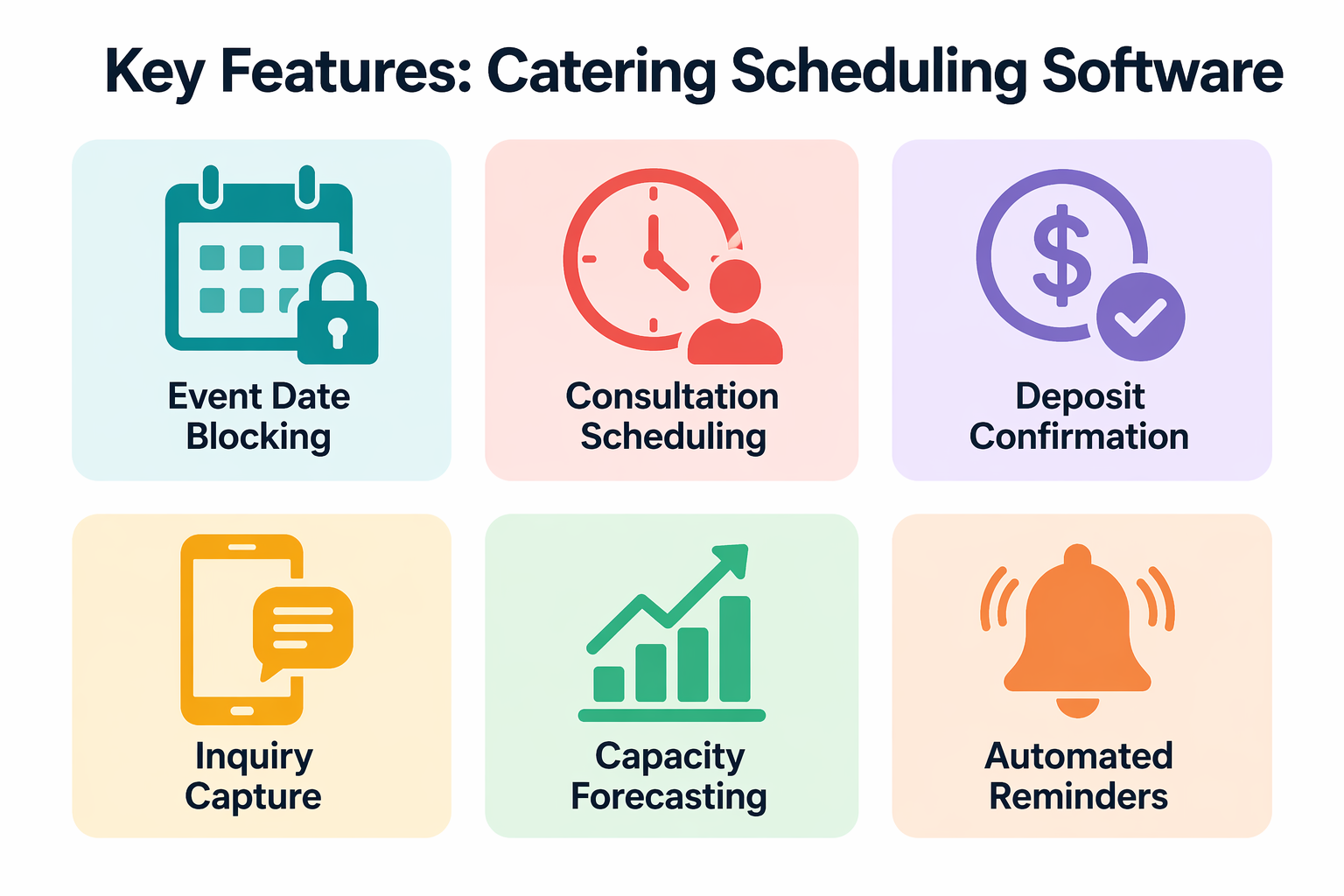
1. Structured Event Date Blocking
- Prevent double-booking across venues and service packages before confirmation
- Allow tentative holds with expiration deadlines to prevent indefinite calendar blockage
- Enforce maximum event thresholds per weekend based on staffing capacity
Without strict date logic, peak-season weekends become financial risk zones.
2. Consultation and Tasting Scheduling
- Allocate slots based on assigned sales managers rather than generic availability
- Limit tasting sessions based on kitchen bandwidth to avoid compromising event preparation
- Connect tasting outcomes directly to proposal workflows without manual re-entry
When appointment scheduling for caterers is qualification-driven, proposal conversion improves and conflicts decrease.
3. Automated Confirmation and Deposit Alignment
- Shift event status from tentative to confirmed only after deposit verification
- Track deposit deadlines and trigger reminders before expiration
- Release tentatively held dates automatically when financial milestones are not met
Your catering CRM and scheduling platform must reflect financial reality, not verbal agreement.
4. Inquiry Capture Across Channels
- Capture inbound calls during active event execution and after hours without voicemail reliance
- Qualify event type, size, and date availability before assigning consultation slots
- Allow real-time booking directly from your online booking system for catering
Goodcall's AI answering service captures inquiries around the clock.
Understanding how AI automates inbound and outbound calls clarifies how AI scheduling software for catering works in practice.
5. Reporting and Capacity Forecasting
- Track event density by weekend and venue to identify revenue concentration risk
- Monitor inquiry-to-deposit timelines to detect stalled proposals early
6. Automated Reminders
- Send multi-touch confirmations at defined intervals before each consultation and tasting
- Trigger deposit deadline alerts automatically to prevent tentative holds from expiring unnoticed
Catering business automation tools give your team visibility to adjust pricing and staffing before overload occurs.
Top Benefits for Catering Businesses Using Appointment Scheduling Software
For your catering business, appointment scheduling software directly influences revenue predictability. It protects high-value event opportunities from operational leakage.
Operational benefits include:
- Eliminating double-booked peak-season weekends by enforcing structured date blocking
- Reducing inquiry response delays that cause qualified prospects to secure alternative caterers
- Structuring consultation and tasting workflows to improve your proposal close rates
- Aligning deposit confirmation with automatic calendar status updates
- Providing visibility into weekend density to avoid accepting more events than your kitchen or staffing capacity allows
- Reducing last-minute internal coordination failures through rule-based scheduling tied to resource planning
According to Lunchbox's catering industry data, the catering market reached $72.67 billion in 2023 and is growing at 7% CAGR through 2027.
In a market expanding that fast, scheduling software reduces revenue volatility by converting fragmented inquiries into confirmed bookings.
Voice AI CRM integration further strengthens this by ensuring every inquiry call is automatically logged and followed up without manual effort.
How to Choose the Right Software for Your Catering Business
Choosing the right catering appointment scheduling software requires diagnosing where revenue leakage occurs between first inquiry and confirmed event.
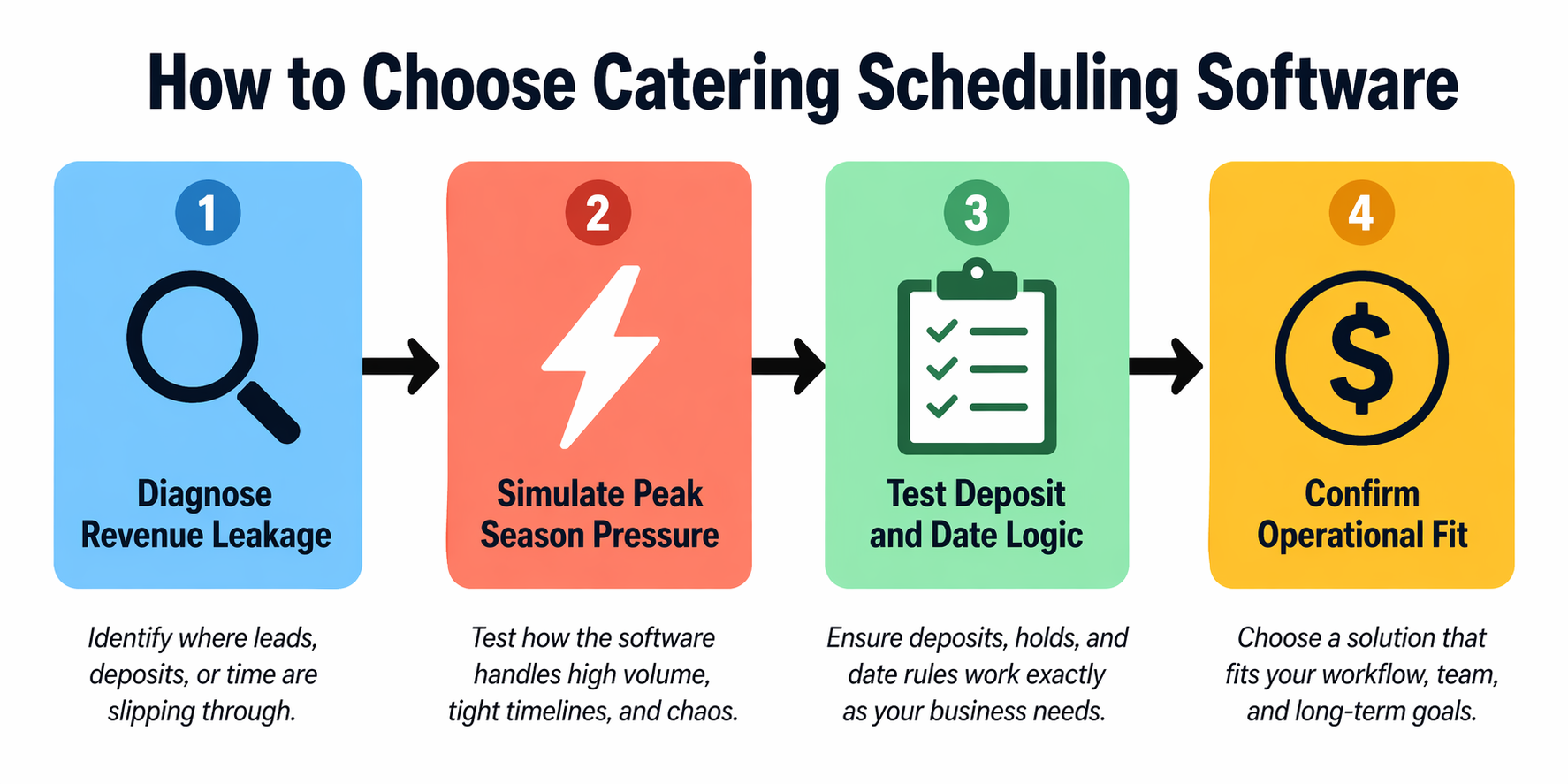
Start with measurable constraints:
- What percentage of your inbound inquiries receive a same-day response, and how many go unanswered during active event execution?
- How often are high-demand weekend dates tentatively held without deposit confirmation, blocking other qualified prospects?
- What is your average inquiry-to-deposit conversion timeline, and where does follow-up stall?
- Do overlapping multi-event weekends create staffing shortages or kitchen production strain?
- Are proposal approvals and signed contracts automatically updating calendar status, or does confirmation rely on manual tracking?
During vendor evaluation, simulate peak-season pressure rather than reviewing static demos. Test simultaneous inquiries for the same date, last-minute cancellations that should release capacity, deposit-triggered confirmations, and cross-venue scheduling conflicts.
The right catering appointment scheduling software must coordinate inquiry intake, consultation booking, financial confirmation, and final date locking without spreadsheet reconciliation or delayed follow-up.
Future Trends in Catering Scheduling Software
Your catering scheduling is shifting from passive calendar management toward revenue-protection automation.
Catering business automation tools are now handling inquiry qualification, deposit tracking, and capacity forecasting that previously required manual oversight.
Emerging trends include:
- AI-driven inquiry qualification before human follow-up
- Real-time website availability exposure to reduce back-and-forth coordination
- Automated deposit collection integrated directly into booking workflows
- Predictive weekend capacity modeling based on historical demand patterns
- Integration between scheduling, procurement, and production planning systems
The competitive advantage will come from closing the inquiry-to-confirmation gap faster than competitors.
AI voice agents for appointment booking are already enabling catering businesses to qualify inquiries and confirm consultations in real time, around the clock, without staff involvement.
Conclusion
The best appointment scheduling for caterers protects your inquiry capture, consultation scheduling, financial confirmation, and event date locking within one disciplined system.
Before selecting a platform, identify whether your primary constraint is missed inquiries, delayed deposits, or weekend overbooking.
If phone-based inquiries drive your bookings, strengthen intake reliability alongside scheduling structure. See how Goodcall's AI answering service for catering companies integrates with catering appointment scheduling to secure high-value events before competitors respond.
FAQs
What is the best scheduling software for catering businesses?
It depends on your constraint. Goodcall captures inquiries. Caterease manages multi-event scheduling. HoneyBook strengthens proposal-to-deposit workflows.
Is free scheduling software enough for caterers?
Free tools support basic consultation booking. Complex event operations require structured date blocking and deposit confirmation logic.
How do I stop missing catering inquiries?
AI scheduling software answers inbound calls, qualifies event details, and books consultations in real time without voicemail.
Do I need scheduling software if I already use WhatsApp?
WhatsApp manages messaging but cannot enforce date blocking, deposit confirmation, or calendar locking that prevents double-booking.
Can catering scheduling software handle payments?
Yes. Platforms like HoneyBook and Caterease align deposit collection directly with booking confirmation and automatic calendar status updates.
How do I automate catering bookings?
Connect AI inquiry capture with your scheduling platform so consultations are booked and confirmations triggered without manual follow-up.
How can I avoid missing catering inquiries?
Deploy an AI answering service that captures inquiry details and schedules consultations during active events and after hours.