

Best Equipment Rental Appointment Scheduling Software

The best equipment rental appointment scheduling software includes Goodcall, Booqable, EZRentOut, Rentman, Quipli, and Point of Rental. These platforms handle the parts of rental booking that generic scheduling tools miss: equipment availability tracking, conflict-free reservations, and confirmation workflows tied to physical inventory.
With staffing gaps widening across the industry, depending on manual processes means missed calls, double bookings, and lost revenue. This article breaks down what each platform does well, where it falls short, and which one fits your operation.
Why Equipment Rental Businesses Need Appointment Scheduling Software
Equipment rental businesses lose revenue quietly, through missed calls, unanswered after-hours inquiries, and double-bookings that damage customer trust. The best equipment rental appointment scheduling software stops that leak by automating bookings, managing communication, and keeping your calendar accurate without staff involvement.
- Recover Bookings from Missed Calls: AI scheduling software answers calls automatically and converts inquiries into confirmed bookings, even outside business hours.
- Accept Rentals Around the Clock: A 24/7 booking software captures reservations after hours without requiring anyone on your team to be available.
- Eliminate Double-Bookings: An automated booking system checks real-time availability before every confirmation, so the same equipment is never assigned twice.
- Cut Admin Without Cutting Service: Scheduling software with reminders handles confirmations, follow-ups, and return notifications automatically, freeing staff for higher-value work.
- Track Every Asset, Every Rental: A CRM integrated booking system logs equipment location, current renter, and return date in one place, keeping your inventory accountable.
- Make Decisions from Real Data: Rental business automation tools surface utilization patterns and booking trends, giving you the reporting needed to manage fleet size and pricing with confidence.
Best Equipment Rental Appointment Scheduling Software
1. Booqable
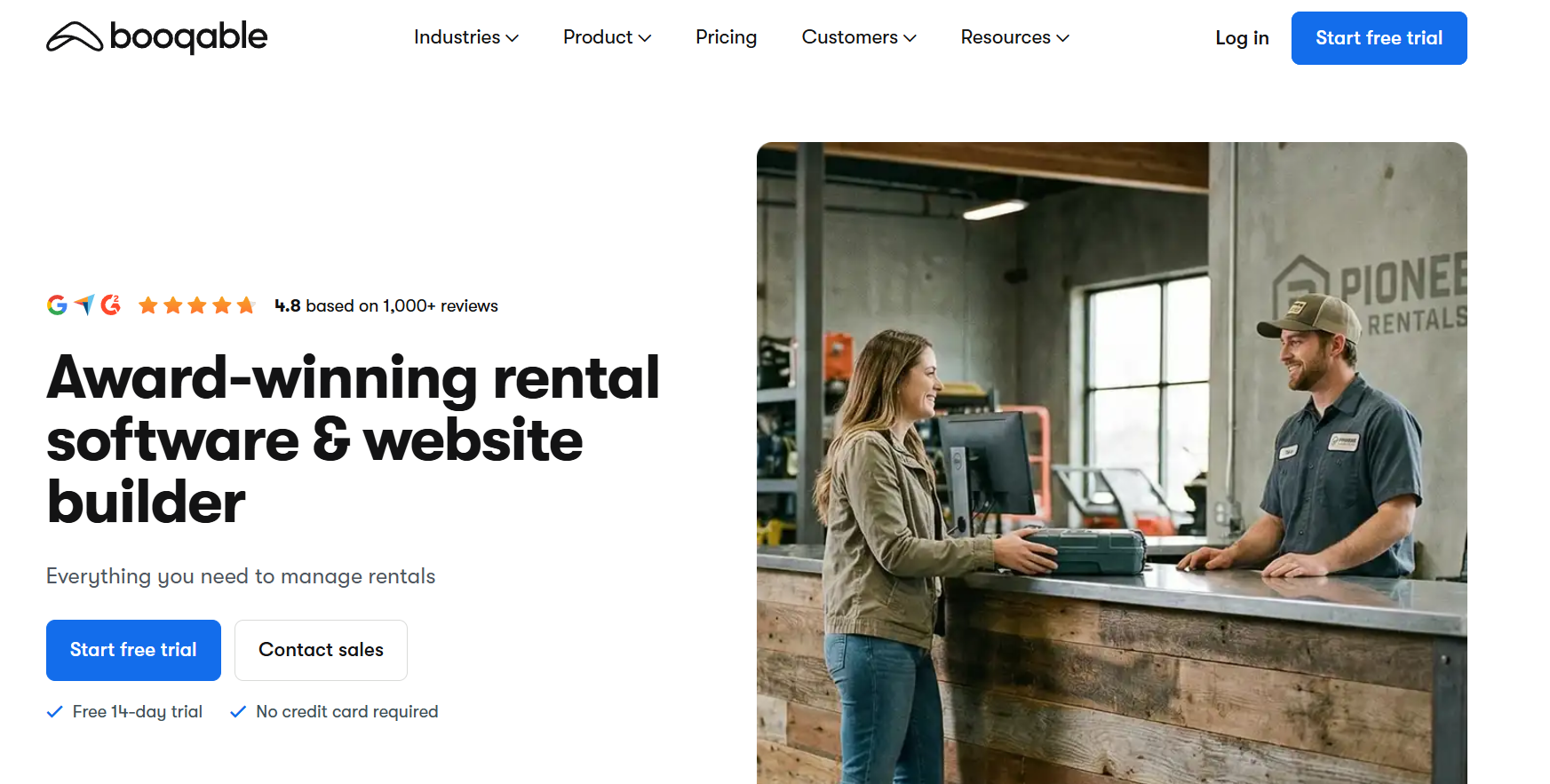
Booqable is a rental-native platform built around online booking and real-time inventory visibility. Customers can check availability and reserve equipment directly through your website, with no call required. Setup is minimal, and the customer-facing interface is clean enough to work as a standalone booking product.
Best For: Small to mid-sized rental businesses wanting a ready-to-use online booking system that integrates cleanly with their existing website.
Key Features:
- Embeddable online booking and website builder.
- Real-time availability calendar.
- Mobile app with barcode scanning capability.
- Automated invoicing and deposit collection.
Pros:
- Fast to deploy with no technical background required.
- Modern, clean interface that works well for customer self-service.
- Strong out-of-the-box website integration.
Cons:
- Limited logistics tools for high-volume or multi-branch operations.
- No built-in phone-based booking for customers who prefer to call.
2. Goodcall
Goodcall is an AI-powered phone answering and appointment scheduling platform that answers every customer inquiry, captures every reservation request, and locks in rental slots in real time through natural, conversational AI. No rigid phone menus, no missed bookings when the shop is closed.
It syncs directly with your calendar and existing rental workflows, so confirmed availability is reflected immediately across your booking system.
Best For: Equipment rental businesses that rely on phone-based inquiries and want to automate booking intake around the clock without overhauling their current rental management setup.
Key Features:
- 24/7 AI phone answering with natural, conversational call handling.
- Automated appointment booking with real-time calendar sync.
- Scheduling reminders to reduce no-shows.
- CRM-integrated customer data capture.
- After-hours booking without staff involvement.
- Compatibility with existing rental tools and workflows.
Pros:
- Captures bookings day and night, including weekends and holidays.
- Reduces missed calls that translate directly to lost rental revenue.
- No friction for customers, they call the same number they always have.
- Slots into your existing setup without requiring a full system migration.
- Free trial available before any commitment.
Cons:
- Optimized for phone-based scheduling rather than end-to-end rental operations management.
- Inventory tracking and contract management are best handled by pairing Goodcall with a dedicated rental platform.
3. EZRentOut (by AssetSonar)
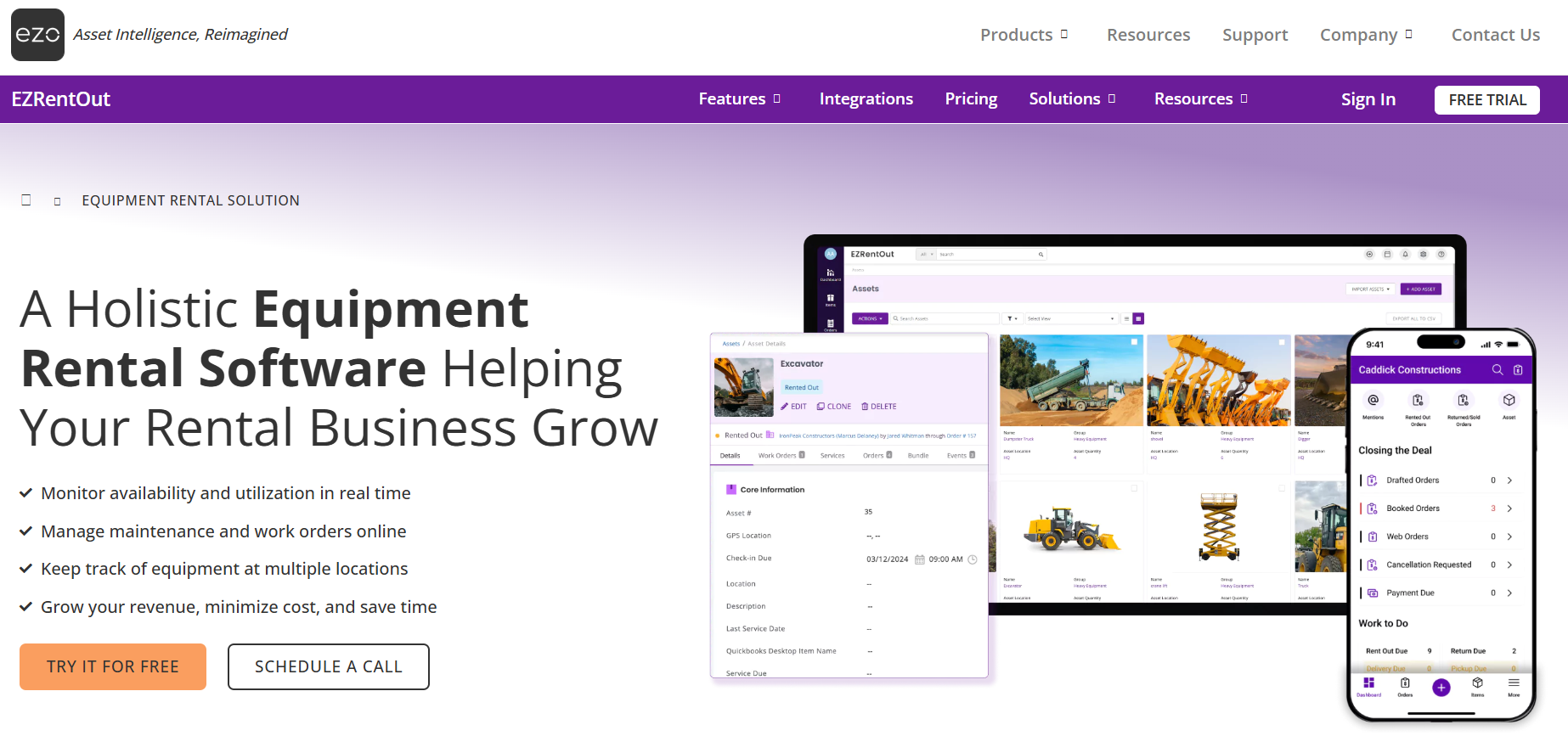
EZRentOut manages every piece of inventory as an individual asset with its own condition history, location record, and service log. It covers the full rental cycle from reservation through return and maintenance. The platform is a strong fit for businesses where asset-level visibility matters as much as the booking calendar itself.
Best For: IT, AV, and tool rental companies that need asset-level tracking tightly integrated with their booking and invoicing workflow.
Key Features:
- Barcode and QR code scanning for serialized asset tracking.
- Maintenance scheduling and service history logs.
- Digital rental agreements with e-signature support.
- Integrated online webstore.
- QuickBooks and Xero accounting sync.
Pros:
- Granular tracking down to individual serial numbers.
- Flexible inventory setup for both bulk and individually tracked items.
- Accounting integrations reduce manual reconciliation.
Cons:
- Per-asset pricing becomes expensive as inventory grows.
- Not well-suited for heavy construction or large machinery operations.
4. Rentman
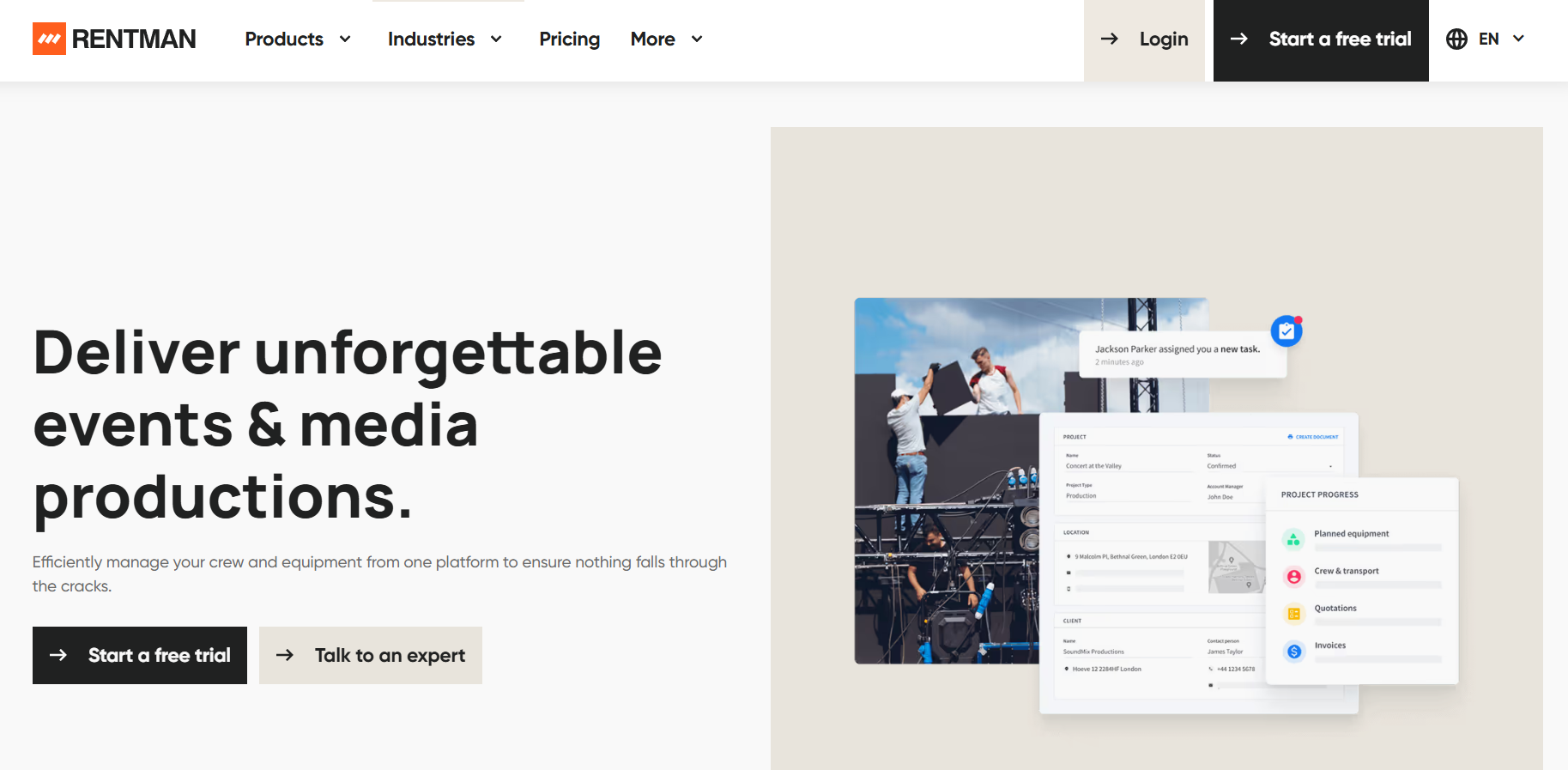
Rentman is built specifically for event production and AV rental businesses where a single project requires coordinating equipment, crew, and logistics at the same time. It approaches a rental job as a complete production, which gives it a level of project-level control that general-purpose rental platforms cannot match.
Best For: AV, event production, and project-based rental companies that schedule crew and gear together as part of a single job workflow.
Key Features:
- Combined equipment and crew scheduling on one timeline.
- Project planning with full timeline views.
- Digital contracts with signature support.
- Sub-renting functionality for overflow inventory.
- Mobile app built for field team coordination.
Pros:
- Handles multi-resource projects that simpler tools cannot manage.
- Sub-rental feature is rare and genuinely useful during peak periods.
- Strong mobile experience for on-site staff.
Cons:
- Steeper learning curve than most rental platforms.
- More than most straightforward counter-rental or single-location shops will ever need.
5. Quipli
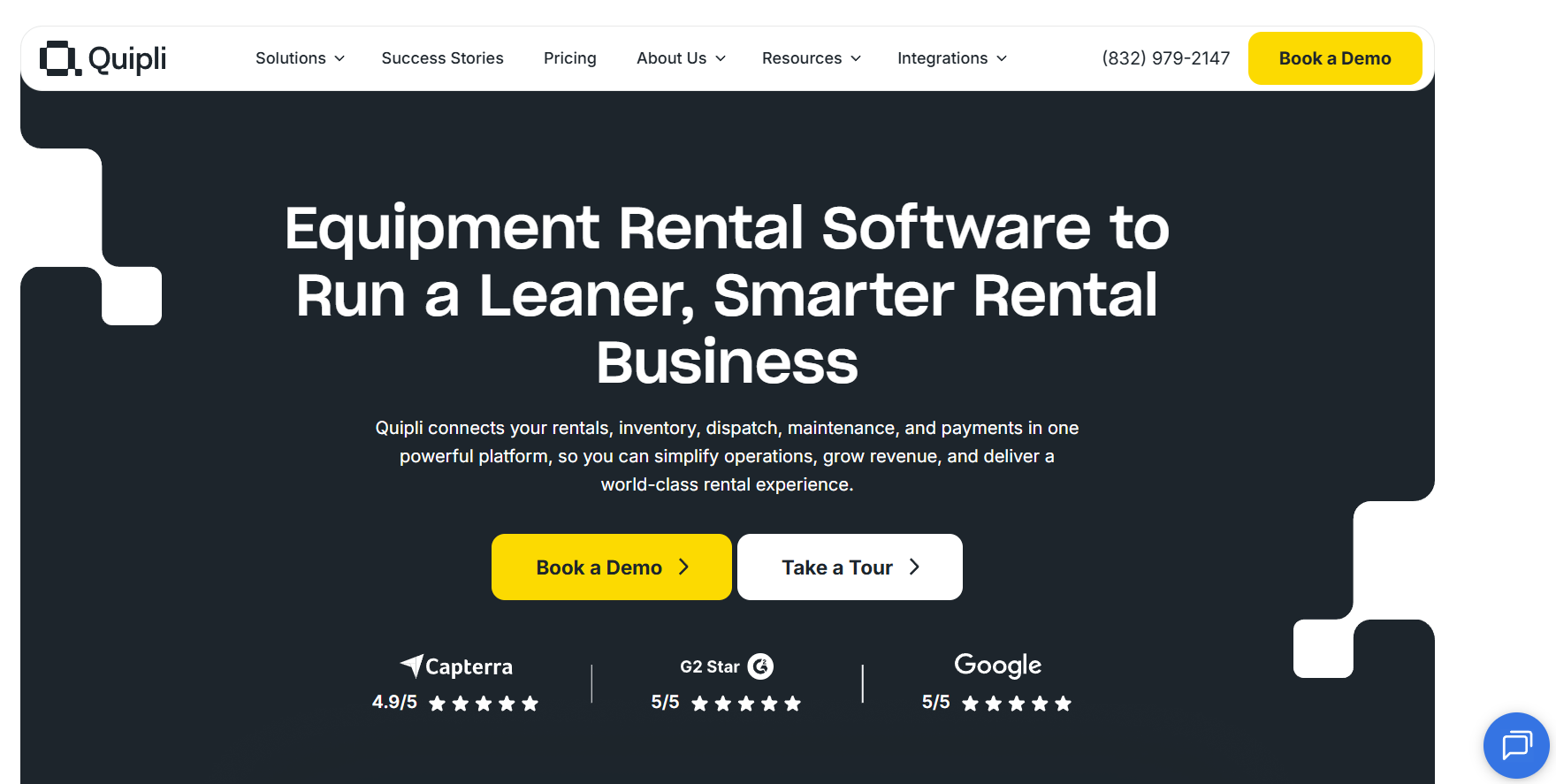
Quipli is a modern rental platform designed specifically for independent equipment dealers who want to grow online bookings without a complicated implementation process. The focus is on e-commerce functionality: customers browse availability, select equipment, and complete a reservation entirely online without needing to call or visit.
Best For: Independent local equipment rental businesses looking to grow their online booking volume with minimal setup time and no per-user fees.
Key Features:
- E-commerce storefront with real-time inventory availability.
- Online digital contracts and signature collection.
- POS integration for in-person transactions.
- Flat-rate pricing with no per-user charges.
Pros:
- Operational in under an hour with a simplified onboarding process.
- Clean, customer-facing booking experience.
- Predictable pricing structure that scales affordably.
Cons:
- Built primarily for the US market with limited international support.
- Maintenance tracking features lag behind enterprise-grade options.
6. Point of Rental (Expert/Elite)
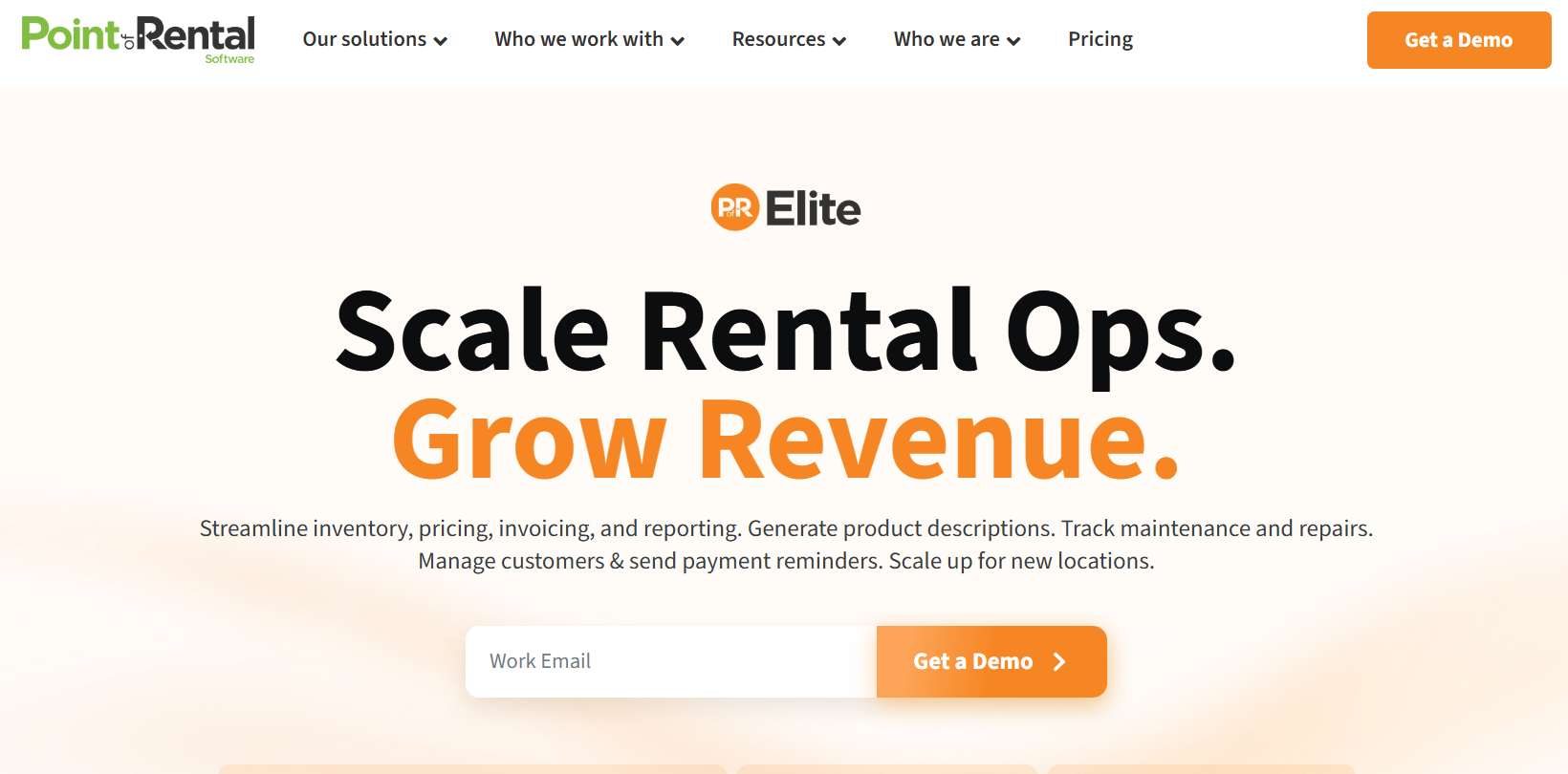
Point of Rental is an enterprise-grade platform designed for large-scale equipment rental operations that need deep control over fleet management, multi-location inventory, and complex contract pricing. It functions closer to a full ERP than a standalone booking tool, which makes it one of the most capable options in the market for high-volume operations.
Best For: Mid-to-large construction and heavy equipment rental businesses managing complex multi-location inventory with advanced fleet and pricing requirements.
Key Features:
- ERP-level operations management across locations.
- GPS-enabled fleet tracking and visibility.
- Advanced contract and tiered pricing configuration.
- Multi-location inventory control.
- Maintenance scheduling and equipment service tracking.
Pros:
- Handles operational complexity that lightweight platforms cannot support.
- Strong multi-location and fleet-wide visibility.
- Deep reporting for operational and financial decision-making.
Cons:
- Long implementation timeline and significant upfront investment.
- Far too complex and costly for small or single-location rental businesses.
Top Equipment Rental Appointment Scheduling Software at a Glance
| Parameter | Goodcall | Bookable | EZRentOut | Rentman | Quipli | Point of Rental (Expert / Elite) |
|---|---|---|---|---|---|---|
| Starting Price | $66/mo per agent | $35/mo | $89/mo | $39/mo per user and others add-ons | $6,000/yr per location | Custom pricing |
| Free Trial | 14-day trial | Yes | Yes, no card required | 30-day trial | Demo only | Demo only |
| Books via Inbound Phone Call | Yes, AI-handled, 24/7 | No | No | No | After-hours only (Quinn AI) | No |
| Calendar Integration | Google, Outlook, Apple | Google Calendar | Via integrations | Google Calendar | Not confirmed | Via integrations |
| Automated Reminders | Email + SMS, all plans | Email only | Email only | Email + in-app | SMS built-in | Email reminders |
| Equipment Inventory Tracking | Not included | Yes, full inventory management | Yes, full asset lifecycle | Yes, inventory, crew, transport | Yes, inventory, maintenance, and dispatch | Yes, ERP-grade multi-location |
| Avg. Setup Time | Under 30 minutes | Hours to days | Hours to days | Days to weeks | 2–3 weeks | Weeks |
What to Look for in Equipment Rental Appointment Scheduling Software
Equipment rental runs on timing. A missed call, a double-booked excavator, or a confirmation that never went out can cost you a job. The features below separate tools that actually support rental operations from those that just look good on a demo.
- 24/7 AI-Powered Booking: The best equipment rental appointment scheduling software captures and confirms reservations after hours, so no inquiry goes unanswered.
- Automated Confirmations and Reminders: Scheduling software with reminders handles no-shows and late returns without manual follow-up.
- Real-Time Inventory Tracking: Live availability across booking channels prevents double-bookings before they happen.
- Visual Drag-and-Drop Calendar: A clean, interactive calendar keeps daily rental management fast and low-friction.
- Barcode and RFID Asset Tracking: Equipment location and maintenance windows stay tied to your booking data, not a separate log.
- CRM-Integrated Customer History: A CRM integrated booking system puts rental history front and center when your team needs it most.
- Self-Service Online Booking Portal: An online booking system for small businesses lets customers select, schedule, and confirm on any device.
- Built-In Invoicing and Payments: Secure billing inside your automated booking system closes the gap between reservation and payment.
- Utilization and Revenue Reporting: Equipment rental management software should tell you what earns the most and when demand peaks.
- Third-Party Integrations: Rental business automation tools need clean connections to your accounting, CRM, and logistics platforms.
How Scheduling Software Helps You Get More Bookings Automatically
The right scheduling software doesn't just organize your calendar. It actively fills it. When the path from inquiry to confirmed reservation is frictionless, more jobs get booked without your team lifting a finger.
- Stop Losing Bookings After Hours: A 24/7 booking software captures rental requests when your team is offline, turning missed calls into confirmed reservations.
- No-Shows Drop Without Extra Effort: Automated SMS and email reminders keep customers accountable between confirmation and pickup day.
- Double-Bookings Become a Non-Issue: Real-time availability sync ensures customers only see slots that are genuinely open, so your team never has to untangle a scheduling conflict.
- Customers Book Faster and Drop Off Less: One-step booking from your website removes the friction that causes customers to abandon the process before confirming.
- Your Team Gets Off Admin Duty: Rental business automation tools handle confirmations, follow-ups, and calendar updates automatically, so your staff stays focused on the work already scheduled.
How to Choose the Right Software for Your Rental Business
The right rental software depends on your operation type, team size, and the specific gaps slowing you down. Work through these factors before committing to any platform.
- Start With Your Biggest Operational Gap: If missed calls and after-hours inquiries are costing you bookings, an AI scheduling platform that handles inbound calls and confirms appointments around the clock should be your starting point.
- Confirm the Non-Negotiable Features: Real-time inventory tracking, automated invoicing, payment processing, and mobile access are baseline requirements for any rental operation running at scale.
- Test for Ease of Use: If your team won't use it consistently, it won't perform. Prioritize platforms with clean interfaces and minimal onboarding time.
- Check Scalability: The software needs to handle growth in inventory, users, and locations without forcing a costly platform switch down the road.
- Verify Integration With Your Existing Tools: Your scheduling software should connect cleanly with QuickBooks, your CRM, and your payment processor.
- Calculate Total Cost: Factor in onboarding fees, premium feature tiers, and per-unit costs as your inventory grows.
Common Mistakes to Avoid When Choosing Scheduling Software
The right scheduling software doesn't just organize your calendar. It actively fills it. When the path from inquiry to confirmed reservation is frictionless, more jobs get booked without your team lifting a finger.
- Stop Losing Bookings After Hours: A 24/7 booking software captures rental requests when your team is offline, turning missed calls into confirmed reservations.
- No-Shows Drop Without Extra Effort: Automated SMS and email reminders keep customers accountable between confirmation and pickup day.
- Double-Bookings Become a Non-Issue: Real-time availability sync ensures customers only see genuinely open slots, so your team never has to untangle a scheduling conflict.
- Customers Book Faster: One-step booking from your website removes the friction that causes customers to abandon the process before confirming.
- Your Team Gets Off Admin Duty: Rental business automation tools handle confirmations, follow-ups, and calendar updates automatically, so your staff stays focused on the scheduled work.
Final Thoughts
The right software choice comes down to where your operation is actually losing ground. For most equipment rental businesses, that gap is in the calls that ring out unanswered while a competitor picks up.
That's exactly the problem; Goodcall was built to close. Its AI phone agent answers every call, confirms availability in real time, and locks in bookings without your team having to be available. Start a free 14-day trial and see how many bookings you've been leaving on the table.
FAQs
What is the best appointment scheduling software for equipment rental businesses?
Goodcall, Booqable, and EZRentOut are among the strongest options for equipment rental businesses. Goodcall leads for AI-driven call handling and 24/7 automated booking. Booqable and EZRentOut are better suited for inventory tracking and rental agreement management.
Is there free scheduling software available?
Yes, free tools like Calendly handle basic appointment booking, but they lack rental-specific features like inventory visibility and asset tracking. For equipment rental businesses that need automated booking and call handling, a paid platform covers far more ground.
How can I reduce missed calls and bookings?
The most reliable fix is an automated booking system that confirms reservations in real time and stays available around the clock. AI-powered platforms like Goodcall handle this without human involvement, so rental opportunities don't slip through after hours.
Can scheduling software integrate with Google Calendar or CRM?
Yes, most platforms built for service businesses sync with Google Calendar and connect to major CRMs. Goodcall supports these integrations natively, keeping your availability and customer records aligned without manual updates.
How do I reduce no-shows in my rental business?
You can collect a deposit at the time of booking and send automated reminders 24 to 48 hours before the appointment. A clear cancellation policy with self-reschedule options through your booking software is the ideal solution.
What is the easiest scheduling software to use?
Goodcall, Booqable, and Quipli are among the easiest platforms to get running quickly. Goodcall goes live within a day, with the AI managing call flow and bookings without any technical setup from your team.
Can AI scheduling software replace a receptionist?
Yes, the best equipment rental appointment scheduling software handles call answering, booking confirmations, and reminders without supervision. It runs your entire booking pipeline through AI, so your team won’t need a receptionist.