Microsoft Teams centralizes communication for over 320 million daily active users. But scheduling breaks when teams rely on manual coordination.
According to Microsoft's 2025 Work Trend Index, employees are interrupted every 2 minutes by meetings, emails, or pings during core work hours.
This guide compares seven scheduling tools on pricing, Teams calendar integration, and automation depth so you can replace manual coordination with one decision.
Why Appointment Scheduling Matters for Microsoft Teams Users
Microsoft Teams already handles messaging, calls, and video meetings. Without a dedicated Teams appointment booking software, scheduling creates operational bottlenecks that manual coordination cannot fix.
Without proper Microsoft Teams scheduling software, businesses face:
- Back-and-forth messages that delay customer response times by hours
- Double bookings caused by stale calendar sync between Outlook and external tools
- After-hours requests that go unanswered until the next business day
- No-shows from missing automated reminders before confirmed meetings
The gap between Teams as a communication platform and Teams as a scheduling system is where most appointment revenue disappears.
What strong scheduling automation software delivers:
- Real-time Outlook sync preventing availability conflicts before they become double bookings
- Automatic Teams meeting link generation eliminating manual meeting room creation
- AI scheduling assistant capability routing inbound requests without dispatcher involvement
- Self-booking pages allowing customers to confirm appointments without staff involvement
See Goodcall's AI appointment booking for how AI-powered scheduling automation works.
Best Appointment Scheduling Software Compatible with Microsoft Teams
The best online appointment booking software for Teams does more than generate meeting links. It automates the entire booking workflow from first request to confirmed calendar slot.
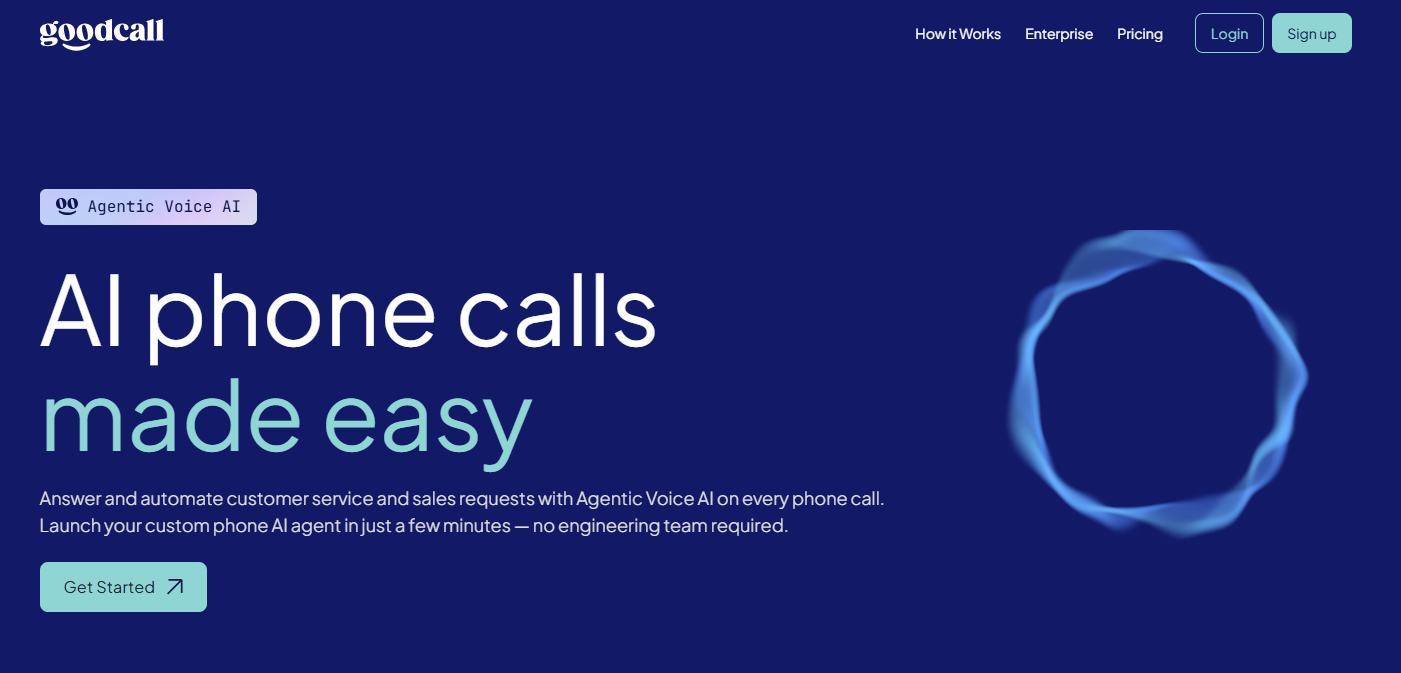
1. Goodcall — Best for AI-Powered Inbound Call Scheduling
Best For
- Service businesses and healthcare practices receiving inbound scheduling requests by phone
- Home services companies needing after-hours booking capture without additional staff
- Any Teams-connected operation that loses revenue when calls go unanswered during business hours
- Businesses wanting AI call handling integrated directly with Microsoft 365 calendar workflows
Microsoft Teams Integration
- Syncs with Microsoft 365 calendars pushing confirmed appointments into your Teams-connected workflow
- No manual re-entry required after each confirmed booking interaction
- Works alongside existing Outlook availability without requiring a platform migration
AI Scheduling Features
- Conversational AI answers inbound calls and books appointments in real time without requiring front desk staff availability
- Missed call text-back converts unanswered calls into SMS scheduling conversations before prospects book with a competitor
- Emergency routing identifies urgent inbound requests and escalates to on-call staff immediately
- AI call summaries delivered after every booking interaction so your team has full context before the appointment
- Smart intake qualification collects customer name, service type, location, and preferred time during the booking call
Automation Capabilities
- Automated SMS and email appointment reminders reducing no-show rates without manual follow-up
- After-hours booking capture confirming appointments when your office is closed and Teams is offline
- Multi-location routing directing inbound requests to the correct team member or location automatically
- Lead capture workflows tied directly to appointment confirmation reducing lost inbound opportunities
Pricing
- $41/month billed annually
- $59/month on monthly billing
- No per-call or per-minute charges regardless of inbound volume
- 14-day free trial, no credit card required
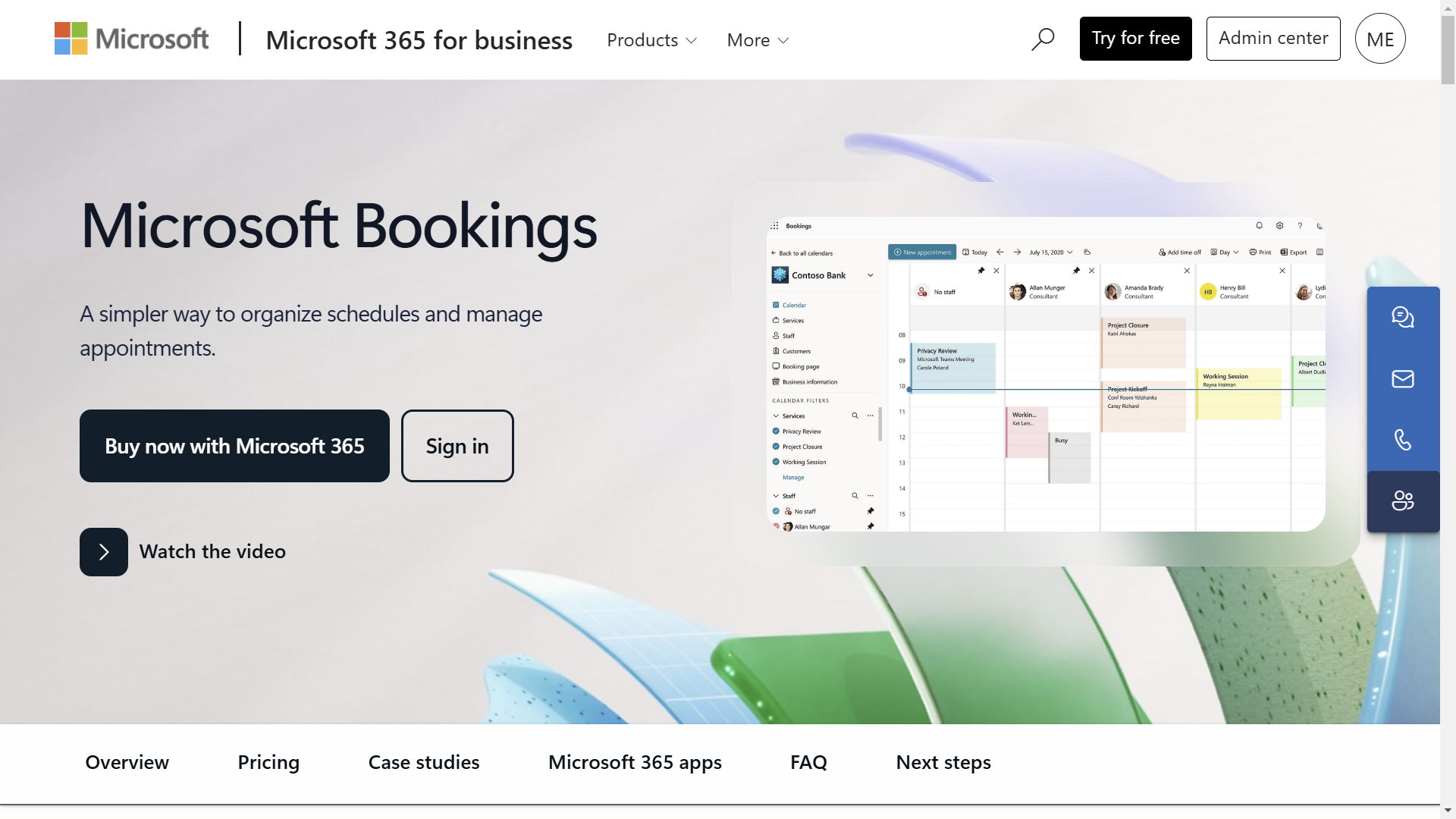
2. Microsoft Bookings — Best for Microsoft 365 Native Scheduling
Best For
- Organizations already running entirely on Microsoft 365 wanting native scheduling without third-party tools
- Teams that need customer-facing booking pages without separate logins or additional integration layers
- Departments managing internal appointment coordination across multiple staff members
- Businesses wanting zero additional monthly cost beyond their existing Microsoft 365 subscription
Microsoft Teams Integration
- Native integration with Teams, Outlook, and Microsoft 365 calendars out of the box
- Creates Teams meeting links automatically without any configuration beyond initial setup
- Real-time availability sync prevents double bookings across all Microsoft 365 accounts in your organization
AI Scheduling Features
- Real-time Outlook availability checking prevents double bookings caused by stale calendar synchronization across departments
- Automatic Teams meeting room creation sends participant links, calendar invites, and confirmation emails without manual setup
- Self-booking pages reduce inbound scheduling friction by letting customers choose available slots directly
- Smart form collection captures intake information before meetings reducing repetitive discovery conversations
- Shared booking pages coordinate department-level scheduling across multiple staff members simultaneously
Automation Capabilities
- Automatic appointment confirmation emails and reminder sequences to reduce no-shows
- Real-time calendar synchronization across all Microsoft 365 accounts in your organization
- Shared team booking pages for customer-facing scheduling without individual rep involvement
- Internal appointment coordination for departments managing multiple client-facing team members
Pricing
- Included with Microsoft 365 Business Standard, Business Premium, and Enterprise plans
- No additional cost for existing Microsoft 365 subscribers
- Requires Microsoft 365 subscription. Not available as a standalone product
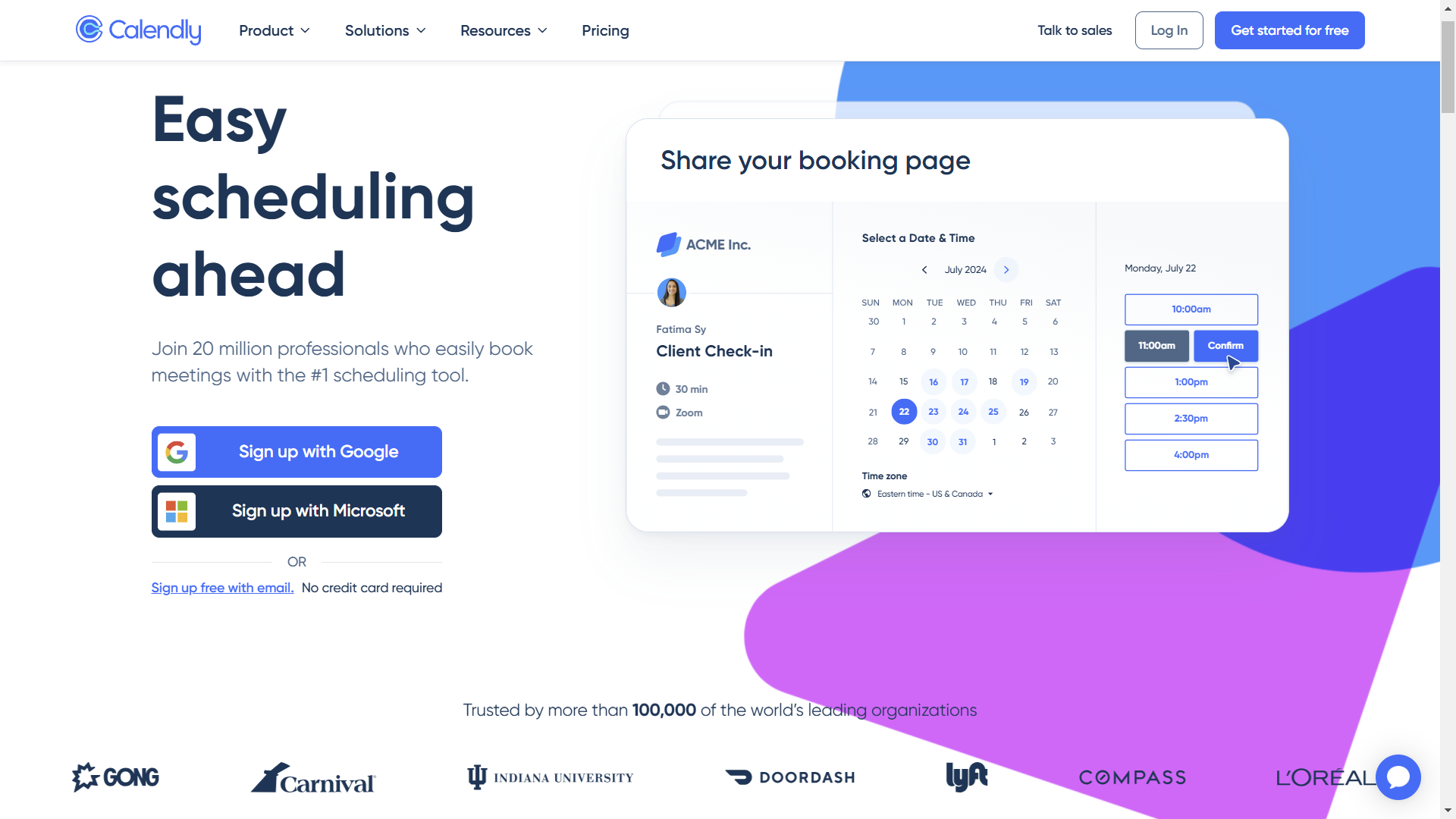
3. Calendly — Best for External Client Scheduling Across Teams
Best For
- Sales teams and consultants needing the fastest external booking experience with strong CRM integration
- Client-facing professionals who need round-robin scheduling distributed across a growing team
- Businesses where booking page simplicity and deployment speed matter more than deep enterprise customization
- Teams already using HubSpot or Salesforce who want scheduling data pushed automatically into their CRM
Microsoft Teams Integration
- Direct Teams meeting link generation on every confirmed booking without manual meeting room creation
- Outlook calendar sync prevents availability conflicts across the entire team simultaneously
- Confirmed bookings update all participant calendars without requiring organizer involvement after confirmation
AI Scheduling Features
- Round-robin scheduling distributes inbound meeting requests across available team members based on workload and territory rules
- Collective event scheduling coordinates availability across multiple team members for panel meetings or group consultations
- Routing forms qualify inbound scheduling requests before assigning them to the appropriate team member or department
- Availability pooling prevents double bookings across multiple calendars simultaneously synced to one booking page
- Automated follow-up sequences send post-meeting actions, rescheduling prompts, and retention workflows without manual intervention
Automation Capabilities
- Workflow automation for confirmations, reminders, and follow-ups without additional tool configuration
- CRM integrations with HubSpot, Salesforce, and Zoom pushing booking data automatically
- Automated Teams meeting link generation on every confirmed appointment without manual meeting room creation
- Self-scheduling pages optimized for external customer booking without requiring a Teams login
Pricing
- Free plan: 1 event type, unlimited meetings, 1 calendar connection
- Standard: $10/seat/month (annual) or $12/seat/month (monthly)
- Teams: $16/seat/month (annual) or $20/seat/month (monthly)
- Enterprise: from $15,000/year for SSO, SCIM, and advanced admin features
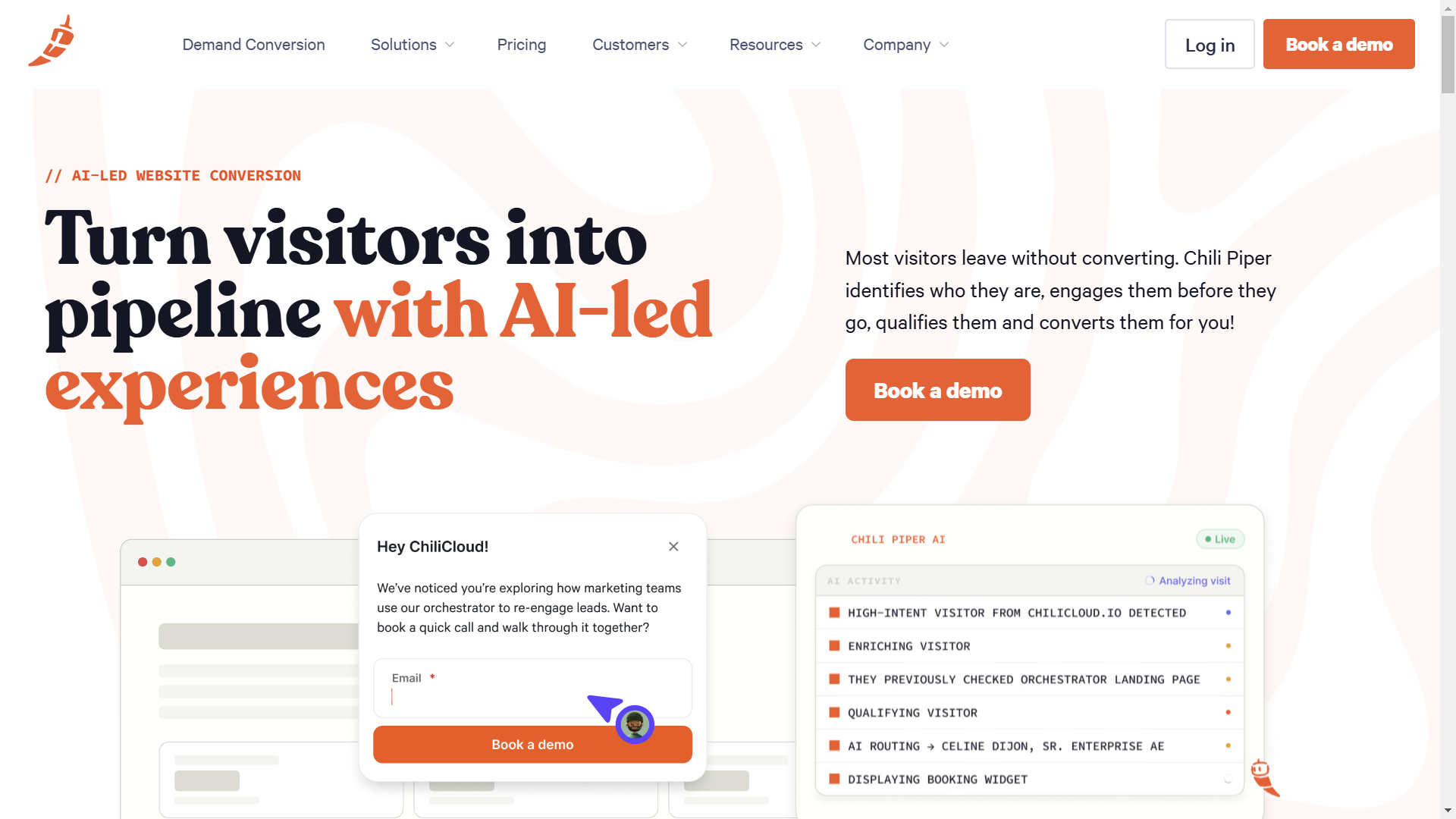
4. Chili Piper — Best for Enterprise B2B Revenue Teams on Teams
Best For
- Enterprise B2B sales teams needing CRM-driven scheduling automation and inbound lead routing at scale
- Revenue operations teams where reducing time-to-contact for new leads is the primary performance metric
- Organizations with Salesforce-heavy workflows that need scheduling connected directly to pipeline stages
- Teams that can justify $35+/seat/month plus platform fees for enterprise-grade scheduling automation
Microsoft Teams Integration
- Deep CRM-driven Teams scheduling automation connecting Salesforce and HubSpot lead data to calendar availability
- Meeting assignment logic pulls from CRM ownership, territory, and workload data before routing any booking
- Pipeline stage updates in Salesforce or HubSpot trigger automatically after each confirmed Teams meeting
AI Scheduling Features
- Instant Booker converts inbound form submissions into immediately booked meetings eliminating the lag between lead capture and first contact
- Concierge routes website visitors to available sales reps based on territory, account ownership, and workload balance in real time
- Lead distribution automation assigns inbound prospects to the correct rep before they lose interest waiting for a callback
- Revenue workflow orchestration connects Teams scheduling directly to pipeline stages in Salesforce or HubSpot automatically
- Handoff automation schedules the next meeting immediately after a discovery call ends without rep coordination overhead
Automation Capabilities
- Enterprise round-robin scheduling with CRM-based ownership routing across large distributed sales teams
- Automated lead assignment preventing inbound prospects from sitting uncontacted in a shared queue
- Multi-product workflow covering Instant Booker, Handoff, Concierge, and Distro based on your revenue operations structure
Pricing
- Instant Booker: $15/seat/month
- Handoff: $25/seat/month
- Concierge: $35/seat/month plus platform fee $150 to $1,000/month based on lead volume
- No free plan or self-serve trial — requires a direct sales conversation before onboarding
- Annual contracts are standard with no monthly billing option
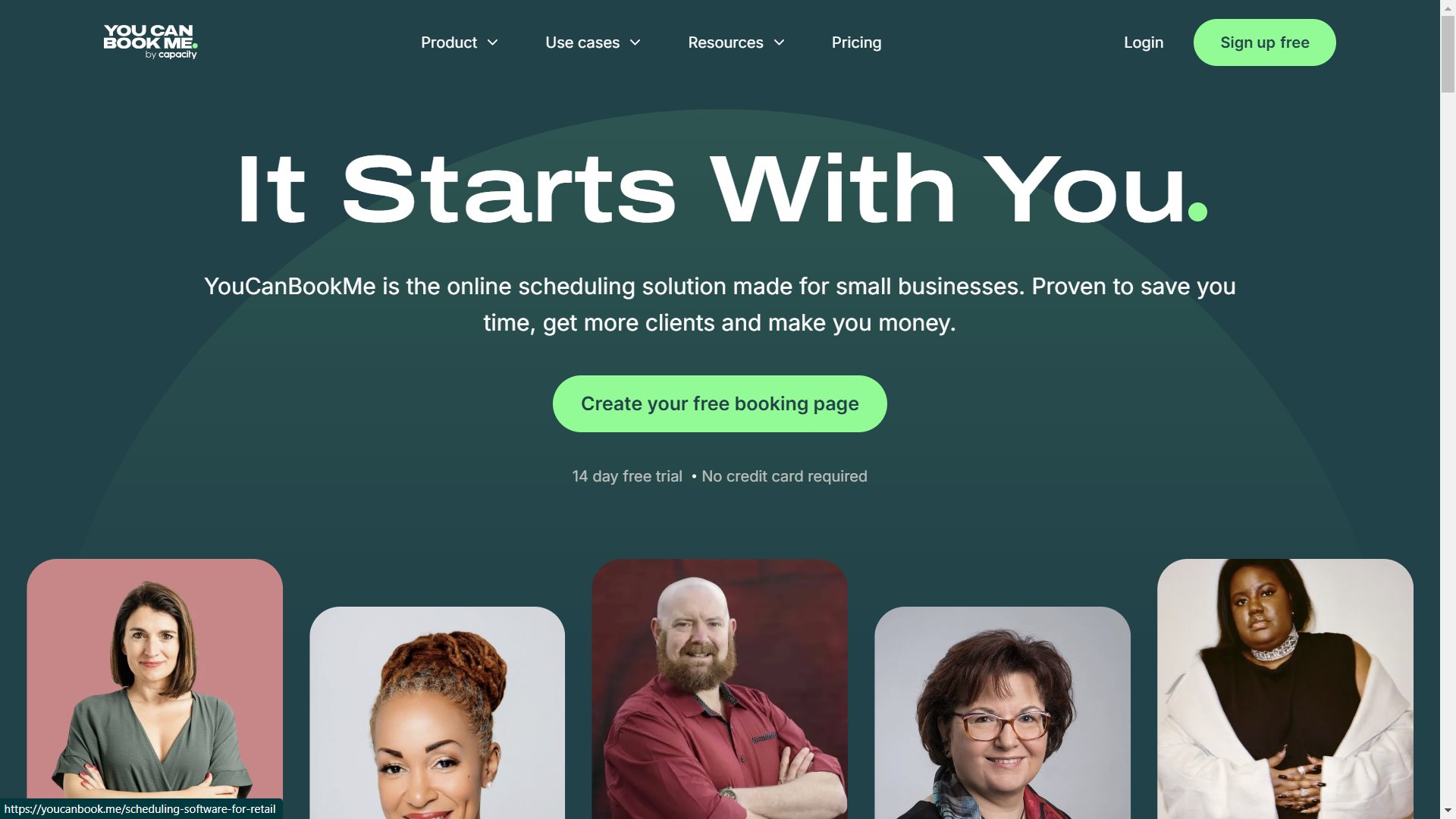
5. YouCanBookMe — Best for Flexible Mid-Size Business Scheduling
Best For
- Mid-size businesses, agencies, consultants, and education organizations needing flexible scheduling customization
- Teams that need calendar-linked booking pages without enterprise pricing complexity or minimum seat requirements
- Organizations where timezone-aware booking and multi-calendar conflict checking are daily operational requirements
- Businesses wanting flexible booking rules without committing to a full enterprise scheduling platform
Microsoft Teams Integration
- Outlook and Microsoft Teams synchronization with automatic meeting link creation for every confirmed booking
- Pulls availability across up to six linked calendars simultaneously before confirming any slot
- Timezone detection adjusts displayed availability based on the booker's location without manual configuration
AI Scheduling Features
- Multi-calendar conflict checking pulls availability across up to six linked calendars before confirming any slot
- Timezone-aware booking detection automatically adjusts displayed availability based on the booker's detected location
- Customizable booking forms collect role-specific intake information before the meeting to reduce discovery time
- Padding and buffer time configuration prevents back-to-back meeting fatigue for high-volume scheduling operations
- Team page coordination displays availability across multiple team members for clients who need to find the right contact
Automation Capabilities
- Automated confirmations, reminders, and rescheduling notifications without manual follow-up from your team
- Flexible booking rules controlling advance notice, maximum bookings per day, and cancellation windows
- Redirect workflows sending confirmed bookers to custom landing pages or next-step resources immediately after booking
Pricing
- Free plan: 1 booking page, limited customization
- Paid plans: $11.70/linked calendar/month
- Team pricing available for organizations managing multiple linked calendars simultaneously
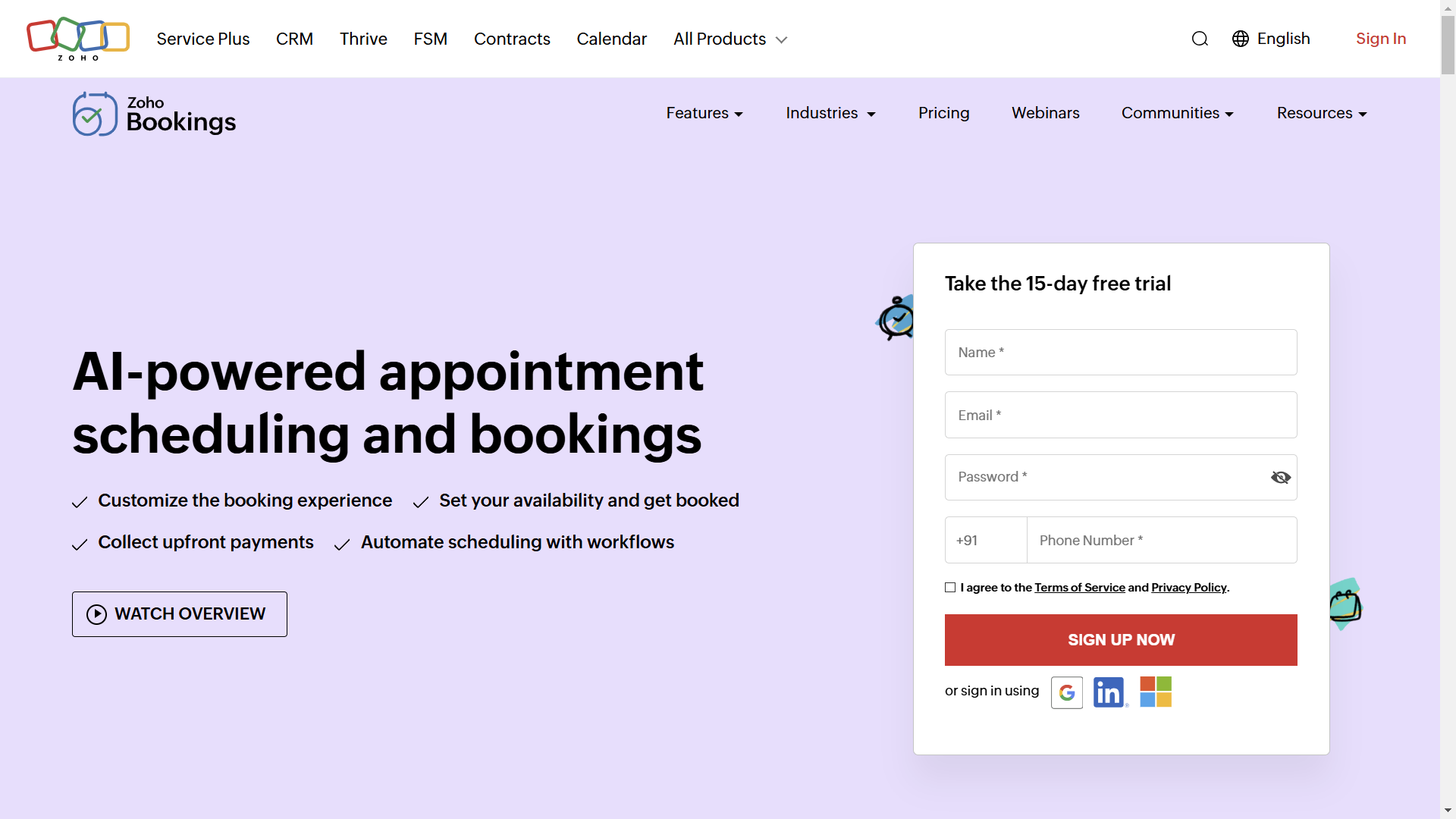
6. Zoho Bookings — Best for Affordable Small Business Scheduling
Best For
- Small businesses and growing teams already using Zoho CRM or Zoho One wanting affordable Teams scheduling
- Organizations that need payment collection tied directly to appointment confirmation without additional tools
- Teams wanting staff workload balancing rather than simple round-robin assignment for inbound requests
- Businesses wanting a free entry tier before committing to a paid scheduling platform
Microsoft Teams Integration
- Integrates with Teams, Outlook, and Microsoft calendar systems to sync availability automatically
- Generates confirmed meeting invites without requiring manual creation after each booking
- Zoho CRM integration pushes confirmed booking data directly into existing customer records
AI Scheduling Features
- Staff workload balancing distributes inbound booking requests based on existing appointment load rather than simple round-robin rotation
- Resource scheduling assigns meetings to specific rooms, equipment, or service types before confirming availability to the customer
- Automated waitlist management adds customers to standby queues when preferred slots are unavailable and notifies them automatically
- Multi-timezone meeting coordination adjusts displayed availability for international clients without manual timezone conversion
- Payment collection integration confirms appointment payments before finalizing the booking in your Teams calendar
Automation Capabilities
- Customer self-scheduling portals reducing inbound coordination calls during peak business hours
- Automated cancellation and rescheduling workflows without requiring manual staff involvement
- Zoho CRM integration pushing confirmed booking data directly into existing customer records
Pricing
- Free tier: 1 staff member, 1 service, basic features
- Basic: $8/month for 2 staff members
- Premium: $12/month for 5 staff members
- Enterprise: Custom pricing for larger teams
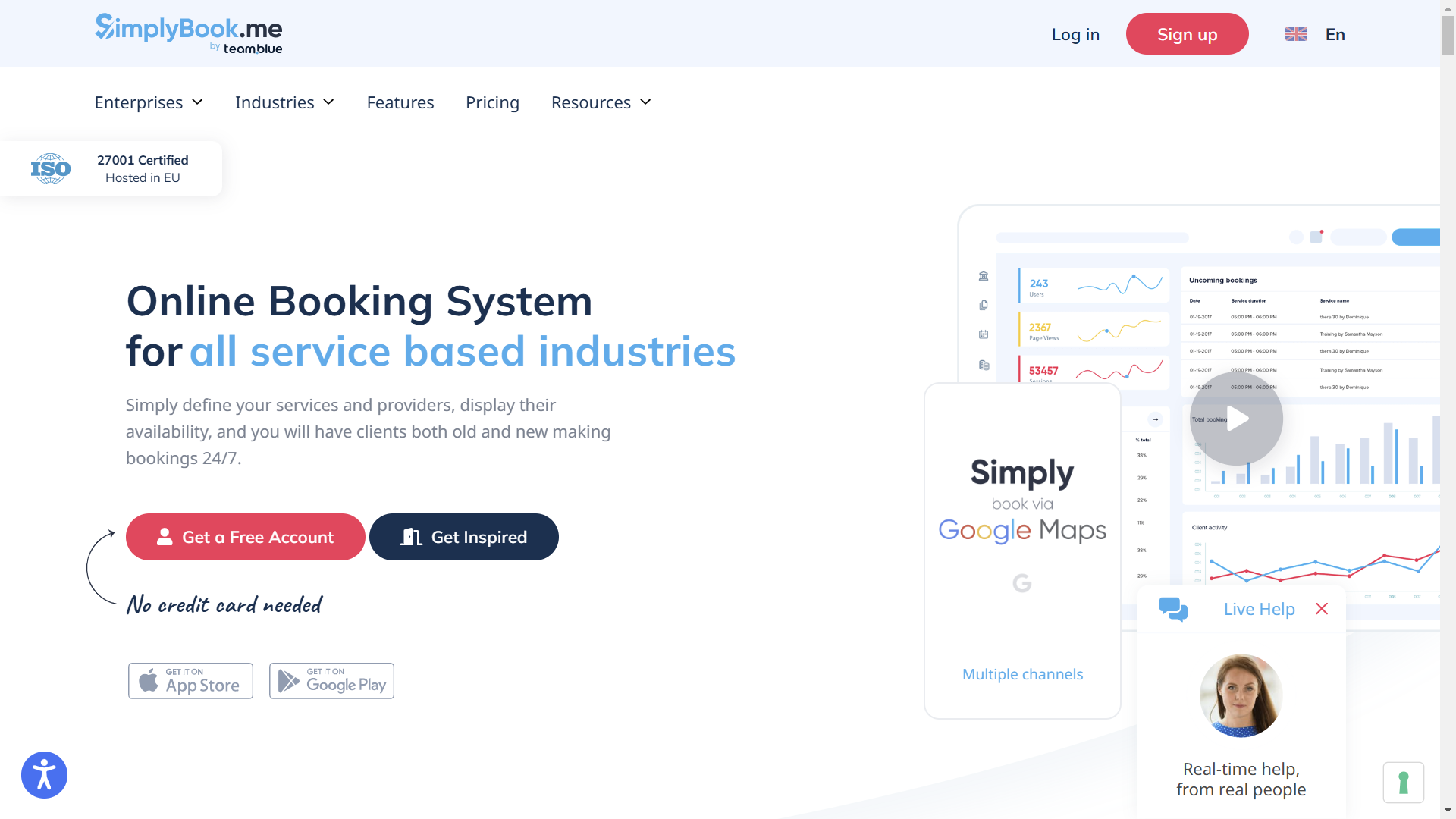
7. SimplyBook.me — Best for High-Volume Service Business Scheduling
Best For
- Clinics, salons, consultancies, and service businesses handling high appointment volumes daily
- Teams needing payment collection, membership scheduling, and intake workflows in one platform
- Businesses where booking volume rather than team size determines the platform tier required
- Operations needing white-label booking pages for client-facing scheduling without platform branding
Microsoft Teams Integration
- Syncs Microsoft Teams meetings with customer-facing booking workflows automatically
- Generates meeting invites and confirmation communications without manual creation after each booking
- Waitlist automation fills last-minute cancellation slots and notifies participants through Teams-connected channels
AI Scheduling Features
- Volume-based availability management shows accurate real-time slot availability even during peak booking periods with simultaneous high demand
- Provider-specific scheduling routes inbound requests to the correct service provider based on specialty, availability, and customer preference
- Membership and package tracking confirms remaining session credits before finalizing any new appointment booking
- Intake form automation collects service-specific intake details from customers before the appointment without staff involvement
- Waitlist automation fills last-minute cancellation slots by contacting waitlisted customers in priority order without manual outreach
Automation Capabilities
- Payment integrations collecting appointment deposits or full payment at booking confirmation
- Automated waitlist notifications filling cancelled slots before they create revenue gaps
- Recurring scheduling workflows for repeat customers on weekly or monthly service plans
Pricing
- Free plan: 50 bookings/month, 1 provider
- Basic: $8.25/month for 100 bookings/month
- Standard: $25/month for 500 bookings/month
- Premium: $49.90/month for 2,000 bookings/month and white-label options
How Teams Calendar Integration Improves Appointment Management
Adding scheduling automation to your Teams infrastructure eliminates operational bottlenecks without requiring your team to learn a new platform.
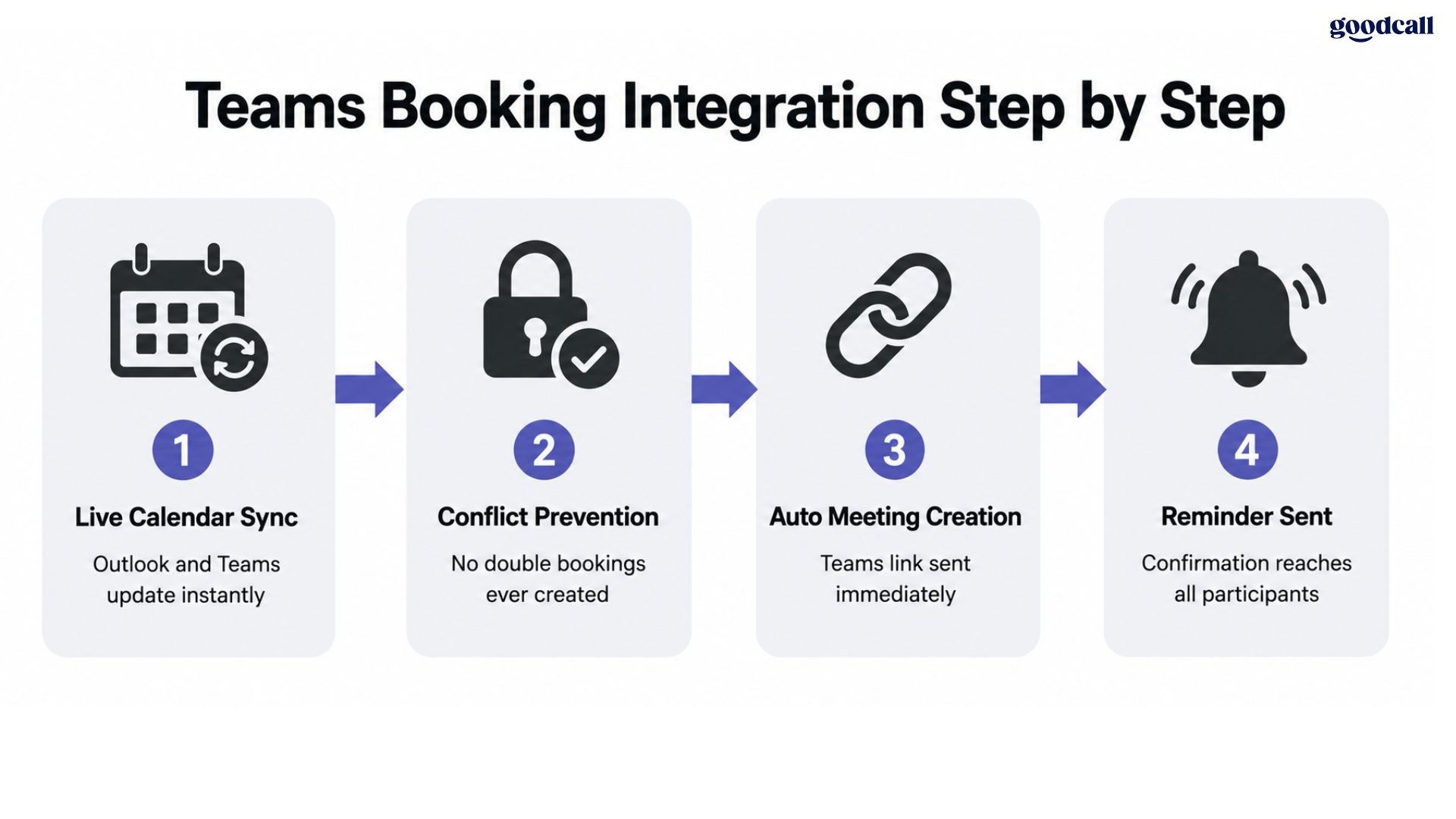
Real-Time Calendar Synchronization
Manual calendar management between Outlook and external tools creates availability gaps and double bookings.
- Live sync updates availability across Outlook, team calendars, and booking pages simultaneously
- Prevents stale availability where a slot appears open while already booked
- Remote teams confirm availability without back-and-forth email
Automatic Teams Meeting Creation
Confirmed appointments need a meeting link and calendar invite. Manual creation wastes time weekly.
- Scheduling tools generate Teams meeting rooms with participant links automatically
- Rescheduled meetings update all participant calendars without recreating the meeting
Faster Customer Response Times
Every hour a booking request sits unanswered a prospect considers a competitor.
- Self-booking pages let customers confirm appointments without a callback
- AI scheduling assistants handle requests when your team is unavailable
See Goodcall's Slack comparison for how scheduling automation compares across communication platforms.
Scheduling Challenges Businesses Face Without Automation
Most Teams users underestimate how much time manual scheduling consumes every week.
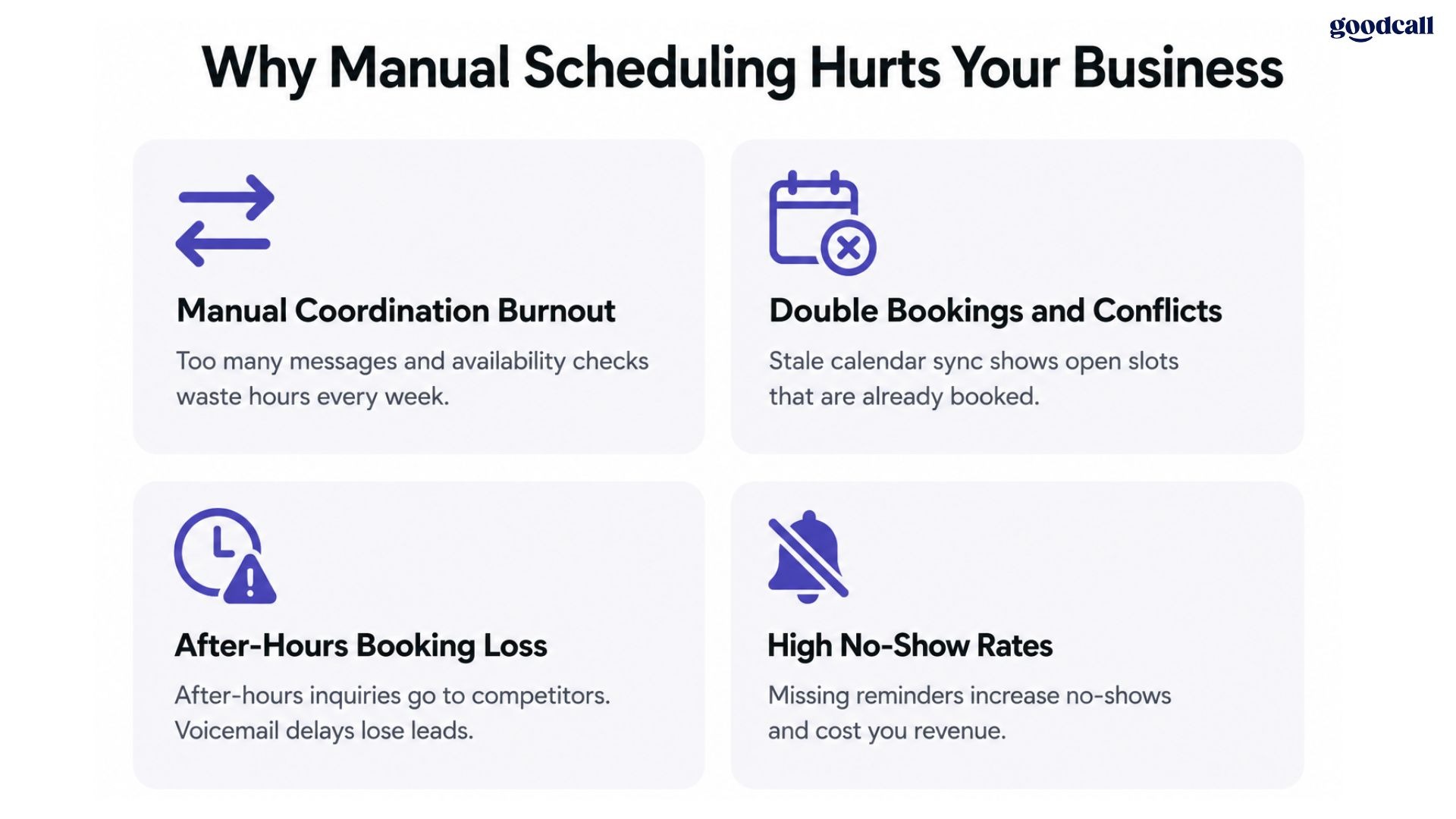
Manual Coordination Burnout
Employees managing appointments through Teams messages lose hours to back-and-forth availability checks.
- Each meeting requires four to seven message exchanges before confirmation
- Staff spend disproportionate time on scheduling rather than higher-value tasks
- After-hours requests sit unresponded until the next morning
High No-Show Rates
Missing reminder sequences directly inflate no-show rates for scheduled appointments.
- Businesses without automated reminders experience up to 30% higher no-show rates
- Cancellations without rescheduling automation create empty calendar blocks
Double Bookings and Calendar Conflicts
Stale calendar sync between Outlook and third-party tools creates conflicts that damage client trust.
- Manual booking without live availability checking creates overlapping appointments
Limited After-Hours Capture
After-hours requests represent a substantial share of inbound scheduling demand.
- Voicemail delays are long enough for motivated prospects to book elsewhere
- AI scheduling assistant tools capture these requests instantly when they arrive
How to Choose the Right Microsoft Teams Scheduling Software
The right appointment scheduling app for your Teams environment depends on what is actually breaking your current workflow.
Choose Goodcall if:
- Your business receives inbound calls and cannot answer every scheduling request during hours
- You need after-hours booking capture confirming appointments without a callback
Choose Microsoft Bookings if:
- Your organization runs on Microsoft 365 and you want native scheduling at zero extra cost
- Your needs are straightforward without routing or CRM complexity
Choose Calendly if:
- Your sales team manages external meetings requiring round-robin routing
- You need HubSpot or Salesforce pushing booking data automatically
Choose Chili Piper if:
- Your B2B revenue team needs Salesforce-connected lead routing at enterprise pricing
Choose YouCanBookMe, Zoho Bookings, or SimplyBook.me if:
- Your budget is under $15/month and you need Teams-integrated scheduling
- You want payment collection or membership scheduling at an affordable price
See Goodcall's HubSpot comparison for how scheduling tools connect with CRM platforms.
Conclusion
Microsoft Teams handles communication, but manual scheduling still costs your team hours weekly. The right scheduling software captures every inbound request and confirms appointments without back-and-forth.
If missed bookings are costing you revenue, start your free Goodcall trial today.