

Best Junk Removal Appointment Scheduling Software That Captures Bookings While Your Crew Is Mid-Haul

Junk removal crews cannot answer calls while hauling. Every unanswered call during an active pickup is a booking your competitor just confirmed.
According to GetApp's online booking research, 70% of customers prefer to book service appointments online rather than calling during business hours.
This guide compares seven verified junk removal scheduling software platforms on pricing, dispatch features, and AI automation so your operation captures every inbound job before competitors do.
Why Junk Removal Companies Are Switching to AI Scheduling Software
Manual scheduling breaks down the moment your second truck hits the road. Dispatchers juggling spreadsheets, missed calls, and overlapping jobs create operational chaos that sends customers straight to competitors who answer faster.
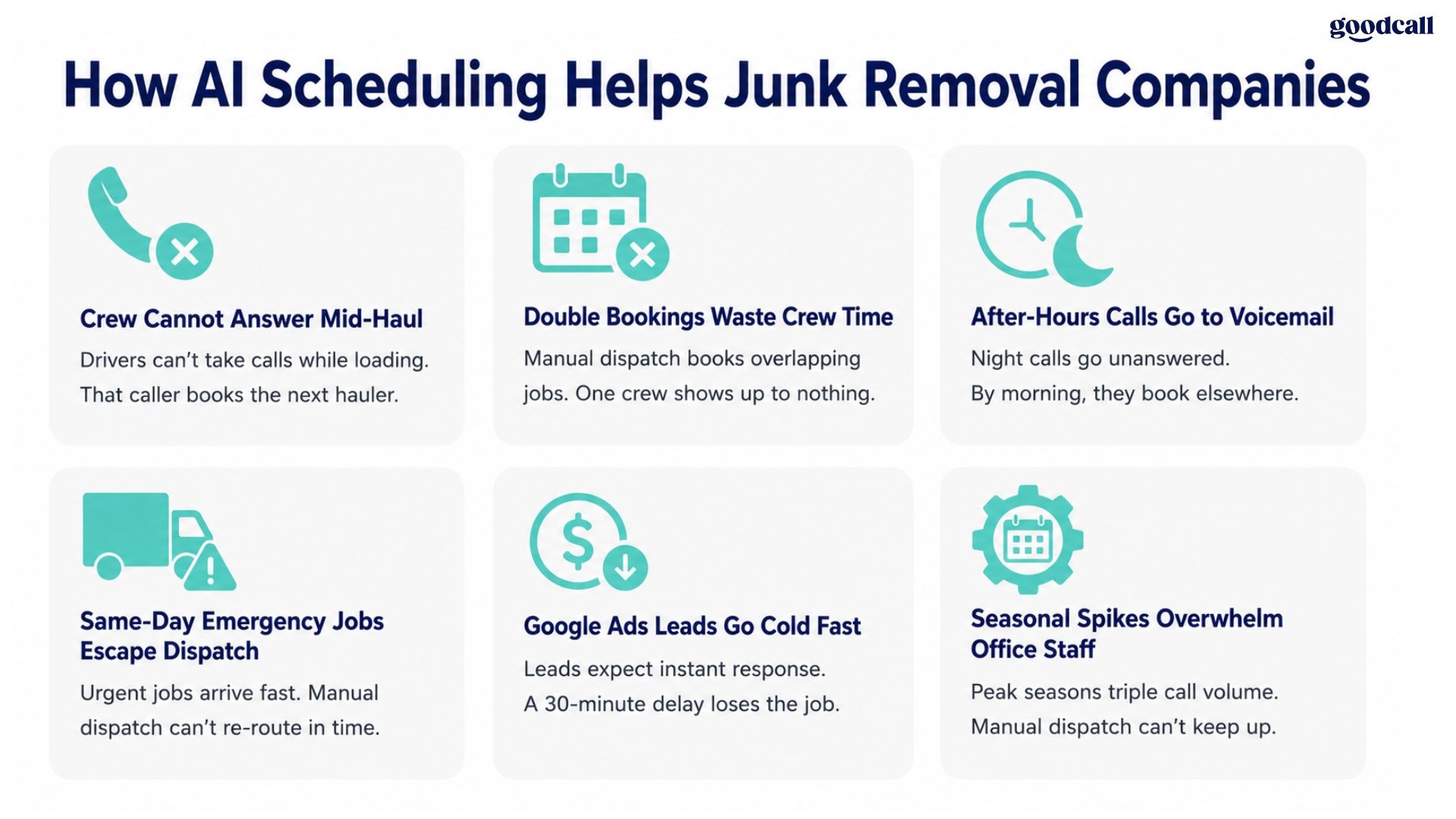
What junk removal operators lose without scheduling automation:
- Inbound calls during active hauls that go to voicemail and never call back
- Double-booked crews causing overtime costs, delayed arrivals, and negative customer reviews
- After-hours booking requests that sit until morning while competitors confirm them the same night
- Same-day emergency cleanout jobs lost because dispatch cannot re-route a crew fast enough
- Google Local Services Ads leads that go cold before a callback ever reaches them
What the right junk hauling scheduling app delivers:
- AI answering that captures inbound calls while your crew is loading a truck
- Automated dispatch routing that groups nearby jobs to reduce fuel waste and drive time
- Online booking pages that convert website and ad traffic without requiring a phone call
- SMS arrival windows and ETA updates sent automatically without dispatcher involvement
- Route optimization that sequences pickups, dump runs, and donation drop-offs in one efficient pass
See Goodcall's home services answering for how AI call handling works across field service businesses similar to junk removal.
Best Junk Removal Appointment Scheduling Software Compared
| Software | Best For | Starting Price | Dispatch | Online Booking | AI Features |
|---|---|---|---|---|---|
| Goodcall | AI booking and missed call capture | $41/month | Moderate | Yes | Strong |
| Jobber | Small to mid-size hauling teams | $39/month | Strong | Yes | Moderate |
| Workiz | Dispatch-heavy multi-truck operations | $225/month | Very Strong | Yes | Strong |
| Housecall Pro | Multi-crew scheduling simplicity | $59/month | Strong | Yes | Moderate |
| ServiceTitan | Enterprise field operations | Custom | Advanced | Yes | Strong |
| Vonigo | Franchise junk removal businesses | Custom | Advanced | Yes | Moderate |
| Zenbooker | Online-first booking workflows | $129/month | Moderate | Very Strong | Moderate |
Top Junk Removal Scheduling Software Options
The right junk removal dispatch software does more than assign crews. It captures calls, automates confirmations, and syncs every booking before a competitor answers first.
1. Goodcall — Best for AI Booking and Missed Call Capture
Best For
- Junk removal companies losing inbound jobs while crews are mid-haul and unreachable by phone
- Solo operators and small teams wanting 24/7 booking without hiring additional office staff
- Businesses wanting AI answering and automated appointment booking in one platform
- Operations needing after-hours booking capture before competitors respond first
Key Features
- Conversational AI answers inbound calls and books appointments in real time without requiring office staff availability during active hauling shifts
- Missed call text-back converts unanswered calls into SMS scheduling conversations before high-intent callers contact competing haulers
- Smart intake collects junk volume, access requirements, heavy item details, and preferred time windows during the booking call
- Automated SMS confirmation and arrival window notifications reduce customer uncertainty without dispatcher involvement
- Multi-location routing directs inbound calls to the correct crew or territory based on caller location and service area
Pricing
- $41/month billed annually, $59/month monthly
- 14-day free trial, no credit card required
Pros
- Strongest AI answering capability for capturing calls during active hauling operations
- Reduces missed call revenue loss without adding front desk headcount
Cons
- Not a full enterprise dispatch suite with route optimization depth
- Multi-location franchise operators may need additional dispatch software
Integrations - CRM systems, Google Calendar, HubSpot, Salesforce, Zapier
See Goodcall's pricing plans and how Goodcall works for full deployment details.
2. Jobber — Best for Small to Mid-Size Hauling Teams
Best For
- Small to medium junk removal businesses replacing spreadsheets and manual crew coordination
- Teams needing junk removal CRM with scheduling, invoicing, and dispatch in one platform
- Operators wanting strong mobile functionality for field crews without enterprise complexity
Key Features
- Client hub gives customers self-service access to approve quotes, pay invoices, and request new jobs without calling your office
- Automatic quote-to-job conversion eliminates manual data re-entry when a customer approves an estimate
- On-my-way SMS notifications send automatically when a crew departs reducing inbound status calls from waiting customers
- Two-way client messaging keeps all customer communication inside Jobber rather than scattered across personal phones
- GPS-assisted job assignment identifies the closest available technician for last-minute same-day junk hauling requests
Pricing
- Core: $39/month (1 user)
- Connect: $119/month
- Grow: $199/month (includes route optimization)
- 14-day free trial available
Pros
- Excellent balance of affordability and operational depth for small hauling teams
- Easy learning curve with strong mobile experience for field crews
Cons
- Route optimization only available on Grow plan at $199+/month
- Large multi-branch operations may outgrow its dispatch depth
Integrations - QuickBooks, Stripe, Google Calendar, Zapier, fleet tracking tools
3. Workiz — Best for Dispatch-Heavy Multi-Truck Operations
Best For
- Dispatch-intensive junk hauling businesses managing same-day jobs across multiple trucks simultaneously
- Operators needing call tracking, dispatch automation, and technician coordination in one system
- Businesses where inbound lead conversion speed is the primary operational bottleneck every day
Key Features
- Built-in VoIP phone system connects inbound calls directly to dispatch workflow without requiring separate phone software
- Genius answering feature handles after-hours calls and routes urgent jobs to on-call crews automatically
- Drag-and-drop dispatch board gives coordinators real-time visibility across all active crews and pending jobs
- Automated review collection sends post-job requests improving Google and Yelp ratings without manual outreach
- Job costing visibility tracks labor, disposal fees, and material costs per job improving pricing accuracy
Pricing
- Kickstart: $187/month (1 user)
- Team plans: starting at $225/month
- $30/additional user beyond plan limit
- Free trial available
Pros
- Strongest dispatch management depth among affordable junk removal software options
- Built-in phone system reduces need for separate call tracking software
Cons
- Higher starting price than Jobber or Housecall Pro for small teams
- AI answering feature has received mixed reviews for customization limitations
Integrations - QuickBooks, RingCentral, Zapier, GPS tracking tools, payment systems
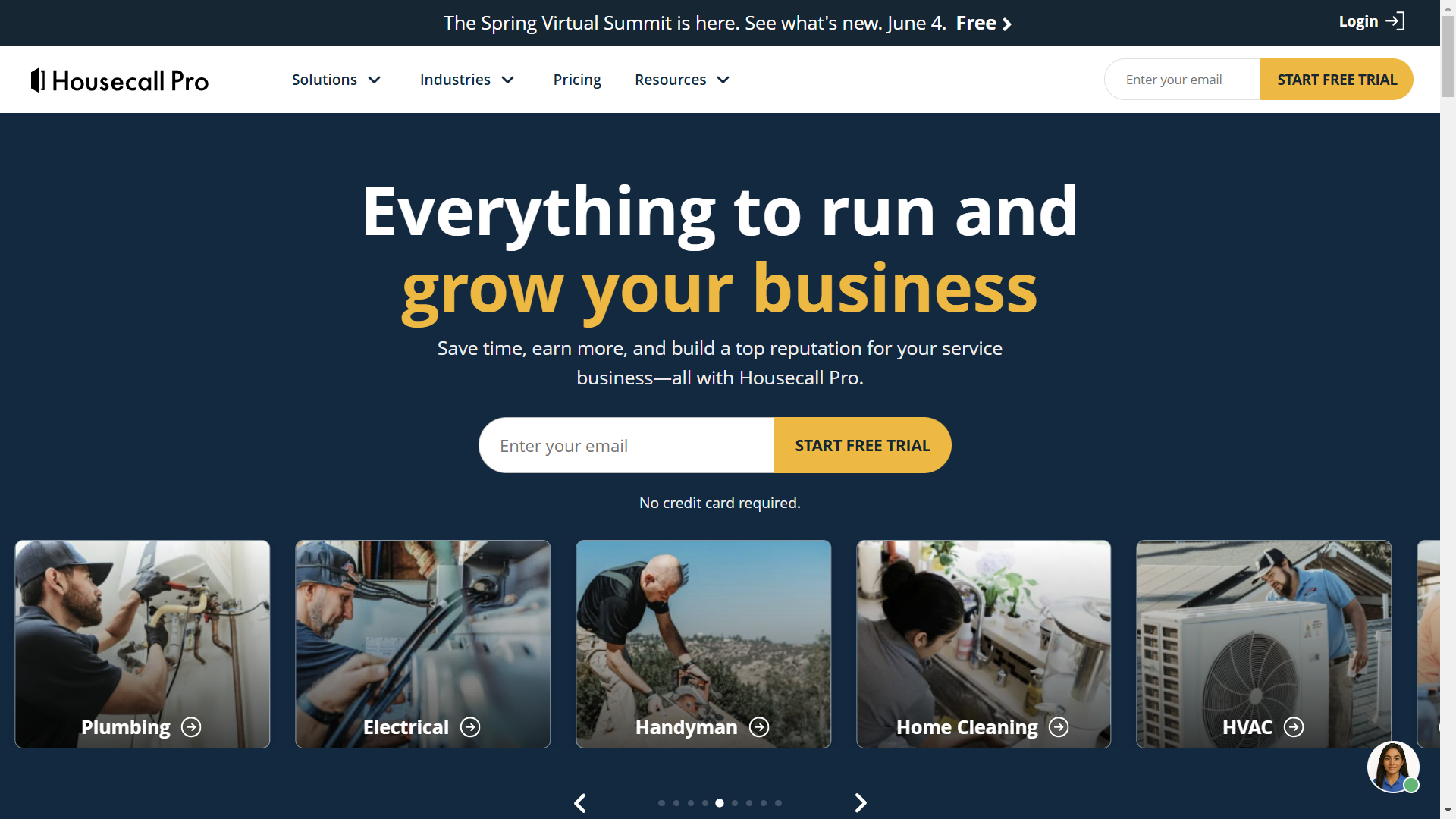
4. Housecall Pro — Best for Multi-Crew Scheduling Simplicity
Best For
- Growing junk removal companies prioritizing ease of use over enterprise dispatch customization
- Teams wanting strong mobile functionality for crews without a steep learning curve
- Operators managing multiple daily jobs who need reliable customer communication automation
Key Features
- Instabooking allows customers to self-schedule directly from your website without calling your office during active haul hours
- Automated postcard and email marketing campaigns re-engage past customers during spring cleanout and moving seasons
- Employee time tracking with GPS clock-in connects labor hours directly to job profitability reporting
- Flat-rate price book lets crews quote jobs on-site from a mobile device without calling back to the office for pricing approval
- Integrated payment processing with 2.9% + $0.30 per transaction collects payment on-site before the crew leaves the property
Pricing
- Basic: $59/month (annual) for 1 user
- Essentials: $149/month for up to 5 users
- MAX: Custom pricing for larger teams
- 14-day free trial available
Pros
- Easiest onboarding process among mid-tier junk removal dispatch platforms
- Strong automated customer communication without requiring technical configuration
Cons
- No native route optimization on any current plan
- QuickBooks integration requires Essentials plan at $149/month minimum
Integrations - QuickBooks (Essentials and above), Google Calendar, Stripe, Zapier
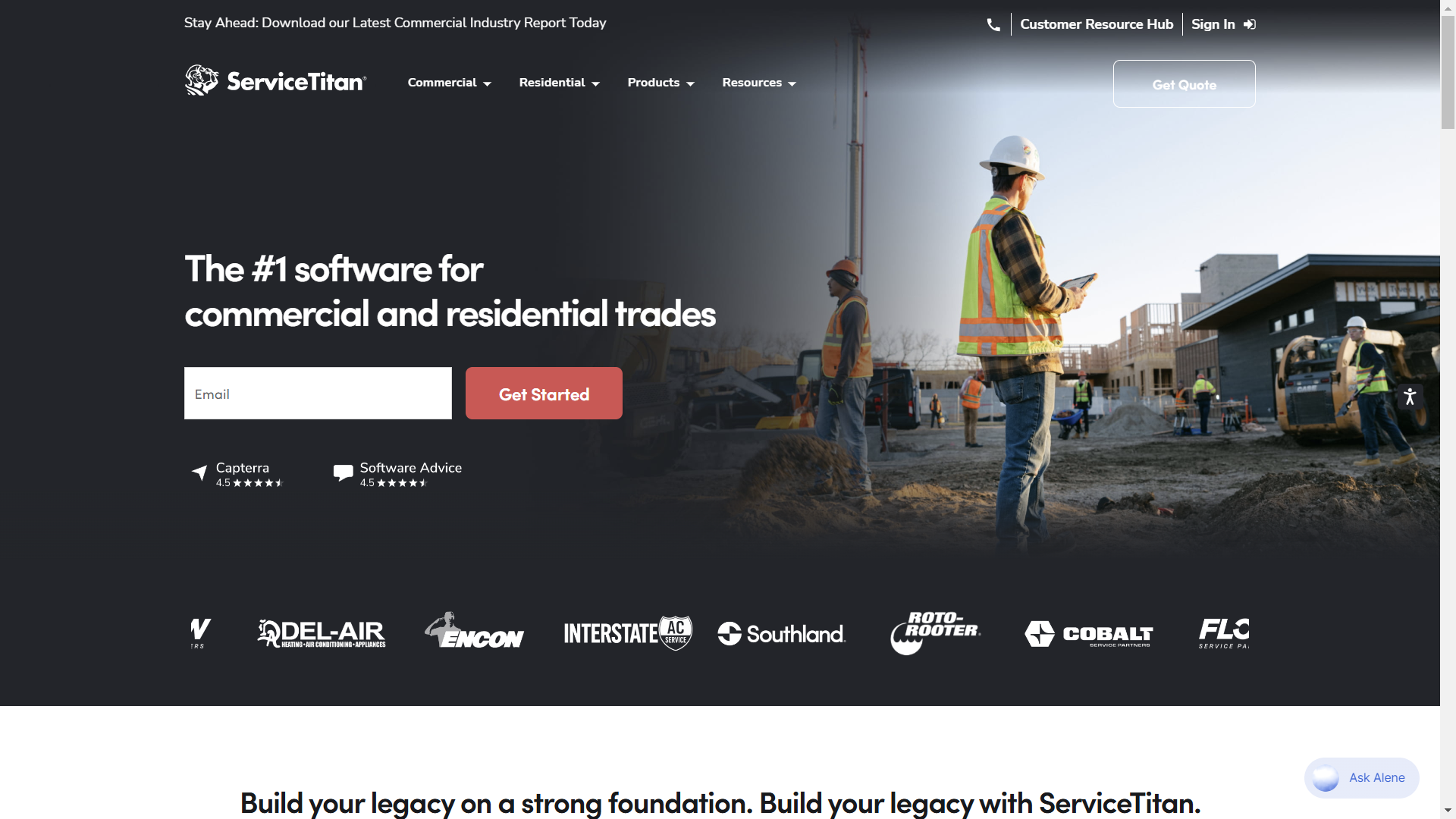
5. ServiceTitan — Best for Enterprise Junk Removal Operations
Best For
- Large junk removal businesses with multiple crews, locations, and dedicated dispatch coordinators
- High-revenue operators needing enterprise analytics, advanced automation, and payroll integration
- Franchise junk removal brands needing centralized operational visibility across all territories
Key Features
- AI-assisted dispatch recommendations prioritize job assignments based on technician skill, location, and current workload simultaneously
- Marketing attribution reporting connects every booked job back to the specific ad campaign or lead source that generated it
- Custom KPI dashboards give operations managers real-time visibility into revenue per truck, job completion rates, and crew utilization
- Pricebook Pro integration provides dynamic pricing adjustments based on disposal costs, fuel prices, and market rate changes
- Automated membership and recurring service billing supports commercial property management clients on regular cleanout schedules
Pricing
- Custom enterprise pricing, contact ServiceTitan directly
- Typically $500+/month before add-ons
Pros
- Deepest operational analytics of any platform on this list
- Advanced dispatch management for complex multi-crew routing scenarios
Cons
- Significantly more expensive than small business scheduling tools
- Longer onboarding process, expect 4 to 8 weeks before going live
Integrations - QuickBooks, fleet management systems, marketing platforms, payment processors, CRM tools
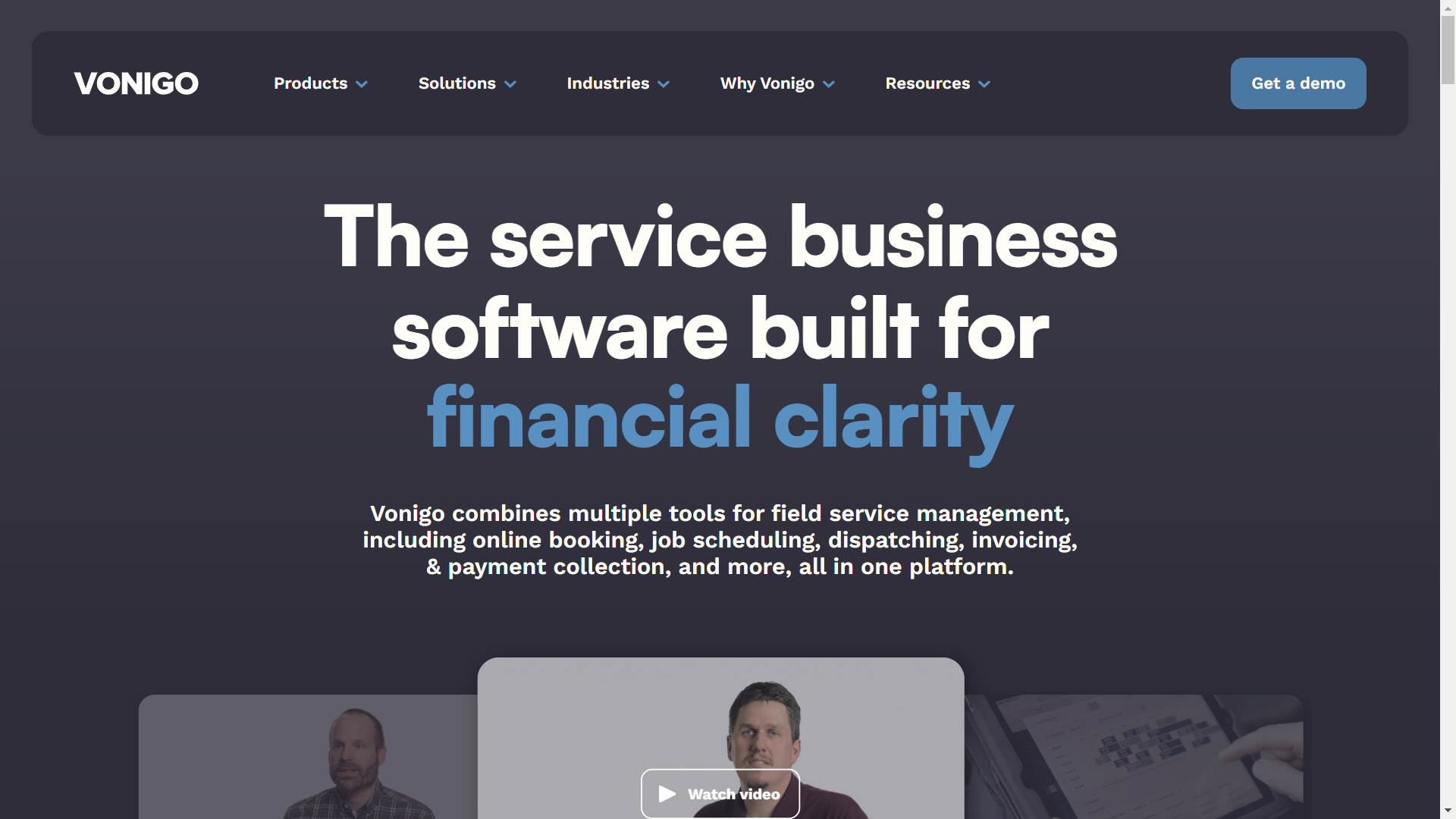
6. Vonigo — Best for Franchise Junk Removal Businesses
Best For
- Franchise junk removal companies needing centralized scheduling across multiple service territories
- Multi-territory hauling businesses wanting franchisor-level operational visibility across locations
- Operators managing independently operating locations needing consistent booking and reporting standards
Key Features
- Franchise management layer gives corporate operators real-time visibility into booking volume, revenue, and satisfaction across all locations
- Territory-aware online booking routes customer requests to the correct franchise location based on service area boundaries automatically
- White-label booking pages let franchise locations present their own brand while using centralized Vonigo scheduling infrastructure
- Royalty reporting automates franchise fee calculation based on confirmed job revenue without manual spreadsheet reconciliation
- Centralized customer database prevents duplicate records when customers interact with multiple franchise locations over time
Pricing
- Custom pricing depending on franchise size and territory count
- Contact Vonigo directly for current multi-location pricing
Pros
- Best franchise-specific operational infrastructure of any platform on this list
- Centralized scheduling management reduces administrative overhead across territories
Cons
- Overly complex for single-location or small junk removal operators
- Less intuitive onboarding experience compared to Jobber or Housecall Pro
Integrations - QuickBooks, payment systems, CRM tools, marketing platforms
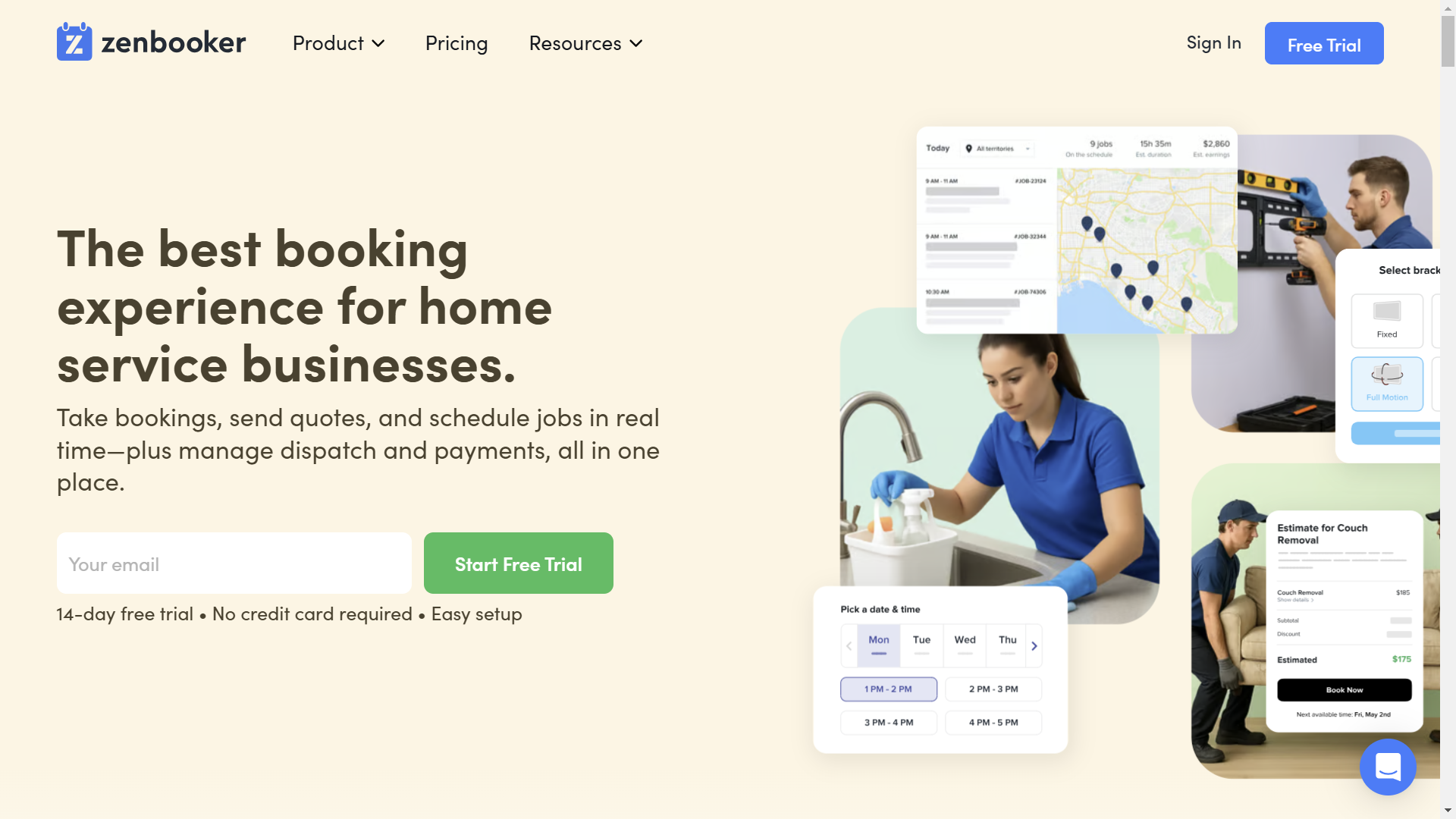
7. Zenbooker — Best Online Booking Software for Junk Removal
Best For
- Junk hauling companies prioritizing online booking software for junk removal over dispatch depth
- Operators wanting easier customer self-scheduling experiences from website and ad traffic
- Businesses focused on converting digital inquiries without phone-dependent intake workflows
Key Features
- Instant online quoting calculates and displays pricing to customers before they book based on service type, volume, and location
- Service area mapping restricts online bookings to profitable ZIP codes preventing out-of-territory requests from reaching dispatchers
- Recurring booking automation schedules regular commercial cleanouts on weekly, monthly, or quarterly cycles without manual re-booking
- Real-time availability calendar shows customers accurate crew availability without requiring dispatcher confirmation before the slot is offered
- Coupon and promotional code system supports seasonal discount campaigns directly inside the online booking workflow
Pricing
- Starts at $129/month
- 14-day free trial available
Pros
- Strongest online booking experience and digital conversion workflow of any platform on this list
- Instant quoting reduces phone-dependent intake for price-sensitive customers
Cons
- Less advanced dispatch depth than Workiz or ServiceTitan for complex multi-truck operations
- Limited operational analytics compared to enterprise field service platforms
Integrations - Stripe, Zapier, Google Calendar, payment systems
Benefits of Using AI Appointment Scheduling for Junk Removal Businesses
AI appointment scheduling software for junk removal does more than answer calls. It changes how your entire operation handles inbound volume, crew coordination, and customer communication.
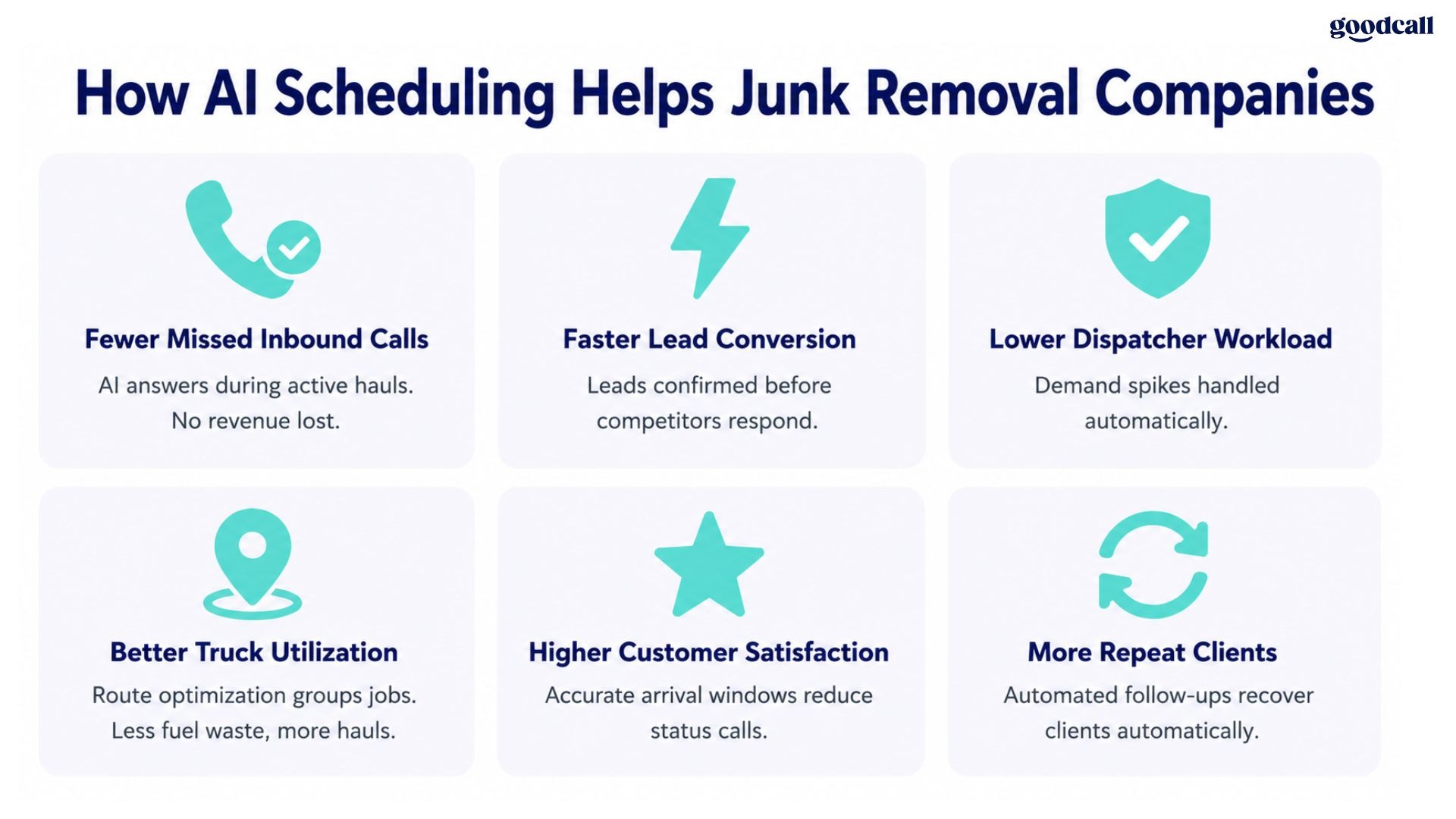
What junk removal operators consistently report after implementing scheduling software:
- Fewer missed inbound calls during peak hauling hours when crews cannot reach the phone
- Higher booking conversion from Google Local Services Ads before competitors respond first
- Reduced dispatcher workload during demand spikes after storms, evictions, or estate cleanouts
- More accurate arrival windows improving customer satisfaction and reducing inbound status calls
- Better truck utilization from route optimization grouping geographically nearby jobs together
- Automated follow-up campaigns recovering repeat commercial and property management clients without manual outreach
For junk hauling operators scaling beyond one truck, scheduling automation shifts from a convenience to an operational necessity. The right junk removal booking software pays for itself the first week your crew misses three calls during back-to-back hauls.
See Goodcall's AI appointment booking and HVAC scheduling software comparison for how AI scheduling applies across field service operations.
How to Choose the Right Junk Removal Scheduling Software
Your platform decision comes down to crew size, dispatch complexity, and where inbound bookings are currently falling through the cracks.
Choose Goodcall if:
- Your crew misses inbound calls during active hauls and you need AI to capture those bookings automatically
- You want after-hours booking without adding office staff or answering service costs
Choose Jobber if:
- You run a small to mid-size operation needing affordable scheduling, invoicing, and dispatch together
- You want fast onboarding with strong mobile functionality for field crews from day one
Choose Workiz if:
- You manage multiple trucks with high same-day dispatch complexity and need built-in call tracking
- Inbound lead conversion speed and dispatcher coordination are your primary operational bottlenecks
Choose Housecall Pro if:
- You prioritize ease of use and crew mobile experience over deep dispatch customization
- You need automated customer communication and on-site payment collection without complex configuration
Choose ServiceTitan if:
- You operate multiple locations with dedicated dispatch coordinators and need enterprise-grade analytics
- Marketing attribution, payroll integration, and custom KPI reporting justify the investment
Choose Vonigo if:
- You operate a junk removal franchise needing centralized territory management and royalty reporting
- Consistent booking standards across independently operating locations are a non-negotiable requirement
Choose Zenbooker if:
- Your primary bottleneck is converting online traffic and ad leads without phone-dependent intake
- Instant online quoting and digital booking conversion matter more than dispatch depth
See Goodcall's cleaning business scheduling comparison for how scheduling software decisions apply across similar home service operations.
Conclusion
The best junk removal appointment scheduling software captures every inbound job whether your crew is hauling, routing, or clocked out for the night.
Smaller teams benefit most from Goodcall or Jobber. Larger operations need Workiz, ServiceTitan, or Vonigo.
Start your free Goodcall trial today and stop losing jobs to voicemail.
FAQs
What is the best junk removal appointment scheduling software?
Goodcall, Jobber, and Workiz are the strongest options. Goodcall leads for AI call capture, Jobber for small teams, and Workiz for multi-truck dispatch-heavy operations needing call tracking and crew coordination.
Can customers book junk removal appointments online?
Yes. Most modern junk removal booking software platforms allow customers to schedule pickups directly from your website. Zenbooker leads on online booking experience with instant quoting and real-time availability display.
How can AI help automate junk removal bookings?
AI scheduling software answers inbound calls during active hauls, qualifies job details, books appointments automatically, sends SMS confirmations, and routes emergencies to on-call crews without dispatcher involvement.
Can scheduling software reduce missed junk removal calls?
Yes. AI answering and booking systems capture inbound calls even when crews are mid-haul. Home service businesses lose $300 to $1,200 per missed call, making call capture automation a high-ROI investment.
How much does junk removal scheduling software cost?
Pricing ranges from $39/month for Jobber Core to custom enterprise pricing for ServiceTitan. Goodcall starts at $41/month. Workiz starts at $187/month. Zenbooker starts at $129/month.
How do I automate junk removal appointment booking?
Combine online booking pages, AI answering software, dispatch automation, and SMS reminder workflows. Goodcall handles inbound call booking automatically. Jobber and Workiz handle dispatch coordination and customer communication.