The best agentic AI tools are Goodcall, CrewAI, LangGraph, Gumloop, and Zapier. These platforms don't just respond to prompts. They take a defined goal and work through every step required to complete it across multiple systems, without waiting for you to guide each action.
For business teams, this shift from reactive AI to autonomous AI agents changes what's actually possible to automate. This guide breaks down each platform's strengths, core capabilities, and the factors that should drive your decision.
What Are Agentic AI Tools?
Agentic AI tools are autonomous software systems that set goals, plan actions, and execute multi-step tasks with minimal human supervision. Generative AI produces content when prompted. Autonomous AI agents go further by taking direct action across your business applications.
These AI decision-making systems can manage customer workflows, trigger processes, and complete complex operations without waiting for your input at every step.
Best Agentic AI Tools
1. Goodcall
Goodcall is an AI phone agent for service businesses that need every inbound call captured, qualified, and acted on without adding staff. You set up custom skills and logic flows that guide the agent through bookings, FAQs, lead capture, and escalations, then let it handle calls on its own.
Key Features:
Custom AI skills and logic flows for booking, lead qualification, and FAQs
Calendar sync for finding open slots, booking appointments, and rescheduling
Automated SMS follow-ups with booking links when a caller needs to schedule
CRM integration to log caller data and update records automatically
Real-time analytics on call volume, automation rates, and caller intent
Multilingual support for diverse customer bases
Call routing that escalates to a human only when needed
Best For:
Small and mid-sized service businesses (salons, HVAC, legal, automotive, veterinary) needing 24/7 call coverage
The teams that want to automate scheduling and lead capture without building a custom AI stack
Pros:
Quick setup from a Google Business listing, website, or basic business details
Unlimited minutes and full AI features on every plan, including the free trial
14-day fully featured free trial available on all plans
Cons:
Built for structured, logic-flow automation rather than open-ended reasoning tasks
Reviews and Ratings:
G2: 3.5/5 (1 review)
2. LangGraph
LangGraph is designed for engineering teams that need precise, predictable control over how AI agents execute, including the ability to define branching logic, manage state across long-running tasks, and recover from errors in production. It rewards teams willing to invest in setup in exchange for the reliability and auditability that simpler frameworks cannot provide.
Key Features:
Graph-based architecture supporting cyclic, multi-step workflows that linear chains cannot handle
Built-in state persistence and memory across long-running agent tasks
Human-in-the-loop checkpointing for approval gates and mid-run corrections
Time-travel debugging to replay and inspect any prior execution state
LangSmith integration for production tracing, evaluation, and A/B testing
Compatible with 100+ LLMs, vector stores, and data loaders via LangChain
Best For:
Engineering teams building auditable, long-running agents
Organizations deploying stateful multi-agent systems in production
Pros:
Open-source under MIT license, free for self-hosted deployments
Fine-grained control over agent behavior without high-level abstractions
LangGraph Studio reduces debugging time with visual workflow editing
Cons:
Steep learning curve for teams unfamiliar with graph-based programming
Tightly coupled with LangChain, limiting portability to other frameworks
Documentation lags behind rapid release cycles
Pricing:
LangSmith Developer: Free, 5,000 traces/month, one seat
LangSmith Plus: $39/seat/month, 10,000 base traces,
Enterprise pricing on request
Reviews and Ratings:
G2: 4.7/5 (40 reviews)
3. Gumloop
Gumloop lets non-technical teams build AI-powered automation by connecting steps on a visual canvas, where each node can contain real AI logic rather than just passing data between apps. It is suited for teams that want to automate research, enrichment, or content workflows using frontier AI models without writing code or manually wiring APIs.
Key Features:
Visual canvas with 115+ automation blocks, each supporting native AI logic
Direct access to GPT-5, Claude 4 Opus, and Gemini 2.5 Pro
Gummie meta-agent that builds complete workflows from plain-language descriptions
AI agents are deployable to Slack and Microsoft Teams for proactive task triggering
Built-in web scraping and structured data extraction
SOC 2 and GDPR compliant with AES-256 encryption and private cloud deployment
Best For:
Growth, marketing, and operations teams building AI-intensive workflows
Teams automating lead enrichment, document summarization, or multi-source research
Pros:
GPT-5, Claude 4, and Gemini 2.5 Pro access included
Credit-based pricing stays flat as workflow complexity grows
Free tier with 2,000 credits available before committing to a paid plan
Gummie reduces setup time without manual node-by-node configuration
Cons:
Credits deplete quickly during batch processing and testing
Complex workflows have a learning curve for non-technical users
The free tier (2,000 credits/month) is insufficient for sustained business use
Pricing:
Free: 25,000 credits/month, one trigger-based flow
Pro: $37/month, higher credits, team collaboration
Enterprise: Custom pricing
Reviews and Ratings:
G2: 4.8/5 (7 reviews)
4. CrewAI
CrewAI is built for teams that need multiple AI agents to work together on a task, each taking a distinct role, rather than relying on a single agent to handle everything end to end. It works as both a developer framework and a managed platform, so teams can choose how much control they want over how agents are built and deployed.
Key Features:
Role-based agent assignment with defined goals, backstory, and toolset per agent
Drag-and-drop workflow builder with no-code and API options
Real-time execution tracing showing every LLM call, tool use, and reasoning step
Human-in-the-loop checkpoints for live input during critical workflow steps
Native integrations with Gmail, HubSpot, Salesforce, Slack, Microsoft Teams, and Asana
Automated and human-feedback-based agent training for output consistency
Best For:
Teams building multi-agent workflows
Enterprise teams needing centralized monitoring and governance
Pros:
The open-source framework is free with no execution limits when self-hosted
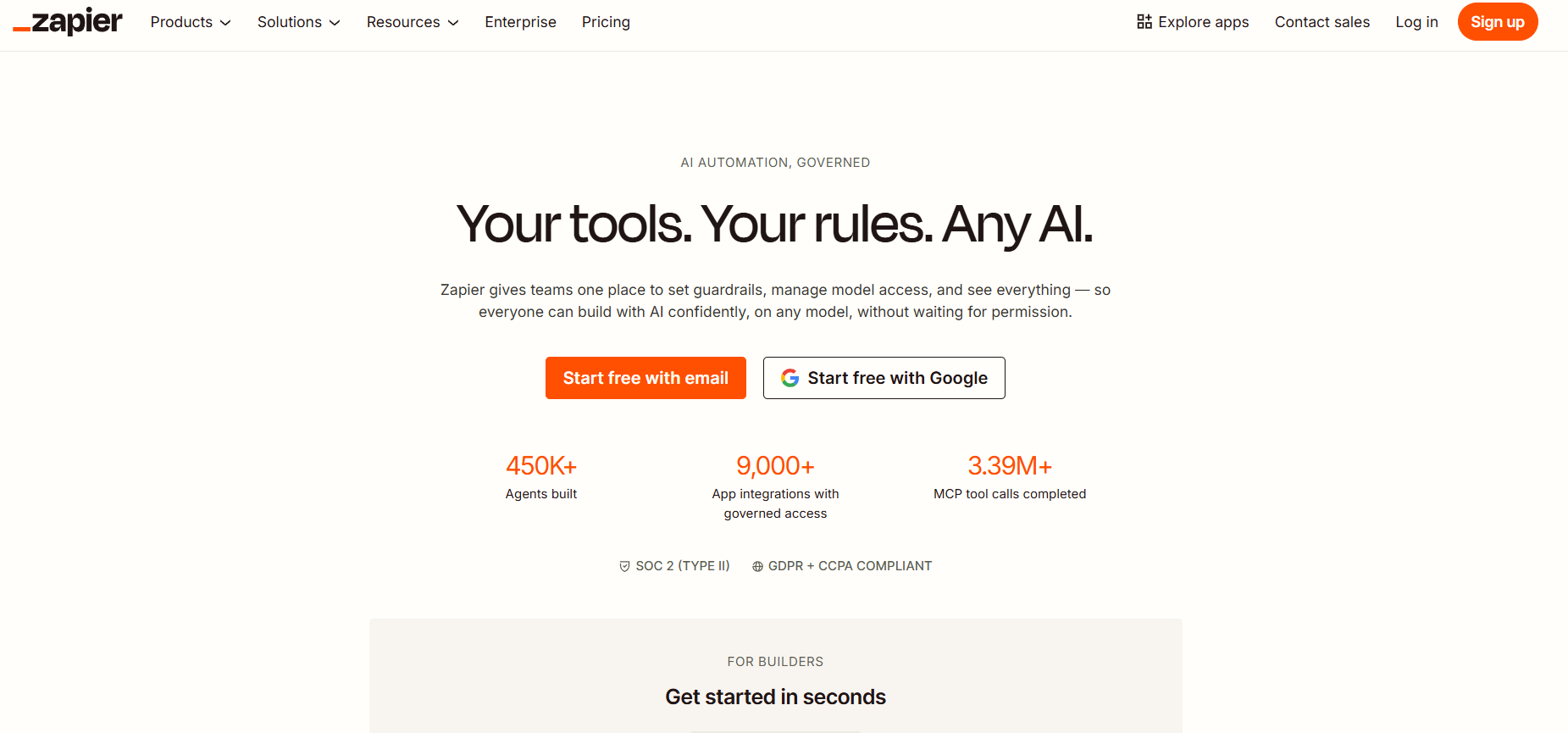
Zapier connects your existing apps through automated workflows and now lets you layer AI agents on top, so those workflows can handle tasks that require judgment, not just data transfer. If your team runs on a broad stack of SaaS tools and needs automation that is fast to set up and requires no developer involvement, this is where most teams start.
Key Features:
8,000+ app integrations, the broadest catalog in the no-code automation market
Zapier Agents: autonomous AI teammates that call Zap actions as tools
Copilot: a natural language builder that converts plain English into working Zaps
AI Guardrails for PII detection, prompt injection blocking, and toxicity filtering
MCP server connectivity exposes 30,000+ actions to external LLMs like Claude and ChatGPT
Tables, Forms, Interfaces, and Canvas bundled for lightweight data management
Best For:
Non-technical teams and SMBs needing fast automation
Operations and marketing teams connecting CRMs, email platforms, helpdesks, and reporting tools
Pros:
8,000+ integrations
Copilot reduces Zap setup to under 5 minutes for most workflows
SOC 2 Type II certified with SSO, audit logs, and shared workspace controls
MCP connectivity makes it usable as an AI action layer for external LLMs
Cons:
Per-task billing becomes expensive at high automation volumes
The free tier (100 tasks/month) is too limited for real business use
AI Agents are still maturing; complex agent chains fail more than standard Zaps
Stacking add-ons raises monthly costs with no bundled pricing option
Pricing:
Free: 100 tasks/month
Professional: $19.99/month
Team: $69/month
Enterprise: Custom pricing
Reviews and Ratings:
G2: 4.5/5 (2,042 reviews)
6. N8n
n8n gives technical teams a workflow automation platform they can run on their own infrastructure, with the ability to add code, build AI agents, and handle complex logic. It is the right fit when your automation requirements go beyond what no-code tools can handle, or when data cannot leave your own servers.
Key Features:
70+ LangChain-based AI nodes for agents, memory, vector stores, and LLM calls built natively into the canvas
AI Agent node with tool calling, persistent memory, and sub-workflow chaining
400+ native integrations plus an HTTP Request node for any API without a native connector
Inline JavaScript and Python code nodes for custom logic inside the workflow editor
Self-hosted Community Edition with unlimited executions and no feature restrictions
Best For:
Technical teams building production AI agents
Healthcare, fintech, and legal teams with compliance requirements
Pros:
The self-hosted version is permanently free with no execution limits
Native AI agent support with tool calling, memory, and conversational triggers out of the box
Docker-based self-hosting takes under 30 minutes on any VPS
Cons:
Steeper learning curve than Zapier, requiring comfort with APIs and basic programming
Self-hosting requires managing Docker, server maintenance, and uptime independently
Error messages are technical, making mid-chain debugging harder for non-developers
400+ integrations
Pricing:
Community Edition: Free, self-hosted
Starter: €20/month
Pro: €50/month
Business: €667/month
Enterprise: Custom pricing
Reviews and Ratings:
G2: 4.7/5 (272 reviews)
How Do Agentic AI Tools Work?
Most AI tools respond to a single prompt and stop. Agentic AI tools run a continuous loop, connecting to live systems like APIs, databases, and browsers to complete multi-step tasks without you directing every action. The process breaks down into four repeating stages.
Perceive: The agent pulls in input from your prompt, connected data sources, or real-time system feeds to establish what it's working with.
Reason: It analyzes that input, maps out a goal-based strategy, and breaks the task into smaller, sequenced steps it can act on.
Act: The agent executes each step using available tools, querying a database, sending a message, updating a record, or triggering an API call.
Learn and Adapt: It reviews the output of each action, identifies what didn't land as expected, and refines its approach before moving to the next step.
How to Choose the Right Agentic AI Tool
The criteria you use to evaluate autonomous AI tools will matter more than any feature list a vendor puts in front of you. Start with the use case, technical environment, and how much autonomy you can realistically hand off to a system before it becomes a liability rather than an asset.
Define Your Workflow Complexity and Autonomy Needs
Simple Task Automation: Look for low-code or no-code agent builders that let your team act fast without engineering support.
Multi-Step, Goal-Driven Workflows: Prioritize platforms that support multi-agent orchestration, where AI agents can break a goal into subtasks and delegate across the system.
Human-In-The-Loop (HITL) Requirements: Identify which decisions carry enough risk that an agent should pause and wait for human approval before acting.
Full Autonomy vs. Supervised Autonomy: High-stakes workflows, like billing changes or compliance actions, almost always need threshold-based guardrails before granting full AI decision-making authority.
Evaluate the Technical Fit Before You Commit
Model Agnosticism: Choose platforms that support multiple LLMs so you avoid vendor lock-in and can swap models as cost or performance needs shift.
Integration Depth: Confirm the agent can connect directly to the tools your team already uses, whether that's your CRM, ticketing system, or internal databases.
Audit Logs and Monitoring: Any platform you deploy as an autonomous AI agent in production needs complete, time-stamped records of every action it takes and why.
Kill Switch Access: Governance isn't optional. The platform must let your team pause or override agent behavior in real time, especially in regulated environments.
Scalability of Orchestration: If your use case will grow, verify the platform can coordinate multiple agents working in parallel.
Conclusion
The tools you pick will only ever be as useful as the problems you point them at. Goodcall, CrewAI, LangGraph, Gumloop, Zapier, and n8n each solve a specific problem, and the teams getting real value from agentic AI aren't using more tools. They're using the right ones with clear ownership over what those tools are allowed to do.
If your workflows involve inbound calls, Goodcall belongs in that stack. It handles lead capture, appointment booking, and customer support across every call your team can't get to, with no engineering setup required. Start your 14-day free trial today.
FAQs
What are agentic AI tools?
Agentic AI tools are software systems that can set goals, plan multi-step actions, and execute tasks without needing human input at each stage. Unlike a standard AI prompt tool, an agent reasons across a sequence of decisions to reach a defined outcome on its own.
Which is the best agentic AI tool?
The best agentic AI tools are Goodcall (AI phone agent for call handling and scheduling), CrewAI (role-based multi-agent coordination), LangGraph (stateful workflow pipelines), and Zapier (no-code process automation).
Are agentic AI tools free?
Yes, several tools offer free access. LangGraph and CrewAI are open-source and free to use, but both require technical setup to deploy. Platforms like Gumloop and Zapier also offer free tiers.
Can agentic AI automate business processes?
Yes. Autonomous AI agents handle scheduling, call routing, lead follow-up, and data entry repeatedly without manual oversight. The more structured your workflow, the more an AI agent can take off your team's plate without adding operational complexity.
What industries benefit most from agentic AI?
Service industries like healthcare, legal, real estate, home services, and restaurants see the strongest gains, especially in call handling, appointment scheduling, and customer follow-up.
How do I build my own AI agent?
You can start by defining the exact task you want your agent to complete, then pick a platform that fits your coding ability. Code-first frameworks give you more control; no-code builders get you to deployment faster. The best agentic AI tools that match your use case and skill level are what take your agent from concept to production.
Explore Goodcall For Free
Try Goodcall's AI Phone Assistants Free for the first 14 days!