#Voice AI
June 26, 2026
n8n vs. Zapier for Voice AI Automation: Which Tool Should You Choose?
Share this post


Explore AI Summary



Most automation comparisons focus on features and pricing. But if your goal is to automate voice AI workflows - phone calls that trigger actions, update CRMs, book appointments, and route outcomes, the question isn't just which tool has more integrations. It's the tool that handles the specific demands of call-based automation without creating more complexity than it solves.
n8n and Zapier are two of the most widely used automation platforms, and both integrate with Goodcall's agentic voice AI. But they approach automation differently, and those differences matter when voice is at the center of your workflow. This article breaks down exactly where they diverge and how to choose the right one for your stack.
Here's how the two platforms compare across the dimensions that matter most:
n8n and Zapier share the same core promise: connect your apps and automate the work between them, but they're built for different kinds of teams and different levels of agentic workflows. Understanding where they diverge across the key dimensions is what makes the choice clear.
Zapier is built for speed and accessibility. Its trigger-action interface requires no technical background, and most users have a working automation live within 15 minutes.
n8n has a visual canvas, but it assumes familiarity with APIs, JSON, and workflow logic, making it better suited for developers or technically capable teams willing to invest in the setup.
Zapier is cloud-only; all your workflow data, execution history, and credentials live on Zapier's infrastructure with no option to self-host. n8n can be deployed on your own server, a private cloud, or a VPS, giving you complete ownership over where your data lives and how it's processed.
This is the most practically significant difference between the two platforms. Zapier charges per task - every individual step in a workflow counts toward your monthly quota. n8n charges per execution - an entire workflow run counts as one, regardless of how many steps it contains.
Both platforms cover mainstream SaaS tools well. The difference emerges when you need to connect to non-standard APIs, legacy systems, or internal tools that don't have pre-built connectors.
Zapier offers simplified AI steps through Zapier AI, which is useful for basic tasks but limited in depth. n8n has purpose-built AI agent infrastructure with dedicated node types, LangChain integration, and support for multi-agent orchestration, giving teams full control over how AI reasoning is applied inside workflows.
Zapier does not support custom code on standard plans; what you see in the interface is what you get. n8n supports JavaScript and Python natively inside any node on all plans, making it possible to handle edge cases, transform data, and build logic that no visual builder can replicate.
Voice AI automation has specific requirements that general automation comparisons tend to overlook. Call-based workflows need to handle real-time triggers, unstructured conversation data, CRM lookups mid-call, and multi-step post-call sequences, often simultaneously.
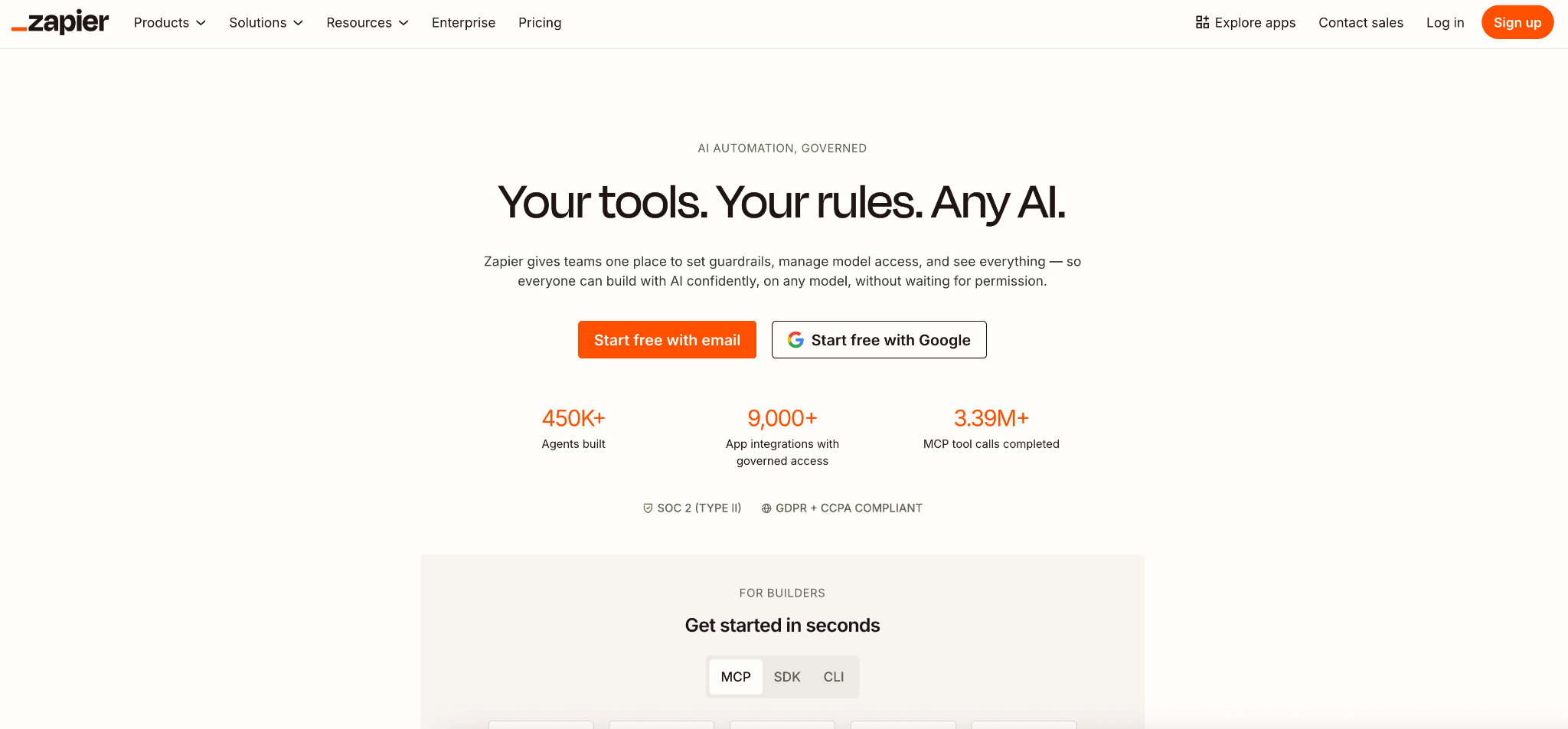
Zapier's strength for voice AI workflows is its simplicity and breadth. With 7,000+ app connectors and a no-code interface, non-technical teams can build post-call automations quickly. Zapier uses event-based triggers that work well for call outcomes: when a call completes, a Zap fires and routes the outcome to wherever it needs to go.
Zapier works well for voice AI when:
The limitation is depth. Complex multi-step voice AI workflows where call outcomes need to feed into AI reasoning, conditional branching, or backend system updates hit the edges of what Zapier handles cleanly.
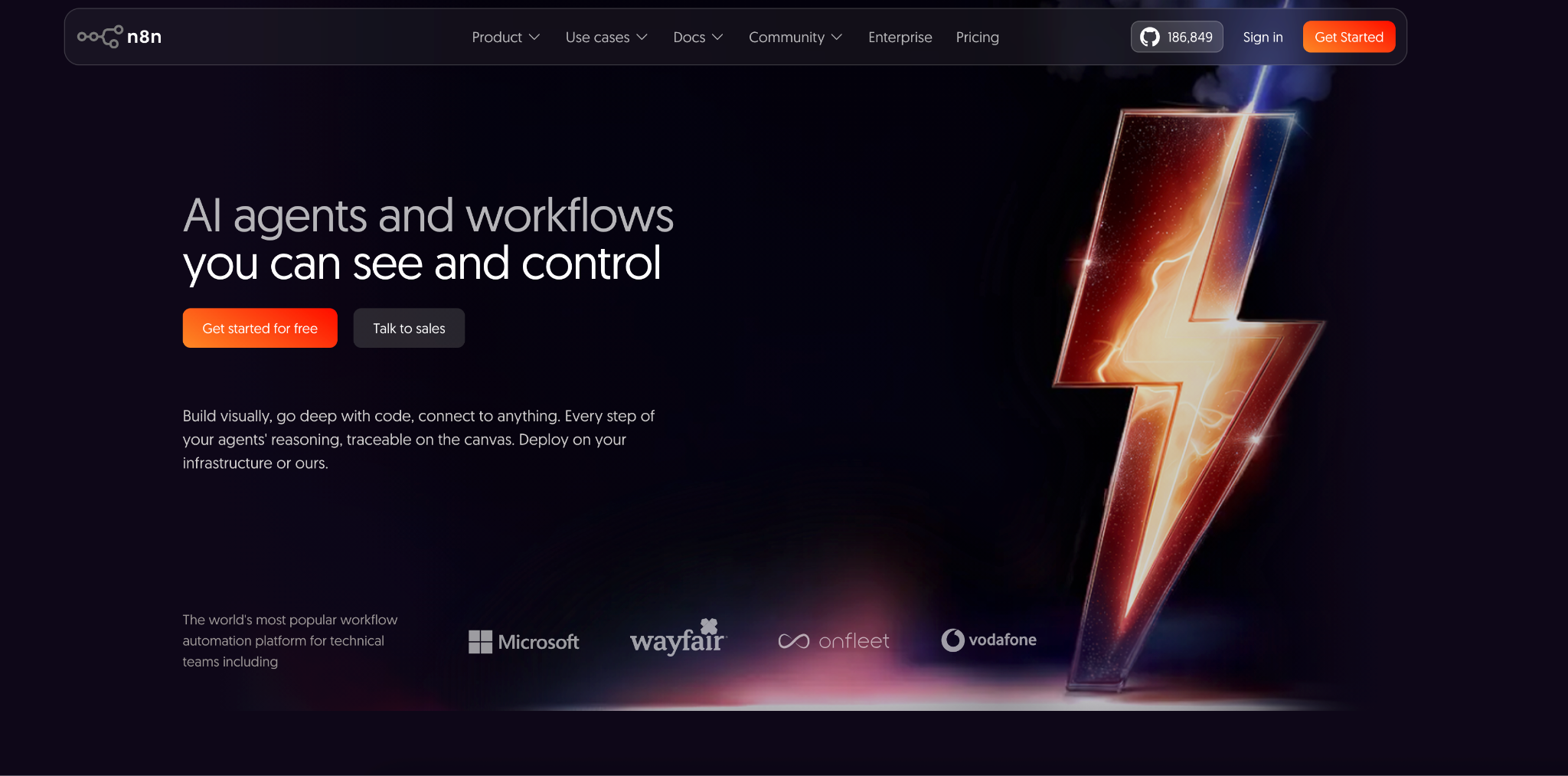
n8n's strength for voice AI is its flexibility and AI-native architecture. Dedicated agent nodes, LangChain support, and native compatibility with OpenAI and Anthropic mean you can build workflows where call data gets logged and reasoned. An incoming call transcript can feed directly into an AI agent that classifies intent, enriches the contact, scores the lead, and triggers a tailored follow-up sequence, all within a single workflow execution.
n8n works well for voice AI when:
The limitation is the setup investment. Self-hosting requires server management, and building sophisticated n8n workflows assumes comfort with APIs, JSON, and workflow logic. For teams without those resources, the initial overhead is real.
The most effective AI call automation platforms turn every conversation into a coordinated sequence of business actions. Three principles separate setups that actually deliver from ones that just add complexity.
Connect your voice AI to your automation platform at the trigger level, not as an afterthought. The moment a call ends, structured data: intent, summary, contact details, should flow automatically into your workflow with no manual input required.
Every call outcome should immediately trigger a coordinated set of downstream actions as a unified workflow that executes in seconds.
The best setups consolidate rather than expand. One voice AI platform connected to one automation tool should handle the full lifecycle, from call answer to follow-up completion.
Most automation platforms wait for an event to start a workflow. Phone calls, where a significant share of customer interactions still happen, sit outside that model entirely unless you have a voice AI layer that bridges the gap.
Goodcall's agentic voice AI answers inbound calls, understands caller intent in real time, and passes structured call data directly into the automation platform. And unlike most voice AI platforms, Goodcall integrates natively with both Zapier and n8n, so it connects to whichever tool your stack already runs on.
With Goodcall connected to Zapier or n8n, every phone call becomes an automation trigger:
The right choice between n8n and Zapier for voice AI automation comes down to three factors: your team's technical resources, your workflow complexity, and your call volume.
Choose Zapier if:
Choose n8n if:
n8n and Zapier are both capable automation platforms, and both connect to Goodcall's voice AI. The decision between them is about which fits your team's resources, workflow complexity, and data requirements.
Zapier is the faster path for non-technical teams building straightforward post-call workflows. n8n is the stronger platform for technical teams that need AI agent depth, self-hosted data control, and cost efficiency at scale. For most businesses, the voice AI layer matters more than the automation platform it feeds, and Goodcall works with both.
Ready to go beyond basic automation? With Goodcall, you can deploy AI voice agents that answer calls, qualify leads, book appointments, and trigger workflows automatically. Start building smarter voice automation today.
Is n8n better than Zapier?
It depends on what you're building. n8n is more powerful for complex, AI-driven workflows and significantly more cost-efficient at high volumes, especially when self-hosted. Zapier is faster to set up and better suited for non-technical teams connecting mainstream SaaS tools with straightforward automation logic.
Can n8n be used for voice AI automation?
Yes. n8n supports AI agents, LangChain, and advanced workflow logic, making it ideal for voice AI automation. It can process call outcomes, trigger actions, and update systems based on conversation data.
What is the best tool for AI call automation?
The best approach combines a voice AI platform with workflow automation. Goodcall handles conversations, while Zapier or n8n manages follow-up actions. Zapier suits simpler workflows; n8n excels at AI-driven automation.
Is Zapier good for voice AI?
Yes. Zapier is a strong option for simple voice AI workflows, enabling post-call actions through thousands of integrations. It's ideal for routing call data and automating routine business processes
Can Goodcall work with n8n?
Yes. Goodcall integrates with n8n, allowing call outcomes, summaries, and caller data to trigger automated workflows. Businesses can use this connection for CRM updates, notifications, and AI-powered processes.
Do you need coding for n8n?
No. Most workflows can be built using n8n's visual editor. However, basic knowledge of APIs, JSON, or JavaScript helps when creating advanced automations and custom integrations.