

Top Auto Detailing Appointment Software for Busy Shop

Running an auto detailing business means every hour counts. When scheduling runs on phone calls, paper calendars, and memory, appointments slip, customers get frustrated, and revenue walks out the door. Auto detailing appointment software fixes that by automating bookings, sending reminders, and keeping your schedule organized without the manual back-and-forth.
This guide covers why scheduling software matters for detailing businesses, what features to look for, and the best tools available today.
Why Auto Detailing Businesses Need Appointment Scheduling Software
Auto detailing businesses need appointment scheduling software because manual processes including phone tags, paper calendars, and memory create costly gaps in bookings, customer communication, and crew time. Double bookings frustrate customers, no-shows leave bays empty, and missed calls send leads straight to competitors.
The right appointment scheduling software solves these problems directly:
- No-show reduction: Automated reminders via SMS and email keep customers accountable. Studies show appointment reminders can reduce no-shows by up to 30%.
- 24/7 online booking: Customers book when it works for them. Nights, weekends, or during lunch without waiting for you to answer the phone.
- Eliminated double bookings: Real-time availability updates across all booking channels prevent scheduling conflicts automatically.
- Less admin time: Every minute spent managing bookings manually is time not spent detailing vehicles. Automation gives that time back.
- Professional customer experience: A clean, digital booking process builds trust before a customer ever steps into your shop.
For mobile detailers especially, desk-bound scheduling simply does not work. Auto detailing businesses need tools that travel with them and handle customer communication on the go.
Best Auto Detailing Appointment Software in 2026
Here are six of the best tools available for auto detailing businesses, each suited to a different type of operation.
1. Goodcall: Best for AI-Powered Phone Booking
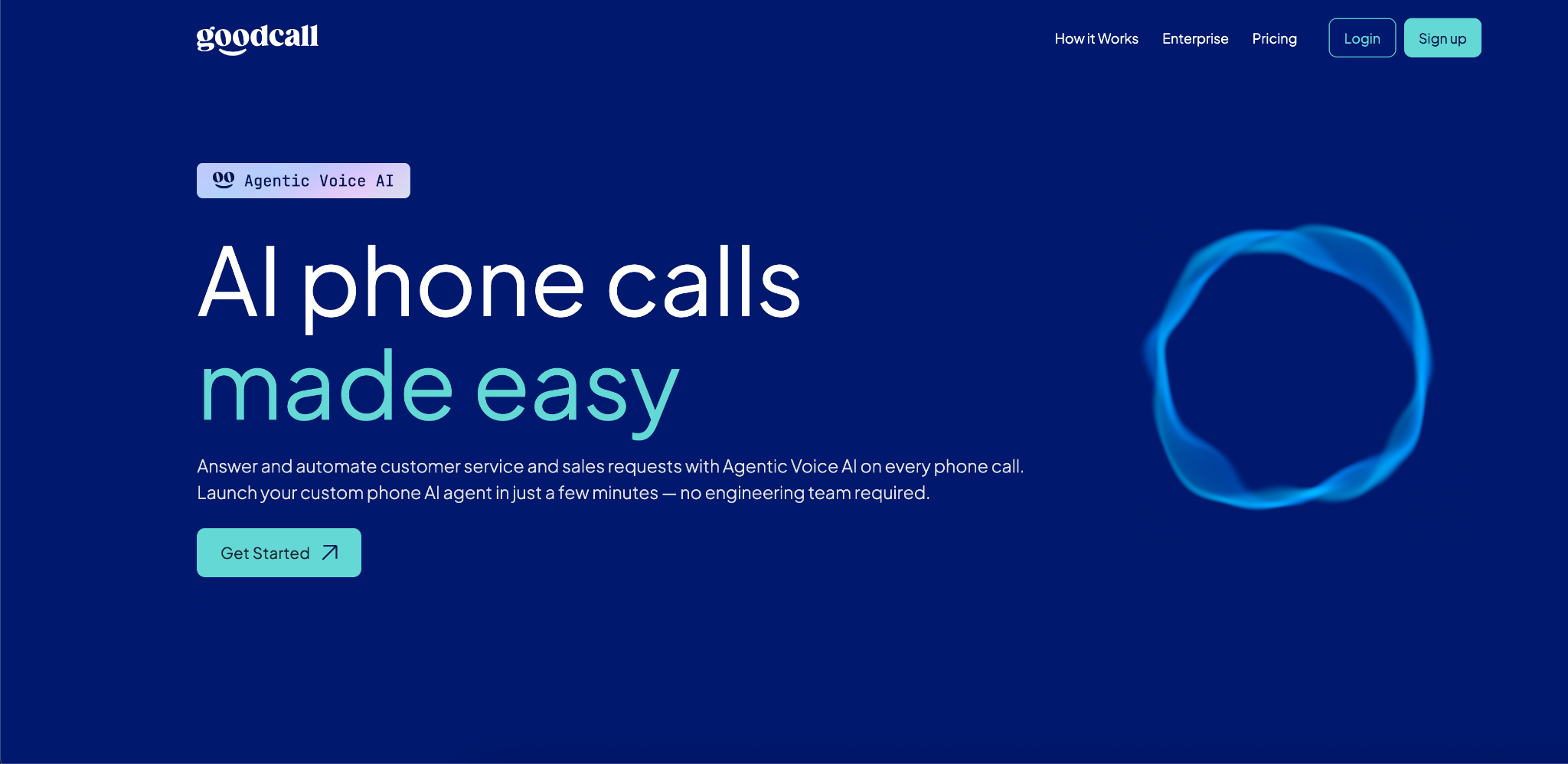
Goodcall is an AI phone agent that answers calls, books appointments, and handles customer questions automatically, even when your team is busy or off hours.
Unlike traditional scheduling software that waits for customers to find a booking page, Goodcall captures demand at the phone call, which is where most auto detailing inquiries actually start.
Key Features:
- AI voice agent answers inbound calls and books appointments in real time.
- Automated appointment confirmations and follow-up messages.
- CRM sync and lead capture with every call.
- Call analytics dashboard to track booking outcomes and caller behavior.
- Launches the same day with no engineering required.
Integrations: Salesforce, HubSpot, Google Calendar, Zapier.
Pricing: $79/month for the Starter Plan, $129/month for Growth, $249/month for Scale.
Pros:
- Captures bookings from phone calls that would otherwise go to voicemail.
- No-code setup operational within hours.
- Works 24/7 without additional staffing.
Cons:
- Focused on phone-based booking; best paired with an online scheduling tool for web traffic.
Best For: Detailing businesses that rely heavily on inbound phone calls and want to automate call handling without hiring a receptionist.
2. Jobber: Best for Mobile Auto Detailing Businesses
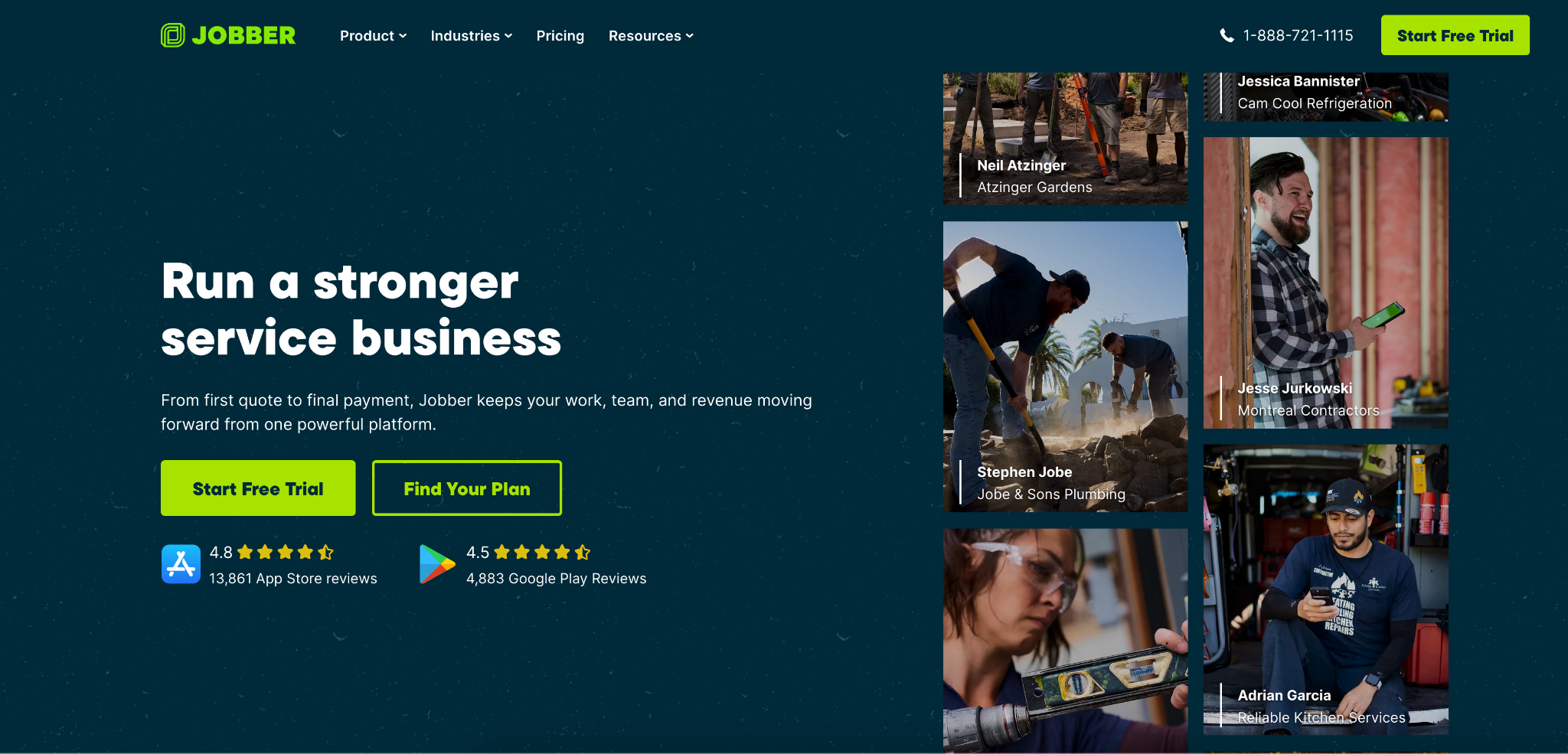
Jobber is a field service management platform built for businesses that go to the customer. It combines scheduling, route optimization, quoting, invoicing, and CRM into a single mobile-friendly system making it a strong fit for car detailers managing multiple jobs per day.
Key Features:
- Drag-and-drop job scheduling with GPS route optimization.
- Online booking directly from your website or client portal.
- Automated SMS and email reminders.
- Quoting and invoicing with online payment collection.
- Client history and job notes stored per vehicle.
Integrations: QuickBooks Online, Stripe, Mailchimp, DocuSign, Google Calendar.
Pricing: Starts at $26/month (Core plan), $78/month (Connect) and $110/month (Grow).
Pros:
- Excellent mobile app.
- Strong quoting and invoicing tools built in.
- Route optimization saves significant travel time for technicians.
Cons:
- Per-user pricing becomes costly for larger teams (10+ technicians).
- Lacks vehicle-specific tracking and detailing package templates.
Best For: Auto detailers managing multiple daily jobs who need scheduling, routing, and invoicing in one app.
3. Urable: Best for Detailing-Specific Operations
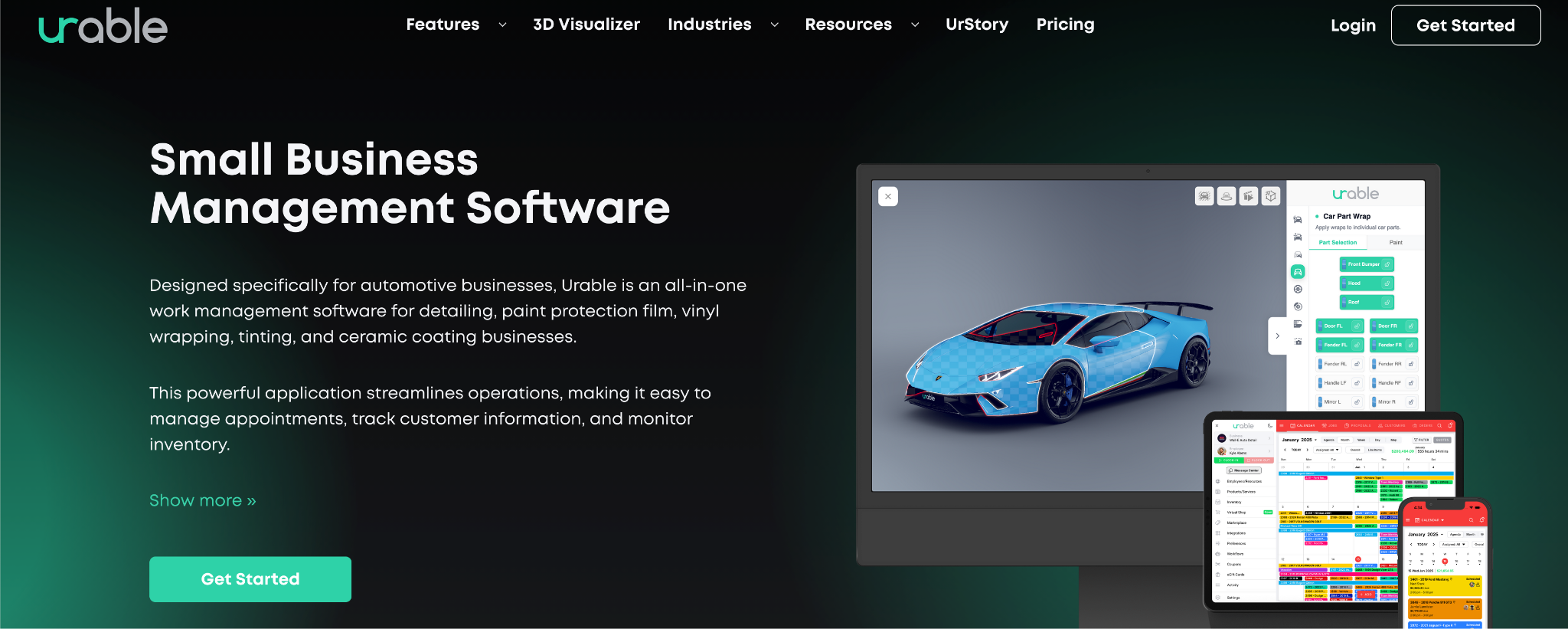
Urable is purpose-built for automotive service businesses including detailing, paint protection film, ceramic coating, and window tinting. It goes deeper than generic scheduling software with features designed specifically around how detailing shops operate, from vehicle condition documentation before a job starts to commission-based payroll tracking.
Key Features:
- Online booking with real-time availability and service pricing.
- Pre-job vehicle damage documentation with photo capture.
- Automated customer reminders and follow-up workflows.
- Customizable invoicing and quote templates.
- Payroll tracking with clock in/out and commission calculation.
Integrations: QuickBooks Online, Stripe, Zapier, Squarespace.
Pricing: Starts at $70/month for Express, $120/month for Pro, $220/month for Enterprise.
Pros:
- Built specifically for detailers, not a generic tool adapted for automotive.
- Strong pre-job documentation protects against disputes and chargebacks.
- All-in-one platform covering booking, CRM, invoicing, and payroll.
Cons:
- Smaller user community compared to general-purpose tools.
- Limited third-party integration options outside core platforms.
Best For: Detailing shops that want industry-specific software covering the full job lifecycle from quote to payment.
4. DaySmart Appointments: Best for Multi-Location Detailing Shops
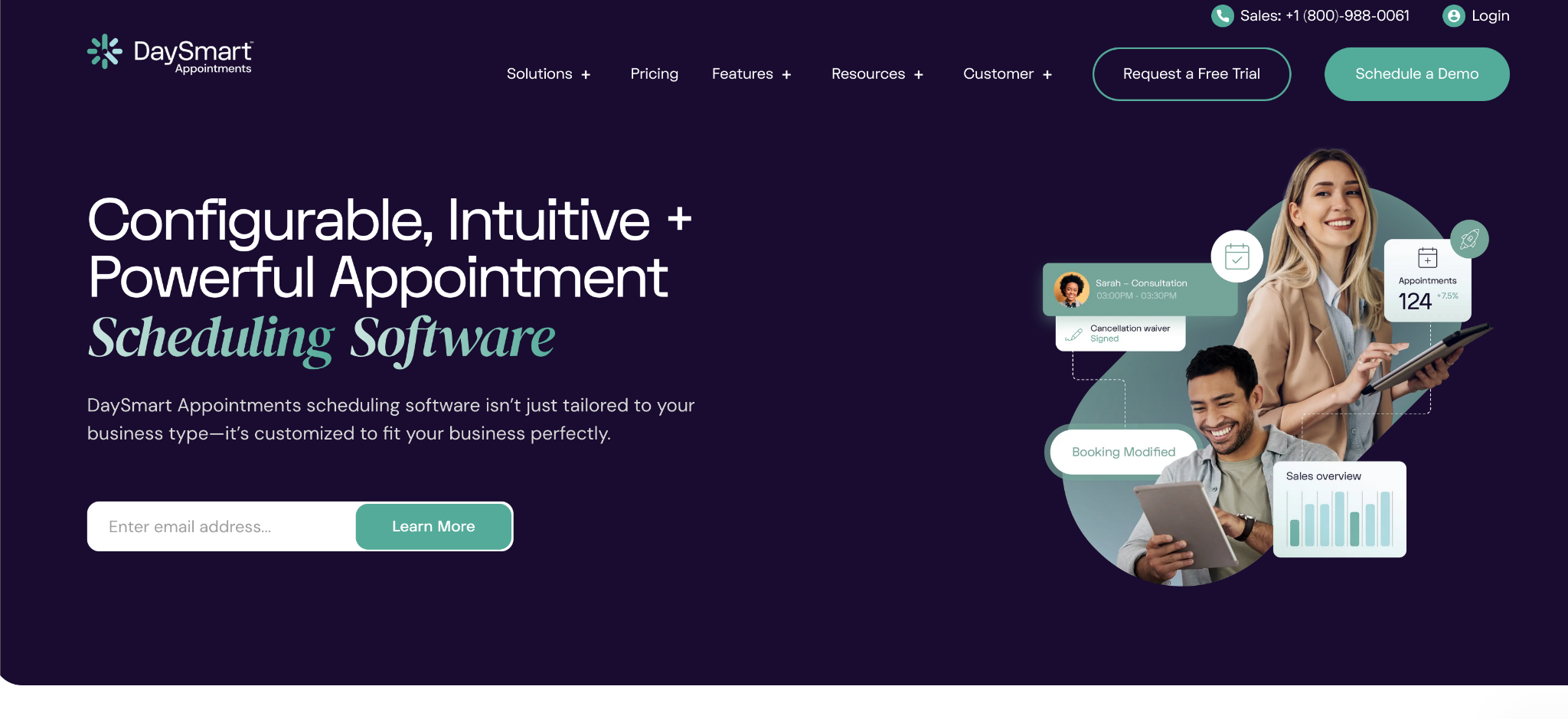
DaySmart Appointments (formerly AppointmentPlus) is a cloud-based scheduling platform built for businesses managing multiple staff members, locations, or service bays. It offers strong reporting tools, real-time availability management, and integrates with existing POS and calendar systems making it well-suited for growing detailing operations.
Key Features:
- Multi-staff and multi-location scheduling management.
- 24/7 online booking with real-time slot availability.
- Automated text and email appointment reminders.
- Inventory management and real-time stock tracking.
- Detailed reporting on demand, no-shows, and technician utilization.
Integrations: POS systems, Google Calendar, Outlook, scheduling API for custom integrations.
Pricing: Starts at $99/month for Gold, $149/month for Platinum and a custom enterprise plan.
Pros:
- Strong multi-location and multi-staff management tools.
- Robust reporting for data-driven business decisions.
- Mobile app for on-the-go schedule management.
Cons:
- Some users report pricing transparency concerns after recent increases.
- Can be feature-heavy for solo operators who only need basic scheduling.
Best For: Established detailing businesses with multiple technicians, bays, or locations that need centralized scheduling and reporting.
5. Bookedin: Best for Solo Operators and Small Teams
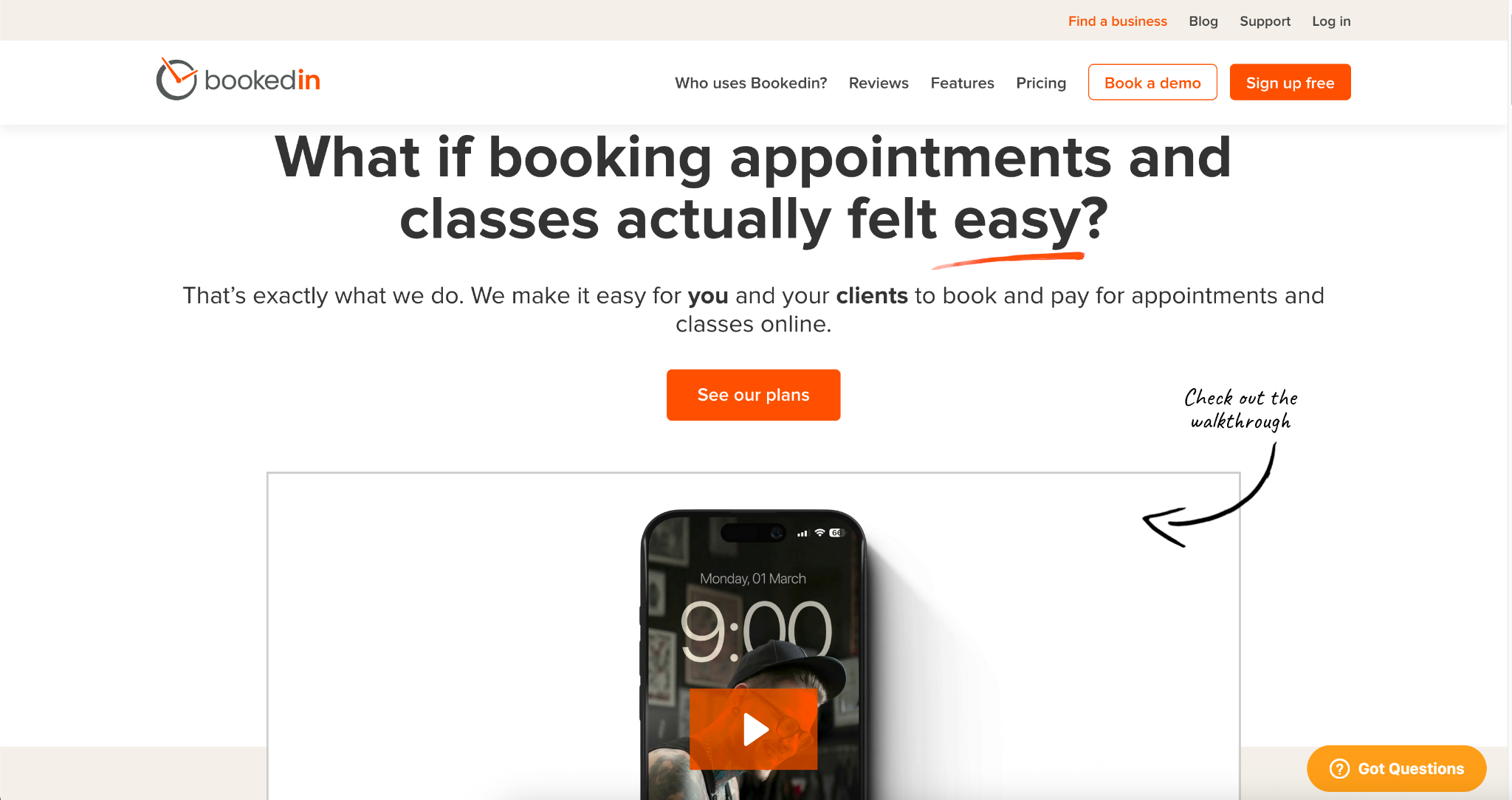
Bookedin is a straightforward, no-frills scheduling app that delivers exactly what small detailing businesses need: online booking, automated reminders, and a clean mobile interface. At $20/month, it is one of the most accessible options on this list, and it does not try to be more than a scheduling tool.
Key Features:
- Online booking page customers can access from your website or social media.
- Automated SMS and email reminders to reduce no-shows.
- Real-time availability with instant booking confirmations.
- Mobile app for full schedule management from a smartphone.
- Client profiles with service history and notes.
Integrations: Google Calendar, Apple Calendar, Outlook, Square (payments).
Pricing: Free limited plan, Paid Plus Plan starts at $19/month, Pro Plan at $39/month.
Pros:
- Simple setup with no technical knowledge required.
- Mobile-first design works well for on-site detailing work.
- Affordable flat-rate pricing for small operations.
Cons:
- Limited reporting and analytics compared to enterprise options.
- Less suited for businesses with multiple staff or complex workflows.
Best For: Solo detailers or small two-to-three person shops that want reliable, affordable scheduling without unnecessary complexity.
6. Square Appointments: Best for Built-In Payment Processing
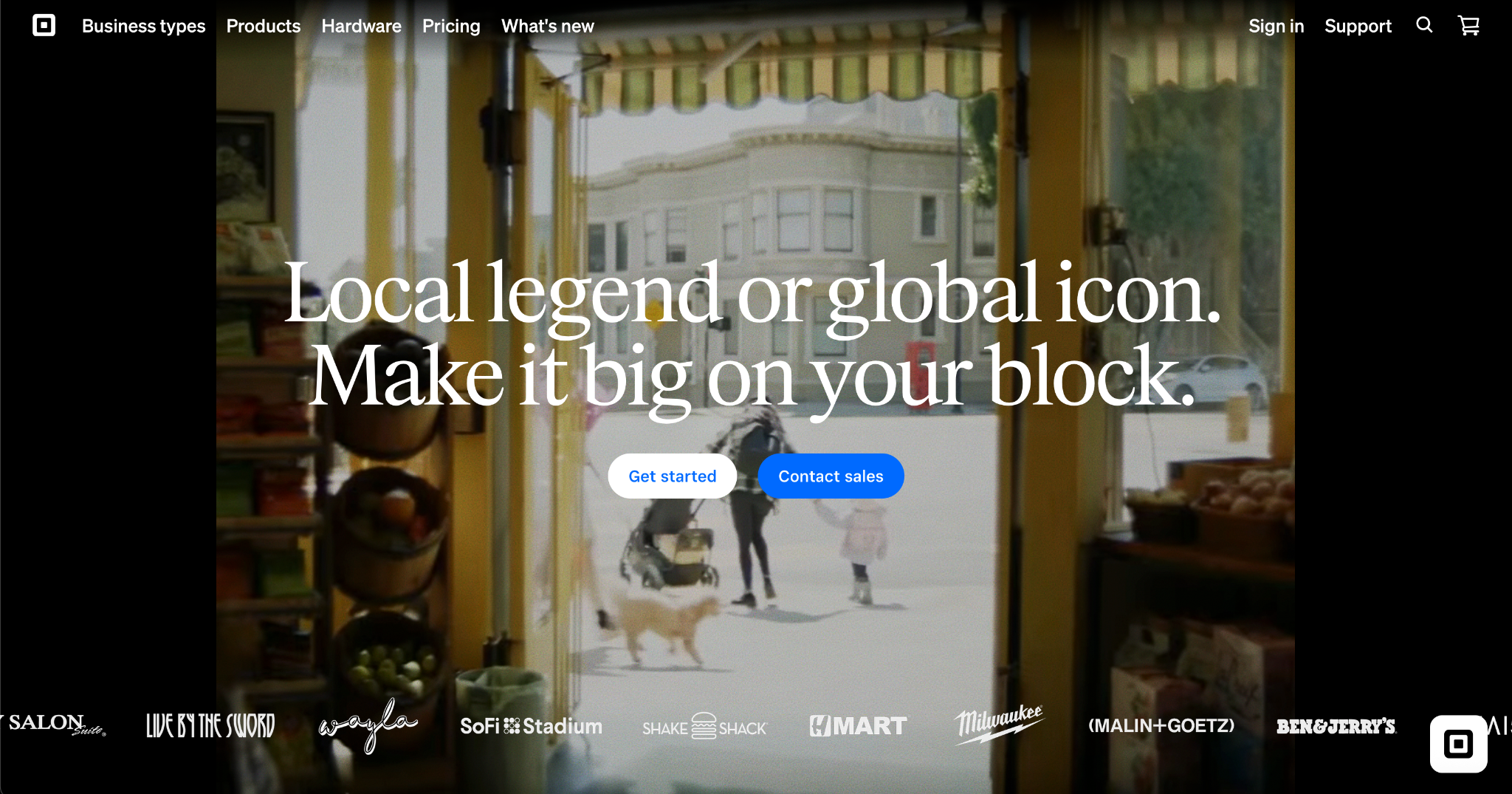
Square Appointments is part of the broader Square ecosystem, making it a natural fit for detailing businesses that already use Square for payments. It combines online booking with integrated payment collection, automated reminders, and a customer-facing booking site, all at no monthly cost for solo users.
Key Features:
- Online booking with customizable service menu and pricing.
- Automated SMS and email reminders.
- Integrated payment processing at point of booking or service.
- Waitlist management and resource scheduling.
- Syncs in real time across all booking channels.
Integrations: Square POS, QuickBooks, Google Calendar, Mailchimp.
Pricing: Free for individual users (2.6% + 10¢ per transaction). $49/month per location for Plus and $149/month for Premium.
Pros:
- Free solo plan makes it accessible for new detailing businesses.
- Seamless payment collection built into the booking flow.
- No additional payment processor needed if already using Square.
Cons:
- Transaction fees on all payments can add up at higher volume.
- Advanced customization is more limited than dedicated scheduling platforms.
Best For: Detailers who already use Square for payments and want booking and billing in one place without extra software.
Key Features to Look for in Auto Detailing Appointment Software
The key features to look for in auto detailing appointment software are online booking with real-time availability, automated reminders, mobile access, CRM and client history, payment processing, calendar sync, and reporting and analytics.
Here is why each one matters for an auto detailing business:
- Online booking with real-time availability: Customers should be able to see open slots and confirm appointments instantly without calling. This eliminates back-and-forth and captures bookings outside business hours.
- Automated reminders: SMS and email reminders sent before appointments are the single most effective way to cut no-shows. Look for customizable timing options, such as reminders 48 hours and 2 hours before a job.
- Mobile access: For on-site car detailers, the software needs to work from a phone. Full schedule management, job updates, and customer communication should all be available on iOS and Android.
- CRM and client history: Storing vehicle information, service history, and customer preferences allows you to deliver personalized service and build repeat business over time.
- Payment processing: The ability to collect deposits, full payments, or card-on-file at booking reduces last-minute cancellations and simplifies checkout after a job.
- Calendar sync: Integration with Google Calendar, Outlook, or Apple Calendar prevents conflicts between business bookings and personal schedules.
- Reporting and analytics: Understanding which services are most popular, when no-shows peak, and how technician utilization works helps you make smarter scheduling decisions over time.
For businesses handling a high volume of inbound phone calls, pairing scheduling software with an AI answering service ensures no booking opportunity is missed at the phone level either.
You can also explore automotive scheduling options for a broader comparison across shop types.
Signs Your Detailing Business Needs Scheduling Software
If any of the following sound familiar, it is time to move away from manual scheduling:
- You are missing calls during peak hours and losing customers to competitors who answer faster.
- No-shows are a regular problem and you have no automated system to follow up or remind customers.
- Double bookings happen because availability is tracked manually across texts, calls, and a paper calendar.
- Admin tasks eat into detailing time and you or a staff member spend significant time each week just managing the schedule.
- Customers cannot book after hours and you are losing jobs to businesses with 24/7 online booking.
- You have no record of service history for returning customers, making every interaction feel like starting from scratch.
If two or more of these apply, the operational cost of not having software is already higher than the monthly cost of adopting it. Explore Goodcall's appointment scheduling tools to see how automation fits your workflow.
Conclusion
The right auto detailing appointment software reduces the admin burden that slows detailing businesses down, eliminates the missed calls and no-shows that drain revenue, and creates a professional customer experience from the first booking to the final invoice.
Whether you run solo or have a multi-bay shop with a full team, there is a tool on this list that fits your workflow.
Start with the problem your business faces most often. Missed calls, no-shows, double bookings, or manual admin and choose the platform that solves it directly. The right software pays for itself quickly.
Ready to automate your detailing bookings? Get started with Goodcall today.
FAQs
How do auto detailers track appointments and payments?
Most auto detailers use scheduling software that combines a digital calendar with automated reminders and integrated payment processing. Tools like Goodcall, Jobber, and Urable store all appointment details, customer history, and payment records in one place, eliminating manual tracking and reducing errors.
What is the best scheduling software for auto detailing businesses?
The best option depends on your business type. Goodcall is best for businesses that book heavily through phone calls. Jobber is best for automobile detailers needing route optimization. Urable is best for shops wanting detailing-specific features. Bookedin is best for solo operators wanting simplicity at a low cost.
How does auto detailing booking software work?
Auto detailing booking software gives customers an online page to select services, view real-time availability, and confirm appointments. The system automatically sends confirmation messages and reminders, updates the business calendar, and syncs with payment tools, all without manual input from staff.
Is appointment scheduling software good for small detailing businesses?
Yes, small detailing businesses often benefit the most because scheduling software replaces tasks that would otherwise require hiring additional staff. Affordable options like Bookedin ($20/month) and Square Appointments (free for solo users) make it accessible even for new or one-person operations.
Can I manage multiple detailers with scheduling software?
Yes, platforms like DaySmart Appointments and Jobber are built for multi-staff operations. They allow managers to assign jobs to specific technicians, view team-wide availability, and prevent scheduling conflicts across a full team.
Can customers reschedule appointments online?
Yes, most modern scheduling tools allow customers to reschedule or cancel directly through a confirmation link or customer portal without needing to call. This reduces the admin burden on staff while giving customers the flexibility they expect.