

Best Moving Business Appointment Scheduling Software in 2026

Moving companies lose revenue every day to missed calls, scheduling errors, and leads that go cold before anyone follows up. With the U.S. moving industry generating over $86 billion annually, operators relying on manual processes are leaving an estimated 20 to 30% of potential revenue on the table through unbilled services and booking mistakes alone.
The right moving company scheduling software changes that. This guide covers the best tools available in 2026, the key features to look for, common scheduling challenges movers face, and how to choose the right platform for your operation.
Why Moving Companies Need Appointment Scheduling Software
Moving companies need appointment scheduling software because each job involves crew assignments, truck availability, travel windows, estimates, and follow-up communication that manual processes cannot handle reliably at scale.
Here is what manual scheduling costs moving businesses:
- Lost inbound leads: A significant share of moving inquiries come through phone calls. Without automated scheduling for movers, calls that go unanswered during busy periods turn into bookings for competitors.
- Scheduling conflicts: Manual dispatch coordination across multiple crews and trucks creates overlap errors that damage customer trust and operational efficiency.
- No-shows and cancellations: Moving companies using automated reminders and online scheduling systems report up to a 90% reduction in no-show rates compared to manual follow-up.
- Unbilled services: Without a connected moving dispatch and scheduling software system, extra charges, storage fees, and add-on services frequently go unrecorded and unbilled.
- Slow estimate turnaround: Prospects who request quotes expect a fast response. Manual moving estimate scheduling software processes lose leads to competitors who respond within minutes.
Appointment scheduling software built for movers solves these problems by connecting lead intake, booking, dispatch, and billing into one automated workflow.
Best Moving Business Appointment Scheduling Software in 2026
Here are the five best tools for moving companies in 2026, each suited to a different operation size and workflow.
1. Goodcall: Best for AI-Powered Phone Booking
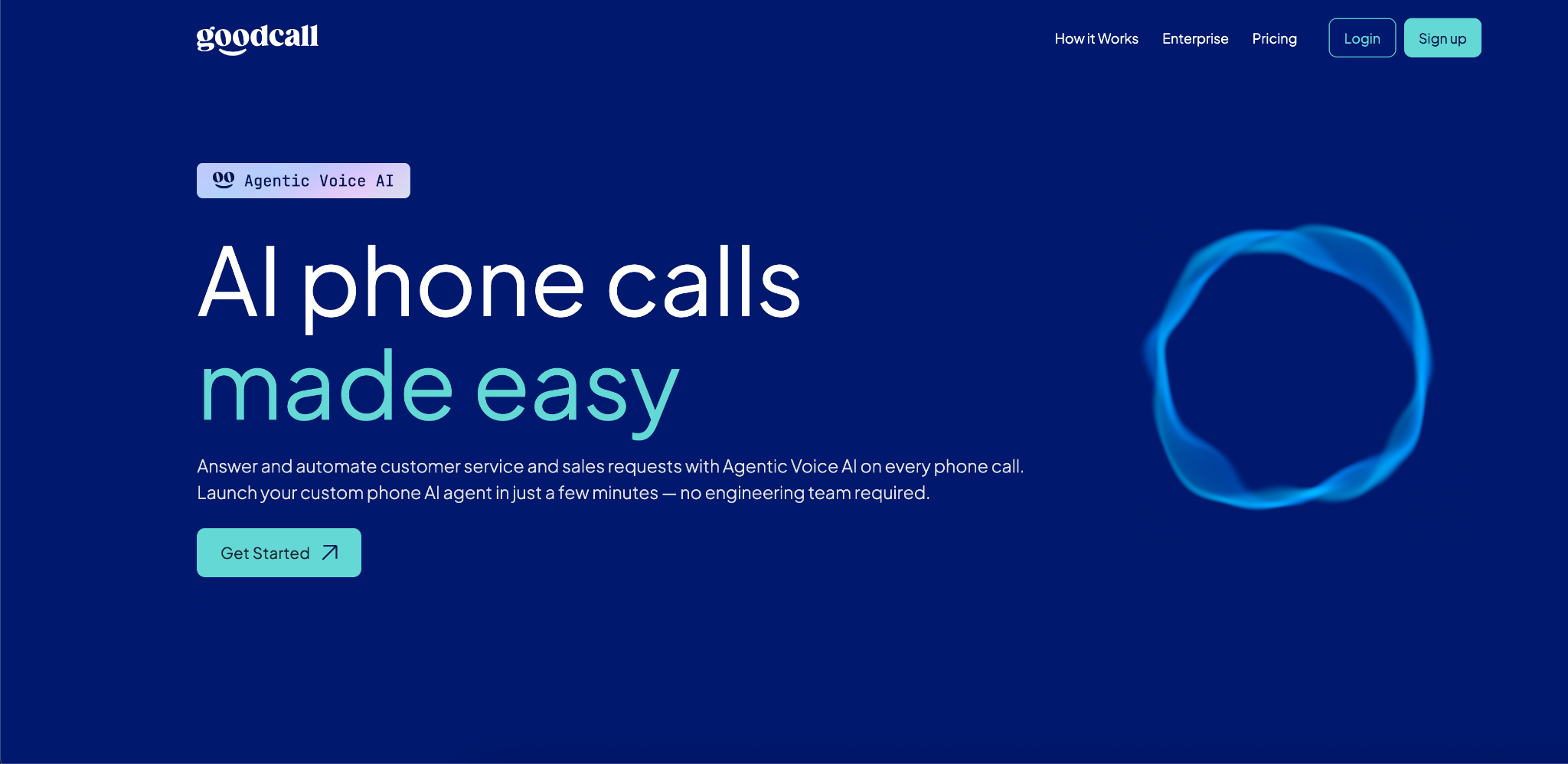
Goodcall is an AI phone agent that answers inbound calls, books moving appointments automatically, and handles customer questions in real time without a human receptionist. Moving leads arrive predominantly through phone calls, and missed calls during peak seasons translate directly to lost revenue.
Goodcall captures every inbound inquiry and converts it into a confirmed appointment, even outside business hours, making it the most effective mover booking software for operations where phone-based lead capture is the primary bottleneck.
Key Features:
- AI voice agent answers calls and books appointments 24/7.
- Automated appointment confirmations and follow-up messages.
- Real-time CRM sync and moving lead scheduling software integration.
- Call analytics dashboard tracking booking outcomes and caller behavior.
Pricing: $79/month for the Starter Plan, $129/month for Growth, $249/month for Scale.
Pros:
- Captures moving leads from phone calls that would otherwise go to voicemail.
- Works 24/7 without additional staffing cost.
- Fastest deployment on this list, no engineering required.
Cons:
- Focused on phone-based booking; best paired with an online scheduling tool for web traffic.
Best For:
- Moving companies with high inbound call volume during peak moving seasons.
- Operations running lean office teams that cannot always answer the phone.
- Businesses wanting 24/7 booking without hiring additional staff.
Integrations: Salesforce, HubSpot, Google Calendar, Zapier, GoHighLevel.
2. SmartMoving: Best for All-in-One Moving Operations
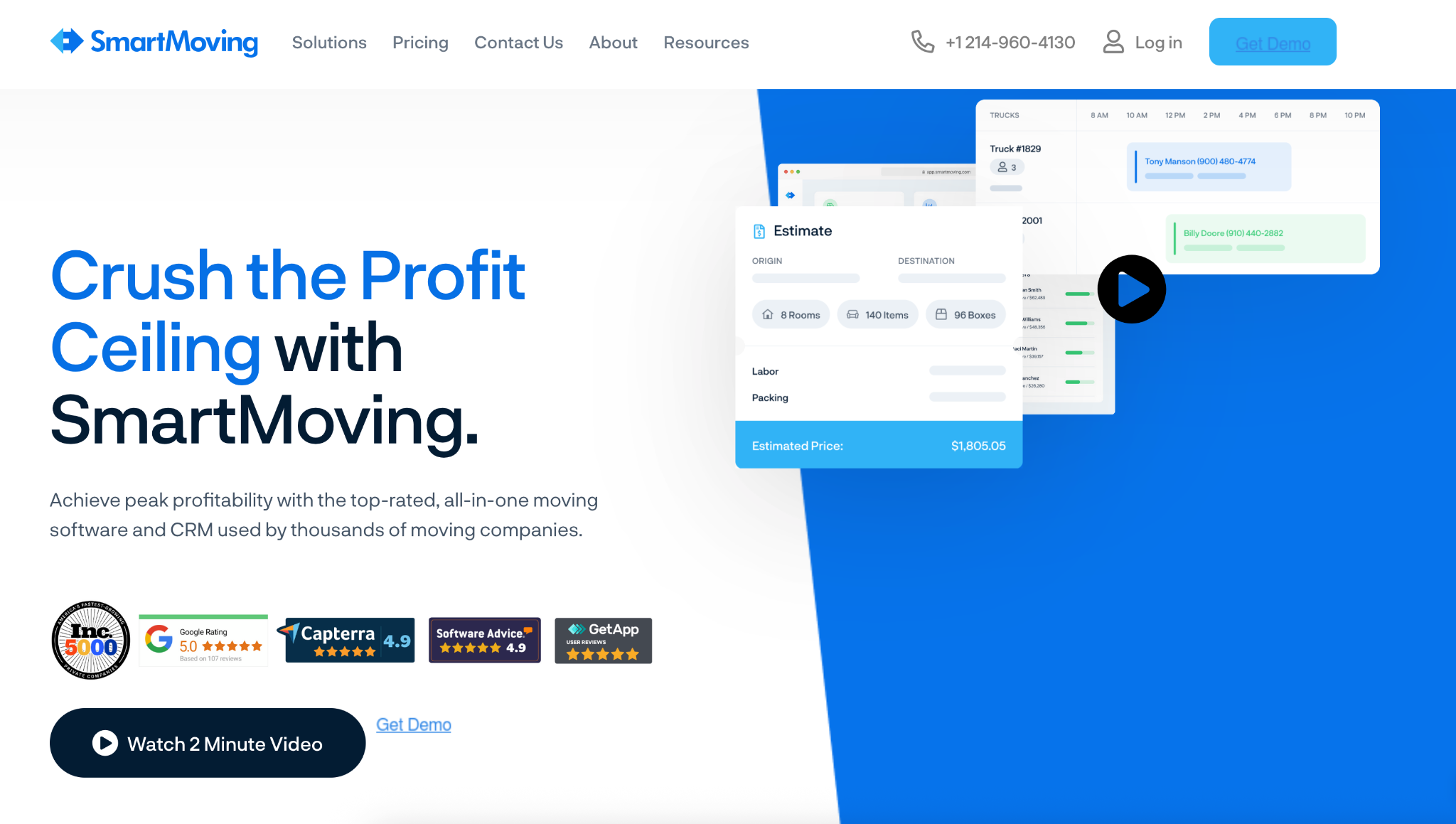
SmartMoving is a purpose-built moving company management platform serving thousands of small and mid-sized movers across the United States.
It consolidates lead tracking, digital estimates, crew scheduling, dispatch, and customer communication into a single dashboard, replacing the patchwork of spreadsheets and disconnected tools that cost moving operators hours of admin work each week.
Key Features:
- Online booking with automated appointment booking software for movers.
- Drag-and-drop dispatch board with crew conflict detection.
- Digital estimates and customer inventory portal.
- Automated SMS and email reminders and follow-up sequences.
- Revenue and performance reporting dashboard.
Pricing: Plans range from $150 to $500/month depending on company size.
Pros:
- All-in-one platform eliminates the need for multiple disconnected tools.
- Fast onboarding, teams are operational quickly with responsive support.
- Customer portal consolidates estimates, inventory, and documents in one place.
Cons:
- Less configurable for companies with non-standard workflows.
- Best suited for companies processing fewer than 500 moves per year.
Best For:
- Independent and regional moving companies with 1 to 50 trucks.
- Operations transitioning from spreadsheets to dedicated moving software.
- Teams that want a structured, ready-to-use system with minimal setup.
Integrations: QuickBooks, Google Calendar, Stripe, Zapier.
3. MoversTech CRM: Best for Configurable Moving CRM and Dispatch
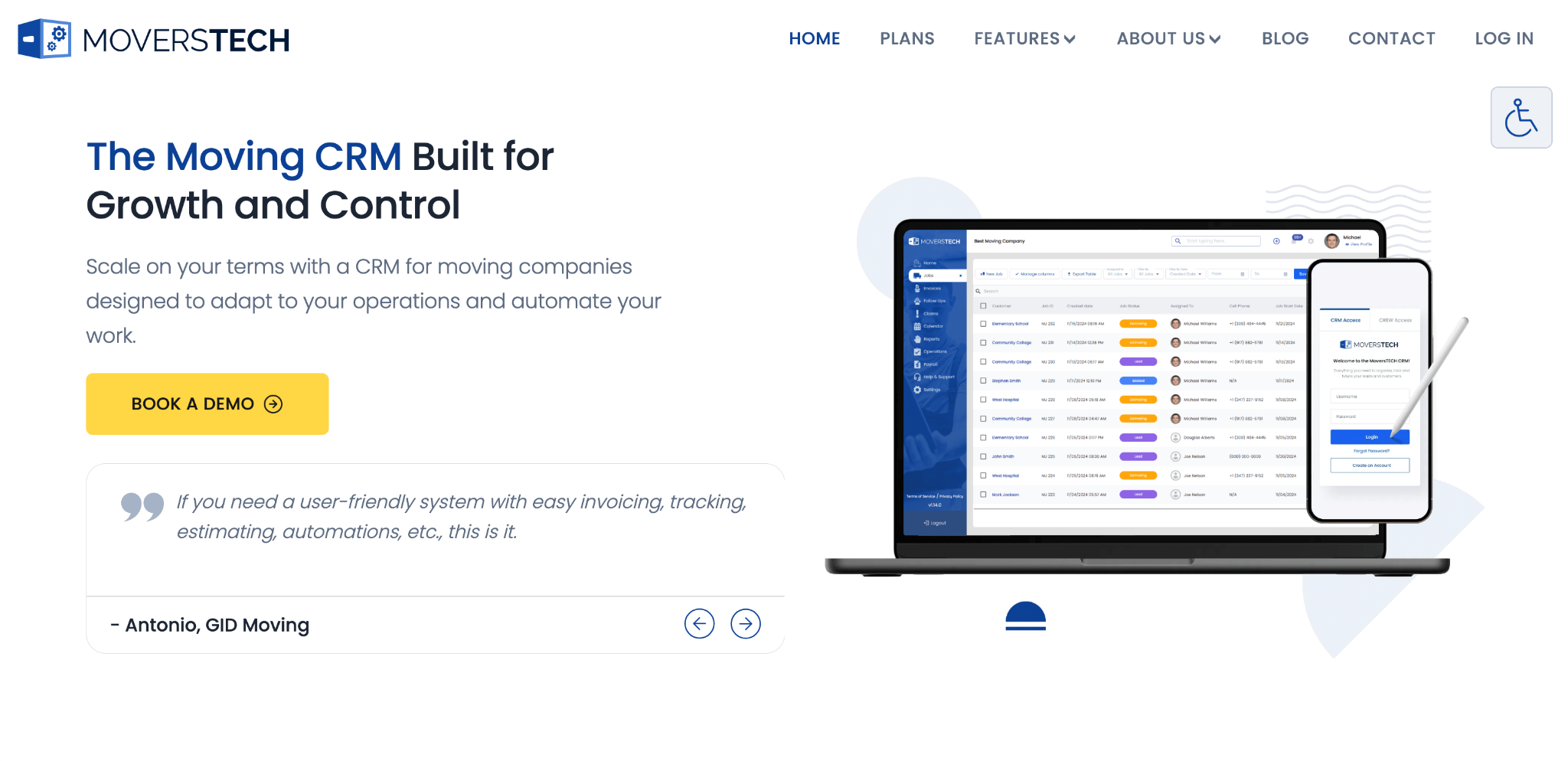
MoversTech CRM is a cloud-based moving company platform built specifically for the moving industry, with a level of configurability that sets it apart from more rigid competitors. It covers lead management, estimating, online booking, dispatching, billing, and customer communication, and it does so on a month-to-month subscription model with no forced annual contracts.
For moving companies that want a moving business CRM and scheduling system that adapts to their workflows rather than the other way around, MoversTech is the strongest fit.
Key Features:
- Lead management with automated follow-up and conversion tracking.
- Online booking and appointment booking software for movers.
- Configurable dispatch and crew scheduling workflows.
- Flexible billing with extra charges, storage billing, and labor rounding.
- Detailed operational and financial reporting.
Pricing: Month-to-month subscription with no long-term contracts.
Pros:
- Highly configurable and adapts to your internal processes and terminology.
- No annual contract required.
- Continuous investment in billing automation and workflow improvements.
Cons:
- Requires more configuration time upfront.
- Pricing not publicly listed, requires direct contact for a quote.
Best For:
- Moving companies with established workflows that need software to match their processes.
- Multi-branch operations requiring flexible configuration across locations.
- Growing companies that want to avoid being locked into long-term agreements.
Integrations: QuickBooks, API integrations available on higher-tier plans.
4. Jobber: Best for Movers Offering Multiple Home Services
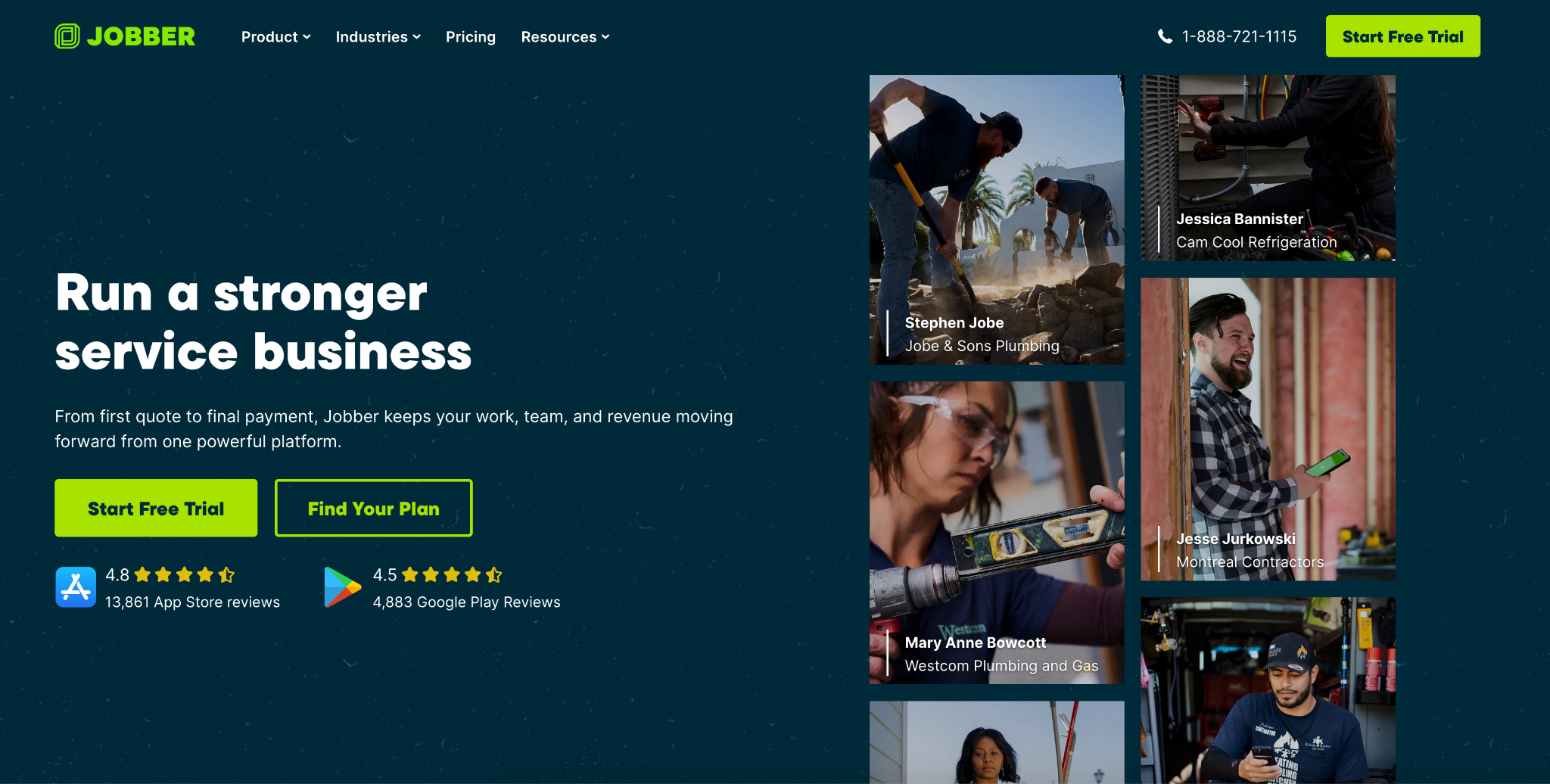
Jobber is the most widely used field service management platform for small service businesses, serving over 250,000 home service professionals. For moving companies that also offer junk removal, cleaning, or other adjacent services, Jobber provides the most complete online scheduling software for moving companies and home service operations in one platform.
It connects quoting, scheduling, invoicing, and payment collection seamlessly and its mobile app is consistently rated among the best in field service management.
Key Features:
- Online client booking portal with real-time availability.
- Drag-and-drop scheduling with recurring and one-time job support.
- Automated SMS and email reminders for clients and crew.
- Integrated invoicing and online payment collection.
- Mobile app for iOS and Android with offline access.
Pricing: Starts at $26/month (Core plan), $78/month (Connect) and $110/month (Grow).
Pros:
- Scheduling connects directly to quoting, invoicing, and payments in one workflow.
- Excellent mobile app for on-site crew use with minimal training required.
- Strong client communication tools including automated follow-ups on the Grow plan.
Cons:
- Not built specifically for moving and lacks moving-specific features like inventory management.
- Per-user pricing scales up quickly for larger moving teams.
Best For:
- Small moving companies (1 to 10 crews) that also offer other home services.
- Operations that want scheduling, quoting, and invoicing connected in a single platform.
- Teams coming from paper or spreadsheets that need a fast, clean upgrade.
Integrations: QuickBooks Online, Google Calendar, Stripe, Mailchimp, DocuSign, CompanyCam, Zapier.
5. MoverBase: Best for Cloud-Based Integration Depth
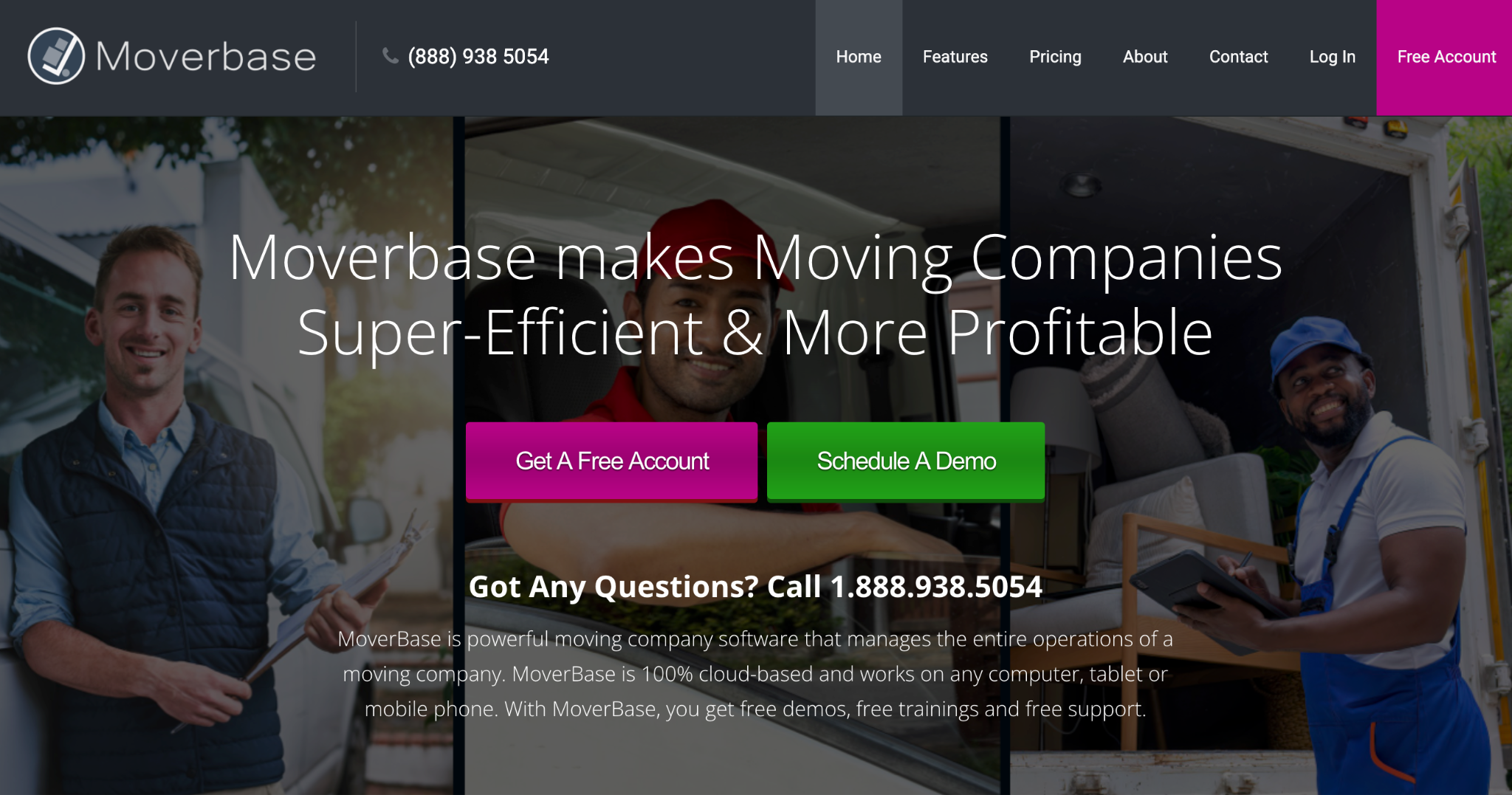
MoverBase is a cloud-based CRM and management platform designed specifically for moving companies, with one of the deepest third-party integration ecosystems on this list connecting with over 400 applications including Google Calendar, QuickBooks, PayPal, and more.
It covers lead capture, scheduling, dynamic calendar views, job readiness tracking, inventory tools, document automation, and payment processing. For moving companies that rely on a connected software stack, MoverBase provides the integration flexibility to make it work.
Key Features:
- Dynamic calendar views with real-time availability tracking.
- Job readiness indicators and customizable inventory tools.
- Document automation to digitize any moving document in the system.
- Payment processing with on-location collection capability.
- Integrations with 400+ third-party applications.
Pricing: Free limited account available. Pro plan starts at $29/month, Fleet plan at $99/month and Unlimited plan at $299/month.
Pros:
- 400+ integrations make it the most connected platform on this list.
- Free onboarding and training reduces implementation burden.
- Job readiness indicators improve crew preparedness before each move.
Cons:
- Feature depth can feel overwhelming for smaller moving operations.
Best For:
- Growing moving companies that need deep software integrations across their tech stack.
- Operations that want automated document handling and on-location payment collection.
- Businesses scaling from local to regional operations with increasing workflow complexity.
Integrations: Google Calendar, QuickBooks, PayPal.
Key Features to Look for in Moving Business Scheduling Software
The right appointment booking software for movers needs to handle the full complexity of move coordination, from lead intake to final billing. These are the features that directly impact moving company revenue and operations:
- Online booking with real-time availability: Prospects should be able to request a move or book an estimate instantly without waiting for a callback. This is the foundation of any effective online scheduling software for moving companies.
- Moving estimate scheduling software: Integrated quoting tools that allow prospects to receive a digital estimate at the time of booking reduce the gap between inquiry and conversion.
- Automated reminders: SMS and email reminders sent ahead of move dates reduce no-shows and last-minute cancellations that leave crews idle.
- Crew and vehicle dispatch: The ability to assign specific movers, trucks, and equipment to jobs with conflict detection prevents the dispatch errors that damage customer experience and crew productivity.
- CRM and lead management: Moving lead scheduling software should track every inquiry from first contact to completed move, ensuring no lead falls through the cracks during busy periods.
- Mobile access: Crew members need real-time schedule access, job details, and customer notes from a smartphone especially on move day when conditions change quickly.
- Payment processing: Collecting deposits at the time of booking and final payments on-site reduces disputes and improves cash flow across the operation.
Common Scheduling Challenges Moving Companies Face
The most common scheduling challenges moving companies face are seasonal demand spikes, multi-resource coordination errors, last-minute cancellations, slow estimate turnaround, and communication gaps between office and crew.
Understanding these challenges helps identify which software features matter most:
- Seasonal demand spikes: Moving volume surges in summer and around month-end, overwhelming manual scheduling systems and creating booking backlogs that push leads to competitors.
- Multi-resource coordination: Every job requires the right combination of crew size, truck capacity, and travel time. Manually coordinating these variables across multiple simultaneous jobs is a constant source of errors.
- Last-minute cancellations: Moves are emotionally and logistically complex events. Cancellations happen frequently, and without automated rescheduling workflows, the revenue loss compounds quickly.
- Estimate accuracy and conversion: Moving companies that take too long to deliver quotes lose prospects to faster competitors. Integrating moving estimate scheduling software directly into the booking flow speeds this process significantly.
- Communication gaps between office and crew: When job details, address changes, or customer notes are communicated manually, the information frequently fails to reach the crew before they arrive on site.
How to Choose the Best Appointment Scheduling Software for Your Moving Business
The best way to choose appointment scheduling software for your moving business is to start with your biggest operational gap and match platform capabilities to it. Here is how to work through that decision:
- Identify your biggest revenue leak: Start by pinpointing where your moving business loses the most leads or revenue, whether that is missed inbound calls, dispatch errors, slow estimate turnaround, or manual admin overload.
- Assess moving-specific needs: Decide whether you need a platform built specifically for the moving industry or a general field service tool. Moving-specific software typically offers features like inventory management, moving-specific billing logic, and digital estimates, while general platforms offer broader flexibility.
- Consider integration requirements: Evaluate which tools your business already uses like accounting software, CRM platforms, payment processors and prioritize scheduling software that connects with them natively.
- Evaluate pricing models carefully: Compare month-to-month flexibility against fixed subscription tiers and custom pricing structures. Choose a model that matches your cash flow predictability and gives you room to scale without unexpected cost jumps as your team grows.
- Match platform depth to company size: Smaller operations need simple, fast tools that are easy to set up and use without dedicated admin staff. Larger operations with multiple crews and trucks require platforms with multi-resource dispatch, conflict detection, GPS tracking, and detailed performance reporting.
For moving companies handling high inbound call volumes alongside web bookings, pairing scheduling software with an AI answering service ensures no lead is missed at either touchpoint.
Conclusion
The best moving business appointment scheduling software is the one that closes your biggest operational gap whether that is missed phone leads, dispatch errors, slow estimate turnaround, or manual admin that pulls owners away from growth.
Choose based on where your moving business loses the most time and revenue today. The right platform recovers that loss quickly and scales with your growth.
Ready to automate your moving company bookings? Get started with Goodcall today.
FAQs
What is the best appointment scheduling software for moving companies?
The best option depends on your operation size and primary bottleneck. Goodcall is best for moving companies that rely on inbound phone calls for lead capture. SmartMoving is best for all-in-one moving operations management. MoversTech is best for companies wanting a configurable moving-specific CRM on a flexible month-to-month plan.
How can moving companies automate appointment booking?
Moving companies automate appointment booking by deploying online booking portals where prospects select services and available dates, combined with AI phone agents that handle inbound call bookings automatically. Automated scheduling for movers connects these bookings directly to dispatch, CRM, and billing systems.
Does scheduling software help reduce no-shows for movers?
Yes, moving companies using automated reminders and online scheduling systems report a reduction in no-show rates. Automated SMS and email reminders sent before move dates keep customers accountable and give companies advance notice when a cancellation is likely, allowing time to fill the slot.
Is AI appointment scheduling useful for moving companies?
Yes, AI appointment scheduling is especially valuable for moving companies because a large share of moving leads arrive through phone calls. An AI phone agent answers every call instantly, books appointments in real time, and captures lead information directly into the CRM ensuring no moving lead is lost to a missed call or slow response during peak season.
Can scheduling software integrate with CRM tools for movers?
Yes, most moving business scheduling platforms integrate natively with CRM tools. Moving-specific platforms like SmartMoving and MoversTech have built-in CRM functionality. Platforms like Goodcall and Jobber integrate with Salesforce, HubSpot, and other CRM systems via native connections or Zapier, ensuring every booking and customer interaction is captured and tracked automatically.