

Best Appointment Scheduling Software for Tailor Shops

Tailor shops do not lose revenue because of poor craftsmanship. They lose it when bridal clients reach voicemail during active fittings or when two consultations land in the same slot.
According to Amra and Elma, 54% of tailoring clients now expect digital booking and custom suit tailoring has grown 22% annually since 2020.
Whether you run a boutique alterations shop or a high-volume bridal studio, here is what to look for before comparing platforms.
Key Features to Look for in Appointment Scheduling Software for Tailors
Your tailor shop appointment scheduling software must control intake, fitting progression, specialist allocation, and confirmation logic within one system.
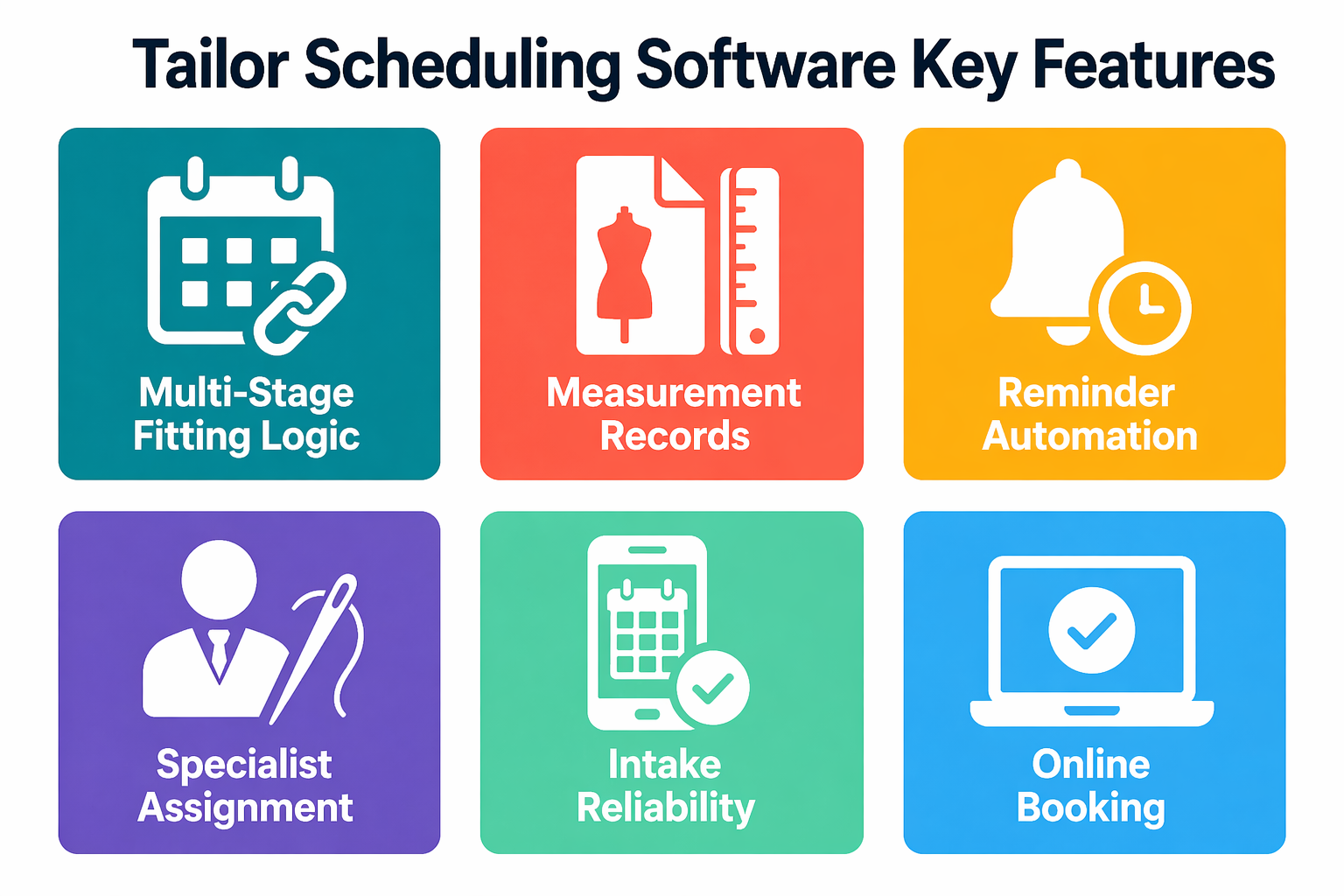
1. Multi-Stage Fitting Logic
- Link fitting appointment types so each stage advances automatically after the previous one is completed
- Enforce status states across tentative, deposit received, confirmed, and completed to protect peak booking capacity
2. Measurement Records
- Store measurements, alteration notes, and order history linked to each booking inside your CRM with appointment scheduling
- Retrieve prior measurements instantly to shorten sessions and reduce errors on repeat orders
3. Reminder Automation
- Use scheduling software with reminders to send SMS and email alerts at 72 hours, 24 hours, and 2 hours before each fitting
- Require deposits for high-value bridal appointments and reopen cancelled slots to waitlisted clients automatically
4. Specialist Assignment
- Assign garments by complexity and staff specialization using your fitting appointment software, not open calendar time
- Control simultaneous fitting room usage to prevent space conflicts during concurrent sessions
5. Intake Reliability
- Use an automated booking system to reduce missed calls during active fittings and send immediate SMS confirmation after every booking
- Capture and qualify inbound inquiries around the clock without pulling your tailor off the floor
6. Online Booking
- Provide an online booking system for tailors with real-time availability so clients self-book around your active production hours
- Connect your AI appointment scheduling software to convert after-hours bridal inquiries into confirmed fittings automatically
When intake, fitting sequencing, reminders, and specialist allocation work together, your tailor shop management software converts peak-season demand into confirmed revenue.
Best Appointment Scheduling Software for Tailor Shops
The following platforms support appointment booking for tailoring environments with varying depth across intake automation, scheduling logic, and workflow management.
1. Goodcall
Why Choose It
Most tailor shop scheduling tools activate after a booking is entered. Goodcall works earlier, capturing the bridal inquiry before your tailor finishes the current fitting and can call back. Its AI phone agent qualifies appointment type and books the fitting appointment directly into your calendar without pulling your tailor off the floor. For a full picture of how Goodcall supports tailor shops beyond scheduling, see Goodcall's tailor shop answering service.
Key Features
- AI phone agent answers inbound calls 24/7 and books fitting appointments directly into your calendar
- Handles after-hours overflow and peak wedding season call surges automatically
- Prevents double-booked consultations through real-time fitting calendar synchronization
- Retains client measurement history and CRM data visible during every inbound call
- Identifies missed-call patterns and peak bridal inquiry windows through call analytics
Pricing
Goodcall starts at $59/month for small shops with custom pricing for larger operations. A 14-day free trial is available. See how Goodcall works and explore pricing plans.
2. Geelus
Why Choose It
Geelus is the only tailor shop management software in this list purpose-built for tailoring and alterations. Every feature tracks a garment from intake consultation through final pickup, making it the most workflow-specific option for dedicated tailor shops.
Key Features
- Combines appointment scheduling with alteration ticket tracking per garment stage
- Stores measurements inside order records to prevent data fragmentation
- Allows technician selection during booking for complex or specialist garments
- Links POS and deposit tracking directly to appointment confirmation status
- Surfaces production dashboards showing which fitting appointments are at risk of delay
Pricing
Geelus offers custom pricing based on shop size. A 30-day free trial is available with no credit card required.
3. Acuity Scheduling
Why Choose It
Acuity suits smaller tailoring businesses needing structured online booking and reminder automation without alteration ticket tracking or garment stage visibility. Its intake form builder captures garment type, event date, and urgency before the first consultation.
Key Features
- Custom intake forms capturing garment type, event date, and urgency before consultation
- Multi-touch SMS and email reminders at configurable intervals to reduce missed fittings
- Deposit collection via Stripe, Square, or PayPal at the time of booking
- Real-time Google Calendar synchronization across your staff schedules
- Multi-service booking combining consultation and measurement in one reservation
Note: SMS reminders require the Standard plan or above. The Starter plan supports email reminders only.
Pricing
Starter is $20/month ($16 annually) for one calendar. Standard is $34/month ($27 annually) for up to six calendars with SMS reminders. Premium is $61/month ($49 annually) for up to 36 calendars. A 7-day free trial is available.
4. SimplyBook.me
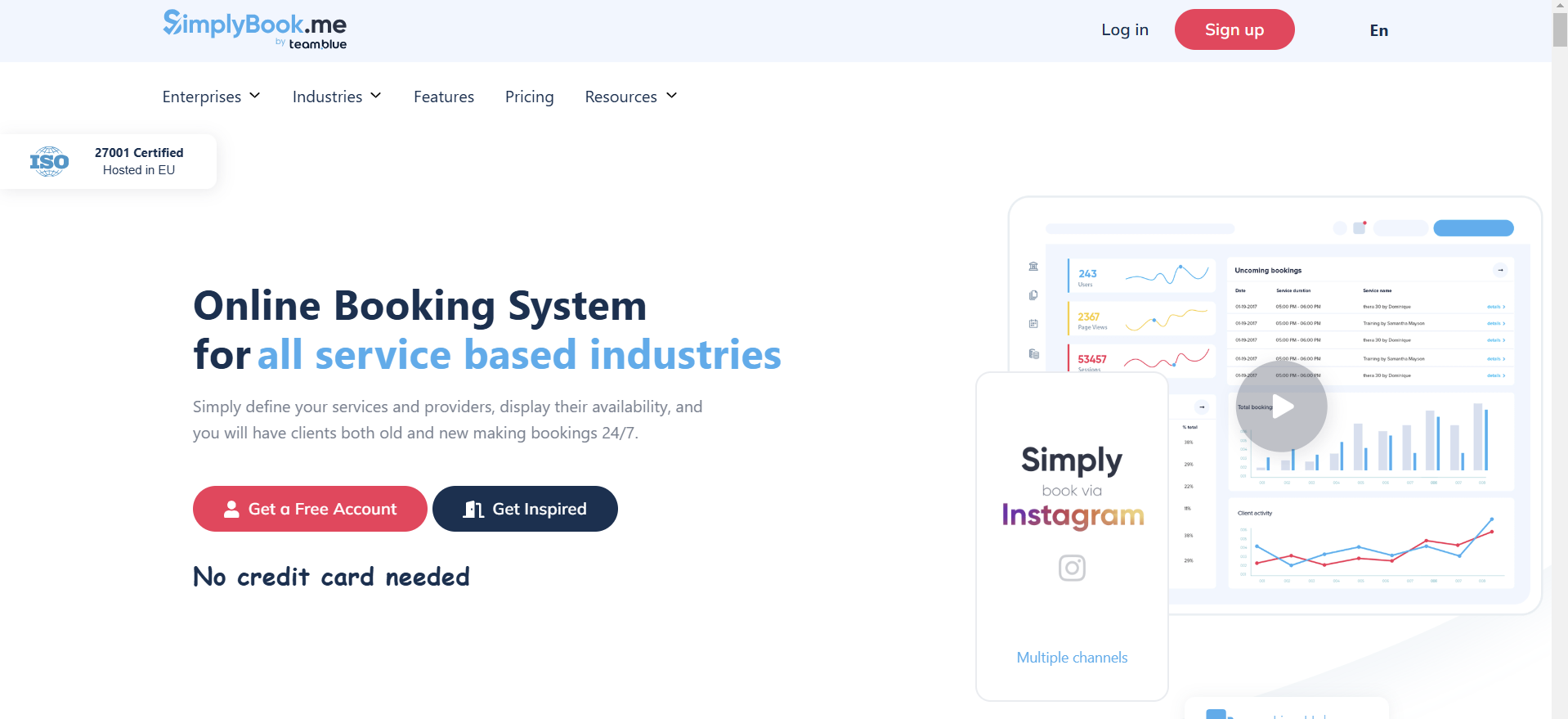
Why Choose It
SimplyBook.me fits boutiques needing a branded booking experience with modular features. Unlike most platforms that charge per user, pricing scales by booking volume, making it cost-effective for shops with multiple tailors but a manageable weekly fitting volume.
Key Features
- Customizable booking pages reflecting your tailoring services and brand identity
- Reminder automation configurable per fitting appointment type, not a single blanket rule
- Package and membership support for bridal parties and corporate alteration accounts
- Client database storing alteration history and fitting preferences for continuity across visits
- Over 70 modular add-on features including intake forms and loyalty programs
Note: SMS credits are charged separately and are not included in any subscription tier.
Pricing
Free plan: 50 bookings/month, 1 provider. Basic: $9.90/month (100 bookings, 5 providers). Standard: $29.90/month (500 bookings, 15 providers). Premium: $49.90/month (2,000 bookings, 30 providers). Annual billing saves approximately 17%.
5. Appointy
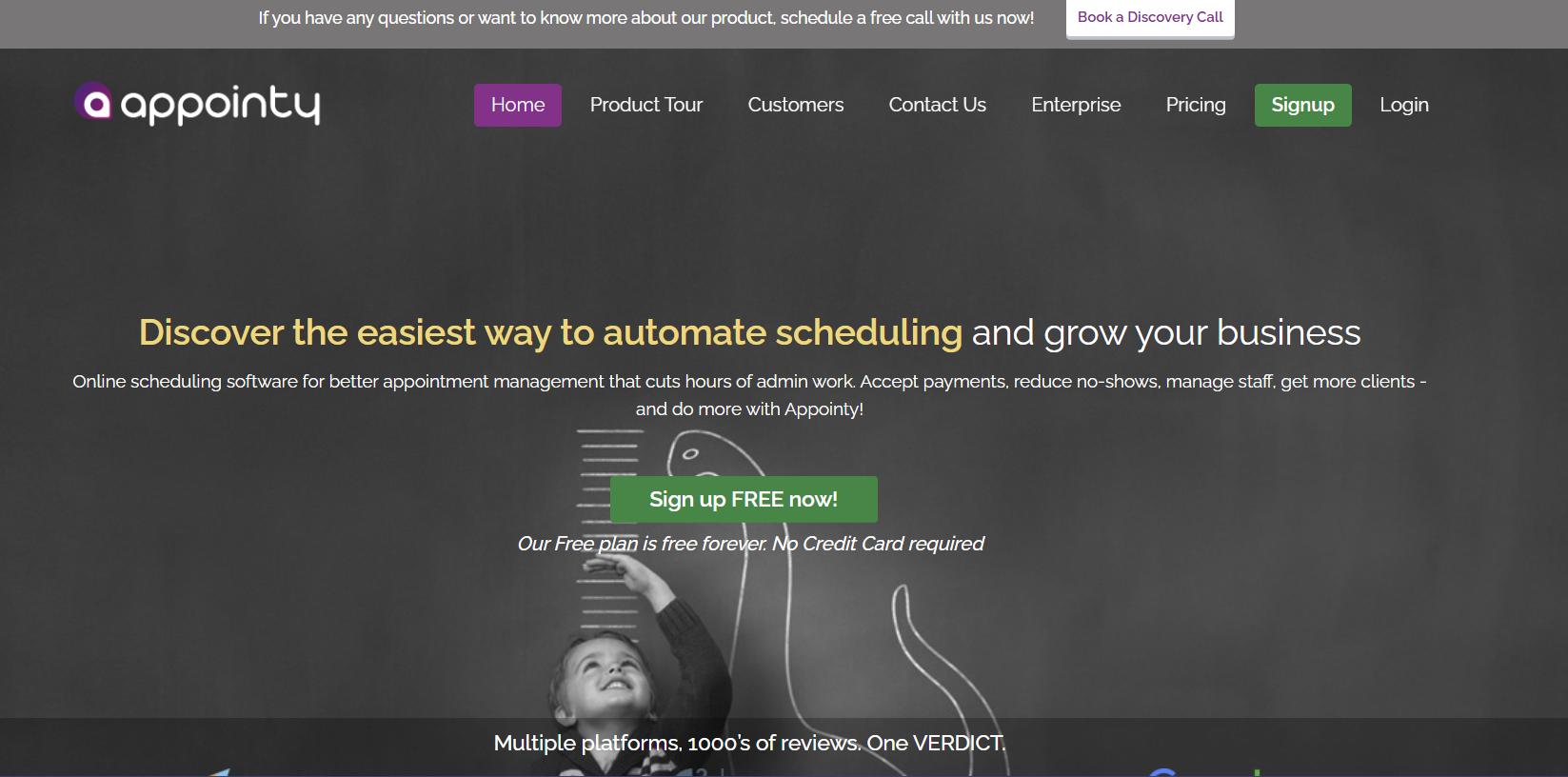
Why Choose It
Appointy suits smaller shops transitioning from manual diaries to digital scheduling. It covers core fitting room and staff scheduling controls without garment tracking or alteration workflow modules.
Key Features
- Visual calendar dashboards showing fitting workload across staff and fitting rooms
- Capacity rules preventing over-allocation of fitting rooms during concurrent bridal sessions
- Automated reminder workflows for consultations and trials at configurable intervals
- Resource scheduling logic preventing double-booking of specialist sewing machines
- Analytics tracking fitting booking volume, utilization rates, and peak demand periods
Pricing
Appointy starts at $19.99/month. A free plan is available for very low-volume operations.
How Appointment Scheduling Software Helps Tailor Shops Grow Faster
Tailoring demand is outpacing what shops running on manual calendars and paper diaries can handle.
Your scheduling software expands effective fitting capacity by eliminating idle tailor time, reducing correction fittings, and protecting high-value bridal fitting appointments from last-minute cancellations and no-shows.
- Reduce missed calls in your tailor shop business through AI intake and convert them into confirmed fitting appointments before clients call a competitor
- Increase fitting attendance through scheduling software with reminders and deposit enforcement for bridal appointments
- Retain measurement history via CRM with appointment scheduling to eliminate redundant fitting steps for repeat alteration clients
- Control peak bridal and prom season surges through automated booking limits and specialist tailor allocation rules
- Align confirmed deposits with calendar status across your whole team
When intake, fitting sequencing, reminders, and tailor allocation work together, your fitting revenue becomes predictable across wedding and prom seasons.
How to Choose the Right Scheduling Software for Your Tailor Shop
The right decision starts with identifying your primary bottleneck before evaluating platforms.
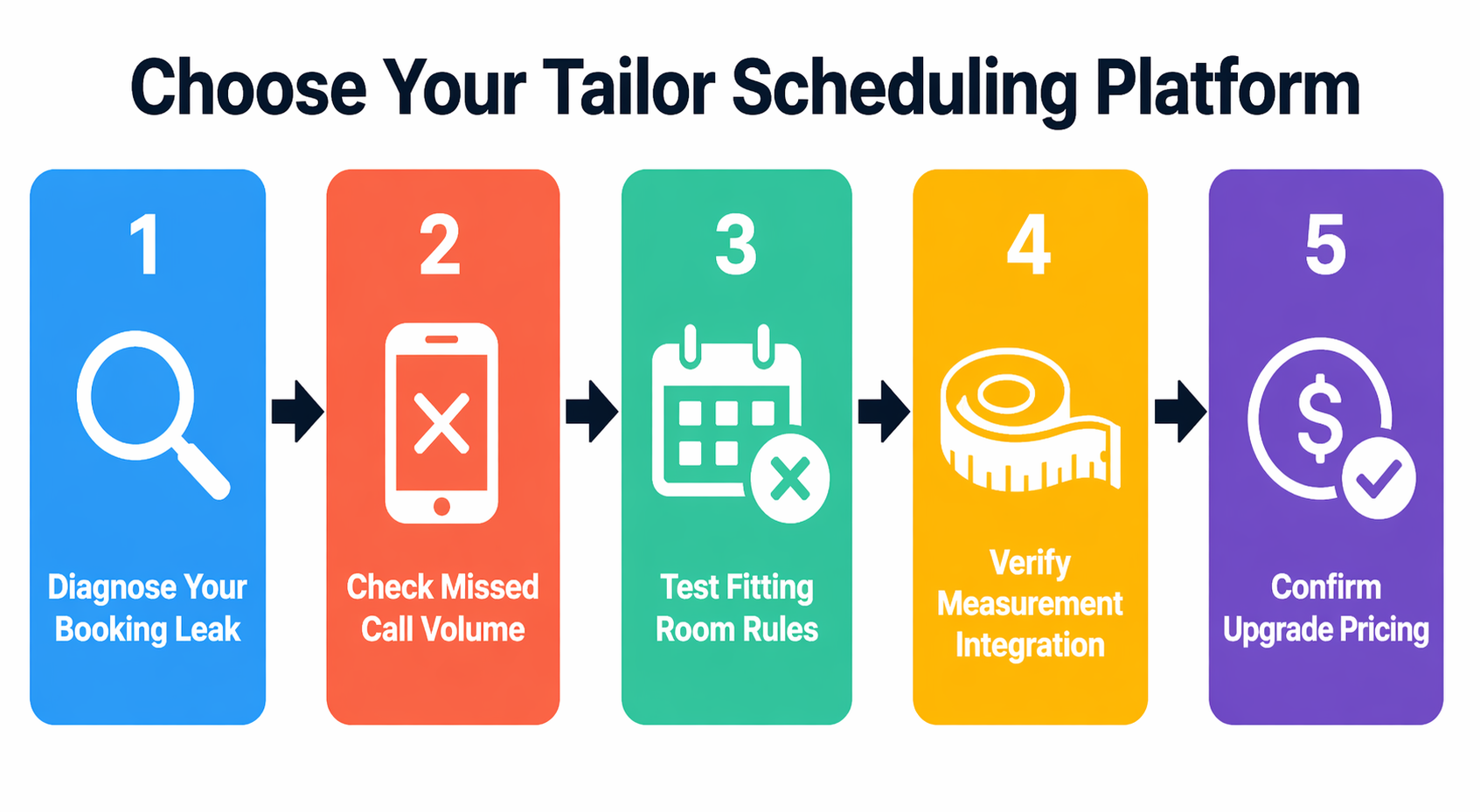
- If missed calls are the issue, use AI appointment scheduling software that converts bridal inquiries into confirmed fitting appointments during active sessions
- If fittings are frequently missed, choose a platform with multi-touch reminders and deposit enforcement for high-value bridal slots
- If fitting rooms are overbooked, require capacity rules and tailor-specific resource allocation controls
- If measurement data is scattered across paper cards, use CRM with appointment scheduling that links alteration history to every fitting booking
- If budget is constrained, start with free appointment booking software for small business options like SimplyBook.me or Appointy but confirm what the next pricing tier costs before your fitting volume forces an upgrade
Test every platform under simulated peak load before committing. Schedule overlapping bridal inquiries, apply a last-minute cancellation, and verify that follow-up trial fitting appointments are created automatically after each completed stage.
Step-by-Step Guide to Setting Up Appointment Scheduling for Your Tailor Shop
Most tailor shops that struggle with new scheduling software misconfigured their service types and fitting durations at setup, not the software itself. Following these steps before going live prevents the avoidable errors that disrupt your first peak bridal season on a new platform.
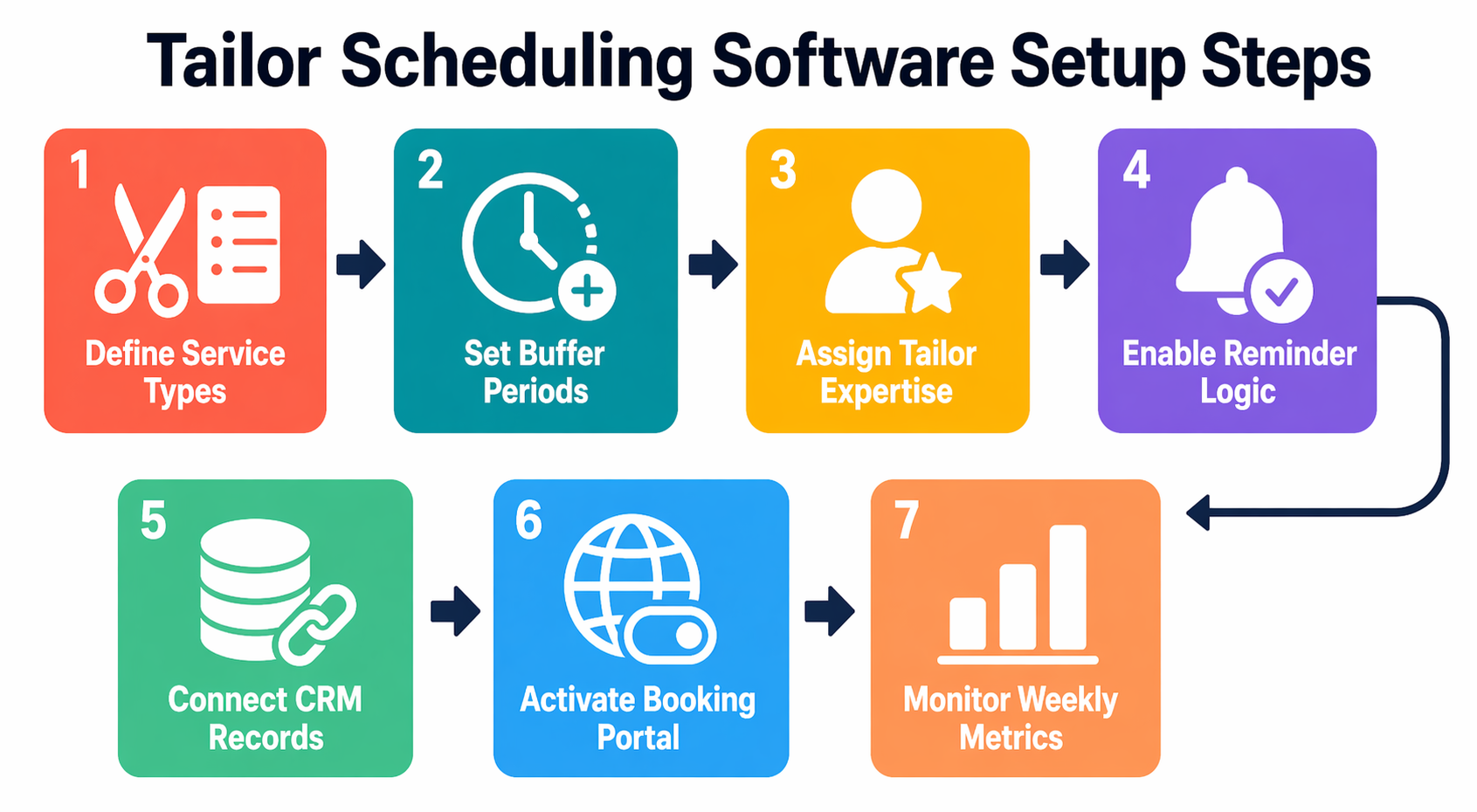
- Define service categories: Start with consultation, measurement, bridal fitting, alteration review, and pickup. Assign accurate fitting durations to each rather than defaulting to one-hour blocks.
- Set fitting buffers: A 90-minute bridal session needs at least 15 minutes of reset time before the next client is seated. Build this into every service type from day one.
- Assign by expertise: Map each service type to staff by tailoring skill level. Complex bridal gowns should never default to whoever has open calendar time.
- Enable confirmation logic: Activate multi-touch reminders and deposit requirements before accepting your first live fitting booking. Retrofitting these rules after a no-show wave is avoidable.
- Connect your CRM: Link fitting appointment records to your client database so measurement history attaches automatically to every visit without manual lookup.
- Activate your booking portal: Switch on real-time availability for tailors and fitting rooms. Most fitting appointment software displays this automatically once your service rules are configured correctly.
- Track weekly metrics: Review fitting booking volume, no-show rate, tailor utilization, missed-call capture rate, and average days between fitting stages every week, not monthly.
Once these seven steps are complete, your system mirrors your actual fitting and alteration sequence rather than forcing your tailors to manually override booking rules that were never set up correctly.
Final Thoughts
You have seen what each platform does and where it falls short. The right choice depends on one question: where does your shop lose confirmed fitting appointments today.
If there are unanswered calls during active fittings, no reminder sequence or calendar tool recovers that bridal inquiry.
Every other platform on this list waits for a fitting booking to arrive. See how Goodcall answers the call and books the fitting automatically.
FAQs
What is the best appointment scheduling software for tailor shops?
It depends on where your shop loses confirmed fitting appointments. Goodcall recovers missed calls and books fittings in real time. Geelus supports garment tracking. Acuity and SimplyBook.me provide structured online booking with deposit collection.
Is there free scheduling software for small tailoring businesses?
Yes. Free scheduling software for small businesses exists across several platforms. SimplyBook.me offers a free plan for up to 50 fitting bookings per month. Appointy also has a free tier. Both cap monthly bookings, which forces a paid upgrade once your fitting volume exceeds the free tier.
How can I reduce missed calls in my tailoring business?
Use AI call answering software that answers calls during active fittings and books fitting appointments in real time.
Can customers book tailoring appointments online 24/7?
Yes. An AI-powered booking system for tailors allows bridal and alteration clients to book fitting appointments anytime based on real-time tailor availability.
How do I reduce no-shows for fittings?
Send reminders at 72 hours, 24 hours, and 2 hours before each fitting. Require deposits for high-value bridal fitting appointments. Both Acuity and SimplyBook.me support deposit collection at the time of booking.
Does scheduling software integrate with Google Calendar?
Yes. Most AI voice agent appointment booking tools integrate with Google Calendar and Outlook, keeping your tailor availability and fitting room schedule accurate across all devices.